1. Entwodiksyon
The CHUWI Hi10 XPro is a versatile 10.1-inch Android 14 tablet designed for both productivity and entertainment. Featuring an Unisoc T606 Octa-Core processor, 8GB RAM, and 128GB ROM (expandable up to 1TB), it offers smooth performance for various applications. This tablet supports 4G LTE and 5G WiFi connectivity, includes a 7000mAh battery, and comes with 13MP rear and 5MP front cameras. This manual provides essential information for setting up, operating, and maintaining your device.

Figi 1.1: Devan ak dèyè view of the CHUWI Hi10 XPro Tablet.
2. Ki sa ki nan bwat la
Verifye ke tout atik yo prezan nan pakè a:
- CHUWI Hi10 XPro Tablet
- 5V/2A adapter (PSE, CE, UL, FCC certified)
- Manyèl plizyè lang
- Sètifika konfòmite
- Sètifika kalite
- Kat garanti
- 128GB Micro SD Kat
3. Enstalasyon
3.1 Premye chaj
Before first use, fully charge the tablet using the provided 5V/2A adapter and Type-C cable. The battery indicator on the screen will show charging progress.
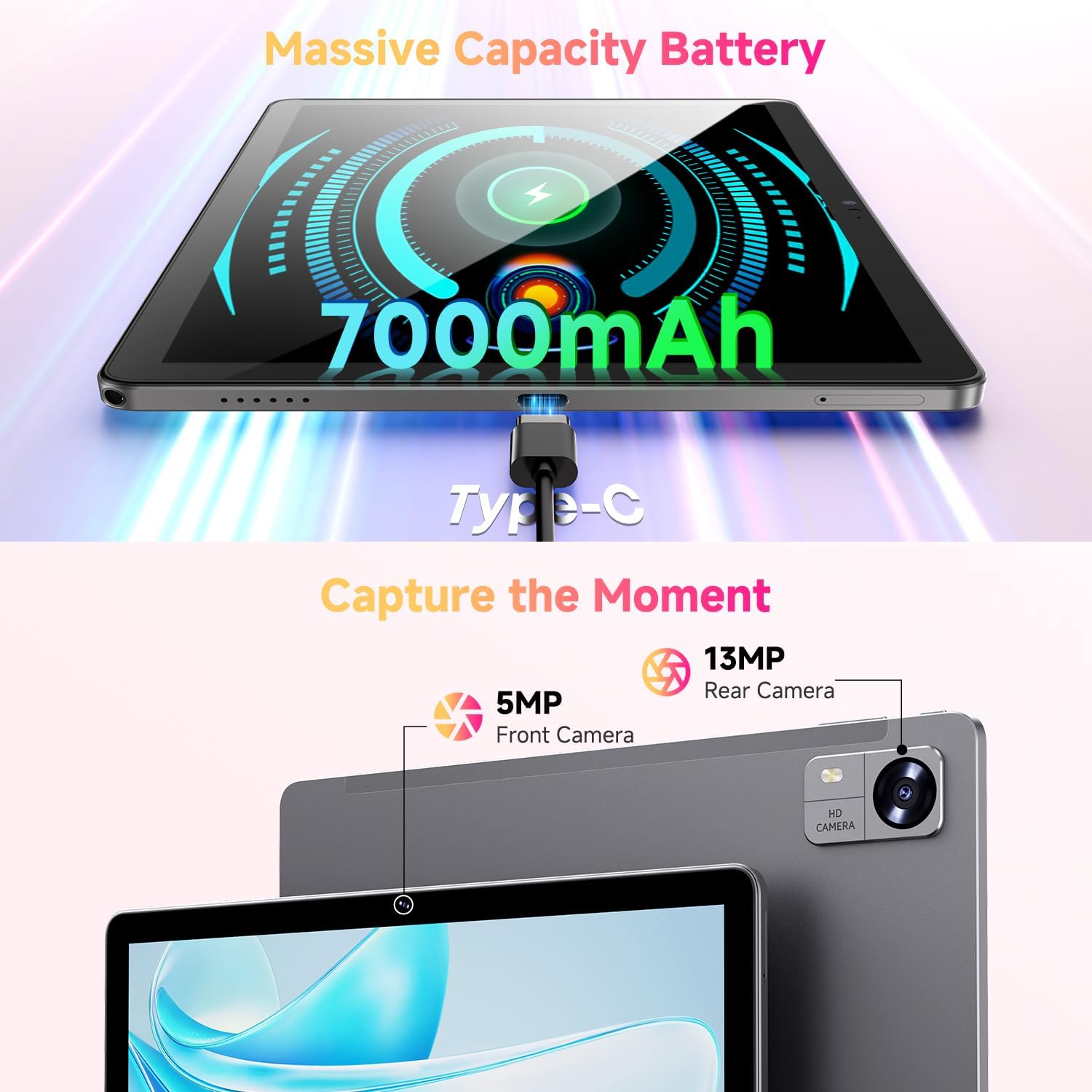
Figure 3.1: Charging the tablet via Type-C port.
3.2 Power On/Off
- Pouvwa sou: Press and hold the Power button on the side of the tablet until the CHUWI logo appears.
- Pouvwa Off: Peze epi kenbe bouton Power la jiskaske yon meni pou etenn parèt. Chwazi "Power off" pou fèmen aparèy la.
- Rekòmanse: From the power-off menu, select "Restart" to reboot the device.
3.3 Enstalasyon Kat SIM ak Kat TF
The tablet supports dual SIM cards and a TF (MicroSD) card for expanded storage. Use the provided SIM ejector tool to open the tray.
- Jwenn plato kat SIM/TF la sou bò tablèt la.
- Mete zouti pou retire kat SIM lan nan ti twou ki akote plato a epi pouse dousman jiskaske plato a soti.
- Mete kat Nano-SIM ou yo ak/oswa kat MicroSD ou yo nan fant ki fèt pou sa sou plato a, epi asire w oryantasyon an kòrèk.
- Pouse plato a tounen nan tablèt la avèk prekosyon jiskaske li fè yon klik an plas.
*Important Note for Cellular Functionality: Please register the IMEI number of your device with local carriers before using cellular network functions. Failure to do so may result in the SIM card functions (network and calls) being disabled by the carriers after a period of use.
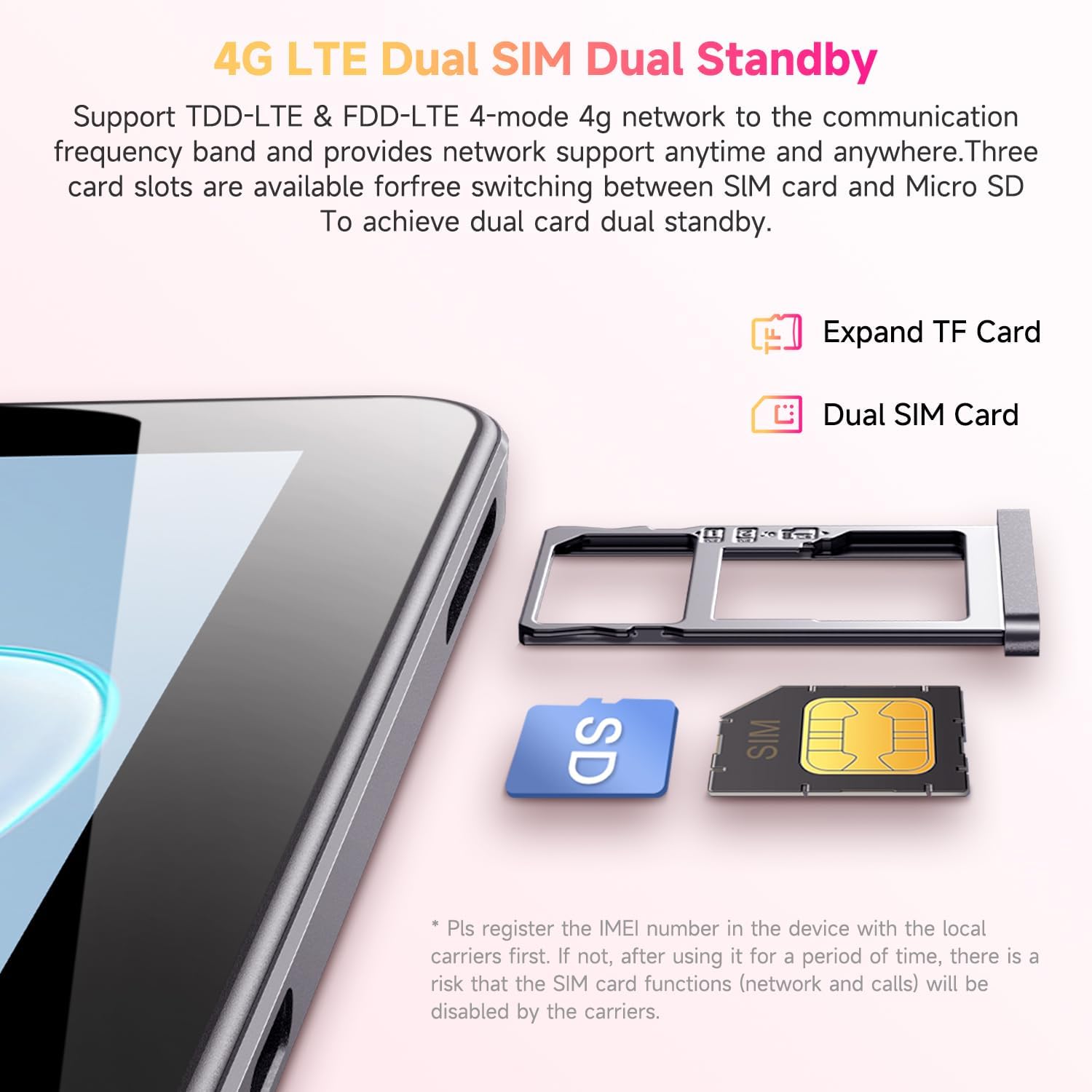
Figure 3.2: Inserting SIM and TF cards into the tray.
3.4 Asistan Enstalasyon Inisyal
Lè w limen tablèt la pou premye fwa, li pral gide w nan yon pwosesis konfigirasyon inisyal. Swiv enstriksyon ki parèt sou ekran an pou:
- Chwazi lang ou.
- Konekte nan yon rezo Wi-Fi.
- Konekte avèk kont Google ou a oubyen kreye yon nouvo.
- Konfigire blokaj ekran an (Kòd PIN, modèl, modpas).
- Review epi aksepte tèm ak kondisyon yo.
4. Operasyon Enstriksyon
4.1 Ekspozisyon ak Navigasyon
The CHUWI Hi10 XPro features a 10.1-inch HD IPS touchscreen with a resolution of 1280x800 pixels, providing clear and vibrant visuals. Navigation is primarily touch-based, with gestures and on-screen buttons for home, back, and recent apps.

Figure 4.1: The tablet's 10.1-inch HD IPS display.
4.2 Pèfòmans ak Depo
Equipped with a 1.6GHz Unisoc T606 Octa-Core processor and Mali-G57 GPU, the tablet ensures smooth operation for daily tasks, browsing, and light gaming. It comes with 8GB RAM (4GB physical + 4GB virtual) and 128GB of internal storage, expandable up to 1TB via a MicroSD card.

Figure 4.2: Illustration of the Unisoc T606 Octa-Core Processor.

Figure 4.3: Visual representation of storage and connectivity options.
4.3 Koneksyon
The tablet supports dual-band 2.4G+5G WiFi (802.11ac) for stable and fast internet connections, and Bluetooth 5.0 for connecting wireless accessories. Dual 4G LTE support allows for mobile data and calls (with proper SIM registration).
4.4 Fonksyon Kamera
Capture moments with the 13MP rear camera and take clear selfies or make video calls with the 5MP front camera.
4.5 Lavi batri
The built-in 7000mAh battery provides approximately 8-10 hours of usage on a full charge, depending on usage patterns.
4.6 Sistèm operasyon Android 14
The CHUWI Hi10 XPro runs on Android 14, offering enhanced privacy controls, efficient memory management, and multitasking capabilities. It supports Widevine L1 for high-definition streaming on platforms like Netflix, Prime Video, and Disney+.
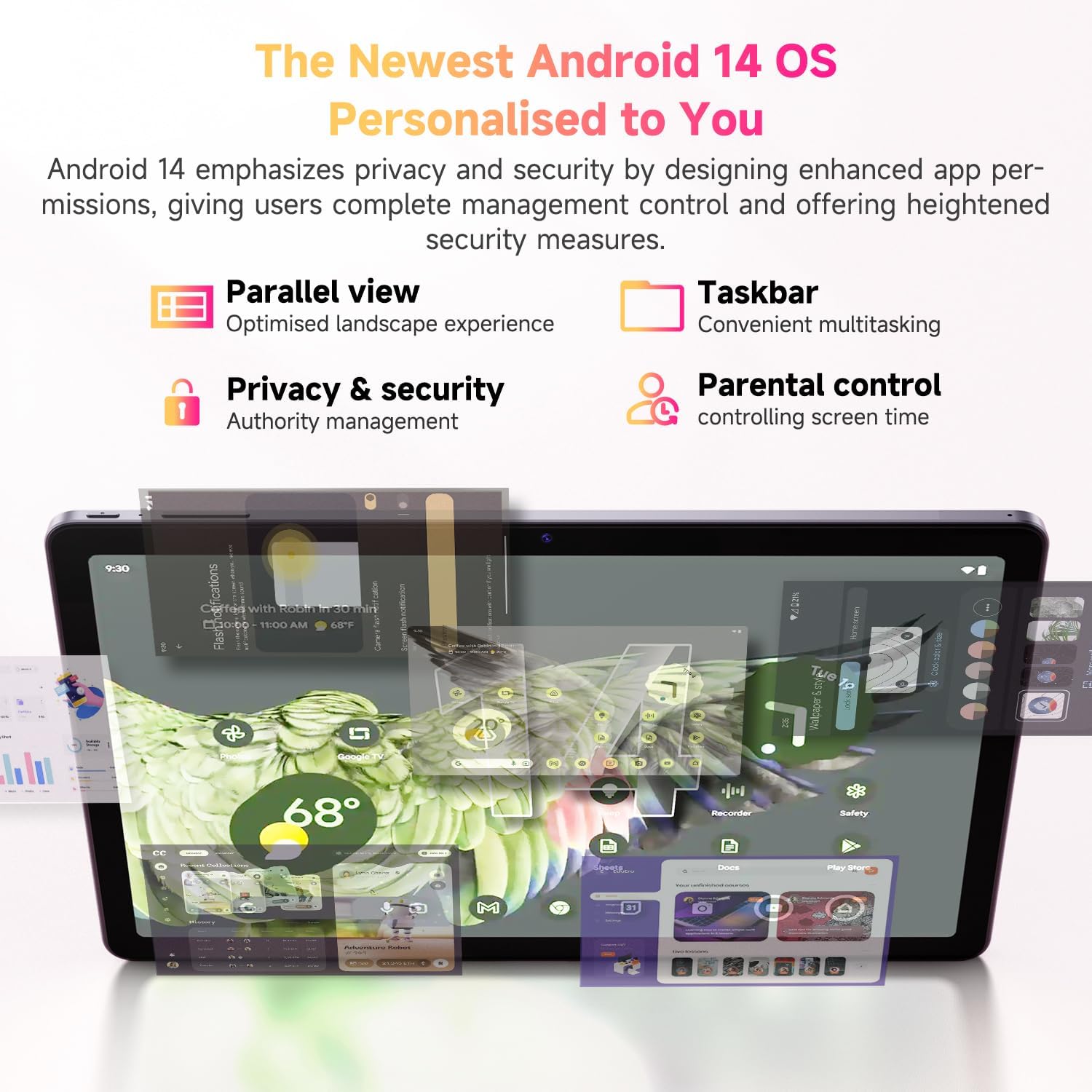
Figi 4.4: Karakteristik prensipal sistèm operasyon Android 14 la.
4.7 Videyo pwodwi ofisyèl la
Videyo 4.1: Yon prezantasyon videyo pwodwi ofisyèlasing the CHUWI Android 13 Tablet Hi10 XPro Tablet 10.1 Inch 8+128GB. This video highlights various features and usage scenarios of the tablet, including its sleek design, display quality, and performance capabilities.
5. Espesifikasyon
| Karakteristik | Spesifikasyon |
|---|---|
| Mak | CHUWI |
| Non modèl | Hi10 XPro |
| Kanpe gwosè ekspozisyon ekran | 10.1 pous |
| Rezolisyon ekran | 1280 x 800 piksèl |
| Processeur | 1.6 GHz Unisoc T606 Octa-Core |
| Koprosesè grafik | Mali-G57 |
| RAM | 8GB (4GB+4GB virtual) |
| Gwosè Disk Di / Memwa Flash | 128 GB SSD |
| Depo dilatabl | Jiska 1TB ak kat MicroSD |
| Sistèm operasyon | Android 14 |
| Kalite san fil | 802.11ac (2.4G+5G WiFi), Bluetooth 5.0 |
| Koneksyon selilè | Dual 4G LTE |
| Dèyè WebCam Rezolisyon | 13 MP |
| Rezolisyon kamera devan | 5 MP |
| Kapasite batri | 7000mAh Lityòm Polymère |
| Mwayèn lavi batri | 8-10 èdtan |
| Pwa atik | 15.5 ons (apeprè 438g) |
| Dimansyon pwodwi | 9.41 x 6.2 x 0.29 pous (apeprè 239.3 x 158 x 7.5 mm) |
| Koulè | Nwa |
| GPS Fonksyon | Supported (GPS, Glonass, Galileo, Beidou) |
| Widevine Certification | L1 Supported |
6. Antretyen
- Netwayaj: Sèvi ak yon twal mou ki pa gen pousyè pou netwaye ekran an ak kò tablèt la. Evite itilize pwodui chimik ki agresif oswa materyèl abrazif.
- Mizajou lojisyèl: Periodically check for system updates in the tablet's settings to ensure optimal performance and security.
- Swen batri: Pou pwolonje lavi batri a, evite tanperati ekstrèm epi pa kite batri a dechaje nèt souvan.
- Jesyon Depo: Netwaye regilyèman sa ki pa nesesè files and apps to maintain sufficient free storage space for smooth operation.
- Pwoteksyon: Consider using a screen protector and a protective case to guard against scratches and accidental damage.
NAN. Depanaj
7.1 Tablet Does Not Power On
- Ensure the tablet is sufficiently charged. Connect it to the charger for at least 30 minutes.
- Peze epi kenbe bouton Pouvwa a pandan 10-15 segonn pou fòse yon rekòmanse.
7.2 Pwoblèm Koneksyon Wi-Fi
- Check if Wi-Fi is enabled in the tablet's settings.
- Rekòmanse routeur Wi-Fi ou a.
- Bliye rezo a nan paramèt tablèt la epi rekonekte.
- Asire w ou nan zòn siyal Wi-Fi a.
7.3 Pèfòmans Ralanti
- Fèmen aplikasyon background ki pa nesesè yo.
- Efase kach ak done pou aplikasyon yo itilize souvan.
- Asire w ke gen ase espas depo lib.
- Rekòmanse tablèt la.
7.4 Aplikasyon ki kraze oswa ki pa reponn
- Force close the app from recent apps or app settings.
- Efase kach ak done aplikasyon an.
- Désinstaller ak réinstaller app a.
- Asire w ke lojisyèl tablèt la ajou.
8. Garanti ak sipò
CHUWI offers a One-year reassuring quality assurance for the Hi10 XPro tablet. This includes long-term technical support and 24-hour online customer service.
For technical assistance or warranty claims, please contact CHUWI customer service. You can typically find contact information by logging into your Amazon account, finding your order, and selecting "Contact the seller."
For more information, visit the official CHUWI website or refer to the warranty card included in your product package.


