Entwodiksyon
This manual provides essential information for setting up, operating, and maintaining your HP 15.6" Pavilion FHD Touchscreen Laptop. Please read these instructions carefully to ensure proper use and longevity of your device.
Enstalasyon
Unpacking and Initial Power-On
- Retire laptop la ak tout akseswa yo nan anbalaj la avèk anpil atansyon.
- Connect the power adapter to the laptop's AC Smart pin adapter plug and then to a power outlet.
- Louvri kouvèti laptop la. Laptop la ka limen otomatikman, oubyen ou ka bezwen peze bouton pouvwa a.
- Swiv enstriksyon ki sou ekran an pou w konplete premye konfigirasyon Windows 11 la, ki gen ladan seleksyon lang, koneksyon rezo a, ak kreyasyon kont itilizatè.
Konekte periferik
Laptop ou a ekipe ak plizyè pò pou konekte aparèy ekstèn:
- USB 3.2 Jen 1 Kalite-A: Pou konekte aparèy USB estanda tankou sourit, klavye, oswa disk ekstèn.
- USB 3.2 Jen 1 Kalite-C: Pou konekte aparèy USB-C konpatib.
- HDMI 1.4b: Pou konekte ak yon ekran ekstèn oswa yon pwojektè.
- Konbinezon kas ekoutè/mikwofòn: Pou konekte kas ekoutè oswa yon kas ekoutè ak yon mikwofòn.
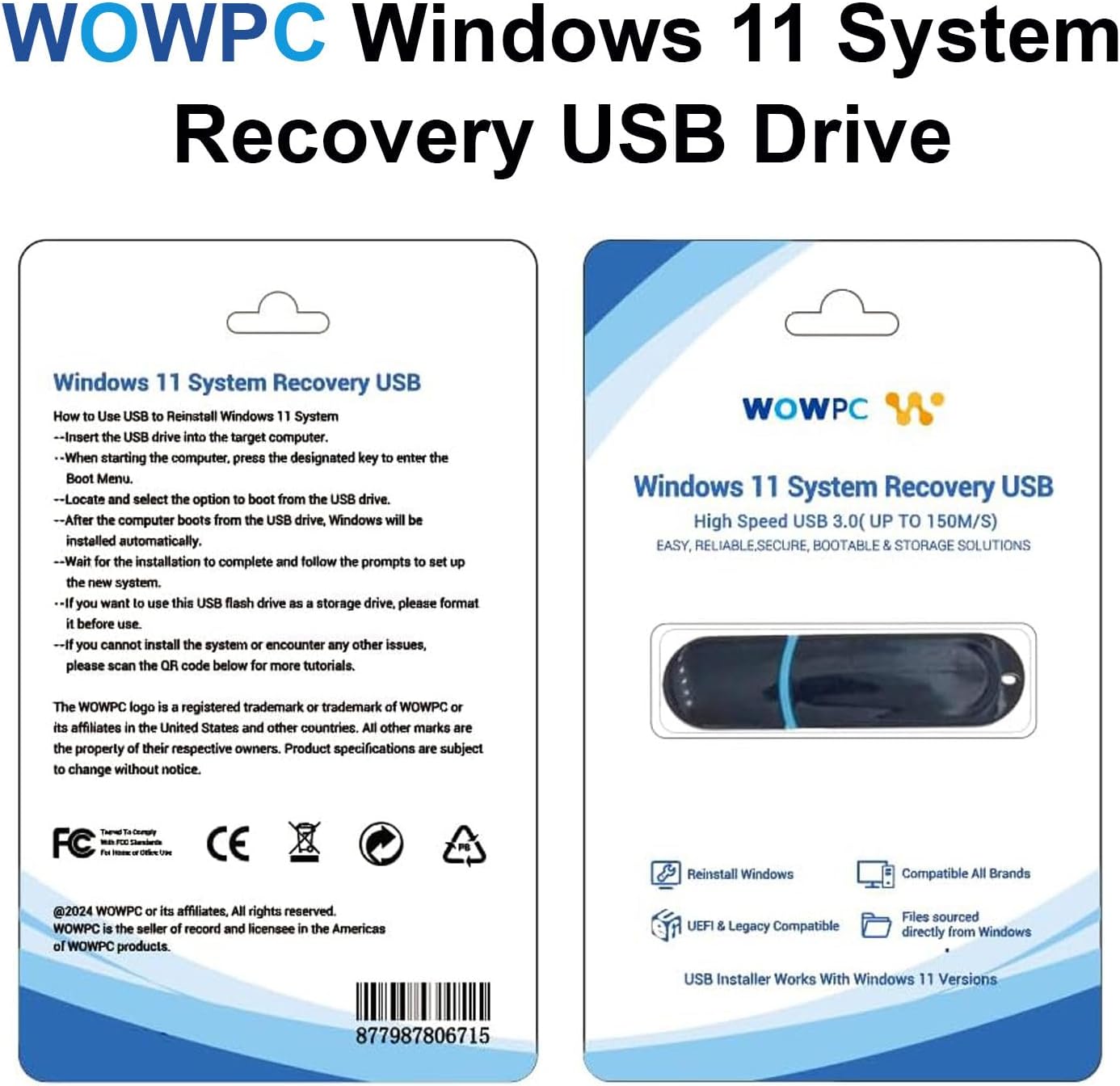
Imaj: Plis paseview of the laptop's ports for connecting external devices.
Fonksyone òdinatè pòtab la
Jesyon pouvwa
The laptop features a battery life of up to 10.25 hours. To optimize battery performance, utilize the Smart Power Management features within Windows 11. Ensure the laptop is charged using the provided AC adapter.
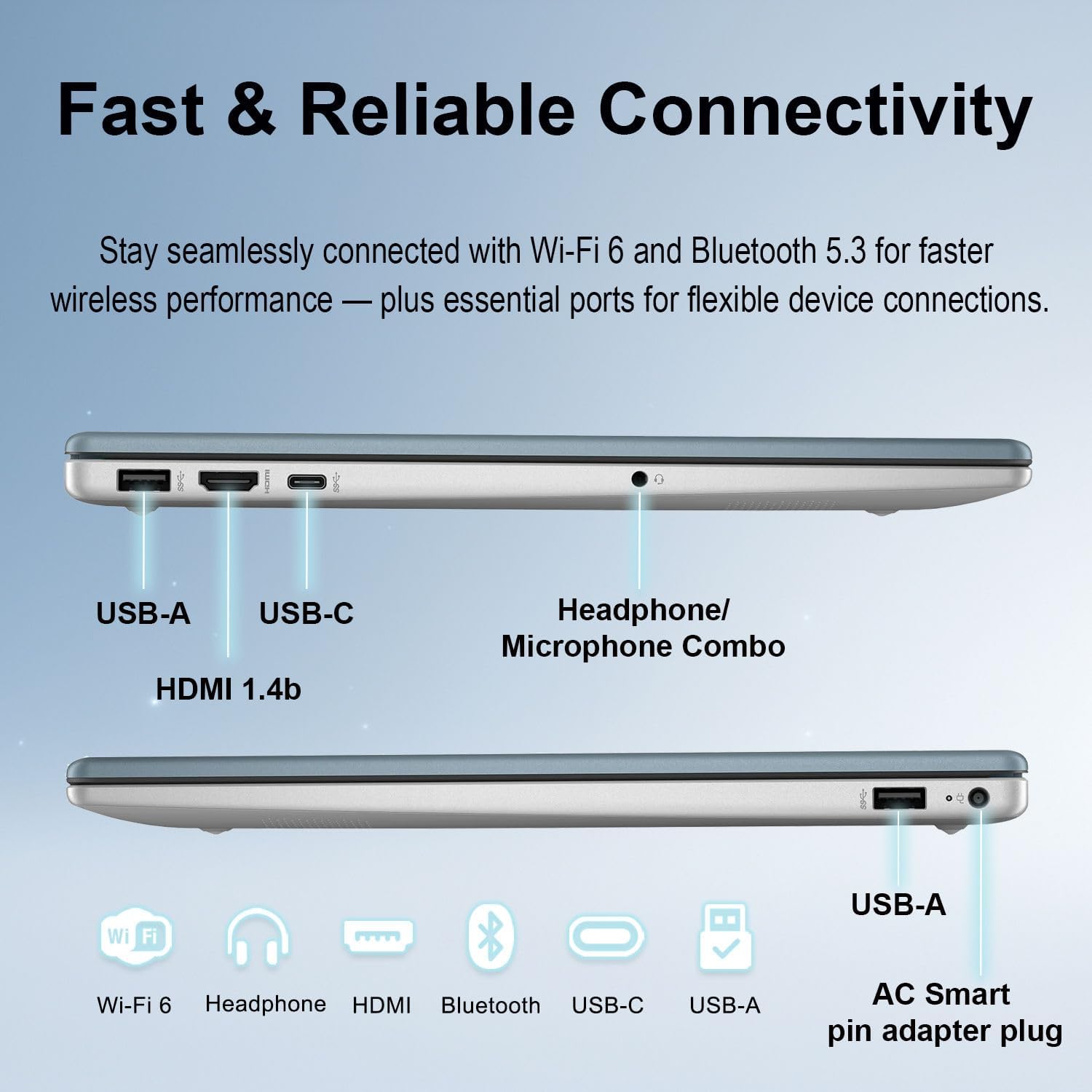
Image: Illustration of the laptop's battery life and smart power management features.
Klavye ak Touchpad
The full-size keyboard includes a numeric keypad for efficient data entry. The precision touchpad supports multi-touch gestures for navigation and control.
Imaj: Detaye view of the laptop's keyboard, numeric keypad, and touchpad.
Touchscreen Functionality
The 15.6-inch Full HD (1920x1080) IPS touchscreen allows for direct interaction with the display. Use gestures such as tapping, swiping, and pinching to navigate applications and content.
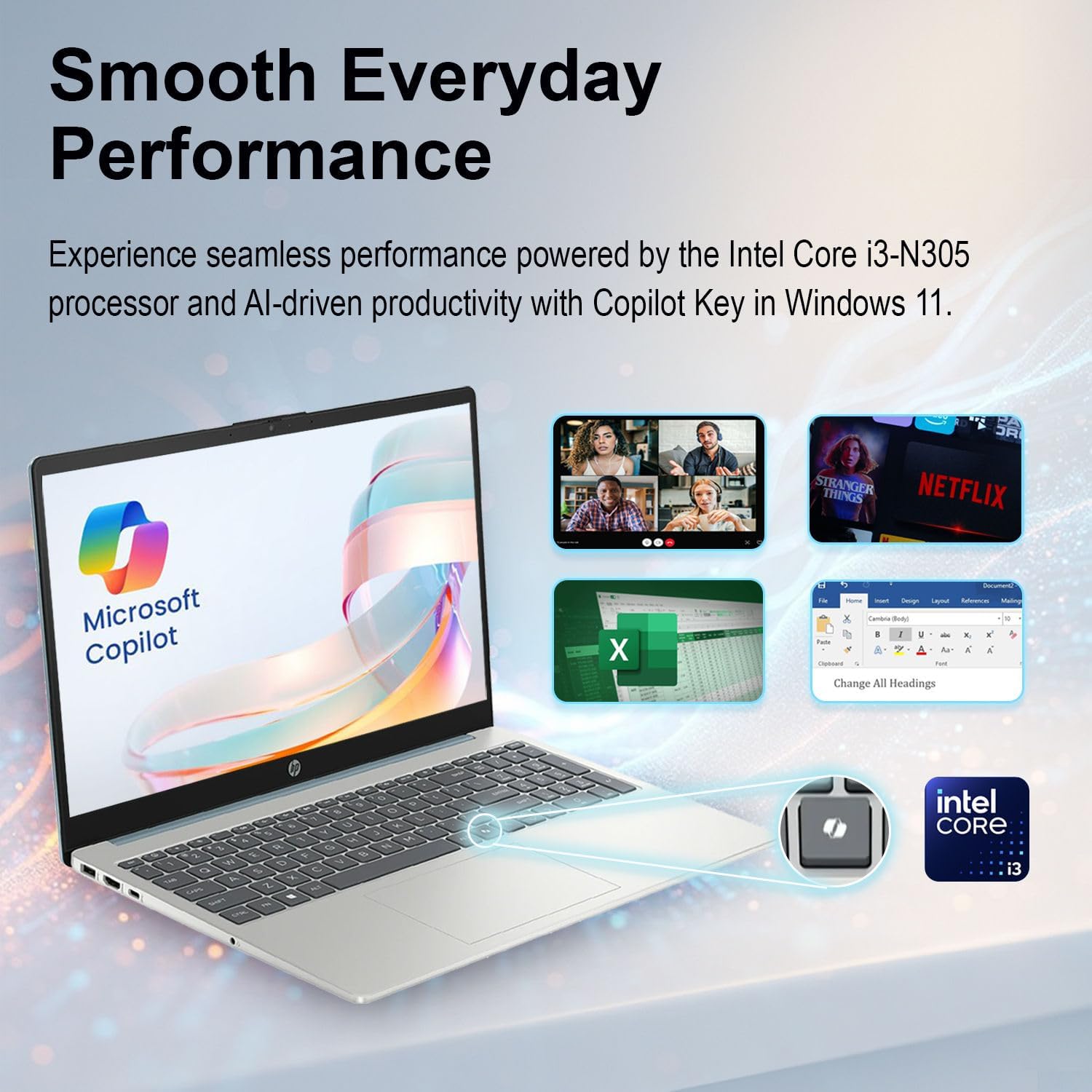
Image: Demonstrating the vivid 15.6" Full HD touchscreen functionality.
Windows 11 and Copilot
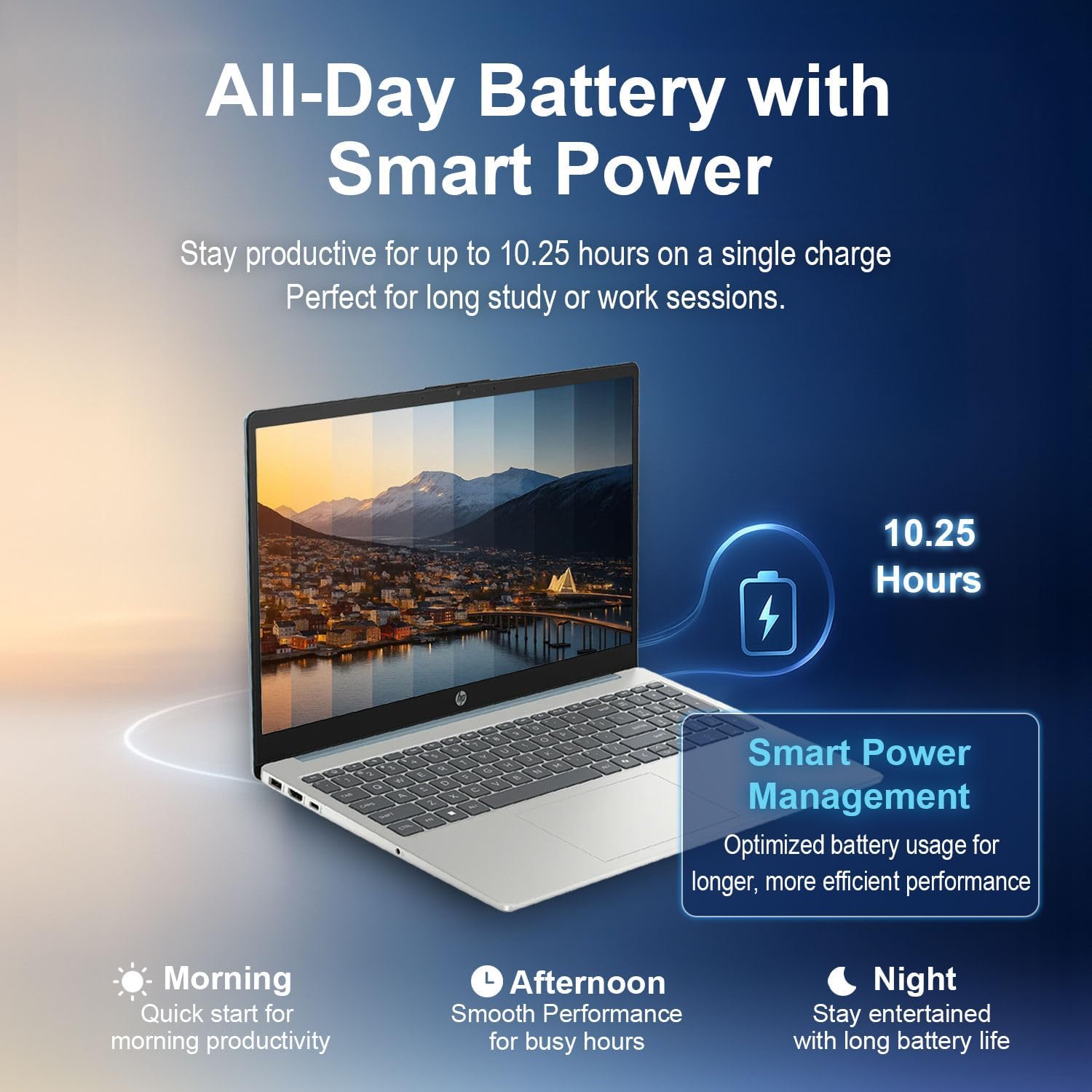
Your laptop comes with Windows 11 Home pre-installed, featuring Microsoft Copilot integration. Copilot assists with tasks, generates summaries, and provides intelligent suggestions to enhance productivity.
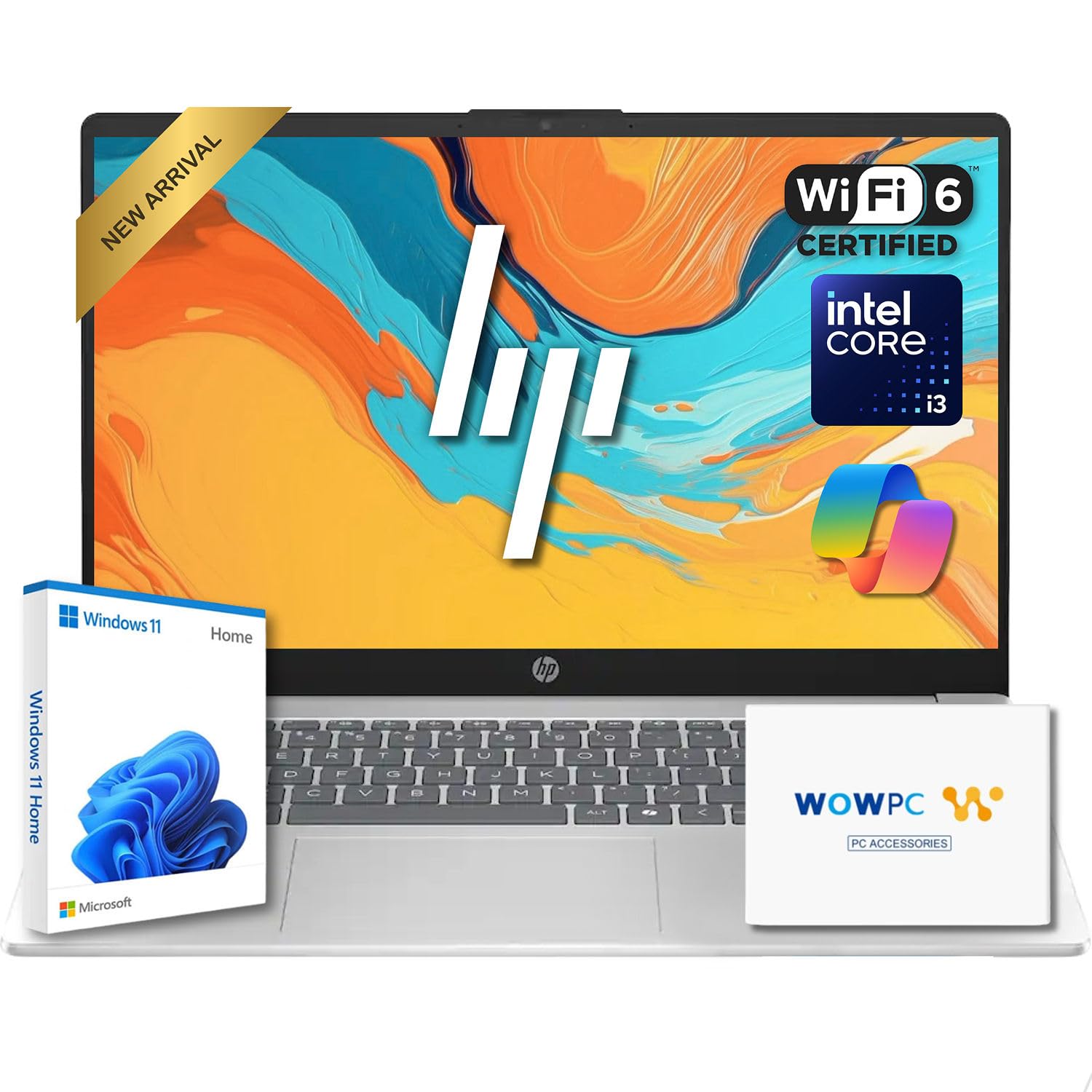
Image: The laptop showcasing Windows 11 and Microsoft Copilot for enhanced productivity.
Odyo ak Webkam
The laptop features an HP True Vision 720p HD camera with a privacy shutter for secure video calls. Dual-array microphones with AI noise reduction ensure clear audio input, and a microphone mute key provides instant privacy control.
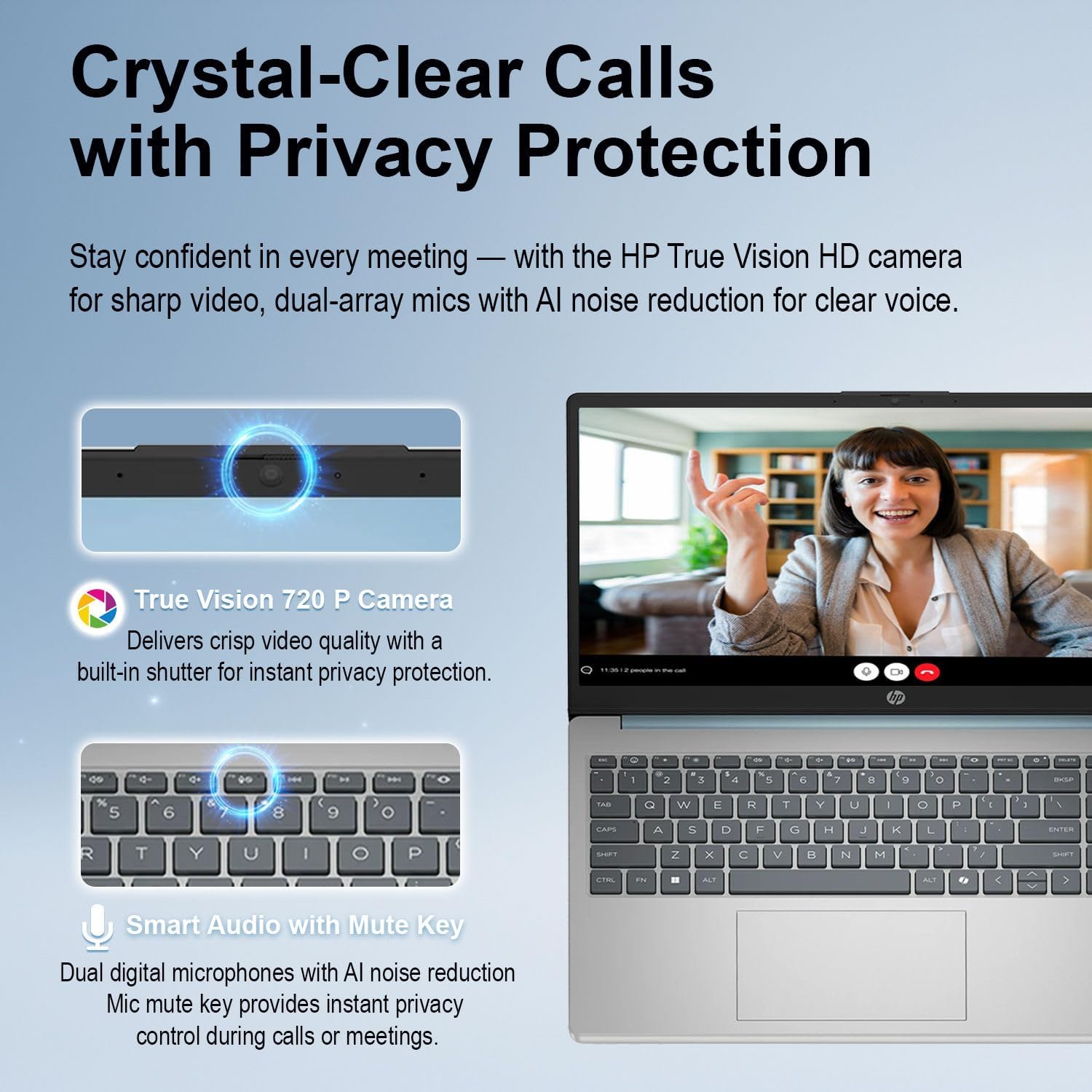
Image: Details of the laptop's HD webcam, privacy shutter, and AI noise-reducing microphones.
Koneksyon
The laptop supports Wi-Fi 6 (802.11ax) for fast wireless internet access and Bluetooth 5.3 for connecting wireless peripherals such as headphones or mice.
- Wi-Fi 6: Provides faster speeds and improved performance in congested network environments.
- Bluetooth 5.3: Offers reliable and efficient wireless connections to compatible devices.
Antretyen
Netwayaj òdinatè pòtab la
- Sèvi ak yon ti moso twal mou, ki san pèl dampRense avèk dlo oswa yon pwodui netwayaj ekran pou netwaye ekran an.
- Pou klavye a ak chasi a, sèvi ak yon twal mou epi sèk. Evite pwodui chimik ki agresif oswa materyèl abrazif.
- Regularly clean dust from vents to ensure proper airflow and prevent overheating.
Mizajou lojisyèl
Keep your operating system and drivers updated to ensure optimal performance and security. Windows Update will automatically notify you of available updates.
Swen batri
Pou pwolonje lavi batri a, evite tanperati ekstrèm epi dechaje batri a nèt souvan. Sere laptop la ak yon chaj pasyèl si ou pa itilize li pou yon bon bout tan.
Depanaj
| Pwoblèm | Solisyon posib |
|---|---|
| Laptop la pa limen. | Ensure the power adapter is securely connected and the outlet is functional. Try pressing and holding the power button for 15 seconds. |
| Pwoblèm koneksyon Wi-Fi. | Tcheke si Wi-Fi a aktive nan paramèt Windows yo. Rekòmanse routeur ou a ak laptop la. Asire w ke chofè yo ajou. |
| Ekran taktil la pa reponn. | Restart the laptop. Check for any physical obstructions on the screen. Ensure Windows updates are installed. |
| Pèfòmans ralanti. | Close unnecessary applications. Check for background processes. Ensure sufficient free space on the SSD. Run a system scan for malware. |
Espesifikasyon
- Processeur: Intel Core i3-N305 (8 Cores, 8 Threads, up to 3.8 GHz)
- Grafik: Grafik Intel UHD (Entegre)
- Sistèm operasyon: Windows 11 Home 64-bit with Microsoft Copilot
- memwa: 8GB DDR4 3200 MHz
- Depo: 256GB PCIe SSD
- Ekspozisyon: 15.6" FHD (1920 x 1080) IPS, anti-glare touchscreen, micro-edge, BrightView, 250 nits, 45% NTSC
- Koneksyon: Wi-Fi 6 (802.11ax), Bluetooth 5.3
- Odyo: Stereo speakers with HD Audio, dual array digital microphones with AI noise reduction
- WebCam: HP True Vision 720p HD camera with privacy shutter
- Klavye: Full-size with Numeric Keypad
- Pò: 2x USB 3.2 Gen 1 Type-A, 1x USB 3.2 Gen 1 Type-C, 1x HDMI 1.4b, 1x Headphone/microphone combo, 1x AC Smart pin adapter plug
- Lavi batri: Jiska 10.25 èdtan
- Dimansyon (LxWxH): 14.17 x 9.29 x 0.73 pous
- Pwa: 3.53 liv
- Sètifikasyon: ENERGY STAR certified, EPEAT Gold registered

Image: The laptop's certifications for sustainability and design.
Garanti ak sipò
Pou enfòmasyon sou garanti a ak sipò teknik, tanpri al gade dokiman ki vini ak pwodwi w la oswa vizite sit sipò ofisyèl HP a. websit. Plan pwoteksyon disponib pou pwoteksyon pwolonje.
The product includes a charger. For system recovery, a WOWPC Windows 11 System Recovery USB Drive may be used. Instructions for its use are typically provided with the drive itself.
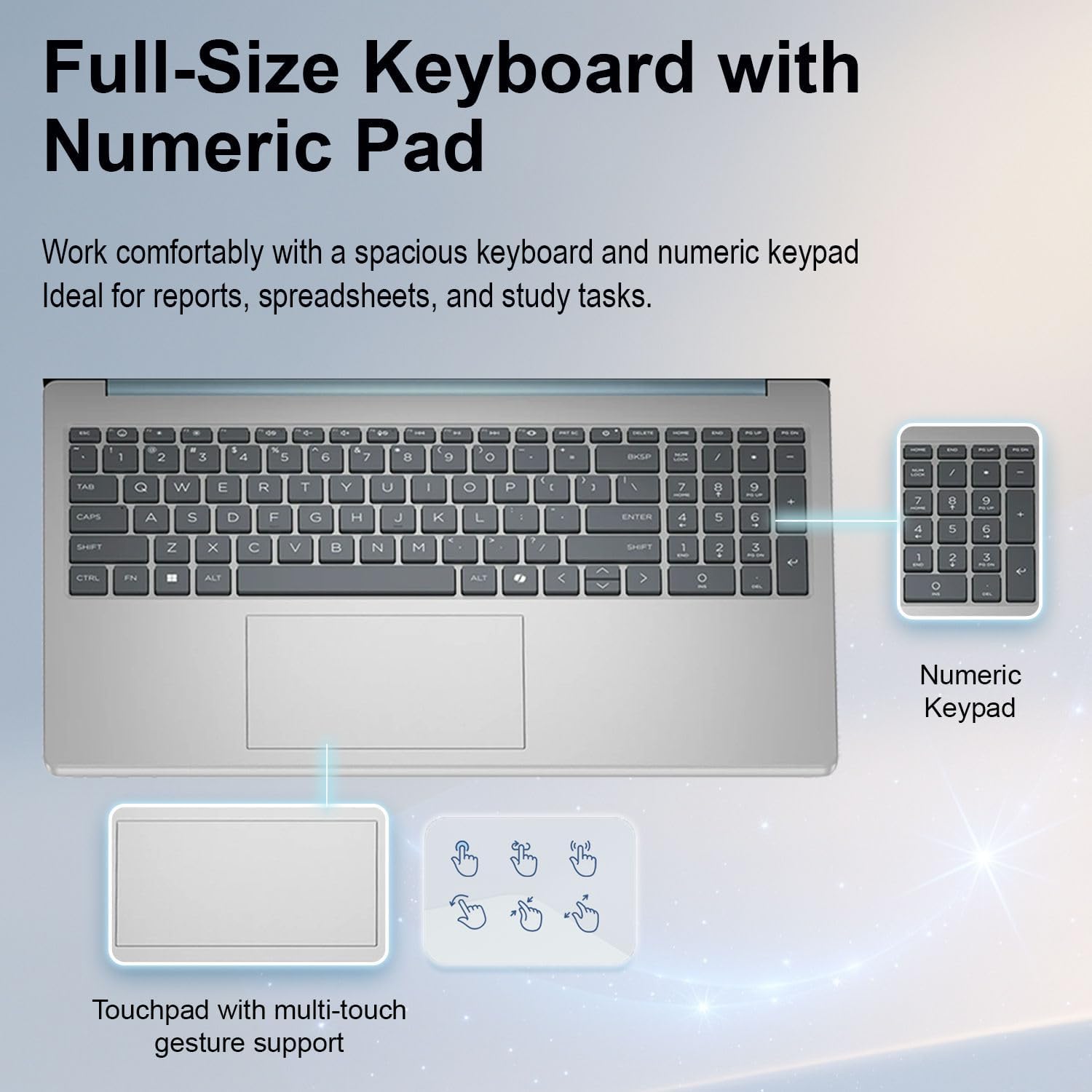
Image: WOWPC Windows 11 System Recovery USB Drive packaging with usage instructions.