Entwodiksyon
Thank you for choosing the Monster Mission ANC200 Wireless Gaming Headset. This manual provides detailed instructions for setting up, operating, and maintaining your headset to ensure optimal performance and an immersive gaming experience. Please read this manual thoroughly before using the product.
Enfòmasyon enpòtan sou sekirite
- Pa ekspoze kas ekoutè a nan tanperati ekstrèm, imidite, oswa anviwònman koroziv.
- Evite lage kas ekoutè a oswa soumèt li a gwo enpak.
- Pa demonte oswa eseye repare kas ekoutè a tèt ou. Sa ap anile garanti a.
- Netwaye kas ekoutè a avèk yon twal mou epi sèk. Pa sèvi ak pwodui chimik ki agresif oswa materyèl abrazif.
- Koute mizik pandan lontan ak yon volim ki wo ka lakòz pwoblèm nan zòrèy ou. Ajiste volim nan yon nivo ki an sekirite.
Kontni pake
Tanpri verifye ke tout atik yo prezan nan pakè ou a:
- Monster Mission ANC200 Wireless Gaming Headset
- 2.4GHz USB Wireless Transmitter
- USB Chaje Kab
- 3.5mm Audio Kab
- Manyèl Itilizatè (dokiman sa a)
Pwodwi souview
Familiarize yourself with the various parts and controls of your Monster Mission ANC200 headset.
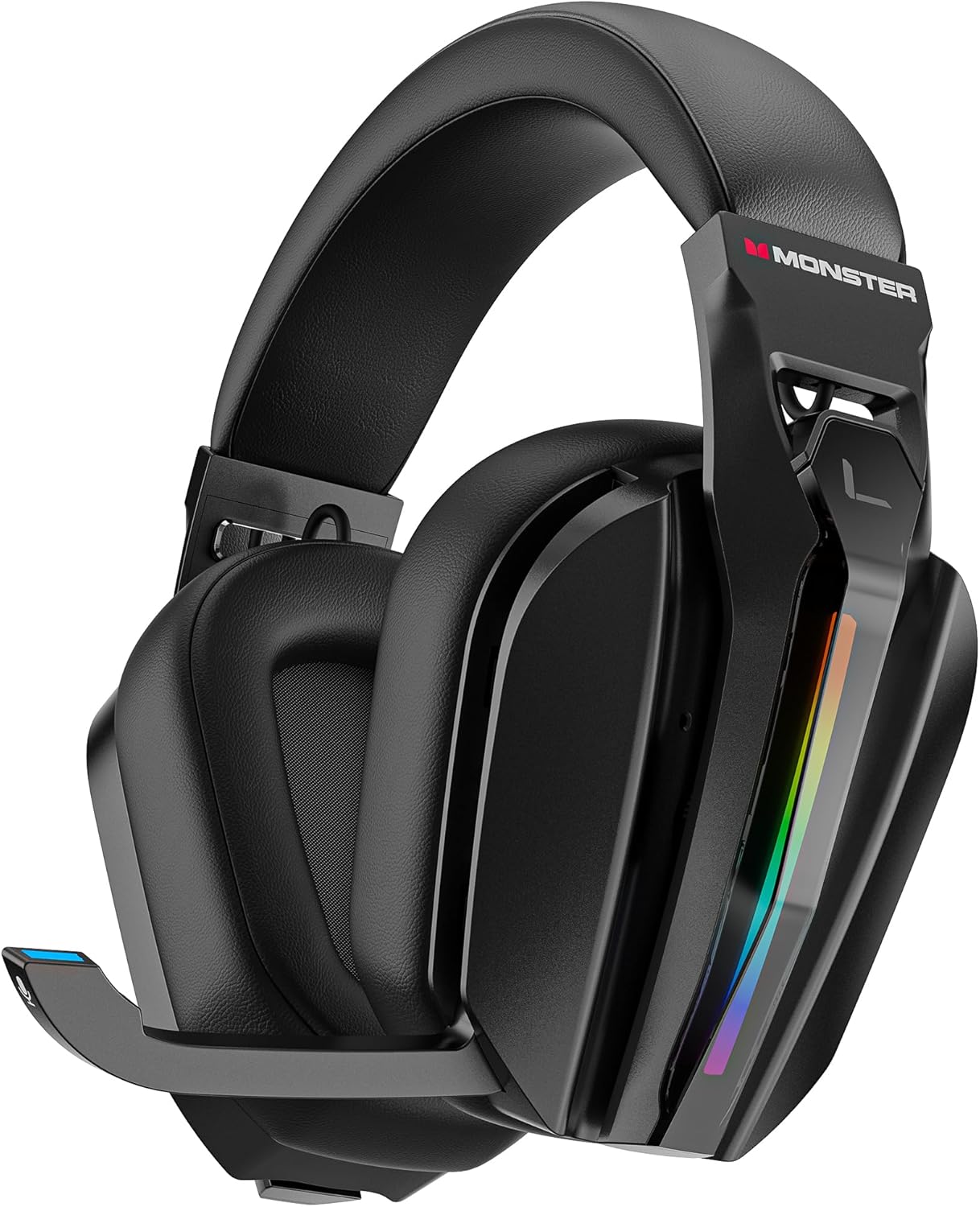
Imaj: Devan view of the Monster Mission ANC200 Wireless Gaming Headset, showcasing its black design, padded earcups, and retractable microphone.
Konpozan kas ekoutè:
- Bando reglabl: Pou yon anfòm konfòtab.
- Kouvèti zòrèy rembourré: Protein leather cushions with memory foam for comfort.
- Mikwofòn Retractable: Stealth design, AI noise filtering.
- Ekleraj RGB: Customizable light effects on earcups.
- Control Buttons/Dials: (Specific controls will be detailed in Operating Instructions)
- 2.4GHz USB Transmitter Storage: Integrated compartment for the wireless dongle.
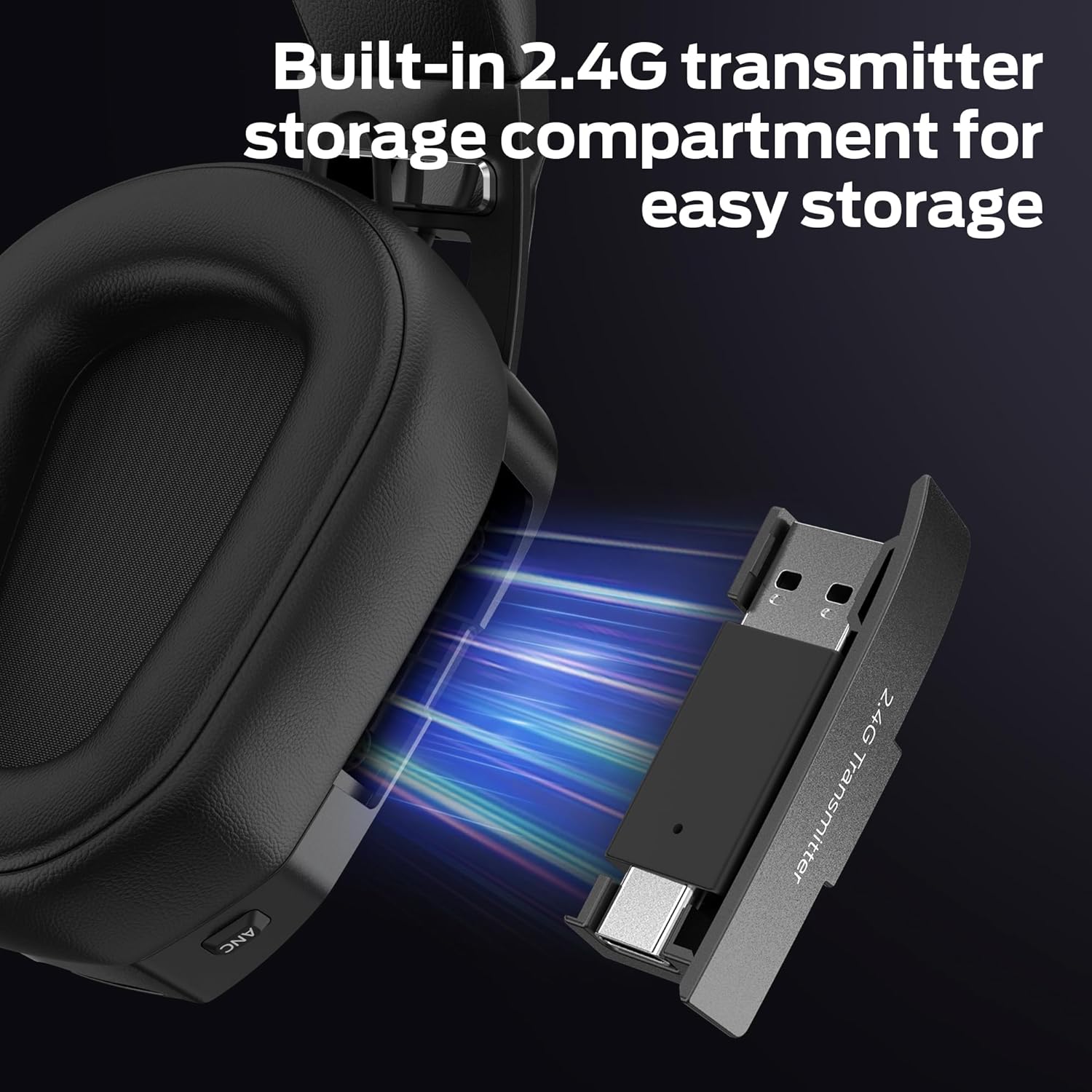
Imaj: Fèmen view of the headset's earcup, showing the built-in storage compartment for the 2.4GHz USB transmitter, with the transmitter partially inserted.
Gid Enstalasyon
1. Chaje Headset la
- Konekte kab chaje USB a nan pò chaje kas ekoutè a.
- Connect the other end of the USB cable to a power source (e.g., computer USB port, USB wall adapter).
- Endikatè LED ki sou kas ekoutè a ap montre eta chaj la. Yon chaj konplè pran apeprè 3 èdtan.
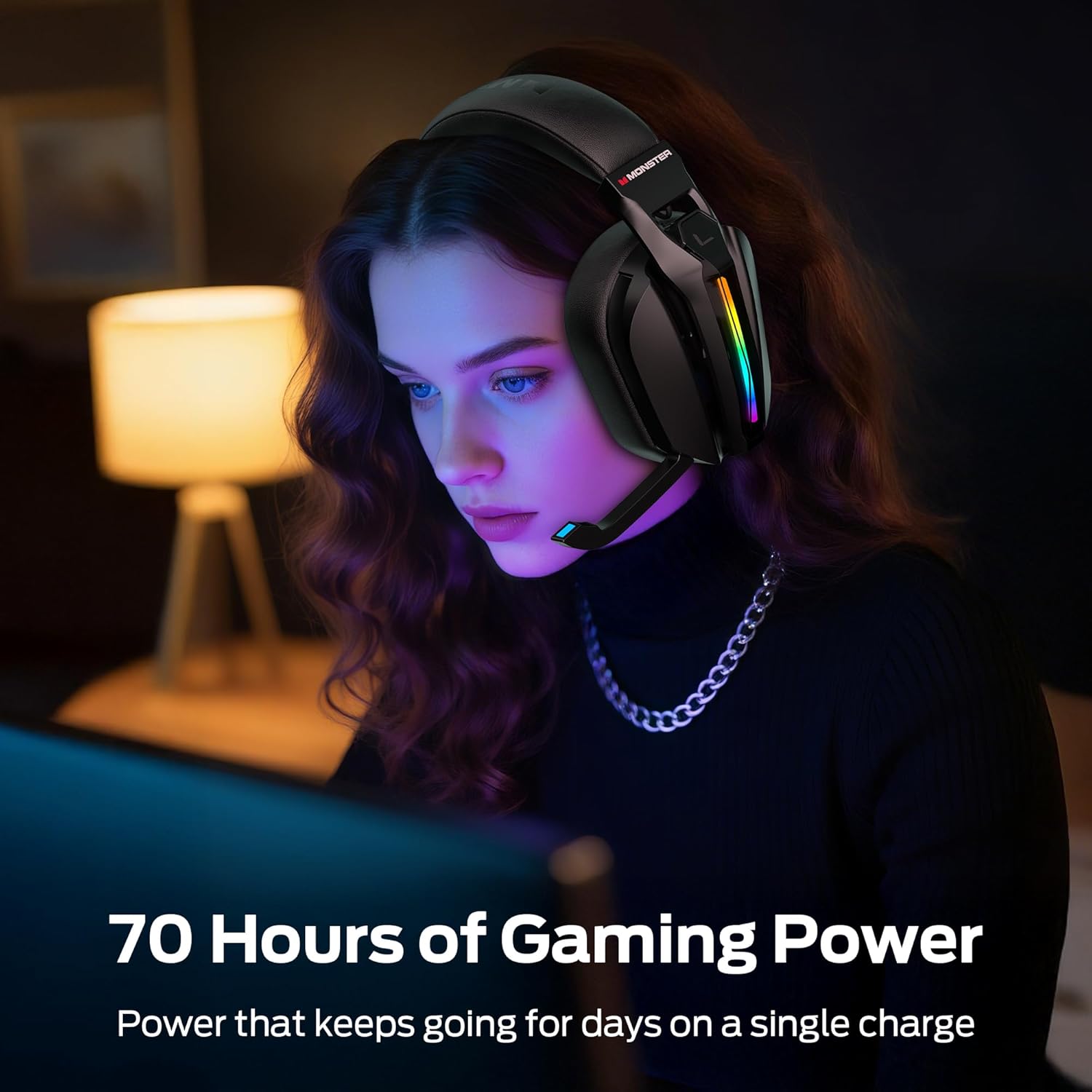
- A full charge provides up to 70 hours of gameplay (40 hours with RGB lighting active).
2. Connecting via 2.4GHz Wireless (PC, PS5, PS4, Laptop)
- Remove the 2.4GHz USB wireless transmitter from its storage compartment on the headset.
- Plug the USB transmitter into an available USB port on your PC, PS5, PS4, or laptop.
- Power on the headset. The headset will automatically attempt to connect to the transmitter.
- Once connected, the LED indicator on both the headset and transmitter will show a stable light.
- On your device, ensure the Monster Mission ANC200 is selected as the audio output and input device.

Imaj: Illustration showing the 2.4GHz wireless connection setup, with the USB transmitter plugged into a device and the headset wirelessly connected, highlighting ultra-low latency.
3. Connecting via Bluetooth 6.0 (Mobile, Laptop, Switch)
- Asire w ke kask la limen.
- Press and hold the Bluetooth pairing button (refer to Product Overview for exact location) until the LED indicator flashes, indicating pairing mode.
- On your device (mobile, laptop, Nintendo Switch), go to Bluetooth settings and search for available devices.
- Select "Monster Mission ANC200" from the list.
- Once paired, the LED indicator on the headset will show a stable light.
4. Connecting via 3.5mm AUX Cable (Universal Compatibility)
- Connect one end of the 3.5mm audio cable to the AUX port on the headset.
- Connect the other end of the 3.5mm audio cable to the audio jack of your device.
- The headset will operate in passive mode when connected via 3.5mm AUX, meaning some features like ANC or RGB lighting may not be available or require the headset to be powered on.
Imaj: An illustration demonstrating the multiple connection methods (2.4GHz, Bluetooth, 3.5mm AUX) for the headset, showing compatibility with PC, mobile, laptop, PS4/PS5, and Nintendo Switch.
Enstriksyon Operasyon
1. Power On/Off
- Pouvwa sou: Peze epi kenbe bouton Power la pou apeprè 3 segonn jiskaske endikatè LED la limen.
- Pouvwa Off: Peze epi kenbe bouton Power la pou apeprè 3 segonn jiskaske endikatè LED la etenn.
2. Kontwòl Volim
- Use the Volume Up (+) and Volume Down (-) buttons/dial on the headset to adjust the audio output level.
3. Itilizasyon Mikwofòn
- Extend Microphone: Gently pull the retractable microphone out from the earcup. Position it near your mouth for optimal voice pickup.
- Retract Microphone: Gently push the microphone back into the earcup when not in use.
- Bèlèt/Retire bouche: Press the Microphone Mute button (refer to Product Overview for exact location) to toggle microphone mute. The LED on the microphone tip may indicate mute status.
4. Anilasyon Bri Aktif (ANC)
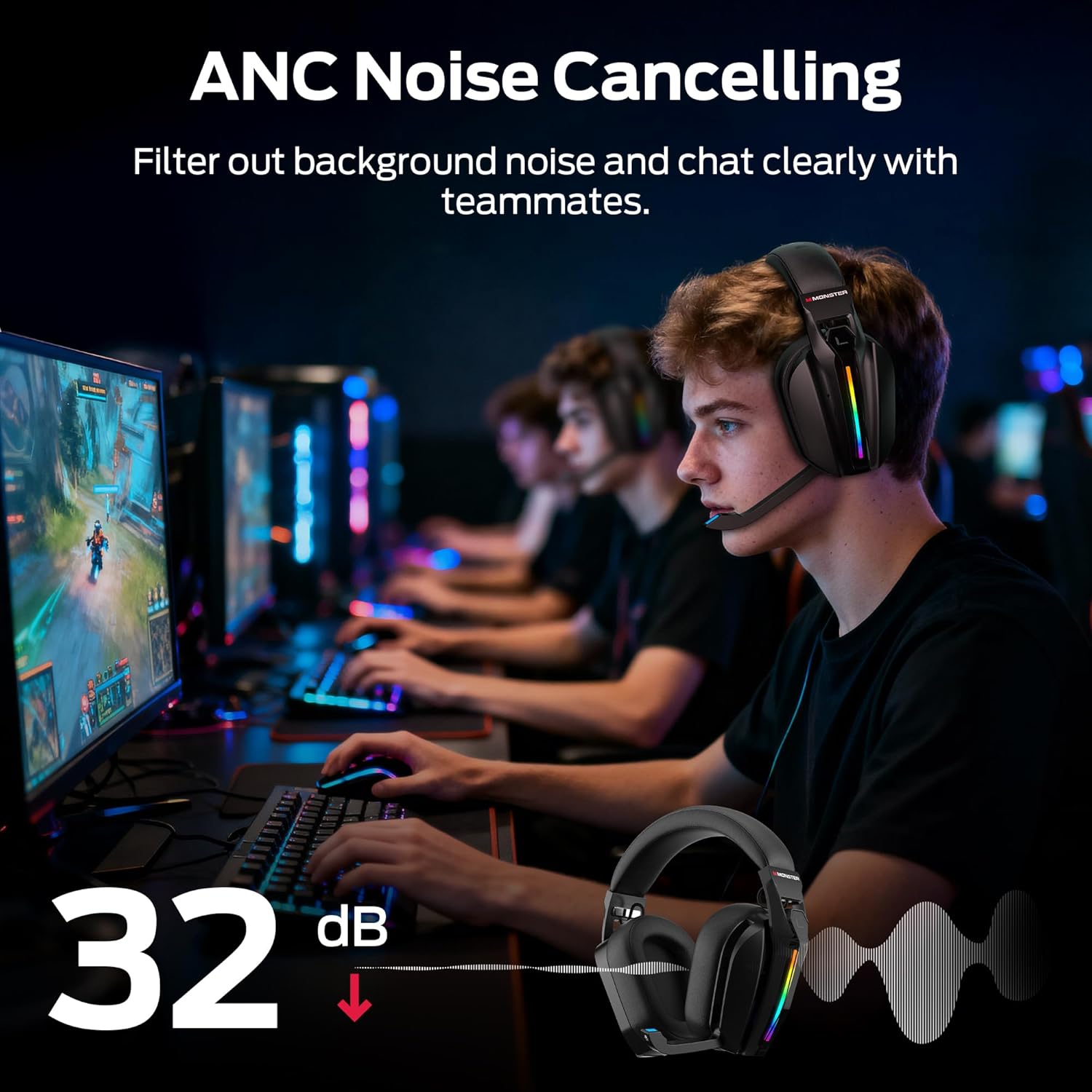
- Press the ANC button (refer to Product Overview for exact location) to activate or deactivate Active Noise Cancellation.
- When ANC is active, the headset will reduce ambient background noise, allowing for greater focus.
Imaj: A visual representation of the Active Noise Cancellation (ANC) feature, showing how external noise is filtered out for clearer audio and communication.
5. EQ Modes (Game / Music)
- Press the EQ Mode button (refer to Product Overview for exact location) to switch between Game Mode and Music Mode.
- Game Mode (7.1 Virtual Surround Sound): Optimized for gaming, providing immersive surround sound for positional audio cues.
- Mòd Mizik: Optimized for rich, detailed audio playback for music and other media.
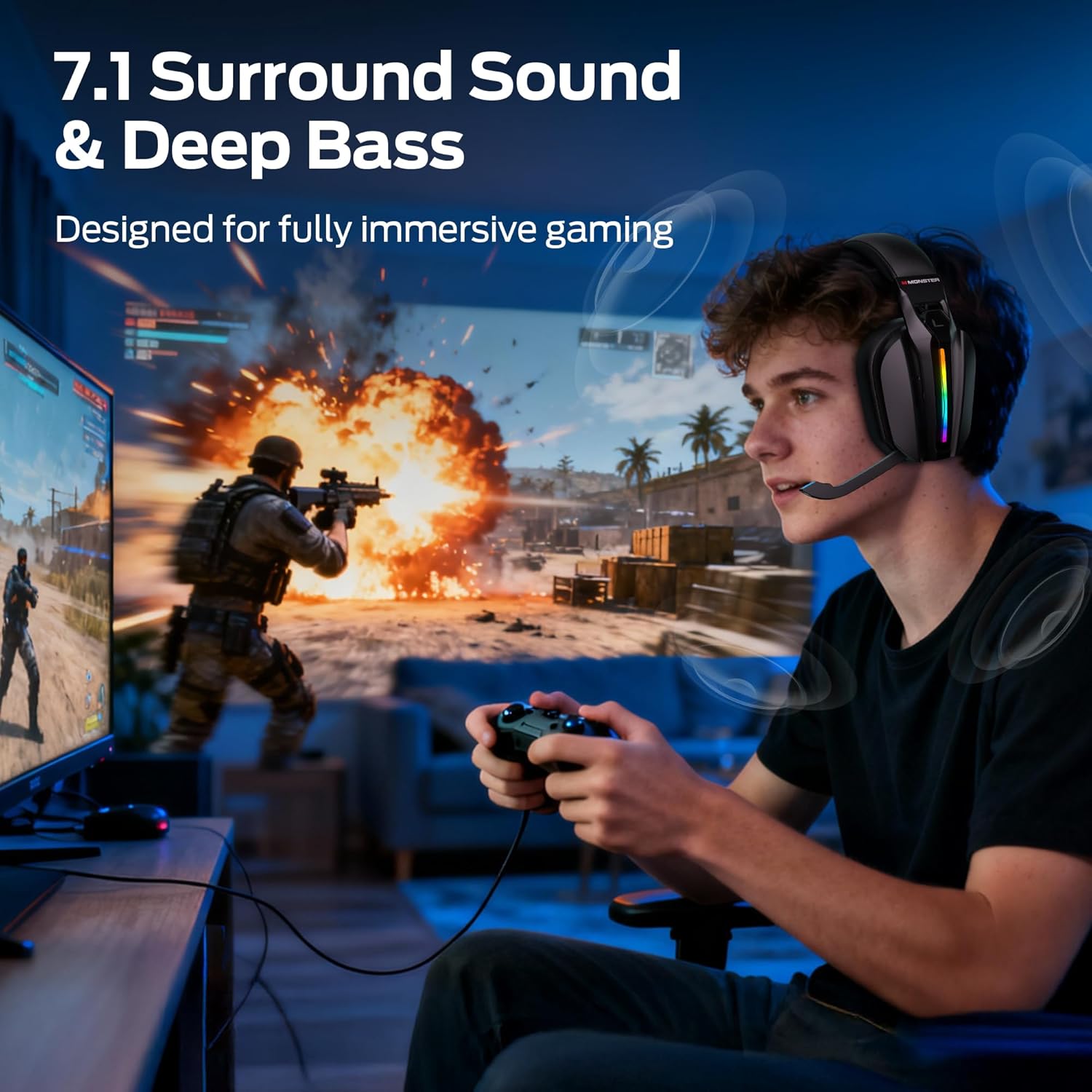
Imaj: A gamer wearing the headset, illustrating the immersive experience provided by 7.1 surround sound and deep bass, designed for gaming.
6. Kontwòl ekleraj RGB
- The headset features customizable RGB lighting. Refer to the specific button (if available) or combination of buttons for cycling through light effects or turning them off.
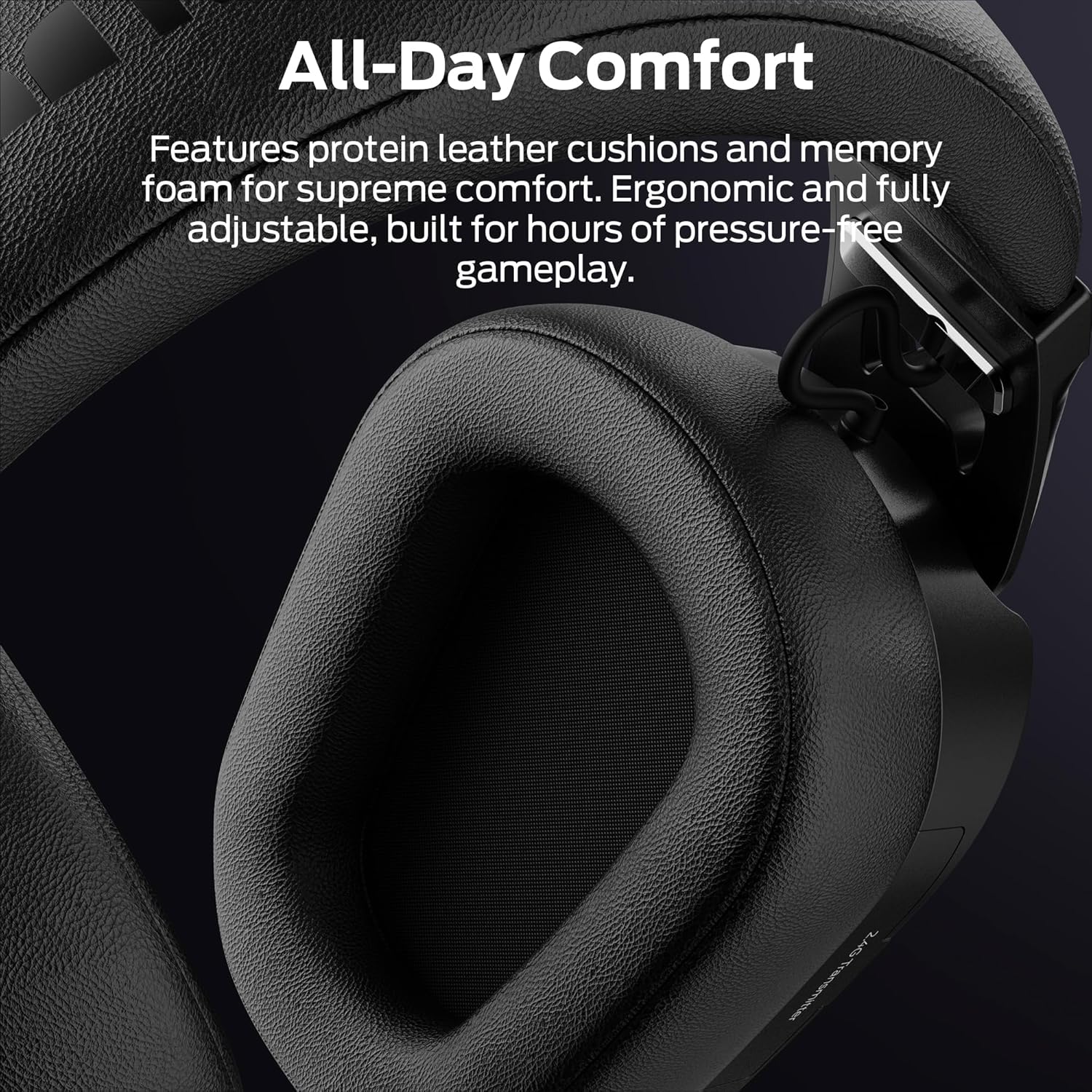
Imaj: Close-up of the headset's earcup, showcasing the million-color RGB lighting with a gradient effect, labeled "Glow and Flow".
Antretyen
- Netwayaj: Wipe the headset with a soft, dry, lint-free cloth. Do not use liquid cleaners or sprays directly on the headset.
- Depo: Store the headset in a cool, dry place away from direct sunlight and extreme temperatures. When not in use, retract the microphone and store the 2.4GHz USB transmitter in its designated compartment.
- Swen batri: Pou pwolonje lavi batri a, evite dechaje kas ekoutè a nèt souvan. Chaje l regilyèman, menm si w pa itilize l tout tan.
Depanaj
| Pwoblèm | Solisyon posib |
|---|---|
| Pa gen son nan kask. |
|
| Mikwofòn pa mache. |
|
| Headset not connecting wirelessly. |
|
| ANC not functioning. |
|
Espesifikasyon
| Non modèl: | Monster Mission ANC200 (MH22240) |
| Koneksyon Teknoloji: | 2.4GHz Wireless, Bluetooth 6.0, 3.5mm AUX Wired |
| Kominikasyon san fil: | Bluetooth, 2.4GHz |
| Features Audio: | 7.1 Virtual Surround Sound (Game Mode), Dual EQ Modes (Game/Music) |
| Kontwòl bri: | Active Noise Cancellation (ANC), AI Noise Filtering for Microphone |
| Mikwofòn: | Stealth Retractable Mic |
| Lavi batri: | Up to 70 hours (without RGB), 40 hours (with RGB) |
| Tan pou chaje: | Apeprè 3 èdtan |
| Latansi: | Ultra-low latency (under 20ms via 2.4GHz) |
| Plasman Zòrèy: | Sou Zòrèy |
| Materyèl: | Plastic, Protein Leather Cushions, Memory Foam |
| Koulè: | Nwa |
| Nimewo Modèl Atik: | MH22240 |
| Dimansyon: | 25.2 x 24.89 x 11.1cm; 608g |
Garanti ak sipò
Monster products are designed to provide reliable performance. For warranty information, technical support, or customer service inquiries, please refer to the official Monster websit la oubyen kontakte sèvis kliyan yo dirèkteman.
- Sipò sou entènèt: Vizite Mons ofisyèl la websit pou kesyon yo poze souvan (FAQ), telechaje chofè, ak resous sipò.
- Kontakte Sèvis Kliyan: Refer to your product packaging or the Monster websit pou detay kontak.


