1. Entwodiksyon
Thank you for choosing the GOBOULT Mustang Thunder Bluetooth Headphones. This manual will guide you through the features, setup, and operation of your new headphones, ensuring an optimal audio experience. Please read these instructions carefully before use.

Image 1.1: GOBOULT Mustang Thunder Bluetooth Headphones in Silver Black.
2. Pake kontni
Asire w tout atik yo prezan nan pakè w la:
- GOBOULT Mustang Thunder Bluetooth Headphones
- USB Kalite-C Chaje Kab
- Kab odyo 3.5mm (pou koneksyon filaire)
- Manyèl itilizatè
3. Pwodwi souview
Familyarize w ak prensipal konpozan ak kontwòl kas ekoutè w yo.

Image 3.1: Illustration of tactile controls and AI Voice Assistant feature on the headphone.
Karakteristik kle:
- Chofè bas 40mm: For powerful and immersive sound.
- Zen ENC Mic: Anilasyon bri anviwònman an pou apèl klè.
- Bluetooth v5.4: Stable and low-latency wireless connectivity.
- Kalite-C vit chaje: Efficient power replenishment.
- 70 èdtan jwe: Batri dire pi lontan pou itilizasyon pwolonje.
- 4 EQ Sound Modes: Pwofesyonèl odyo personnalisablefiles (Rock, Pop, Vocal, Bass).
- 3 Brightness LED Modes: Adjustable LED lighting on the earcups.
4. Enstalasyon ak Premye Itilizasyon
4.1 Chaje kas ekoutè yo
Anvan premye itilizasyon an, chaje kas ekoutè ou yo nèt.
- Connect the USB Type-C charging cable to the charging port on the headphones.
- Konekte lòt bout kab la nan yon adaptè kouran USB (pa enkli) oubyen nan yon pò USB òdinatè.
- The LED indicator will show charging status. It will turn off or change color once fully charged.
A full charge provides up to 70 hours of playtime without LED lights, or 50 hours with LED lights active.
4.2 Limen/Etenyen
- Pou limen: Peze epi kenbe bouton Power la pou apeprè 3 segonn jiskaske endikatè LED la limen.
- Pou etenn: Peze epi kenbe bouton Power la pou apeprè 3 segonn jiskaske endikatè LED la etenn.
4.3 Bluetooth Pairing
Konekte kas ekoutè ou yo ak yon aparèy ki gen Bluetooth.
- Asire w ke kas ekoutè yo etenn.
- Press and hold the Power button for 5-7 seconds until the LED indicator flashes red and blue alternately, indicating pairing mode.
- Sou aparèy ou an (telefòn entelijan, tablèt, òdinatè), aktive Bluetooth epi chèche aparèy ki disponib yo.
- Select "GOBOULT Mustang Thunder" from the list of found devices.
- Once connected, the LED indicator will flash blue slowly or remain solid blue.
The headphones support Bluetooth v5.4 for a stable connection up to 10 meters.
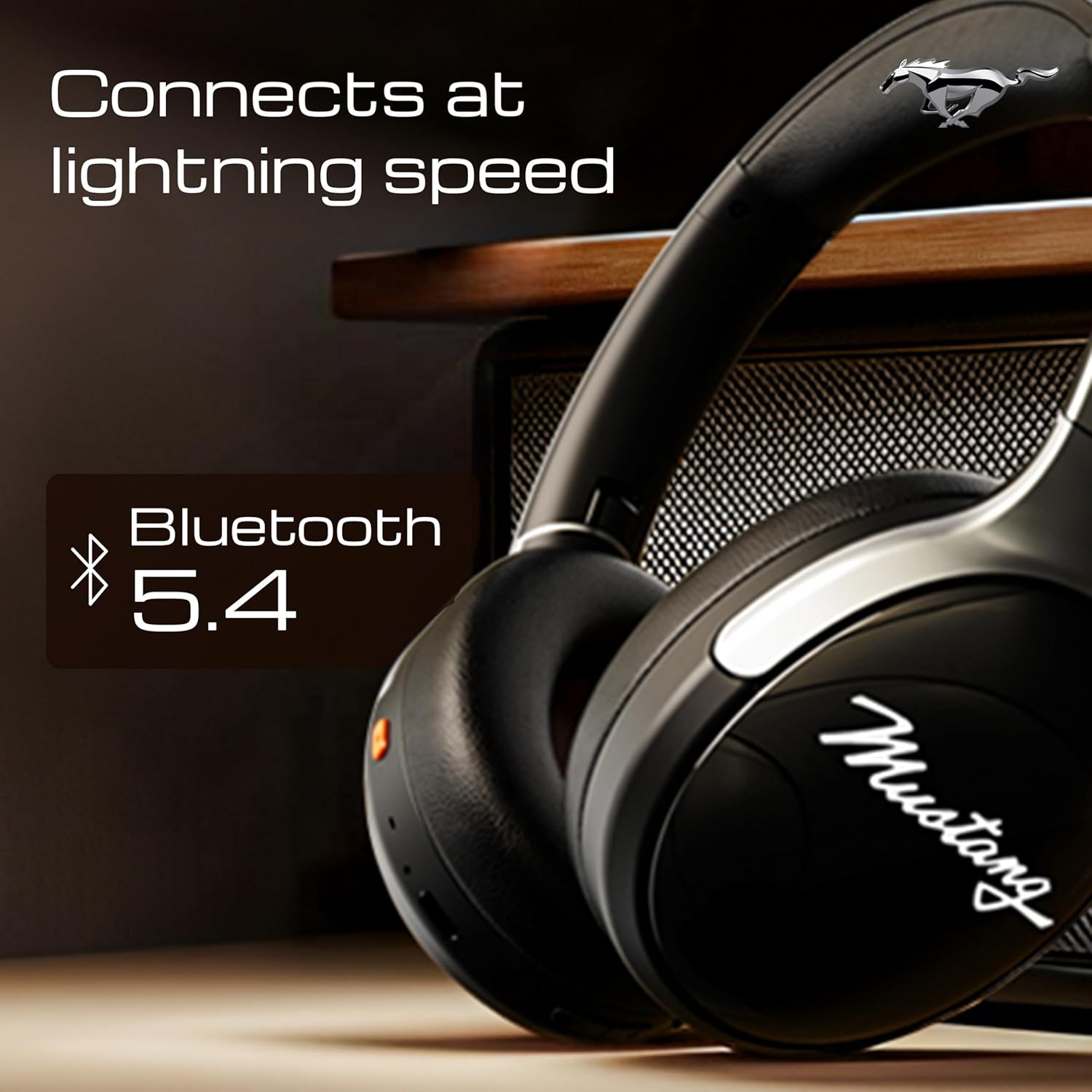
Image 4.1: Bluetooth 5.4 connectivity for fast and stable pairing.
5. Operasyon Enstriksyon
5.1 Mizik lèktur
- Jwe/Poz: Peze bouton Multi-fonksyon an yon fwa.
- Pwochen Track: Peze epi kenbe bouton Volim Monte a.
- Track Previous: Peze epi kenbe bouton Volim desann.
- Volim moute: Peze bouton Volim Monte a yon ti tan.
- Volim desann: Peze bouton Diminye Volim nan yon ti tan.
5.2 Jesyon Apèl
The integrated Zen ENC Mic ensures clear communication.
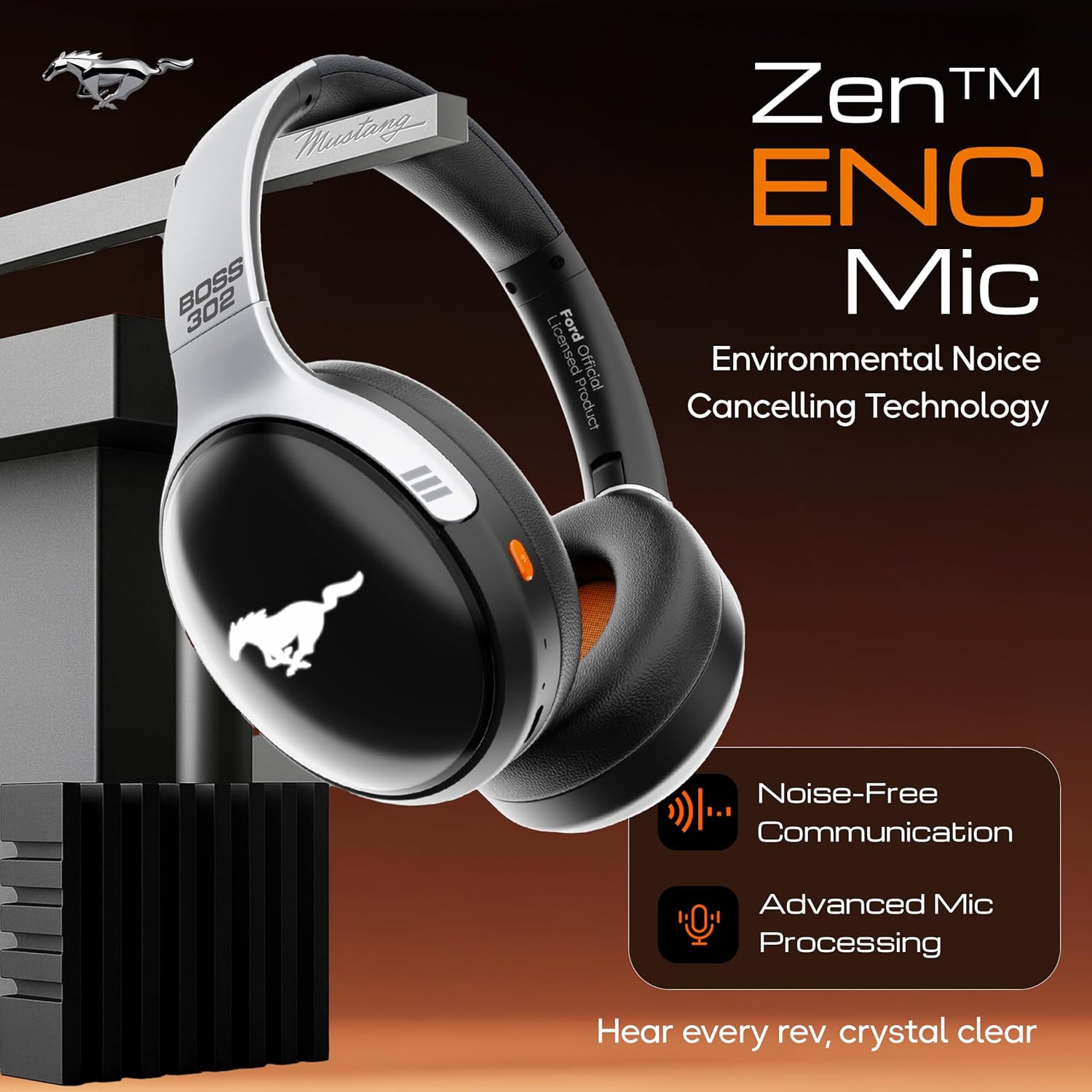
Image 5.1: Zen ENC Mic technology for noise-free communication.
- Reponn/Fen Apèl: Peze bouton Multi-fonksyon an yon fwa.
- Rejte apèl: Peze epi kenbe bouton Multi-fonksyon an pou 2 segonn.
- Recomposition Dènye Nimewo: Doub peze bouton Multi-fonksyon an.
5.3 EQ Sound Modes
Customize your audio experience with 4 distinct EQ modes.
- Chanje mòd: Press the EQ button (refer to product diagram for location) to cycle through Rock, Pop, Vocal, and Bass modes.
5.4 Mòd Ekleraj LED
Activate and change the dynamic LED lights on your earcups.

Image 5.2: Dynamic LED lights and glowing Mustang emblem on the headphones.
- Activate/Change Modes: Press the LED button (refer to product diagram for location) to cycle through the 3 brightness LED modes.
5.5 Asistan Vwa IA
Access your device's voice assistant directly from the headphones.
- Aktive: Triple-press the Multi-function button to activate Google Assistant or your device's default voice assistant.
5.6 Koneksyon filaire (Mòd AUX)
Use the included 3.5mm audio cable for a wired connection, conserving battery or connecting to non-Bluetooth devices.
- Plug one end of the 3.5mm audio cable into the AUX port on the headphones.
- Branche lòt bout la nan priz odyo 3.5mm aparèy ou an.
- Kas ekoutè yo ap chanje otomatikman nan mòd AUX.
6. Antretyen ak Swen
Bon swen asire lonjevite ak pèfòmans kas ekoutè ou yo.
- Netwayaj: Sèvi ak yon twal mou epi sèk pou netwaye kas ekoutè yo. Pa sèvi ak pwodui chimik ki agresif oswa materyèl abrazif.
- Depo: Store the headphones in a cool, dry place, away from direct sunlight and extreme temperatures. The foldable design allows for compact storage.
- Rezistans dlo: Kas ekoutè yo reziste dlo. Evite plonje yo nan dlo oswa ekspoze yo anba gwo lapli.
- Batri: To preserve battery life, charge the headphones at least once every three months if not in regular use.
NAN. Depanaj
Si ou rankontre pwoblèm, gade solisyon komen sa yo:
| Pwoblèm | Kòz posib | Solisyon |
|---|---|---|
| Kas ekoutè yo pa limen | Batri ki ba | Chaje kas ekoutè yo nèt avèk kab Kalite-C ki vini ak li a. |
| Pa ka konekte ak aparèy la | Headphones not in pairing mode; Bluetooth off on device; device too far | Ensure headphones are in pairing mode (flashing red/blue). Turn on Bluetooth on your device. Move device closer to headphones (within 10m). |
| Pa gen son pandan lekti | Volim twò ba; sous odyo ki pa kòrèk; kas ekoutè pa konekte | Increase volume on headphones and device. Check if headphones are properly connected via Bluetooth or AUX. Ensure correct audio output is selected on your device. |
| Kalite apèl pòv | Environmental noise; weak Bluetooth connection | Move to a quieter environment. Ensure a stable Bluetooth connection. |
8. Espesifikasyon
Detailed technical specifications for the GOBOULT Mustang Thunder Bluetooth Headphones:
| Karakteristik | Spesifikasyon |
|---|---|
| Non modèl | Airbass |
| Koneksyon Teknoloji | San fil (Bluetooth v5.4) |
| Gamme Bluetooth | 10 mèt |
| Gwosè Chofè Audio | 40 Milimèt |
| Repons Frekans | 20 Hz |
| Sansiblite | 118 dB |
| Ekoutè Jack | 3.5mm Jack |
| Dire batri (tan lekti) | Up to 70 Hours (without LEDs), 50 Hours (with LEDs) |
| Konpozisyon batri | Lityòm Polymère |
| Port chaje | USB Kalite-C |
| Pwa atik | 234 gram |
| Dimansyon pwodwi | 18 x 5 x 19.5 cm |
| Nivo rezistans dlo | Dlo rezistan |
| Kalite kontwòl | Button Control, Google Assistant |
9. Garanti ak sipò
9.1 Enfòmasyon sou Garanti
The GOBOULT Mustang Thunder Bluetooth Headphones come with a Garanti manifakti 1 zan from the date of purchase. This warranty covers manufacturing defects and ensures trusted performance and premium build quality.
Tanpri kenbe prèv ou achte pou reklamasyon garanti.
9.2 Sipò pou Kliyan
For any questions, technical assistance, or warranty claims, please contact GOBOULT customer support through their official websit oswa revandè kote yo te achte pwodwi a.


