Entwodiksyon
Thank you for choosing the Monster Persona 5th ANC Bluetooth Over-Ear Headphones. This manual provides detailed instructions for setting up, operating, and maintaining your headphones to ensure optimal performance and longevity. Please read this manual thoroughly before using the product.
Kontni pake
Verifye ke tout atik yo prezan nan pakè a:
- Monster Persona 5th ANC Headphones x 1
- AUX kab x 1
- USB-C Chaje kab x 1
- Gid Quick Start x 1
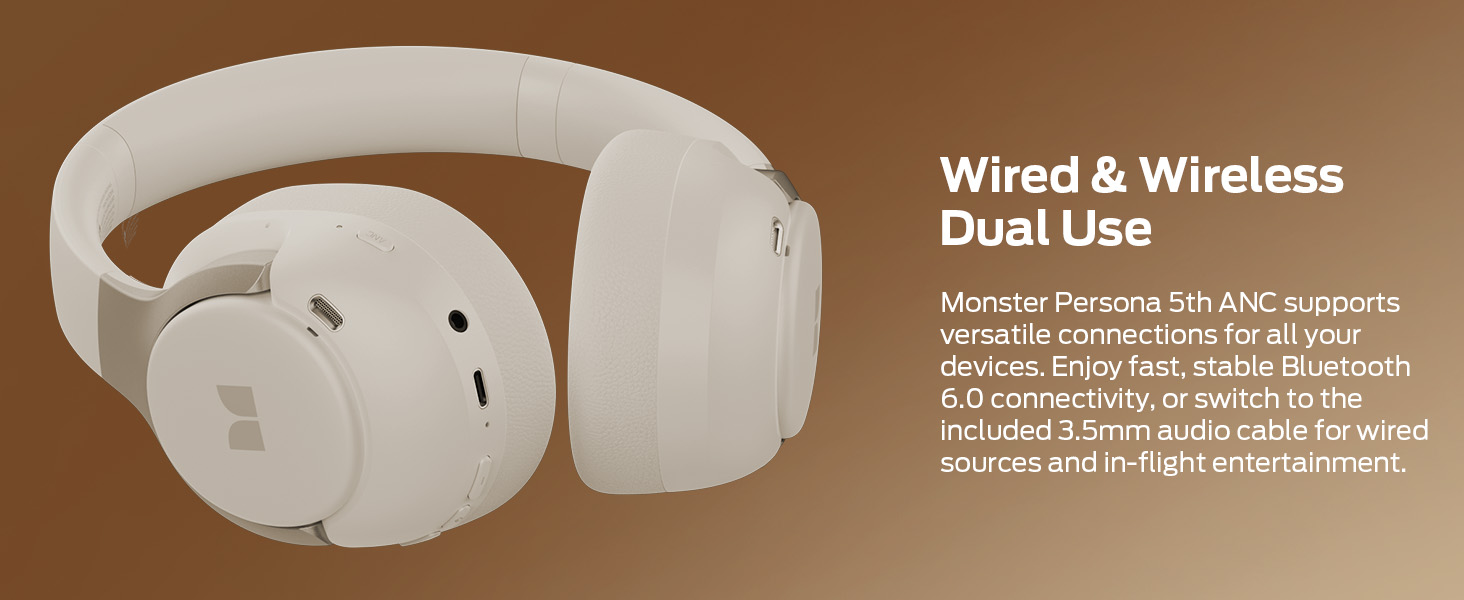
Figure 1: Package Contents. The image displays the Monster Persona 5th ANC headphones, an AUX cable, a USB-C charging cable, and a quick start guide, all neatly arranged next to the product box.
Pwodwi souview
The Monster Persona 5th ANC headphones feature a comfortable over-ear design with Active Noise Cancellation (ANC) and Bluetooth 6.0 connectivity. Key features include:
- Anile aktif bri: Redui bri anbyen pou yon eksperyans koute imersif.
- Mòd transparans: Pèmèt ou tande anviwònman ou san ou pa retire kas ekoutè yo.
- Bluetooth 6.0: Bay yon koneksyon san fil ki estab e efikas.
- Long Playtime: Up to 70 hours of audio playback (ANC off).
- Koneksyon milti-pwen: Konekte ak de aparèy Bluetooth an menm tan.
- Konsepsyon pliable: Enhances portability for travel and storage.
- Wired/Wireless Dual Use: Supports both Bluetooth and 3.5mm audio cable connections.

Figure 2: Monster Persona 5th ANC Headphones. A close-up view of the beige over-ear headphones, highlighting the earcups and headband.
Enstalasyon
1. Chaje kas ekoutè yo
Before first use, fully charge the headphones. Connect the supplied USB-C charging cable to the charging port on the headphones and the other end to a USB power source (e.g., computer, wall adapter).
- A full charge provides up to 70 hours of playtime (ANC off) or 40 hours (ANC on).
- A 10-minute quick charge can provide up to 5 hours of playback.
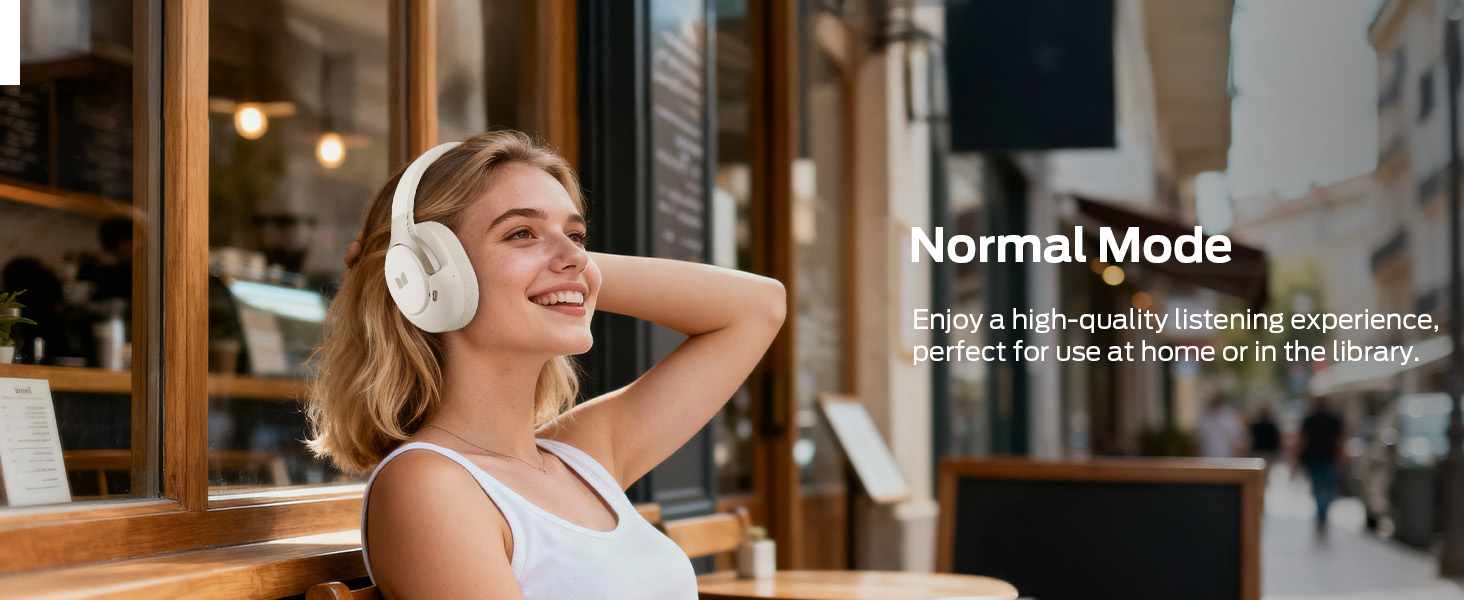
Figure 3: Battery Life. This image highlights the impressive battery life of the headphones, indicating 40 hours of playtime with ANC enabled and 70 hours with ANC disabled.
2. Powering On / Off
- Pouvwa sou: Peze epi kenbe bouton Pouvwa a jiskaske limyè endikatè a limen.
- Pouvwa Off: Peze epi kenbe bouton Power la jiskaske limyè endikatè a etenn.
3. Pè Bluetooth
- Asire w ke kas ekoutè yo etenn.
- Peze epi kenbe bouton Pouvwa a pou apeprè 5 segonn jiskaske limyè endikatè a flache ble ak wouj, sa ki endike mòd koneksyon.
- Sou aparèy ou an (telefòn entelijan, tablèt, òdinatè pòtab), aktive Bluetooth epi chèche aparèy ki disponib yo.
- Select "Monster Persona 5th ANC" from the list.
- Yon fwa konekte, limyè endikatè a ap vin ble fiks.
Figure 4: Bluetooth Connection. A visual representation of connecting the headphones to a smartphone via Bluetooth, showing the device listed as "Monster Persona 5th ANC" and "Connected".
4. Koneksyon milti-pwen
The headphones can connect to two Bluetooth devices simultaneously. Follow these steps:
- Turn on Bluetooth on your first device (e.g., phone) and connect the headphones normally.
- Etenn Bluetooth sou premye aparèy la.
- Connect your headphones to the second device (e.g., tablet) via Bluetooth normally.
- Turn on Bluetooth on your first device again. The headphones will now be connected to both devices.
Calls will be automatically prioritized from the connected phone.
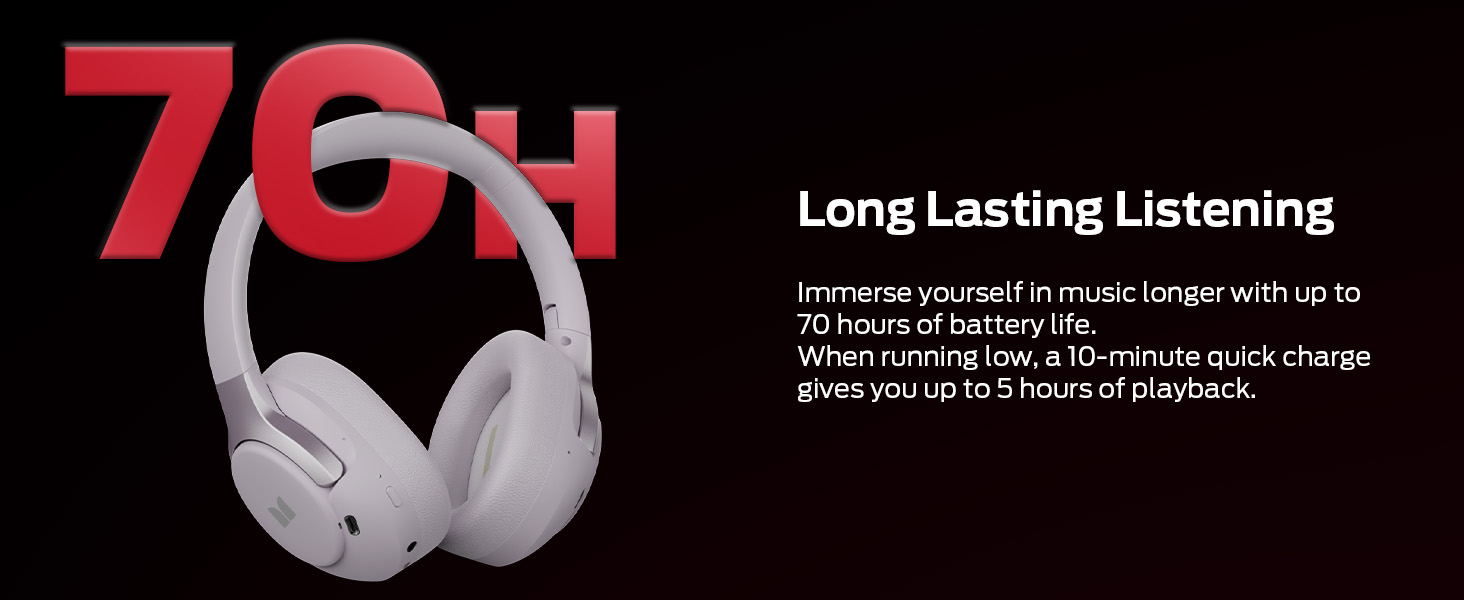
Figure 5: Multi-Point Connection. This image illustrates the headphones simultaneously connected to a smartphone and a tablet, enabling seamless switching between audio sources.
Enstriksyon Operasyon
1. Kontwòl bouton
The headphones feature intuitive button controls for various functions:
- Bouton pouvwa: Limen/etenn, jwe/mete mizik sou poz, reponn/fini apèl.
- Volim moute (+): Ogmante volim, pwochen mizik la (peze lontan).
- Volim desann (-): Diminye volim, mizik anvan an (peze lontan).
- Bouton ANC: Cycle through Noise Cancelling, Transparency, and Normal modes.
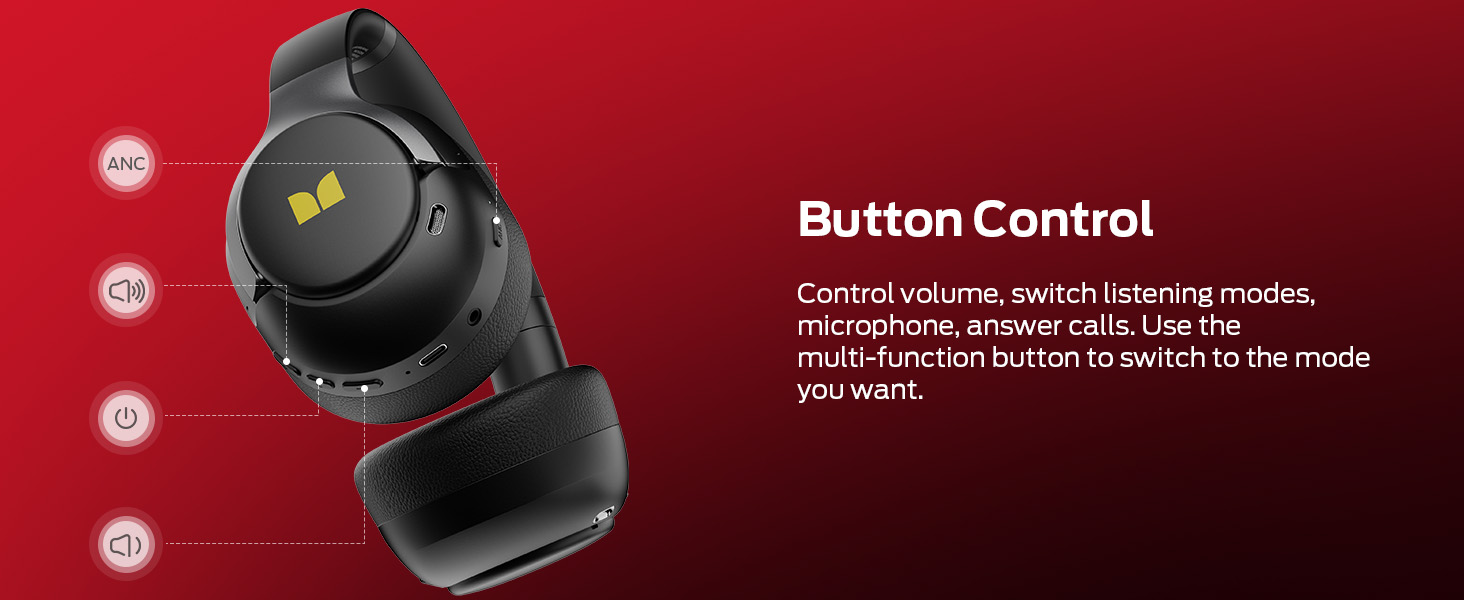
Figure 6: Button Controls. This diagram labels the various buttons on the headphones, indicating their functions for volume control, mode switching, and call management.
2. Mòd Anilasyon Bri Aktif (ANC)
Press the ANC button to switch between the following modes:
- Mòd nòmal: Lekti odyo estanda san anilasyon bri oswa transparans.
- Mòd ANC: Reduces external ambient noise by up to 95% for focused listening.
- Mòd transparans: Allows ambient sounds to pass through, enabling awareness of your surroundings.
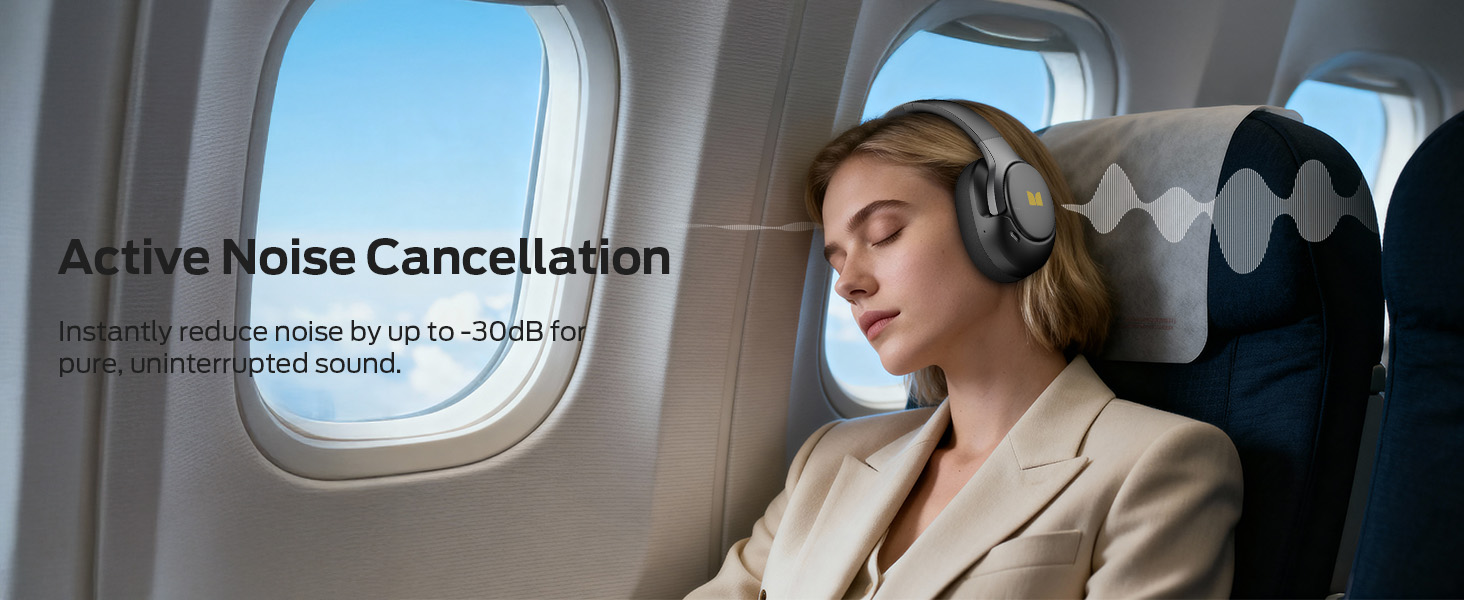
Figure 7: ANC Modes. This image visually explains the three available listening modes: Balanced, Active Noise Cancellation (ANC), and Transparency, with corresponding icons.
3. Filè Koneksyon
To use the headphones with a wired connection, plug the included 3.5mm AUX cable into the audio jack on the headphones and the other end into your audio source. This mode does not require battery power for basic audio playback.
Figure 8: Wired and Wireless Dual Use. The image shows the headphones alongside the AUX cable and USB-C charging cable, illustrating their versatility for both wired and wireless connections.
Antretyen
- Netwayaj: Siye kas ekoutè yo ak yon twal mou epi sèk. Pa sèvi ak pwodui netwayaj abrazif oswa solvan.
- Depo: Lè w pa ap itilize kas ekoutè yo, sere yo nan yon kote ki fre epi sèk. Lefèt ke yo ka pliye pèmèt ou sere yo byen.
- Swen batri: Pou konsève lavi batri a, evite dechaje kas ekoutè yo nèt souvan. Chaje yo regilyèman, menm si ou pa itilize yo pandan yon bon bout tan.
- Ekspozisyon dlo: Kas ekoutè sa yo pa enpèmeyab. Evite ekspoze yo a dlo oswa imidite twòp.
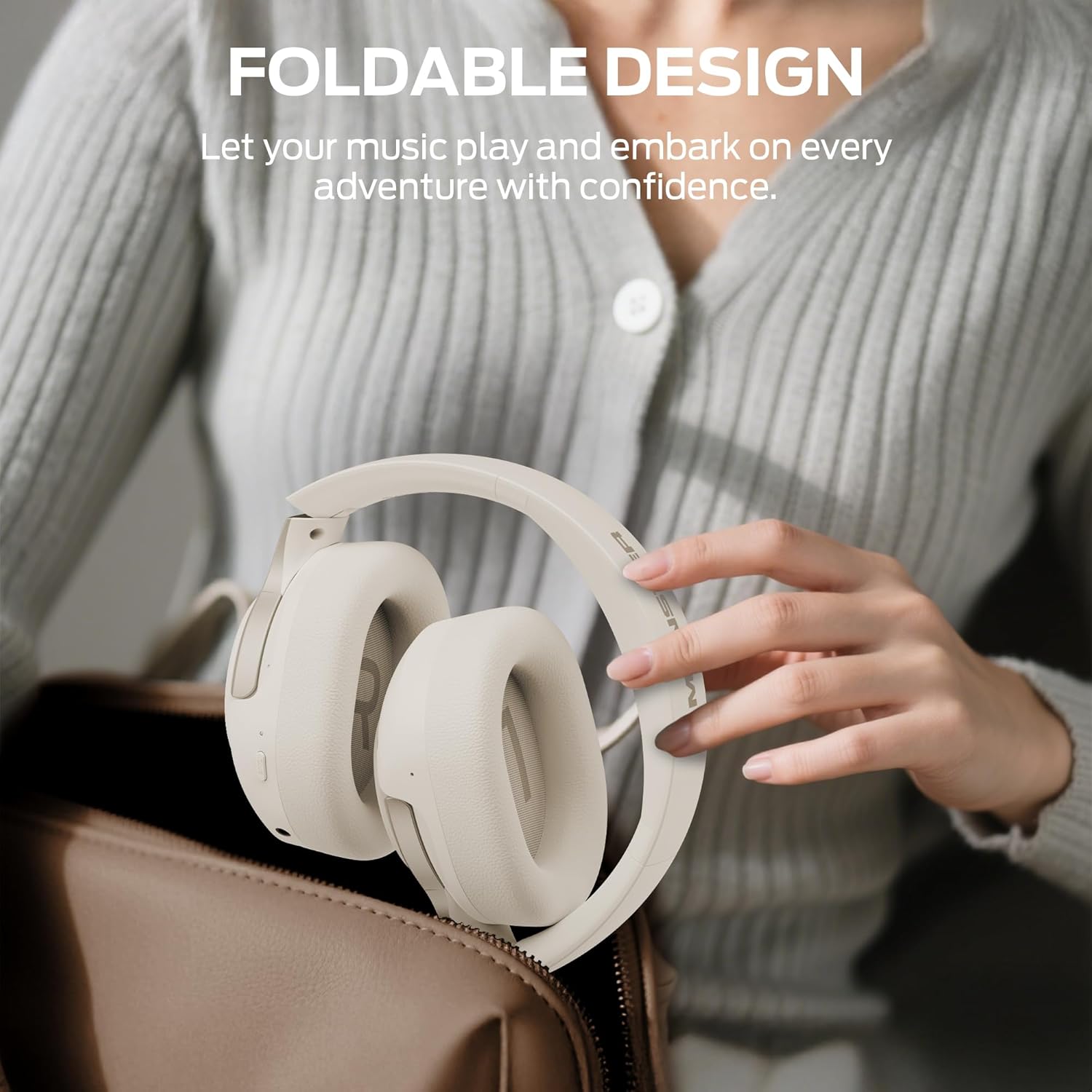
Figure 9: Foldable Design. The headphones are shown folded and being placed into a bag, illustrating their compact and portable nature for easy storage and transport.
Depanaj
| Pwoblèm | Kòz posib | Solisyon |
|---|---|---|
| Kas ekoutè yo pa limen. | Batri ki ba. | Chaje kas ekoutè yo nèt avèk kab USB-C ki vini ak li a. |
| Pa ka konekte atravè Bluetooth. | Kas ekoutè a pa nan mòd koneksyon; Bluetooth aparèy la etenn; twò lwen aparèy la. | Ensure headphones are in pairing mode (flashing blue/red light). Turn on Bluetooth on your device. Move headphones closer to the device (within 10 meters). |
| Pa gen son oswa son an gen move kalite. | Volume too low; incorrect audio source; loose wired connection; interference. | Increase volume on headphones and device. Check if the correct audio source is selected. Ensure 3.5mm cable is securely connected. Move away from sources of interference. |
| ANC a pa fonksyone byen. | Incorrect mode selected; earcups not sealed properly. | Ensure ANC mode is activated. Adjust headphones for a snug fit to create a proper seal around your ears. |
| Multi-point connection issues. | Incorrect connection sequence. | Follow the multi-point connection steps precisely (connect first device, turn off Bluetooth, connect second device, turn on first device's Bluetooth). |
Espesifikasyon
| Karakteristik | Detay |
|---|---|
| Non modèl | H22 |
| Koneksyon Teknoloji | San fil (Bluetooth), Filaire (3.5mm Jack) |
| Bluetooth vèsyon | 6.0 |
| Kontwòl bri | Anile aktif bri |
| Lavi batri | Up to 70 Hours (ANC Off), Up to 40 Hours (ANC On) |
| Kalite chofè odyo | Chofè dinamik (40mm) |
| Fòm ekoutè | Sou Zòrèy |
| Metòd kontwòl | Bouton |
| Pwa | 14 ons |
| Konpozan ki enkli | Headphones, AUX Cable, USB-C Charging Cable, Quick Start Guide |
Garanti ak sipò
Monster provides a worry-free shopping experience. For any questions or support needs regarding your Monster Persona 5th ANC headphones, please contact our customer service. We offer pre-sales and after-sales support.
Please refer to the official Monster website or the included Quick Start Guide for specific warranty terms and contact information.
Sipò sou entènèt: www.monsterproducts.com/support


