1. Pwodwi souview
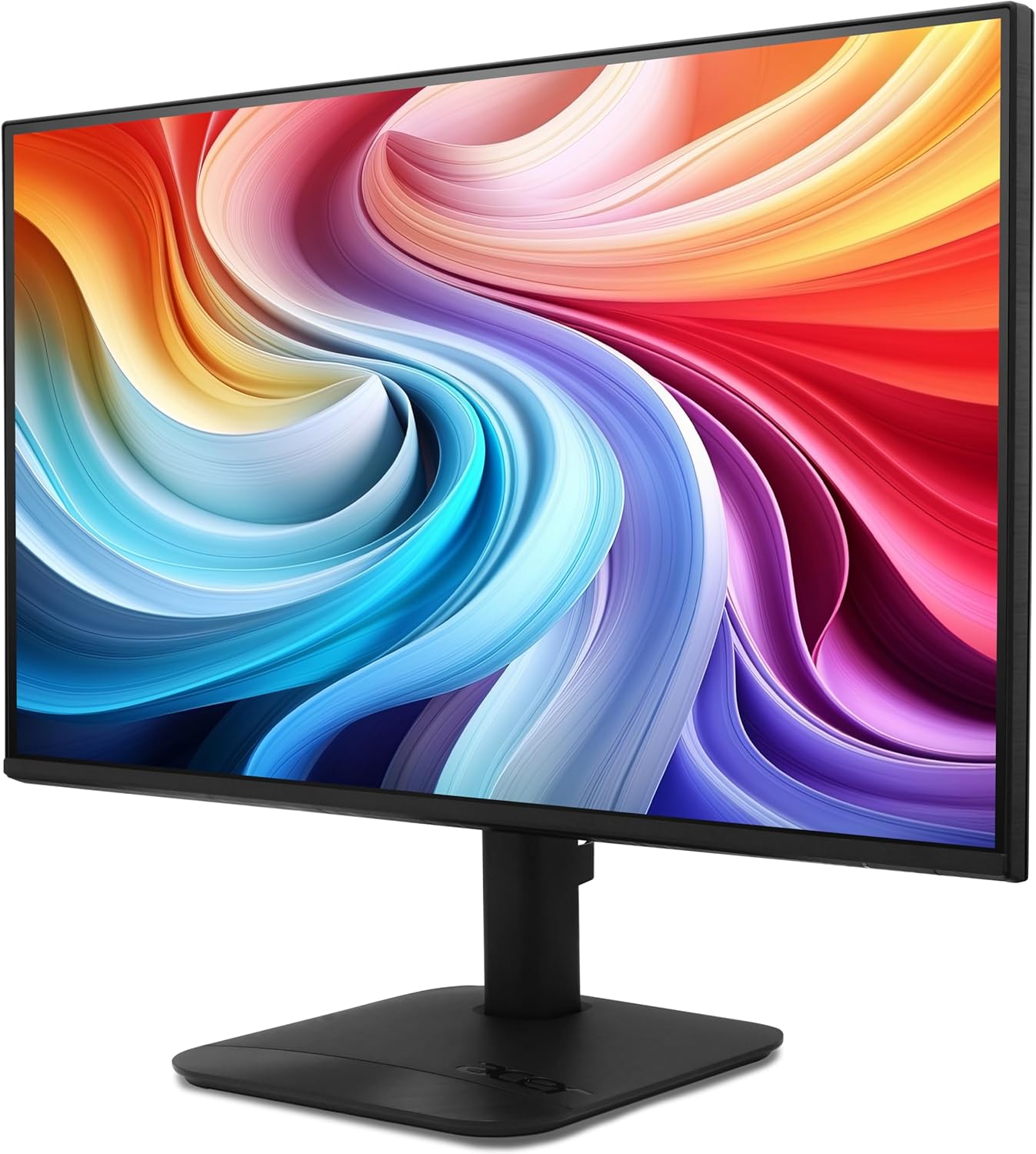
The Acer KB272 P6bi is a 27-inch IPS Full HD (1920 x 1080) monitor designed for both gaming and office use. It features a Zero-Frame design, AMD FreeSync Technology, up to a 144Hz refresh rate, and a 1ms Visual Response Boost (VRB) for smooth visuals. The IPS panel ensures accurate colors and wide viewang ing.

Figi 1: Devan view of the Acer KB272 P6bi monitor.
Karakteristik kle:
- Vibrant Full HD Display: Experience crisp, true-to-life colors with 1920x1080 resolution and a 16:9 aspect ratio.
- Teknoloji AMD FreeSync: Eliminates screen tearing and stuttering by synchronizing the monitor's refresh rate with your graphics card's frame rate.
- Tan Repons Rapid: A fast 1ms (VRB) response time ensures smooth rendering of fast-moving action without smearing or ghosting.
- Segondè pousantaj rafrechisman: Up to 144Hz refresh rate provides ultra-smooth 2D motion scenes.
- Konsepsyon ZeroFrame: A near bezel-less design maximizes screen real estate and allows for seamless multi-monitor setups.
- Teknoloji IPS: Delivers accurate colors and consistent image quality across wide viewing angles of up to 178 degrees.
2. Ki sa ki nan bwat la
Verifye ke tout konpozan yo prezan anvan ou kontinye ak konfigirasyon an.
- Acer KB272 P6bi Monitor Display
- Sipò Monitè (Baz ak Kou)
- Kòd pouvwa
- HDMI kab
3. Enstriksyon Enstalasyon
3.1 Asanblaj Sipò Monitè a
- Mete monitè a ak anpil atansyon fas anba sou yon sifas mou epi pwòp pou evite li reyur.
- Attach the stand neck to the back of the monitor until it clicks into place or is secured with screws (refer to the quick start guide for specific model details).
- Attach the stand base to the stand neck, ensuring it is firmly secured.
Figi 2: Dèyè view of the monitor with stand attachment area.
3.2 Konekte monitè a
- Connect one end of the provided HDMI cable to the HDMI port on your computer or graphics card.
- Connect the other end of the HDMI cable to the HDMI port on the Acer KB272 P6bi monitor. Alternatively, use a VGA cable if your system requires it.
- Konekte kòd kouran an nan antre kouran monitè a epi answit nan yon priz kouran.
- Peze bouton pouvwa a sou monitè a pou vire l.

Figure 3: Monitor connectivity ports (HDMI and VGA).
4. Opere ki monitè kè bebe a
4.1 Power On/Off
Press the power button, typically located on the back or bottom right of the monitor, to turn the display on or off.
4.2 Meni OSD (On-Screen Display).
The monitor features a joystick-style button, often integrated with the power button, for navigating the OSD menu. Press the button once to bring up the options, then tilt it in one of four directions to select and adjust settings such as brightness, contrast, color temperature, and input source.
4.3 Ajiste Paramèt Ekspozisyon yo
- Klate/Kontrast: Ajiste paramèt sa yo pou yo adapte ak ou viewanviwònman ak preferans yo.
- Anviwònman koulè: Modify color temperature or select preset modes for optimal visual experience.
- Sous Antre: Chwazi manyèlman ant antre HDMI ak VGA si deteksyon otomatik la pa fonksyone.
- Pousantaj rafrechisman: Ensure your computer's display settings are configured to utilize the monitor's maximum refresh rate (up to 144Hz) for the smoothest experience.
- AMD FreeSync: Enable FreeSync in both the monitor's OSD menu and your graphics card's control panel for tear-free gaming.

Figure 4: Visual representation of AMD FreeSync technology.
5. Antretyen
5.1 Netwaye monitè a
- Toujou etenn monitè a epi debranche kòd kouran an anvan ou netwaye li.
- Sèvi ak yon moso twal mou, ki san pèl dampLave avèk dlo oswa yon pwodui netwayaj ekran dou ki pa abrazif.
- Siye ekran an dousman. Evite mete twòp presyon.
- Pa sèvi ak alkòl, pwodui netwayaj ki gen amonyak, oswa materyèl abrazif, paske sa yo ka domaje sifas ekran an.
5.2 Swen Jeneral
- Evite mete objè lou sou monitè a oswa sou kab li yo.
- Kenbe monitè a lwen limyè solèy dirèk, sous chalè, ak imidite twòp.
- Asire w ke gen ase vantilasyon toutotou monitè a pou anpeche li chofe twòp.
NAN. Depanaj
6.1 Pa gen ekspozisyon / Ekran nwa
- Check if the monitor is powered on and the power indicator light is illuminated.
- Ensure all video cables (HDMI/VGA) are securely connected to both the monitor and the computer.
- Verifye ke sous opinyon ki kòrèk la chwazi nan meni OSD monitè a.
- Test the monitor with another computer or a different video cable if possible.
6.2 Imaj ki tranble oswa distòsyon
- Tcheke kab videyo a pou wè si li domaje oswa si koneksyon yo lach.
- Adjust the refresh rate in your computer's display settings to match the monitor's capabilities.
- Disable AMD FreeSync in the OSD menu and graphics card settings to see if it resolves the issue.
- Asire w ke chofè kat grafik ou yo ajou.
6.3 Colors Appear Incorrect
- Reset the monitor's color settings to factory defaults via the OSD menu.
- Adjust the color temperature or individual RGB values in the OSD menu.
- Calibrate your display using your operating system's color calibration tools.
7. Espesifikasyon
Detailed technical specifications for the Acer KB272 P6bi monitor:
| Karakteristik | Spesifikasyon |
|---|---|
| Gwosè ekran | 27 pous |
| Kalite Panel | IPS |
| Rezolisyon | 1920 x 1080 (Full HD) |
| Aspè rapò | 16:9 |
| Rafrechisman pousantaj | Jiska 144Hz |
| Tan repons | 1ms (VRB) |
| Teknoloji Adaptive Sync | AMD FreeSync |
| Koneksyon | Dmi, VGA |
| Viewing Ang | 178° (H/V) |
| Koulè | Nwa |
| Pwa atik | 8.38 liv |
| Dimansyon pwodwi | 8.26 x 27.36 x 18.29 pous |
8. Garanti ak sipò
Pou enfòmasyon sou garanti a ak sipò teknik, tanpri al gade dokiman ki vini ak pwodwi w la oswa vizite sit sipò ofisyèl Acer la. websit. Kenbe resi acha ou pou reklamasyon garanti.


