1. Entwodiksyon
This manual provides essential information for the safe and efficient use of your realme 14 Pro Lite Smartphone. Please read it carefully before using your device.
Kontni pake:
Lè w ap debale, asire w tout bagay yo la:
- realme 14 Pro Lite Smartphone
- USB kab
- 45W adaptè
- Ka Pwoteksyon
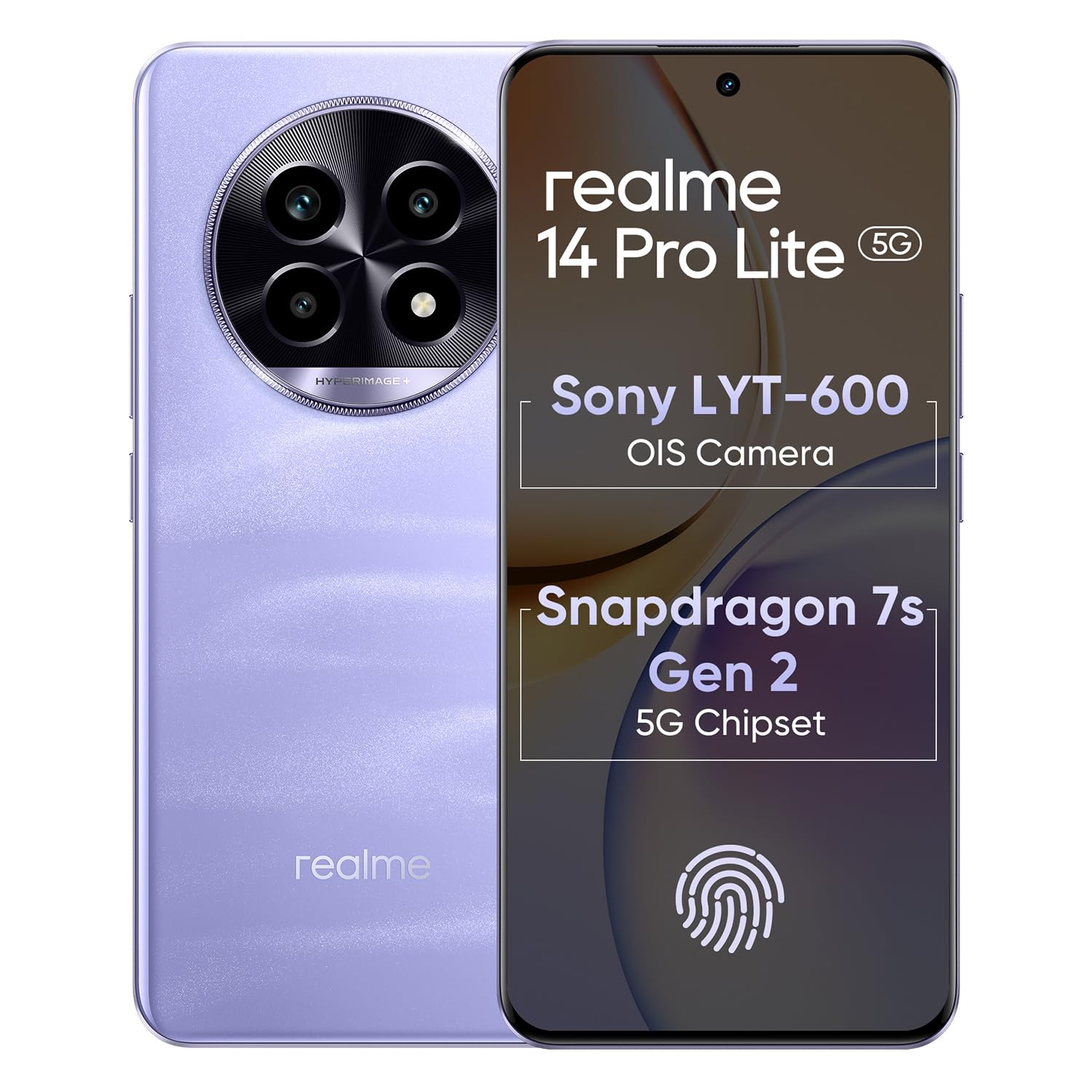
Image 1.1: The realme 14 Pro Lite Smartphone, showcasing konsepsyon li.
2. Enstalasyon
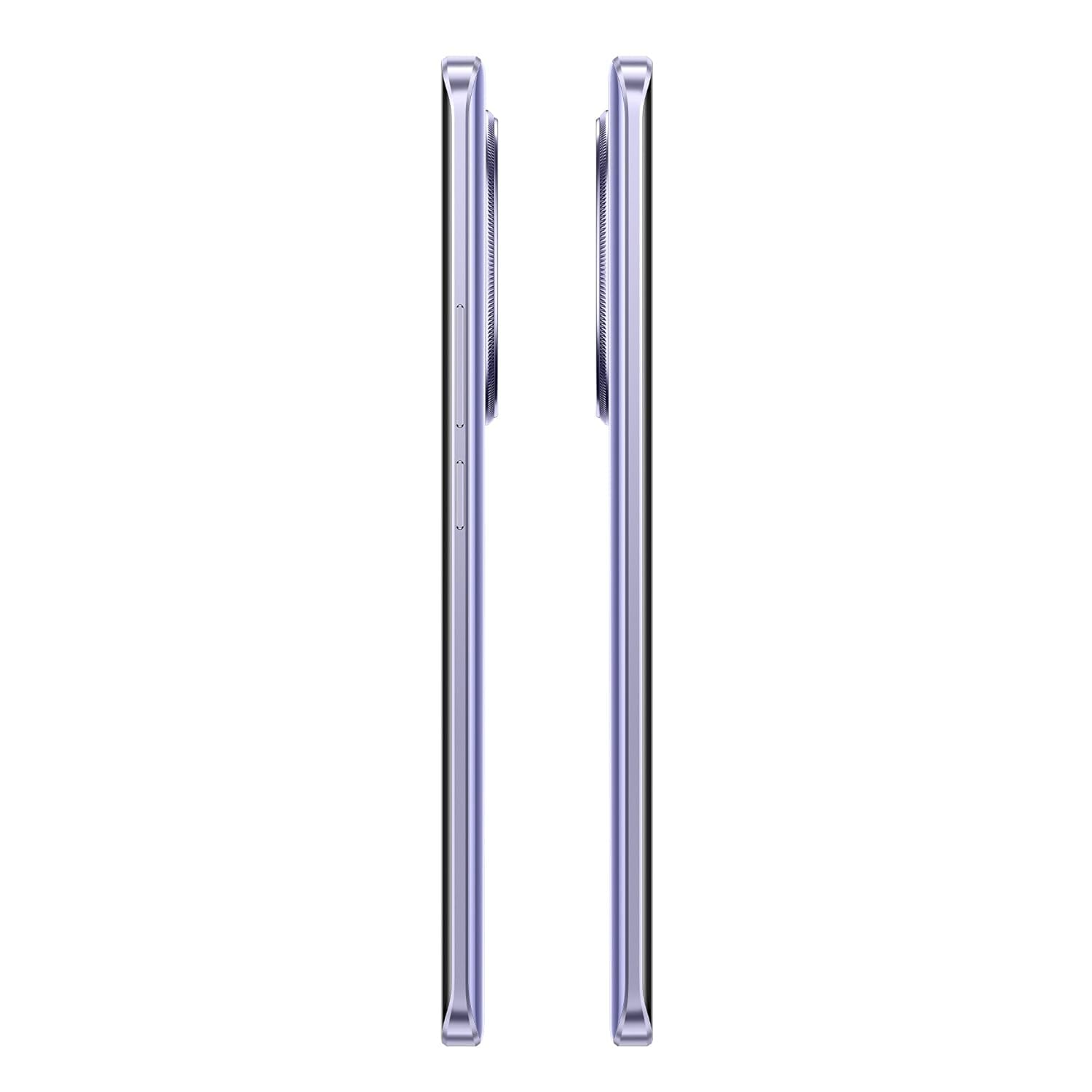
2.1. Enstalasyon Kat SIM ak Kat MicroSD
- Jwenn plato kat SIM lan sou bò aparèy ou an.
- Mete zouti pou retire kat SIM lan nan ti twou ki akote plato a epi pouse dousman jiskaske plato a soti.
- Place your Nano-SIM cards (up to two) and/or a microSD card into the designated slots on the tray. Ensure the gold contacts face downwards.
- Remete plato a nan telefòn nan ak anpil atansyon jiskaske li fè yon klik.
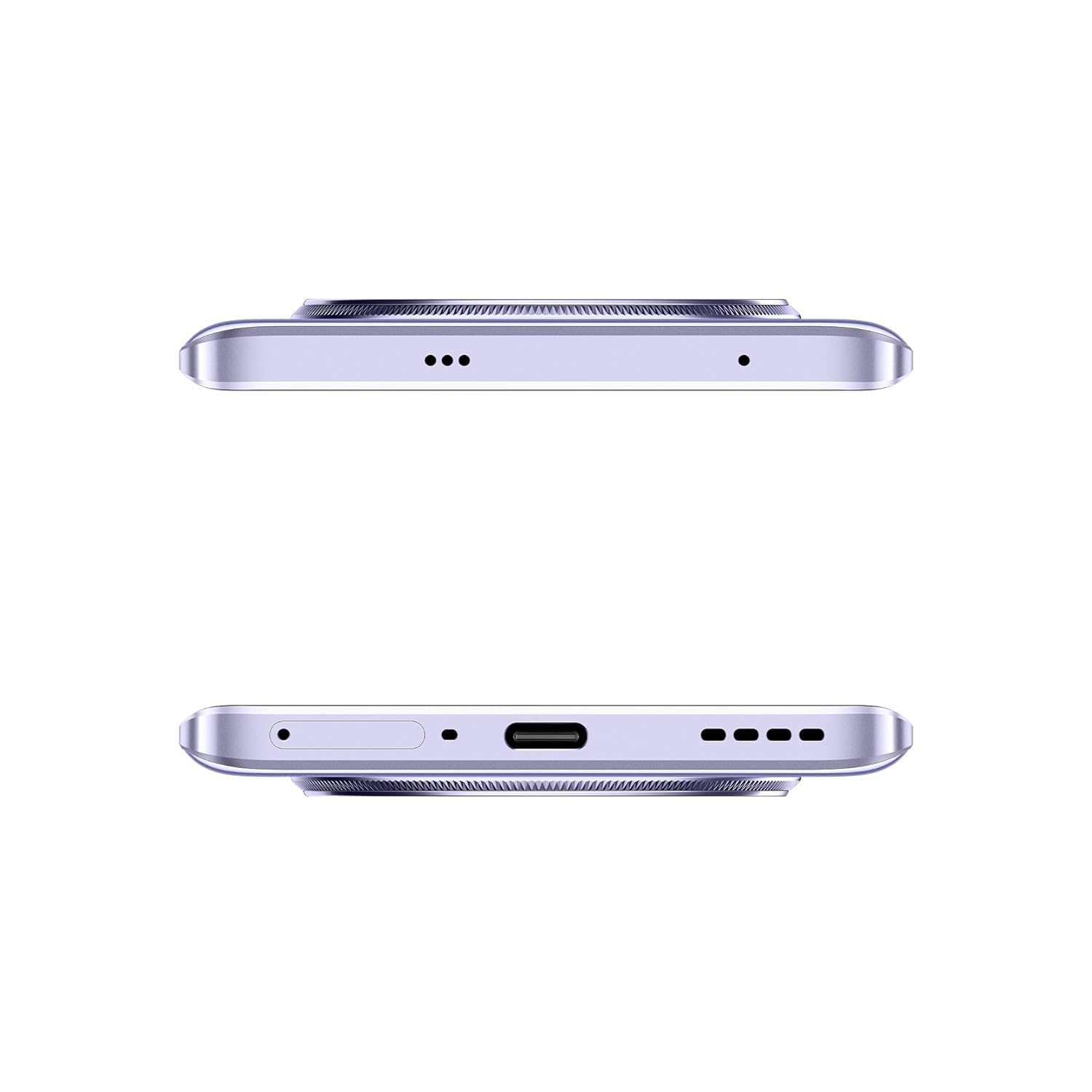
Imaj 2.1: Kote view of the realme 14 Pro Lite, indicating the SIM card tray position.
2.2. Chaje Aparèy la
Connect the 45W adapter to a power outlet and the USB cable to the phone's charging port. The device supports 45W SuperVOOC fast charging. It is recommended to fully charge the device before first use.
Imaj 2.2: Anba view of the realme 14 Pro Lite, highlighting the USB-C charging port.
2.3. Limen ak Premye Konfigirasyon
Press and hold the Power button located on the side of the device until the realme logo appears. Follow the on-screen instructions to select your language, connect to Wi-Fi, and set up your Google account.
3. Operasyon Enstriksyon
3.1. Ekspozisyon ak Navigasyon
Your realme 14 Pro Lite features a 6.7-inch OLED Flow Display with a 120Hz refresh rate for smooth visuals and a 2000Hz instant touch sampling rate for responsive interaction. Navigate the Android 14 operating system with realme UI 5.0 using gestures or on-screen buttons.
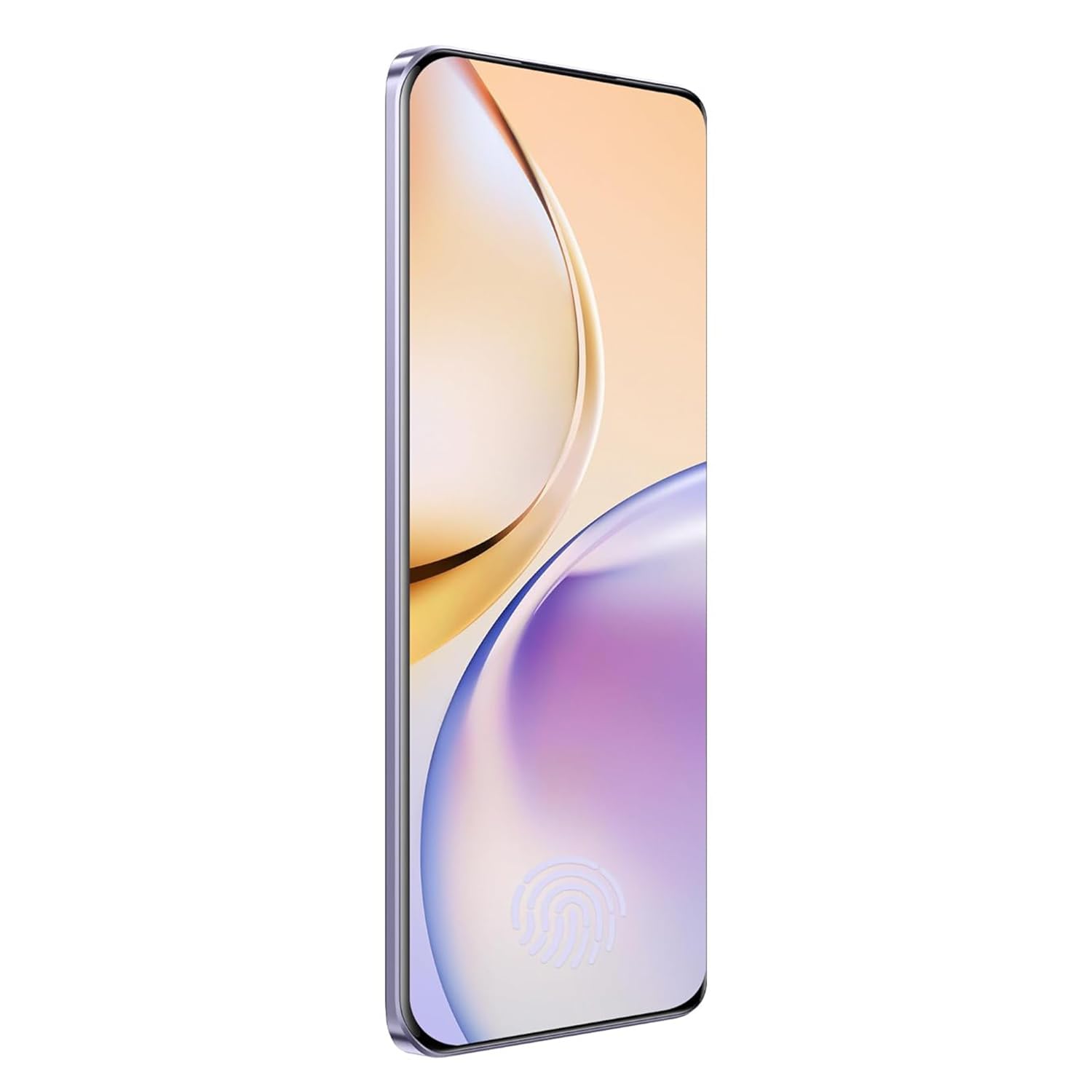
Imaj 3.1: Devan view of the realme 14 Pro Lite, showcasing ekspozisyon li yo.
3.2. Pèfòmans ak Konektivite
The device is powered by a Snapdragon 7s Gen 2 4nm 5G Chipset, ensuring efficient performance for various tasks. Connectivity options include Bluetooth, USB, and Wi-Fi. For 5G network access, ensure you have a compatible SIM card and service plan.
3.3. Itilizasyon kamera
Utilize the integrated camera system for photography and videography. Open the Camera application from your home screen or app drawer. Select modes such as Photo, Video, Portrait, or Night mode as desired. Tap the shutter button to capture images or start/stop video recording.

Imaj 3.2: Dèyè view of the realme 14 Pro Lite, highlighting the camera module.
4. Antretyen
4.1. Swen batri
- Evite ekspoze aparèy la nan tanperati ekstrèm.
- Use only the provided 45W adapter and USB cable for charging.
- Pa kite aparèy la ap chaje pou yon bon bout tan apre li rive nan 100%.
4.2. Mizajou lojisyèl
Tcheke epi enstale mizajou lojisyèl regilyèman pou asire pèfòmans, sekirite ak aksè optimal a nouvo fonksyonalite yo. Ale nan Settings > About device > realme UI version pou tcheke pou mizajou.
4.3. Netwaye Aparèy Ou a
Use a soft, lint-free cloth to clean the screen and body of the phone. Avoid using harsh chemicals or abrasive materials. Do not immerse the device in water.
NAN. Depanaj
5.1. Aparèy la pa limen
- Asire w batri a chaje. Konekte chajè a epi tann kèk minit anvan ou eseye limen l ankò.
- Peze epi kenbe bouton Pouvwa a pou omwen 10-15 segonn pou fòse yon rekòmanse.
5.2. Pwoblèm koneksyon (Wi-Fi/Bluetooth)
- Toggle Wi-Fi or Bluetooth off and on again.
- Rekòmanse aparèy ou an.
- Bliye rezo a/aparèy la epi eseye konekte l ankò.
5.3. Aplikasyon ki bloke oswa ki bloke
- Clear the cache and data for the problematic app via Anviwònman > Aplikasyon > [Non Aplikasyon an] > Depo.
- Désinstaller ak réinstaller app a.
- Asire w ke lojisyèl aparèy ou an ajou.
6. Espesifikasyon
| Karakteristik | Detay |
|---|---|
| Non modèl | realme 14 Pro Lite |
| Sistèm operasyon | Android 14 (with realme UI 5.0) |
| Processeur | Snapdragon 7s Gen 2 4nm 5G Chipset |
| Ekspozisyon | 6.7-inch OLED Flow Display, 120Hz Refresh Rate, 2412x1080 Resolution |
| RAM | 8GB |
| Depo Entèn | 128GB (expandable up to 1TB with microSD) |
| Kapasite batri | 5200mAh |
| Chaje | 45W SuperVOOC Charge |
| Koneksyon | 5G, Bluetooth, USB, Wi-Fi, GPS |
| Dimansyon (LxWxH) | 16.13 x 7.39 x 0.82 cm |
| Pwa | 183 g |
7. Garanti ak sipò
7.1. Enfòmasyon sou Garanti
Your realme 14 Pro Lite Smartphone comes with a standard manufacturer's warranty. Please refer to the warranty card included in your package or visit the official realme websit la pou wè kondisyon detaye konsènan pwoteksyon ak dire garanti a.
7.2. Sipò pou Kliyan
For technical assistance, service, or further inquiries, please contact realme customer support. You can find contact details, FAQs, and support resources on the official realme websit:
8. Videyo pwodwi ofisyèl yo
No official product videos from the seller were found in the provided data. Please visit the official realme website or authorized channels for any available video guides or demonstrations.


