1. Entwodiksyon
Thank you for choosing the HUO JI CK621 75% Wireless Mechanical Gaming Keyboard. This manual provides detailed instructions for setting up, operating, and maintaining your keyboard to ensure optimal performance and longevity. Please read this manual thoroughly before using the product.
2. Pake kontni
Lè w ap debale, tanpri verifye ke tout atik ki nan lis anba a yo prezan epi yo an bon kondisyon:
- HUO JI CK621 75% Wireless Mechanical Gaming Keyboard
- USB-A pou USB-C kab
- Keycap Puller
- Chanjman Siplemantè
- Manyèl Itilizatè (dokiman sa a)
3. Pwodwi Features
The HUO JI CK621 keyboard is designed with advanced features for a superior user experience:
- Koneksyon Tri-mòd: Supports Bluetooth 5.0, 2.4GHz wireless, and USB wired connections. Connect up to five devices simultaneously and switch easily.
- Hot-swappable Switches: Features a hot-swappable base compatible with 3-pin or 5-pin switches, allowing for easy customization without soldering.
- Pre-lubed Linear Switches: Equipped with pre-lubricated switches and stabilizers for smooth typing and a pleasant sound.
- Gasket Structure & PCB Single Key Slotting: Advanced internal structure with an extended integrated silicone pad and PCB single key slotting for enhanced resilience, stability, and a softer, more elastic feel. Five layers of filling silencer reduce cavity noise.
- Side-Printed PBT Keycaps: Durable, fade-resistant, and sweat-proof PBT keycaps with side-engraved legends that allow RGB backlighting to shine through.
- Volim bouton: A multi-function knob to adjust volume (rotate) and play/pause media (click).
- Ekleraj RGB: Customizable 16.8 million color RGB backlighting with multiple modes and effects.
- 75% Layout: Compact 81-key layout saves desktop space while retaining essential arrow keys.
- N-Kle Rollover: Ensures all key presses are registered accurately, even during rapid typing or gaming.
- Kle pou fèmen pòt WIN: Prevents accidental presses of the Windows key during intense gaming sessions.
- Batri ki dire lontan: Integrated 4000mAh high-capacity battery for extended wireless use.
- Konsepsyon ergonomique: Features two-stage adjustable tilt stands for comfortable typing angles.
4. Enstriksyon Enstalasyon
Follow these steps to connect your HUO JI CK621 keyboard:
4.1. Mòd Filaire
- Locate the USB-C port on the keyboard (typically on the side or back).
- Connect one end of the provided USB-A to USB-C cable to the keyboard.
- Konekte lòt bout kab la nan yon pò USB ki disponib sou òdinatè w la.
- Klavye a pral rekonèt otomatikman epi li pral pare pou itilize.
4.2. Mòd san fil 2.4GHz
- Locate the 2.4GHz USB receiver, usually stored in a compartment on the keyboard.
- Ploge reseptè USB a nan yon pò USB ki disponib sou òdinatè w lan.
- Switch the connection mode selector on the keyboard to the 2.4G position.
- Klavye a ta dwe konekte otomatikman.
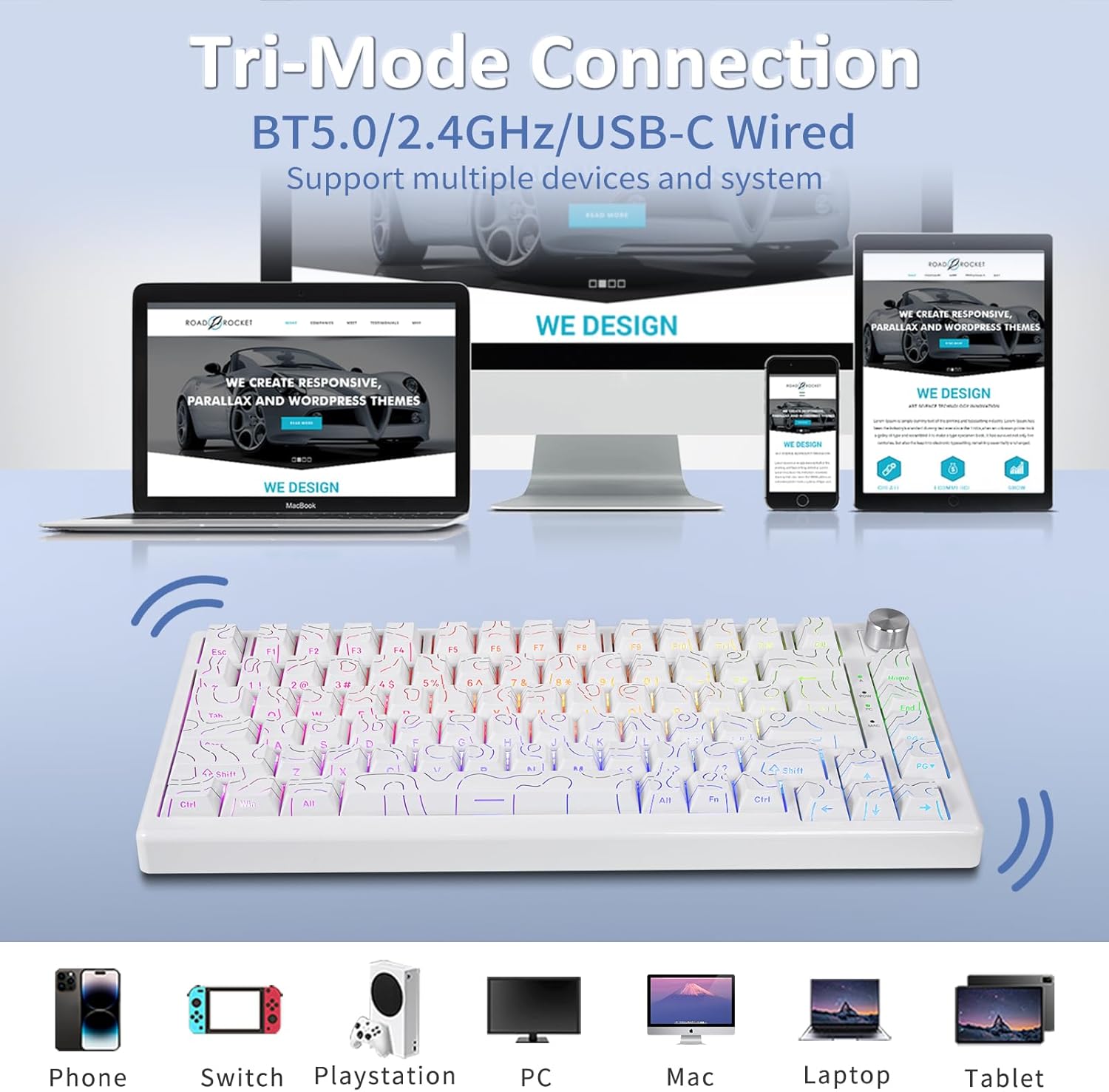
Image: The HUO JI CK621 keyboard demonstrating its versatile tri-mode connection capabilities, including wired, 2.4GHz, and Bluetooth, compatible with various devices like PCs, Macs, laptops, phones, and gaming consoles.
4.3. Bluetooth mòd
- Switch the connection mode selector on the keyboard to the Bluetooth position.
- On your device (PC, laptop, tablet, smartphone), go to Bluetooth settings.
- The keyboard should appear as "HUO JI CK621" or similar in the list of available devices. Select it to pair.
- If prompted, enter the pairing code displayed on your screen.
- The keyboard can store up to three Bluetooth connections. Use specific key combinations (refer to your quick start guide or keyboard markings) to switch between paired devices.
5. Operasyon Enstriksyon
5.1. Volume Knob Functionality
The multi-function knob located on the top right of the keyboard controls audio settings:
- Vire agoch: Diminye volim.
- Vire adwat: Ogmante volim.
- Peze: Play or pause media, or mute/unmute audio.

Image: The multi-function knob on the HUO JI CK621 keyboard allows users to adjust volume by turning it left or right, and to play/pause or mute/unmute audio by pressing it.
5.2. Kontwòl ekleraj RGB
The keyboard features extensive RGB backlighting customization:
- FN + DEL: Switch between various RGB backlit modes.
- FN + F5/F6: Adjust backlighting brightness (F5 for decrease, F6 for increase).
- FN + </>: Adjust light speed (animation speed).
- FN + \|: Switch backlit color between red, green, blue, yellow, pink, cyan, white, and RGB in some modes.
- FN + Retounen: Turn off backlighting.

Image: The HUO JI CK621 keyboard showcasing its 16.8 million RGB backlighting, with key combinations for controlling lighting effects, brightness, and color.
5.3. Multimedia & Special Keyboard Functions
Utilize the FN key in combination with other keys for various functions:
| Konbinezon kle | Fonksyon |
|---|---|
| FN + F1 | Diminye klète ekran an |
| FN + F2 | Ogmante klète ekran an |
| FN + F3 | Multitech |
| FN + F4 | Lis pwogram yo |
| FN + F5 | Klavye ekleraj ekleraj diminye |
| FN + F6 | Keyboard backlight brightness increase |
| FN + F7 | Track Previous |
| FN + F8 | Jwe/Poz |
| FN + F9 | Pwochen tras |
| FN + F10 | bèbè |
| FN + W | Switch to Windows system layout |
| FN + F12 | Switch to macOS system layout |
| FN + G | Game mode lighting |
6. Jesyon batri
The keyboard is equipped with a 4000mAh rechargeable Lithium Polymer battery.
- Chaje: Connect the USB-A to USB-C cable to the keyboard and a power source (computer USB port or wall adapter). The charging indicator will show the charging status.
- Lavi batri: Approximately 30 hours with backlighting ON, and up to 363 hours with backlighting OFF.
- Batri ki ba: When the battery is low, the indicator light will flash. Connect the charging cable promptly.
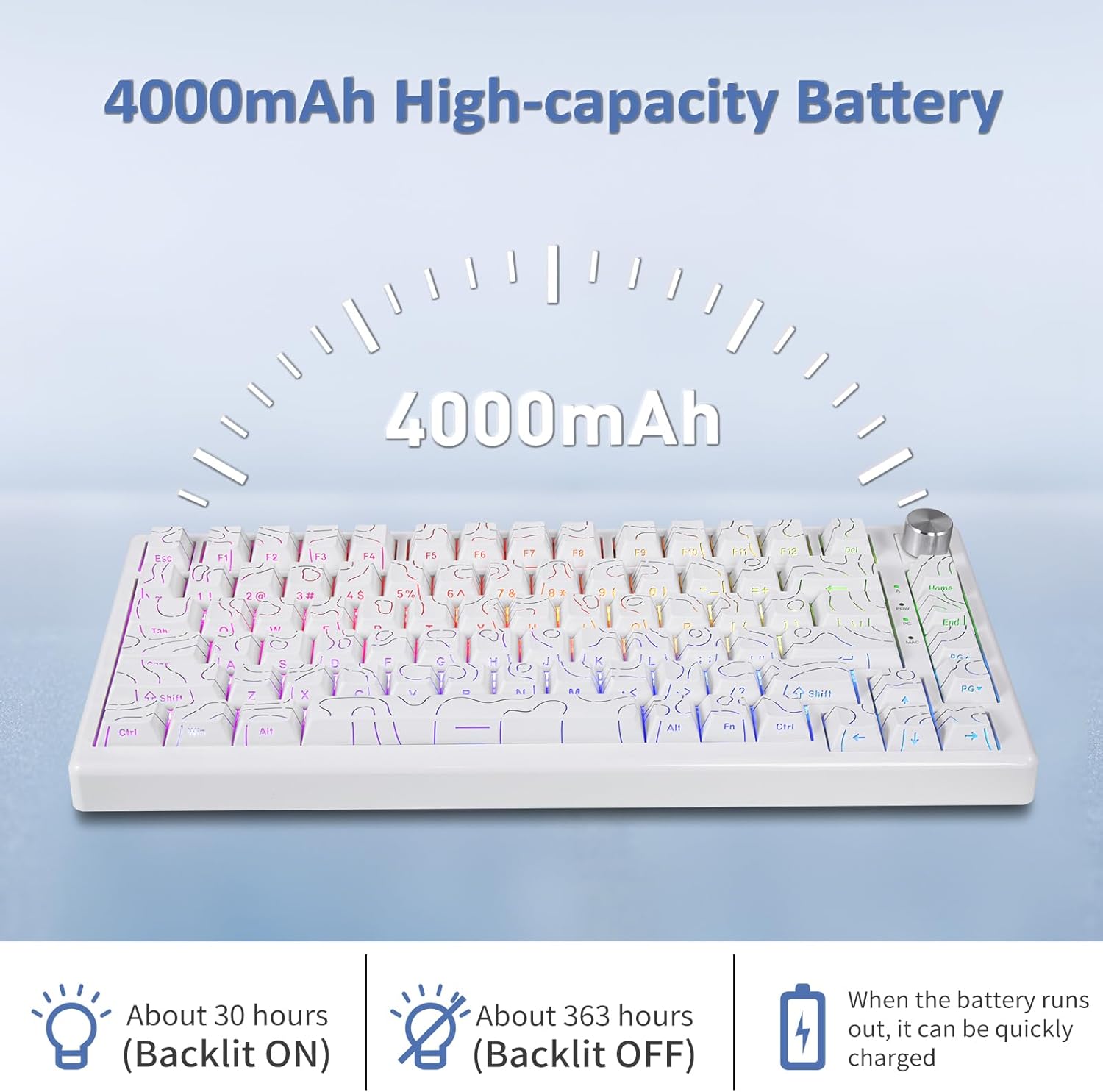
Image: The HUO JI CK621 keyboard highlights its 4000mAh high-capacity battery, providing approximately 30 hours of use with backlighting on and 363 hours with backlighting off.
7. Antretyen
Pou asire lonjevite ak pèfòmans optimal klavye ou a, swiv gid antretyen sa yo:
- Netwayaj: Use a soft, dry cloth to wipe the keyboard surface. For deeper cleaning, use the provided keycap puller to remove keycaps and clean underneath with compressed air or a small brush.
- Depo: Sere klavye a nan yon kote ki fre epi sèk, lwen limyè solèy dirèk ak tanperati ekstrèm.
- Evite likid: Do not expose the keyboard to liquids. In case of spills, immediately disconnect the keyboard and allow it to dry completely before re-connecting.
- Ranplasman switch: When replacing switches, use the provided switch puller and ensure proper alignment to avoid damaging the hot-swappable sockets.
NAN. Depanaj
If you encounter any issues with your HUO JI CK621 keyboard, refer to the following common solutions:
- Klavye a pa reponn: Ensure the keyboard is charged. Check the connection mode (wired, 2.4G, Bluetooth) and ensure it matches your device's connection. For 2.4G, ensure the USB receiver is properly inserted. For Bluetooth, re-pair the device.
- Kle yo pa anrejistre: Clean under the keycaps. If a specific switch is faulty, use the keycap puller and extra switches to replace it.
- RGB backlighting not working: Ensure backlighting is not turned off (FN + Backspace). Adjust brightness (FN + F5/F6) or switch modes (FN + DEL).
- Intermittent wireless connection: Ensure the keyboard is within range of the receiver/Bluetooth device. Avoid interference from other wireless devices.
- System compatibility issues: Ensure the keyboard is set to the correct system mode (FN + W for Windows, FN + F12 for macOS).
Si pwoblèm nan kontinye, tanpri kontakte sipò kliyan pou plis asistans.
9. Espesifikasyon
Detailed technical specifications for the HUO JI CK621 keyboard:
| Karakteristik | Detay |
|---|---|
| Modèl | CK621 |
| Layout | 75% (81-key) |
| Koneksyon | Bluetooth 5.0, 2.4GHz Wireless, USB Wired (Type-C) |
| Chanjman | Pre-lubed Linear Switches, Hot-swappable (3-pin/5-pin) |
| Keycaps | Side-Printed PBT Keycaps |
| Ekleraj | RGB (16.8 milyon koulè) |
| Kapasite batri | 4000mAh Lityòm Polymère |
| Dimansyon pwodwi | 12.8"L x 5.3"W x 1.5"H (32.5 cm x 13.5 cm x 3.8 cm) |
| Pwa atik | 1.4 liv (0.64 kg) |
| Aparèy konpatib | Laptop, PC, PS, Smartphone, iPad, Tablet, XBOX |
| Karakteristik espesyal | Volume Knob, Gasket Structure, N-Key Rollover, WIN Key Lock, Ergonomic Design |
10. Videyo pwodwi ofisyèl la
Watch the official product video for a visual guide on the HUO JI CK621 Tri-Mode Mechanical Keyboard:
Videyo: Yon ofisyèl finiview of the HUO JI CK621 Tri-Mode Mechanical Keyboard, demonstrating its features and functionality.
11. Garanti ak sipò
HUO JI products are manufactured to the highest quality standards. For warranty information, technical support, or customer service inquiries, please refer to the contact details provided on the product packaging or visit the official HUO JI websit la. Kenbe resi acha ou kòm prèv acha pou reklamasyon garanti.


