1. Entwodiksyon
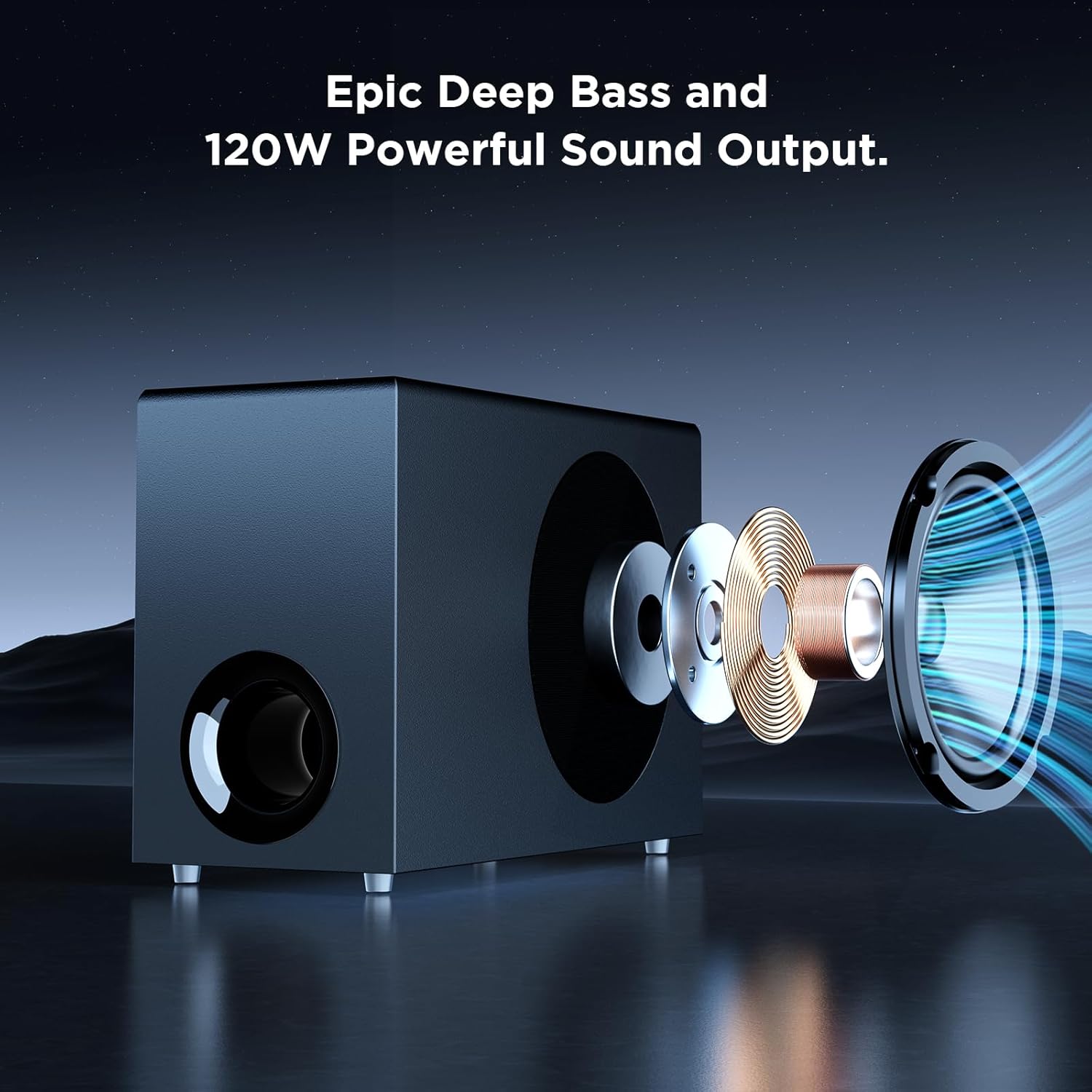
Mèsi pou acha aasing the MZEIBO Sound Bar with Subwoofer. This system is designed to enhance your audio experience for smart TVs, home theater systems, gaming, and music. With 120W audio output, Bluetooth 5.3 connectivity, and multiple input options including ARC, AUX, and Optical, it delivers clear, dynamic sound. This manual provides detailed instructions for proper setup, operation, and maintenance to ensure optimal performance and longevity of your device.
2. Enfòmasyon enpòtan sou sekirite
Tanpri li tout enstriksyon sekirite yo ak anpil atansyon anvan ou itilize pwodui sa a. Kenbe manyèl sa a pou referans pita.
- Pa ekspoze aparèy la ak lapli, imidite, koule oswa pwojeksyon.
- Pa mete objè ki ranpli ak likid, tankou vaz, sou aparèy la.
- Asire bon vantilasyon. Pa bloke okenn ouvèti vantilasyon.
- Mete aparèy la sou yon sifas ki estab, ki plat.
- Sèvi ak sèlman atachman/akseswa manifakti a espesifye.
- Deploge aparèy la pandan tanpèt zèklè oswa lè li pa itilize pou yon tan long.
- Refere tout sèvis yo bay pèsonèl sèvis kalifye.
3. Pake kontni
Verifye ke tout atik yo prezan epi yo an bon kondisyon:
- MZEIBO Sound Bar (Model: tv soundbar)
- Filè Subwoofer
- Kontwòl Remote
- Pouvwa kab
- Gid Quick Start
- ARC/Optical/3.5mm Audio Cables

Yon souview of the MZEIBO Sound Bar system, including the main soundbar unit, the wired subwoofer, and the remote control.
4. Pwodwi souview
4.1 Sound Bar Components
The MZEIBO Sound Bar consists of a main soundbar unit and a wired subwoofer. The soundbar can be used as a single horizontal unit or separated into two vertical tower speakers.

The MZEIBO Sound Bar can be separated into two vertical tower speakers, shown here flanking a subwoofer, offering flexible placement options.
4.2 Control Buttons and Ports
The soundbar features integrated control buttons and various input/output ports for connectivity.

A close-up of the soundbar's side panel, illustrating the integrated power and volume control buttons for direct operation.
This image displays the rear panel of the soundbar, highlighting the various input ports including HDMI ARC, AUX, and Optical for connecting different audio sources.
5. Enstalasyon
5.1 Debalaj ak Premye Enspeksyon
Carefully remove all components from the packaging. Inspect for any signs of damage. Retain packaging for future transport or service needs.
5.2 Sound Bar Assembly (Optional)
The soundbar can be used as a single horizontal unit or split into two vertical tower speakers. To split, gently pull the two halves apart. To reassemble, align the connectors and push the halves together until they click securely.
5.3 Opsyon Plasman
Consider the following placement options for optimal sound and aesthetics:
- Plasman Desktop: Place the soundbar (either as a single unit or two separated towers) on a flat surface, such as a TV stand, directly below your television. Ensure the subwoofer is placed on the floor for best bass response.
- Mi Mount: The soundbar can be mounted on a wall below your TV. Use appropriate mounting hardware (screws included) and ensure the wall can support the weight of the soundbar.

The soundbar and subwoofer are positioned on a media console beneath a television, demonstrating a typical desktop placement for home theater use.

The soundbar is shown mounted on the wall directly beneath a television, showcasing a space-saving installation option.
5.4 Konekte sou pouvwa
Connect the provided power cable to the DC IN port on the soundbar and then plug it into a wall outlet.
5.5 Koneksyon Audio
Chwazi youn nan metòd sa yo pou konekte sous odyo ou a:
- HDMI (ARC): For the best audio quality and TV remote control integration, connect an HDMI cable from the soundbar's HDMI (ARC) port to your TV's HDMI ARC port.
- Optik: Connect an Optical cable from the soundbar's OPT port to your TV's Optical Digital Audio Out port.
- AUX: Connect a 3.5mm audio cable from the soundbar's AUX port to the audio output of your device (e.g., TV headphone jack, computer).
- Bluetooth 5.3: For wireless connection, enable Bluetooth on your device and select "MZEIBO Sound Bar" from the list of available devices.
6. Operasyon
6.1 Power On/Off
Press the power button on the soundbar or the remote control to turn the unit on or off. The soundbar will indicate its status with an LED light.
6.2 Kontwòl Volim
Adjust the volume using the '+' and '-' buttons on the soundbar or the volume buttons on the remote control.
6.3 Seleksyon Antre
Press the 'Input' button on the remote control or the 'Mode' button on the soundbar to cycle through available input sources (ARC, Optical, AUX, Bluetooth).
6.4 Mòd son
The soundbar offers three optimized sound modes for different content types:
- Mòd nouvèl: Enhances vocal clarity for news broadcasts and dialogue-heavy content.
- Mode fim: Provides a dynamic and immersive audio experience for films.
- Mòd Mizik: Optimizes sound for balanced music playback.
Select your desired mode using the dedicated buttons on the remote control.

An illustrative graphic demonstrating the three optimized sound modes available on the MZEIBO Sound Bar: News for clear dialogue, Movie for cinematic experience, and Music for balanced audio playback.
6.5 Kontwòl Remote
The included remote control provides full functionality for your soundbar.

The remote control for the MZEIBO Sound Bar, featuring buttons for power, volume, input selection, and sound mode adjustments.
7. Antretyen
- Netwayaj: Sèvi ak yon twal mou epi sèk pou netwaye sifas ba son an ak subwoofer la. Pa sèvi ak pwodui netwayaj likid oswa ayewosòl.
- Depo: Si w ap sere aparèy la pou yon bon bout tan, dekonekte l nan kouran an epi sere l nan yon kote ki fre epi sèk.
NAN. Depanaj
| Pwoblèm | Kòz posib | Solisyon |
|---|---|---|
| Pa gen pouvwa | Kab kouran an pa konekte oswa priz la pa aktif. | Asire w ke kab kouran an byen konekte ak ba son an ak yon priz kouran ki fonksyone. |
| Pa gen son | Incorrect input selected, volume too low, or incorrect cable connection. |
|
| Pwoblèm appariement Bluetooth | Device not in pairing mode, too far from soundbar, or interference. |
|
| Remote kontwòl pa travay | Batteries depleted or obstruction between remote and soundbar. | Replace the remote control batteries. Ensure there are no obstructions blocking the remote's signal to the soundbar. |
9. Espesifikasyon
| Karakteristik | Detay |
|---|---|
| Mak | MZEIBO |
| Non modèl | tv soundbar |
| Kalite Oratè | Ba son |
| Oratè maksimòm pwodiksyon pouvwa | 120 Watts |
| Koneksyon Teknoloji | ARC, Auxiliary, Bluetooth, Optical, RCA |
| Bluetooth vèsyon | 5.3 |
| Konfigirasyon chanèl son antoure | 5.1 |
| Dimansyon pwodwi | 33"D x 2.36"W x 2.36"H |
| Pwa atik | 12.69 liv |
| Metòd kontwòl | Bouton pouse, Aleka |
| Itilizasyon Rekòmande | For Computers, For DVD Players, For Gaming Consoles, For Music Players, For Surround Sound Systems, For Televisions |
| Aparèy konpatib | Desktop, Gaming Console, Home Theater, Laptop, Television |
10. Garanti ak sipò
MZEIBO offers long-term after-sales service to ensure a worry-free purchase. If you encounter any issues during use or require technical assistance, please contact our customer support team. Refer to the Quick Start Guide for contact information or visit the official MZEIBO websit.
11. Videyo pwodwi ofisyèl la
An official video demonstrating the MZEIBO Soundbar with Subwoofer, highlighting its features and setup options.


