1. Entwodiksyon
Thank you for choosing the UCOCARE Mini Portable Projector V18. This projector is designed to provide a high-quality visual and audio experience for various entertainment and presentation needs. Featuring native 1080P resolution with 4K support, AI-enhanced visuals and audio, and smart screen adjustments, it offers versatility and ease of use. Please read this manual thoroughly before using the product to ensure proper operation and to maximize its lifespan.
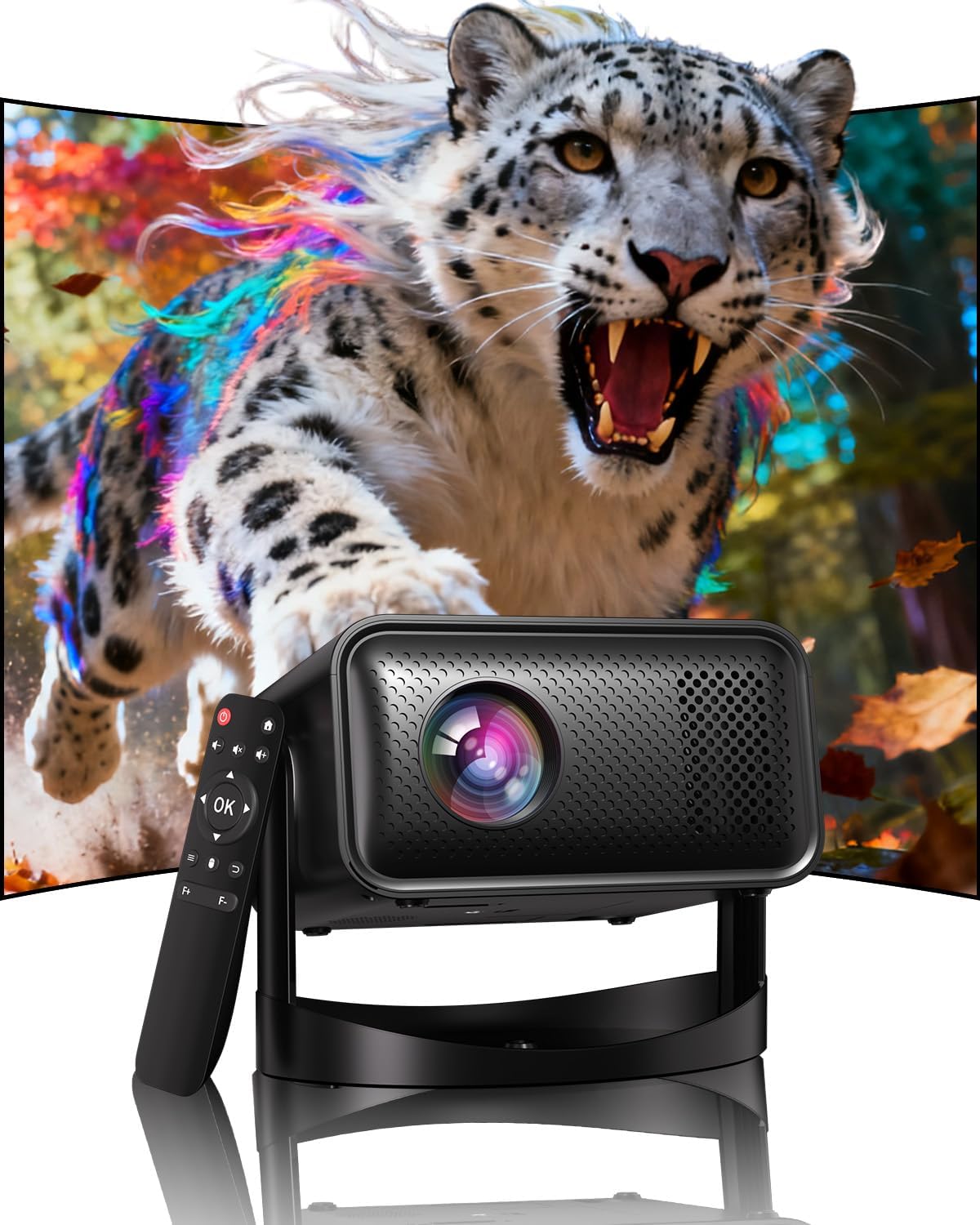
Image: The UCOCARE Mini Portable Projector V18, showcasing its compact design and the vibrant projection capabilities.
2. Enfòmasyon sou Sekirite
- Pa gade dirèkteman nan lantiy pwojektè a lè l ap limen.amp se sou.
- Asire bon vantilasyon alantou pwojektè a pou anpeche surchof.
- Sèvi ak adaptè pouvwa a sèlman ki bay aparèy la.
- Kenbe pwojektè a lwen dlo, imidite, ak materyèl ki ka pran dife.
- Evite mete pwojektè a sou sifas ki pa estab.
- Pa eseye demonte oswa repare pwojektè a tèt ou. Kontakte sèvis kliyan pou jwenn asistans.
3. Pake kontni
Verifye ke tout atik yo prezan nan pakè ou a:
- UCOCARE Mini Portable Projector V18
- Kontwòl Remote
- Kòd pouvwa
- Manyèl Itilizatè (dokiman sa a)
4. Pwodwi souview
The UCOCARE V18 projector combines advanced features in a compact design, making it suitable for various environments. It weighs approximately 2.09 pounds and measures 8.35 x 8.03 x 5.28 inches.

Image: The compact and lightweight design of the UCOCARE Mini Portable Projector V18, highlighting its dimensions and portability.
4.1 Karakteristik kle
- Native 1080P Resolution with 4K Support: Delivers sharp and detailed images.
- AI-Enhanced Visuals: Improves detail, contrast, and color for a lifelike vieweksperyans nan.
- AI-Enhanced Audio: Provides clear dialogue and rich, distortion-free sound.
- Smart Screen Adjustment: Features electric focus, 50%-100% zoom, and auto keystone correction.
- Doub Band WiFi: Supports 2.4GHz/5GHz for stable and high-speed streaming.
- Koneksyon Bluetooth: For wireless audio devices.
- 180° Flexible Rotating Stand: Allows projection on walls, ceilings, or tables.
- Koneksyon inivèsèl: HDMI, USB, and 3.5mm audio jack.
5. Enstalasyon
5.1 Plasman
Position the projector on a stable surface. The 180° flexible rotating stand allows you to adjust the projection angle to suit your needs, whether projecting on a wall, ceiling, or screen.
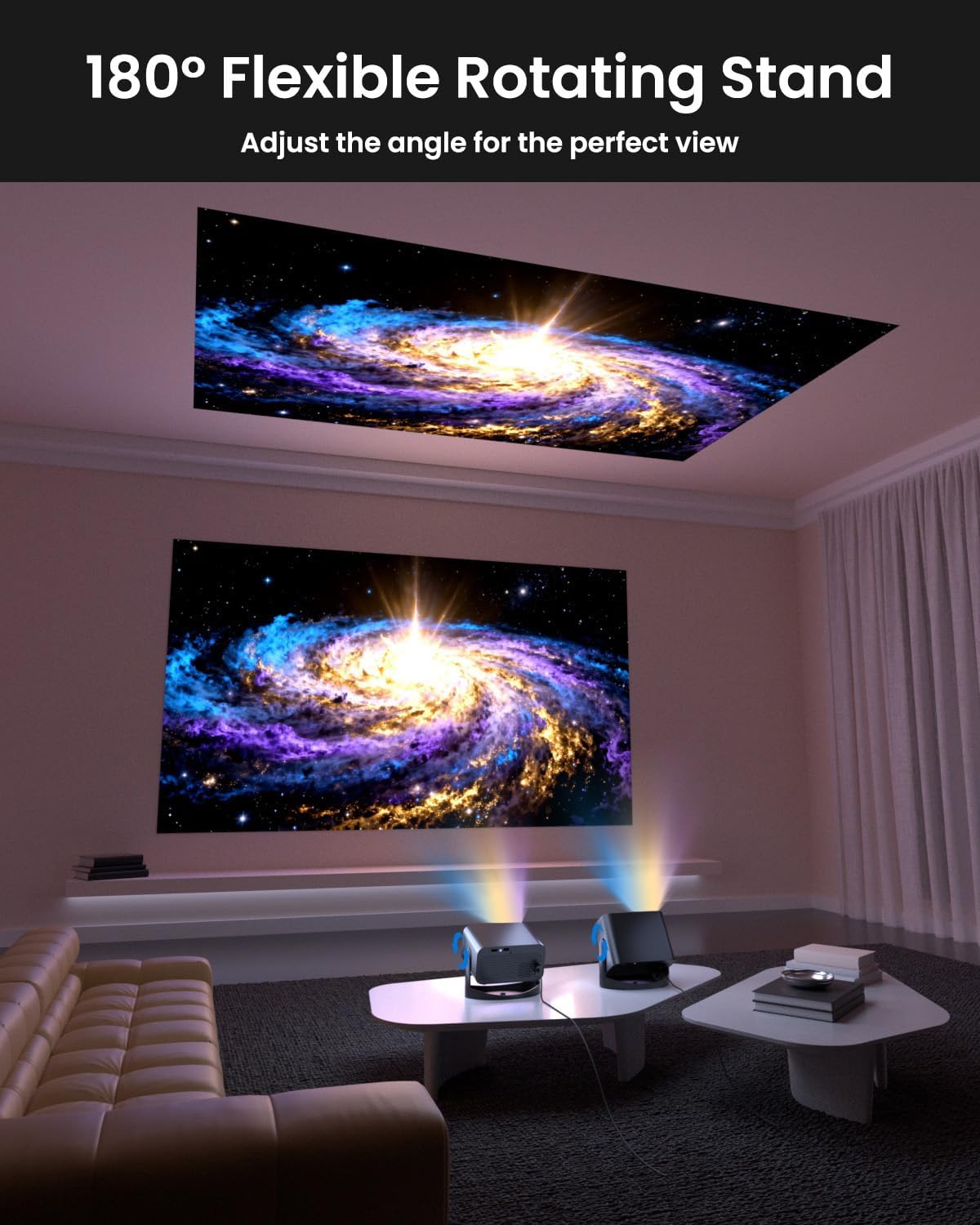
Image: The UCOCARE Mini Portable Projector V18 demonstrating its flexible 180° rotating stand, allowing projection onto various surfaces.
5.2 Koneksyon pouvwa
- Konekte kòd kouran an nan pò antre kouran pwojektè a.
- Ploge lòt bout kòd kouran an nan yon priz kouran.
- Peze bouton pouvwa a sou pwojektè a oswa sou kontwòl remote la pou limen li.
5.3 Initial Screen Adjustment
The projector features smart screen adjustment for optimal viewing.
- Konsantre elektrik: Use the remote control to activate one-touch electric focus for a clear image.
- Koreksyon Keystone Auto: The projector will automatically correct vertical distortion.
- Zoom Function (50%-100%): Adjust the screen size without moving the projector using the remote control.

Image: Visual representation of the smart screen adjustment features: Electric Focus, 50%-100% Zoom, and Auto Keystone Correction.
5.4 Koneksyon Rezo (WiFi)
- Navigate to the 'Settings' menu on the projector.
- Chwazi 'Rezo' oswa 'Paramèt WiFi'.
- Choose your desired 2.4GHz or 5GHz WiFi network from the list.
- Antre modpas la epi konekte.
5.5 Bluetooth Pairing
- Go to the 'Settings' menu and select 'Bluetooth'.
- Pèmèt Bluetooth sou pwojektè a.
- Put your Bluetooth audio device (e.g., speaker, headphones) into pairing mode.
- Select your device from the list on the projector screen to pair.
6. Opere
6.1 Konekte Aparèy Ekstèn yo
Pwojektè a sipòte plizyè sous opinyon:
- HDMI: Connect devices like laptops, gaming consoles, or TV sticks using an HDMI cable.
- USB: Plug in a USB drive to play media files dirèkteman.
- 3.5mm Audio Jack: Konekte oratè ekstèn filaire oswa kas ekoutè.
- Distribisyon san fil: Stream content from your smartphone or tablet via WiFi.

Imaj: Plis paseview of the UCOCARE Mini Portable Projector V18's universal multi-device connectivity options.
6.2 Kalite Imaj
Experience stunning visuals with AI-enhanced technology.

Image: The UCOCARE Mini Portable Projector V18's AI-enhanced video quality, detailing 4K support, HDR 10+, Native 1080P, and Wide Color Gamut.
6.3 Kalite Odyo
The projector features AI-enhanced audio for an immersive sound experience.
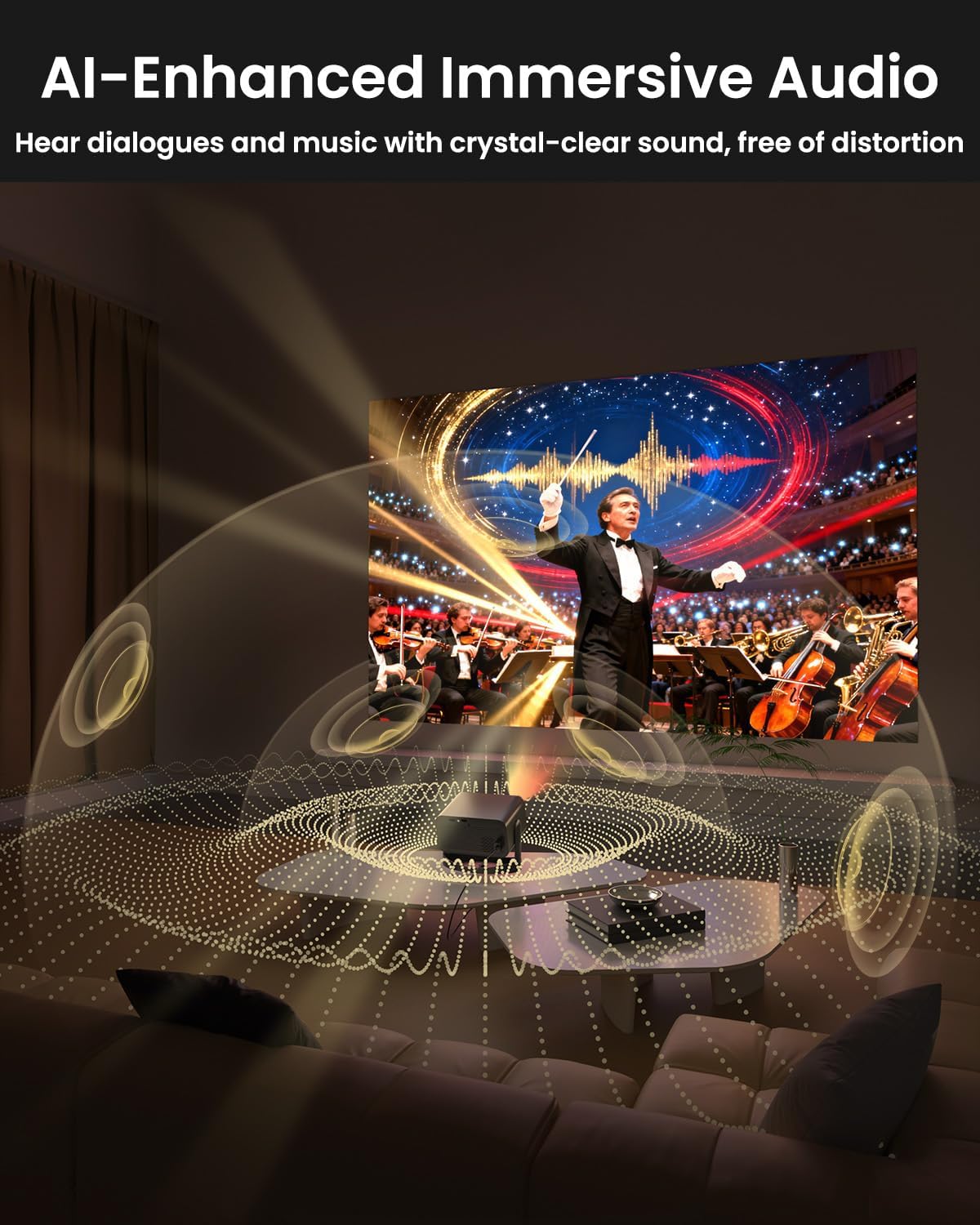
Image: The UCOCARE Mini Portable Projector V18 delivering AI-enhanced immersive audio, creating a surround sound experience.
6.4 Fonksyon kontwòl Remote
The included remote control allows you to navigate menus, adjust volume, change input sources, and control playback. Refer to the remote control diagram in your quick start guide for specific button functions.
6.5 Senaryo Itilizasyon
The UCOCARE V18 projector is versatile for various uses:
- Teyat lakay: Enjoy movies and shows on a large screen.
- Gaming: Connect your console for an immersive gaming experience.
- Prezantasyon biznis: Project documents and slides for meetings.
- Bedtime Relax: Project calming visuals or stories onto the ceiling.

Image: The UCOCARE Mini Portable Projector V18 adapting to various scenarios, including home theater, business, gaming, and relaxation.
7. Antretyen
7.1 Netwaye Lantiy la
Sèvi ak yon twal mou ki pa gen pousyè, espesyalman fèt pou lantiy optik, pou siye lantiy pwojektè a dousman. Evite itilize materyèl abrazif oswa pwodui chimik ki agresif.
7.2 Retire pousyè
Regularly clean the projector's exterior with a soft, dry cloth. For ventilation openings, use a soft brush or compressed air to remove dust buildup, ensuring proper airflow.
7.3 Depo
Lè w pa itilize pwojektè a pou yon bon bout tan, sere l nan yon kote ki fre epi sèk, lwen limyè solèy dirèk ak tanperati ekstrèm. Sèvi ak anbalaj orijinal la oswa yon kouvèti pwoteksyon pou anpeche pousyè ak domaj.
NAN. Depanaj
Si ou rankontre pwoblèm ak pwojektè ou a, gade pwoblèm ak solisyon komen sa yo:
| Pwoblèm | Kòz posib | Solisyon |
|---|---|---|
| Pa gen imaj sou ekran an | Power cable disconnected, incorrect input source, lens cap on. | Check power connection, select correct input source, remove lens cap. |
| Imaj la twoub | Focus not adjusted, projector too far/close. | Use electric focus function. Adjust projector distance if necessary. |
| Pa gen son | Volume too low, external audio device not connected, incorrect audio output. | Increase volume, check Bluetooth connection or 3.5mm cable, select correct audio output in settings. |
| WiFi/Bluetooth connectivity issues | Out of range, incorrect password, interference. | Ensure projector is within range of router/device. Re-enter password. Reduce interference. |
| Remote kontwòl pa travay | Batteries low/dead, obstruction, remote not paired. | Replace batteries. Remove obstructions. Re-pair remote if applicable. |
9. Espesifikasyon
| Karakteristik | Detay |
|---|---|
| Mak | UCOCARE |
| Nimewo Modèl | V18 |
| Rezolisyon ekspozisyon | Native 1920 x 1080 (1080P), 4K Supported |
| Koneksyon Teknoloji | 2.4GHz/5GHz Wi-Fi, Bluetooth, 3.5mm Jack, HDMI, USB |
| Karakteristik espesyal | 4K Supported, Native 1080P, Adjustable Stand, Electric Focus, Auto Keystone, Portable Mini Size, Built-In 2.4G/5GHz WiFi, Built-In Bluetooth |
| Pwa atik | 2.09 liv |
| Dimansyon pake | 8.35 x 8.03 x 5.28 pous |
| Itilizasyon Rekòmande | Biznis, Edikasyon, Jwèt Videyo, Sinema Lakay |
10. Garanti ak sipò
UCOCARE products are manufactured to high-quality standards. For warranty information, please refer to the documentation included with your purchase or visit the official UCOCARE website. If you require technical assistance or have questions not covered in this manual, please contact UCOCARE customer support.
Enfòmasyon kontak yo anjeneral disponib sou anbalaj pwodwi a oswa sou mak ofisyèl la. websit.


