1. Entwodiksyon
Mèsi pou acha aasing the WOLFANG Portable Projector WP05. This device is designed to provide a versatile and immersive viewing experience with its Android 11 operating system, high-definition resolution, and portable design. This manual provides essential information for setting up, operating, and maintaining your projector. Please read it thoroughly before use to ensure optimal performance and safety.
2. Enfòmasyon sou Sekirite
Please observe the following safety precautions to prevent damage to the projector and ensure user safety:
- Pa gade dirèkteman nan lantiy pwojektè a lè l ap limen.amp se sou.
- Asire bon vantilasyon alantou pwojektè a pou anpeche surchof.
- Sèvi sèlman ak adaptè kouran ki vini ak pwojektè a.
- Kenbe pwojektè a lwen dlo, imidite, ak materyèl ki ka pran dife.
- Pa eseye demonte oswa repare pwojektè a tèt ou. Kontakte pèsonèl sèvis kalifye pou asistans.
- Kenbe soti nan atenn timoun yo.
3. Pake kontni
Verifye ke tout atik yo prezan nan pakè ou a:
- WOLFANG Portable Projector WP05
- Remote Control (with Air Mouse function)
- Adaptè pouvwa
- Manyèl itilizatè

Imaj: Devan view of the WOLFANG Portable Projector WP05 retail box, showing the product name and a graphic of the projector.
4. Pwodwi souview
Familiarize yourself with the components of your WOLFANG Portable Projector WP05.
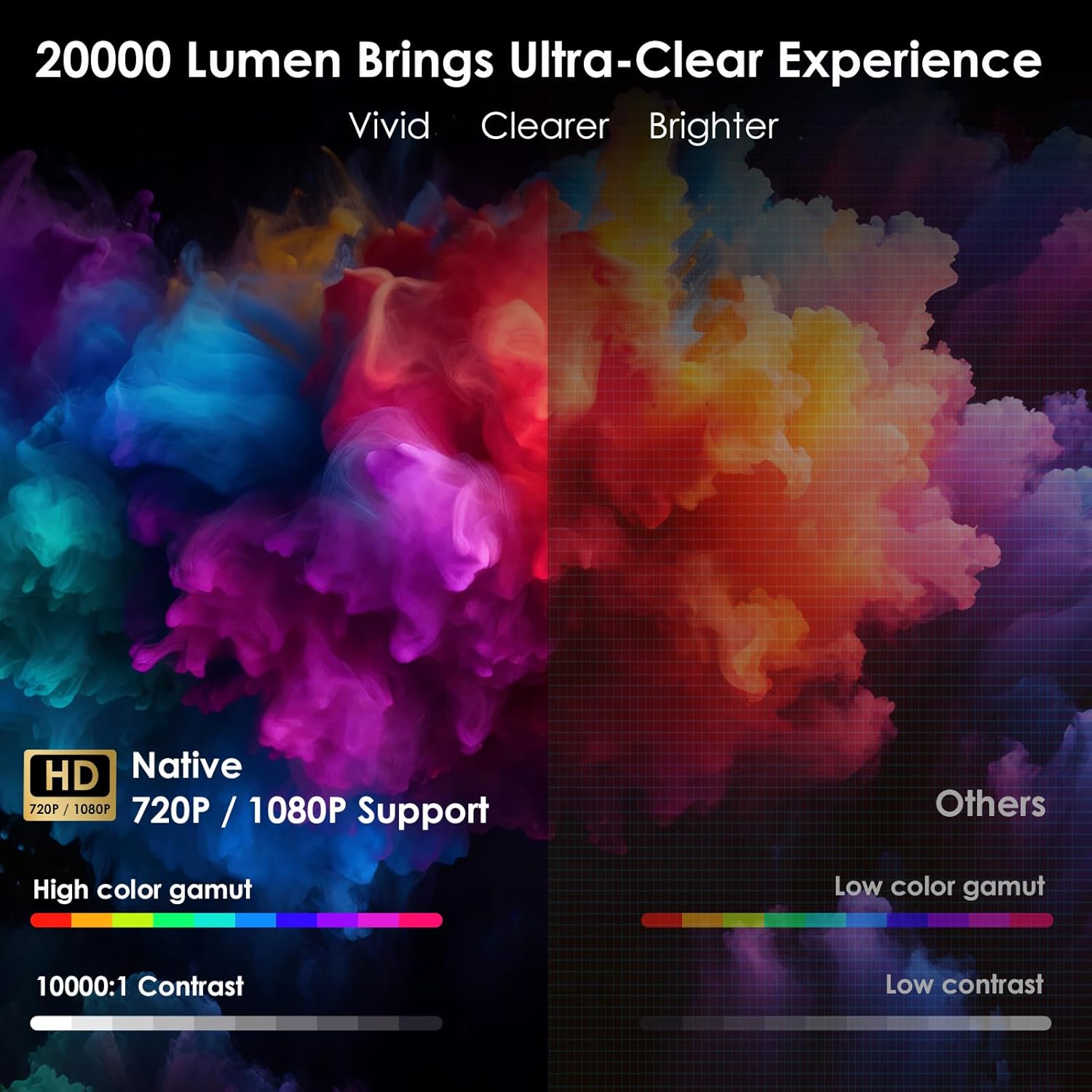
Image: The WOLFANG Portable Projector WP05 shown from the front, highlighting its compact cylindrical design and lens.
Karakteristik kle:
- HD 1080P Resolution: Supports 1920 x 1080P resolution for clear visuals.
- Android 11 OS: Built-in operating system with access to over 5,000 applications.
- Otomatik koreksyon Keystone: ±45° auto vertical keystone correction for image alignment.
- Sipò ki ka vire 180°: Flexible projection angle for walls, ceilings, or floors.
- Dual-band Wi-Fi 6: Supports 2.4G and 5G networks for stable and fast streaming.
- Bluetooth 5.2: Pou konekte aparèy odyo ekstèn.
- Oratè Hi-Fi entegre: Integrated 3W speaker for audio output.
- Kontra enfòmèl ant ak pòtab: Weighs approximately 0.6KG for easy transport.

Image: The WOLFANG Portable Projector WP05 being placed into a backpack, illustrating its compact and portable design with dimensions of 6.14 inches in length and 3.74 inches in width.
5. Enstalasyon
5.1 Plasman
Position the projector on a stable, flat surface. The 180° rotatable stand allows for flexible projection angles, including walls, ceilings, or floors.

Image: The WOLFANG Portable Projector WP05 projecting onto a ceiling, demonstrating its 180-degree rotatable stand for versatile viewpozisyon yo.
5.2 Koneksyon pouvwa
- Konekte adaptè kouran an nan pò antre kouran pwojektè a.
- Ploge adaptè pouvwa a nan yon priz miray.
- Peze bouton pouvwa a sou pwojektè a oswa sou kontwòl remote la pou limen li.
5.3 Koreksyon Fokus ak Keystone
The projector features automatic vertical keystone correction and manual focus adjustment.
- Otomatik Vètikal Keystone: The projector automatically adjusts vertical image distortion.
- Konsantre manyèl: Rotate the focus ring on the projector to achieve a clear image.
- Manual 4-Corner Correction: For more precise adjustments, navigate to the settings menu to manually adjust each corner of the projection.
- Fonksyon Zoom: Adjust the projection size from 50% to 100% via the settings.

Image: A diagram illustrating the auto vertical keystone correction, manual 4-corner correction, and 50-100% zoom features of the WOLFANG Portable Projector WP05, along with a close-up of the manual focus ring.
6. Operasyon Enstriksyon
6.1 Remote Control with Air Mouse
The included remote control features an Air Mouse function for easy navigation.
- Turn on the remote control's Air Mouse mode (refer to remote control instructions for specific button).
- Shake the remote control to activate the on-screen cursor.
- Use the directional buttons and OK button for menu navigation and selection.

Image: A hand holding the WOLFANG Portable Projector WP05 remote control, with an inset showing how to activate the Air Mouse function and use the OK and arrow buttons for navigation on a projected Netflix screen.
6.2 Android 11 OS and Built-in Apps
Pwojektè a fonksyone sou Android 11, sa ki bay aksè a yon pakèt aplikasyon.
- Upon startup, you will see the Android home screen.
- Pre-installed apps include Netflix, YouTube, Prime Video, and access to the Google Play Store for additional downloads.
- Customize your desktop wallpaper and organize your apps as desired.

Image: The WOLFANG Portable Projector WP05 projecting a screen displaying various streaming service logos like Netflix, YouTube, Prime Video, HBO Max, and the Google Play Store icon, indicating built-in Android app functionality.
Image: A projected screen from the WOLFANG Portable Projector WP05 showing a customizable Android interface with icons for Netflix, YouTube, ScreenCast, File Manager, HDMI, Settings, App Store, Music, and Play Store, emphasizing its 'Customized Personal Cinema' capabilities.
6.3 Miroir ekran
The projector supports fast screen mirroring via Wi-Fi 6 for iOS, Android, and Windows devices.
- Miracast: For Android and Windows devices.
- Antèn: Pou aparèy iOS.
- Ensure your device and the projector are connected to the same Wi-Fi network.
- Select the appropriate screen mirroring option from the projector's menu.
- Initiate screen mirroring from your mobile device or computer.

Image: The WOLFANG Portable Projector WP05 projecting a dynamic image, with icons for Miracast and Airplay, and a smartphone displaying content being mirrored to the projector, highlighting its WiFi 6 fast screen mirroring capability.
7. Koneksyon
7.1 Koneksyon Wi-Fi
The projector supports dual-band Wi-Fi 6 (2.4G and 5G) for stable internet access and screen mirroring.
- Ale nan Anviwònman on the projector's home screen.
- Chwazi Rezo & Entènèt.
- Aktive Wi-Fi a epi chwazi rezo ou vle a nan lis la.
- Antre modpas la si yo mande w epi konekte.
7.2 Bluetooth Koneksyon
Konekte oratè Bluetooth ekstèn oswa kas ekoutè pou amelyore odyo.
- Ale nan Anviwònman on the projector's home screen.
- Chwazi Aparèy ki konekte or Bluetooth.
- Limen Bluetooth.
- Mete aparèy Bluetooth ou a nan mòd appariement.
- Chwazi aparèy ou an nan lis aparèy ki disponib pou konekte.
7.3 Koneksyon HDMI ak USB
Pwojektè a gen pò HDMI ak USB pou konekte plizyè aparèy ekstèn.
- HDMI: Connect devices such as laptops, gaming consoles, TV sticks, or Blu-ray players. Select the HDMI input source from the projector's menu.
- USB: Konekte kle USB yo pou jwe medya files directly. Select the USB input source from the projector's menu.
8. Antretyen
Regular maintenance helps prolong the life of your projector.
- Netwayaj lantiy: Sèvi ak yon twal mou ki pa gen pousyè, espesyalman fèt pou lantiy optik, pou siye lantiy pwojektè a dousman. Pa sèvi ak pwodui netwayaj abrazif.
- Retire pousyè: Use a soft brush or compressed air to clean dust from the ventilation openings.
- Depo: Lè w pa ap itilize pwojektè a, sere l nan yon kote ki fre epi sèk, lwen limyè solèy dirèk ak tanperati ekstrèm.
NAN. Depanaj
Si ou rankontre pwoblèm, gade pwoblèm ak solisyon komen sa yo:
| Pwoblèm | Solisyon posib |
|---|---|
| Pa gen pouvwa | Ensure the power adapter is securely connected to the projector and a working power outlet. |
| Pa gen imaj | Check if the projector is powered on. Verify the input source (HDMI, USB, etc.) is correctly selected. |
| Imaj twoub | Adjust the manual focus ring on the projector. Ensure the projection surface is flat. |
| Image distorted | The projector has auto vertical keystone correction. For further adjustment, use manual 4-corner correction in settings. |
| Pa gen son | Check the volume settings on the projector and the connected source device. Ensure external Bluetooth speakers are properly paired. |
| Remote kontwòl pa travay | Check the remote control batteries. Ensure there are no obstructions between the remote and the projector. |
10. Espesifikasyon
Technical specifications for the WOLFANG Portable Projector WP05:
| Karakteristik | Detay |
|---|---|
| Mak | WOLFANG |
| Modèl | WP05 |
| Rezolisyon ekspozisyon | 1920 x 1080 (Full HD) |
| Aspè rapò | 16:9, 4:3 |
| Sistèm operasyon | Android 11 |
| Koneksyon Teknoloji | Wi-Fi 6 (2.4G/5G), Bluetooth 5.2 |
| Entèfas Materyèl | HDMI, USB |
| Karakteristik espesyal | Built-in Smart System, Auto Keystone Correction, 180° Rotation |
| Gwosè Imaj maksimòm | 300 pous |
| Pwa atik | 635 gram |
| Dimansyon pake | 17.8 x 16.4 x 11.3 cm |
11. Garanti ak sipò
11.1 Enfòmasyon sou Garanti
The WOLFANG Portable Projector WP05 comes with a 24-mwa garanti from the date of purchase. Please retain your proof of purchase for warranty claims. The warranty covers manufacturing defects and malfunctions under normal use. It does not cover damage caused by misuse, accidents, unauthorized repairs, or natural disasters.
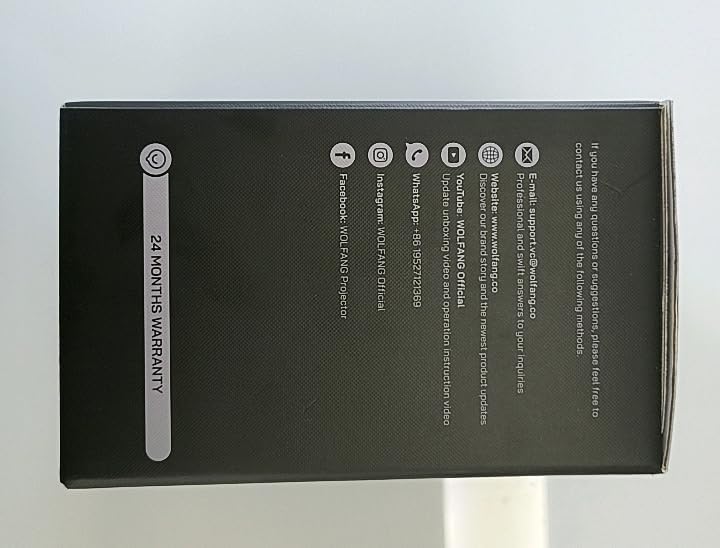
Imaj: Bò kote view of the WOLFANG Portable Projector WP05 box, clearly displaying a '24 MONTHS WARRANTY' badge and contact information.
11.2 Sipò pou Kliyan
For any questions, suggestions, or support needs, please contact WOLFANG customer service using the following methods:
- Imèl: support.tvc@wolfang.co
- Websit: www.wolfang.co
- YouTube: WOLFANG Official (for instruction videos and product updates)
- WhatsApp: +86 19527121353
- Instagbelye mouton: Ofisyèl WOLFANG
- Facebook: WOLFANG Projector


