1. Entwodiksyon
Thank you for choosing the HTC N15 Wireless Clip-On Earbuds. These open-ear earphones are designed to provide audio while allowing you to remain aware of your surroundings. This manual provides detailed instructions for setup, operation, and maintenance to ensure optimal performance and longevity of your device.

Image 1.1: HTC N15 Wireless Clip-On Earbuds and Charging Case.
2. Pake kontni
Tanpri verifye sa ki nan pake a lè w ap debale l. Si gen nenpòt atik ki manke oswa ki domaje, kontakte sèvis kliyan.
- 1 Pair HTC N15 Clip-On Earbuds
- 1 Chaje Ka
- 1 USB-C Chaje Kab
- 1 Manyèl Itilizatè (dokiman sa a)
Video 2.1: Unboxing the HTC N15 Wireless Clip-On Earbuds, showing the earbuds, charging case, and USB-C cable.
3. Pwodwi souview
3.1 Karakteristik ekoutè yo
- Konsepsyon zòrèy louvri: Pèmèt ou pran konsyans de anviwònman an.
- Clip-On Fit: Secure and comfortable for various activities.
- Kontwòl manyen: Intuitive control for audio and calls.
- Mikwofòn entegre: For clear communication.
- Lejè: Each earbud weighs approximately 4.7g.
- Chofè 13mm: For enhanced sound quality.
3.2 Charging Case Features
- USB-C chaje pò: Pou yon chajman pratik.
- Endikatè batri: LEDs show charging status and battery level.

Imaj 3.1: Plis paseview of HTC N15 earbuds and charging case, highlighting battery life and Type-C charging port.
4. Enstalasyon
4.1 Chaje ekoutè yo ak bwat la
Anvan premye itilizasyon an, chaje ekoutè yo ak bwat chaje a nèt.
- Mete ekoutè yo nan ka chaje a.
- Konekte kab chaje USB-C a nan pò chaje ki sou bwat la epi nan yon sous kouran.
- The LED indicators on the case will illuminate to show charging status. A full charge for the case takes approximately 1.5 hours.
- The earbuds provide up to 8 hours of playback on a single charge, and the charging case extends total playtime to 22 hours.

Image 4.1: Visual representation of charging times and battery life for the HTC N15 earbuds and case.
4.2 Pairing ak yon Aparèy
The HTC N15 earbuds use Bluetooth 6.0 for fast and stable connections.
- Asire w ke ekoutè yo chaje epi yo anndan bwat chaje a.
- Louvri bwat chaje a. Ekoutè yo ap antre otomatikman nan mòd koneksyon, sa ap parèt ak limyè LED ki ap flache yo.
- Sou aparèy ou an (telefòn entelijan, tablèt, òdinatè pòtab), ale nan paramèt Bluetooth epi aktive Bluetooth la.
- Chèche pou available devices and select "HTC NE15" from the list.
- Yon fwa konekte, LED ekoutè yo ap sispann flache, epi w ap tande yon son konfimasyon.
Ekoutè yo ap konekte otomatikman ak dènye aparèy ki te konekte a lè yo retire yo nan bwat la, si Bluetooth aktive sou aparèy la.

Image 4.2: The HTC N15 earbuds offer flexible connectivity with various devices including notebooks, TVs, desktops, watches, phones, and iPads.
5. Enstriksyon pou mete
Pou yon son ak yon konfò optimal, asire w ke ekoutè yo byen mete.
- Idantifye ekoutè gòch (G) ak ekoutè dwat (D).
- Confirm the direction of the earbud, ensuring the clip is oriented to hook over the top of your ear.
- Gently clip the earbud onto the thinnest part of your ear, sliding it down until it feels secure.
- Adjust the earbud tip to align with your ear canal for the best sound experience and comfort.

Image 5.1: Step-by-step guide on how to properly wear the HTC N15 Clip-On Earbuds for a secure and comfortable fit.

Image 5.2: Illustration of the ergonomic open-ear clip design and wearing tips for optimal sound alignment.
6. Operasyon Enstriksyon
The HTC N15 earbuds feature smart touch controls for easy management of audio and calls.

Image 6.1: Diagram illustrating the touch control functions for the HTC N15 earbuds.
6.1 Kontwòl Mizik
- Jwe/Poz: Double-klike sou nenpòt ekoutè.
- Pwochen chante: Triple-click the Right (R) earbud.
- Chante Previous: Triple-click the Left (L) earbud.
- Volim moute: Click the Right (R) earbud.
- Volim desann: Click the Left (L) earbud.
6.2 Kontwòl apèl
- Reponn/Fen Apèl: Click either earbud.
- Rejte apèl: Peze epi kenbe swa ekoutè pou 2 segonn.
6.3 Asistan Vwa ak Mòd Jwèt
- Aktive Asistan Vwa: Hold the Left (L) earbud for 2 seconds.
- Mòd jwèt: Hold the Right (R) earbud for 2 seconds to activate low-latency mode.

Image 6.2: The HTC N15 earbuds feature a low-latency Game Mode, reducing audio delay to 40ms for an improved gaming experience.
7. Antretyen
7.1 Netwayaj
- Netwaye ekoutè yo ak bwat chaje a regilyèman avèk yon twal mou, sèk, epi ki pa gen pousyè.
- Pa sèvi ak pwodui netwayaj abrazif, alkòl, oswa solvan chimik.
- Asire w ke kontak chaje yo sou tou de ekoutè yo ak sou bwat la pwòp epi sèk.
7.2 Depo
- Sere ekoutè yo nan ka chaje yo lè yo pa itilize pou pwoteje yo epi kenbe yo chaje.
- Evite estoke nan tanperati ekstrèm oswa imidite segondè.
7.3 Rezistans dlo ak pousyè
The HTC N15 earbuds are rated IP45 for water and dust resistance. This means they are protected against dust ingress and low-pressure water jets from any direction. They are suitable for workouts and light rain but should not be submerged in water.
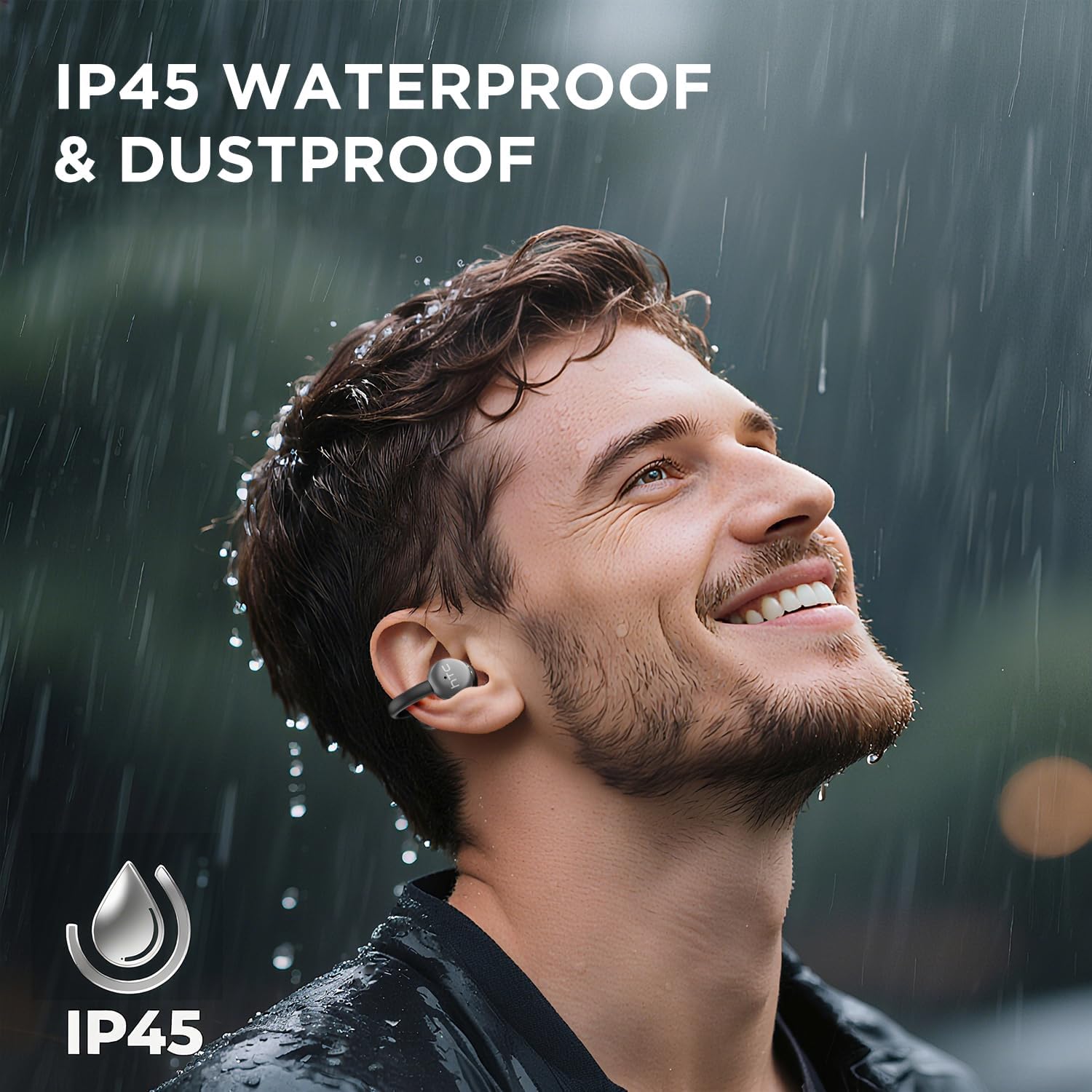
Image 7.1: The HTC N15 earbuds are IP45 rated, offering protection against dust and water splashes, making them suitable for outdoor activities.
NAN. Depanaj
| Pwoblèm | Kòz posib | Solisyon |
|---|---|---|
| Ekoutè pa asosye | Low battery; Bluetooth off on device; Earbuds not in pairing mode; Interference. | Charge earbuds and case. Ensure Bluetooth is enabled on your device. Place earbuds in case, close, then open to re-enter pairing mode. Move closer to your device. |
| Pa gen son oswa pòv kalite son | Volume too low; Earbuds not properly seated; Device not connected; Dirty earbuds. | Increase device volume. Adjust earbuds for a proper fit. Reconnect earbuds to your device. Clean earbuds as per maintenance section. |
| Ekoutè pa chaje | Charging cable not connected properly; Dirty charging contacts; Faulty cable/adapter. | Ensure USB-C cable is securely connected. Clean charging contacts. Try a different USB-C cable or power adapter. |
| Kontwòl manyen yo pa reponn | Earbuds not active; Moisture on touch surface; Software glitch. | Ensure earbuds are active and connected. Wipe touch surface dry. Place earbuds back in case, close, then reopen to reset. |
9. Espesifikasyon
| Karakteristik | Spesifikasyon |
|---|---|
| Non modèl | HTC NE15 |
| Bluetooth vèsyon | 6.0 |
| Koneksyon Teknoloji | San fil (Bluetooth) |
| Earbud Type | Clip-On, Open-Ear |
| Gwosè Chofè | 13mm |
| Metòd kontwòl | Manyen |
| Mikwofòn | Bati-an |
| Tan pou jwe ak yon sèl chaj | Jiska 8 èdtan |
| Tan total pou jwe (ak bwat) | Jiska 22 èdtan |
| Case Fast Charging | Apeprè. 1.5 èdtan |
| Port chaje | USB-C |
| Rezistans dlo | IP45 (Rezistan a dlo ak pousyè) |
| Earbud Pwa | Apeprè 4.7g (chak) |
| Aparèy konpatib | Smartphones, Tablets, Bluetooth-enabled Devices (iOS, Android) |
| UPC | 768649989642 |
10. Garanti ak sipò
HTC provides customer support for its products. If you encounter any issues or have questions not covered in this manual, please contact our support team.
- Sipò Kliyan: 7*24 Live Chat Support is available. Refer to the product packaging or official HTC websit pou detay kontak.
- Enfòmasyon sou garanti: Please retain your proof of purchase for warranty claims. Specific warranty terms and conditions may vary by region. Refer to the warranty card included in your package or the official HTC websit pou enfòmasyon detaye.


