Entwodiksyon
This manual provides instructions for the setup, operation, and maintenance of your Zebronics Transformer M Plus Wired Gaming Mouse. Please read this manual thoroughly before using the product to ensure optimal performance and longevity.
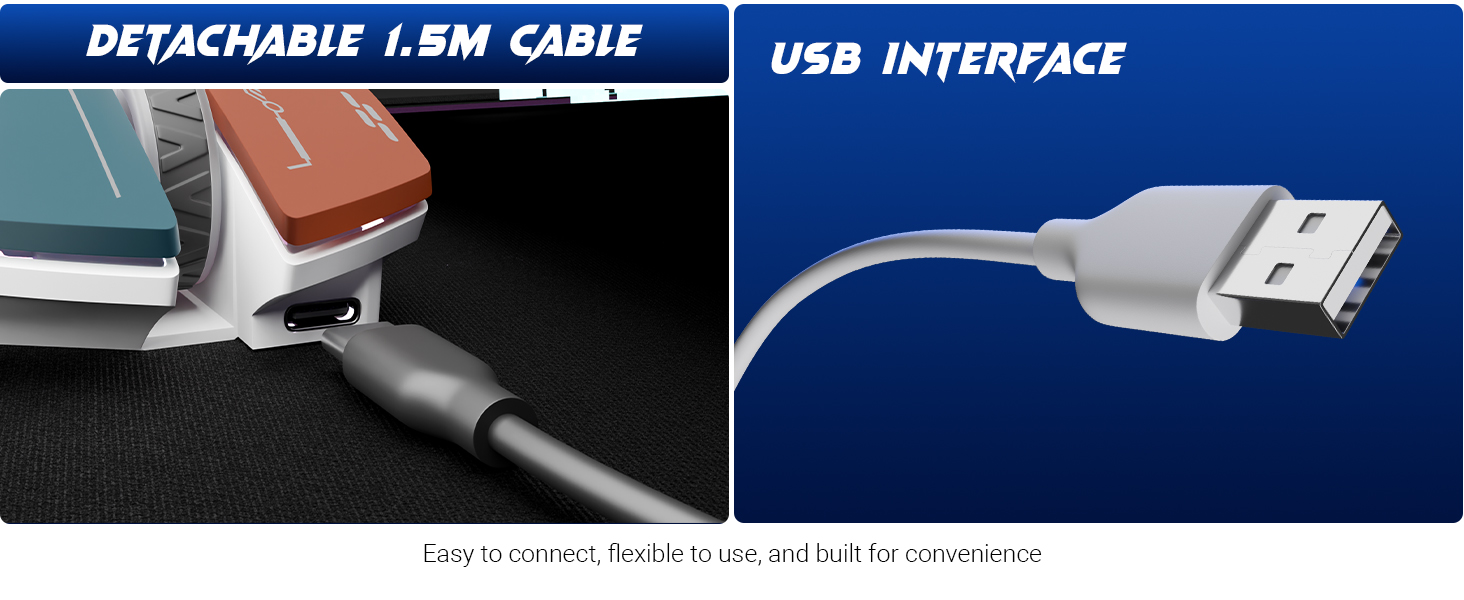
Image: The Zebronics Transformer M Plus Gaming Wired Mouse, showcasing konsepsyon li.
Kontni pake
Verifye ke tout atik yo prezan nan pakè a:
- Sourit
- USB to Type C Cable
Karakteristik
- DPI reglabl: Up to 12800 DPI for precise tracking.
- Pousantaj biwo vòt segondè: 1000Hz polling rate for responsive input.
- 6-Level DPI Switch: On-the-fly DPI adjustment with indicator.
- Ekleraj RGB: 8 dynamic RGB lighting modes.
- 6 Bouton: Includes dedicated forward, backward, and DPI buttons.
- Kab detachable: 1.5-meter detachable USB to Type-C cable.
- Gaming Grade Sensor: High-resolution sensor for accurate tracking.
- Konsepsyon ergonomique: Shaped for comfortable use during extended sessions.
Enstalasyon
- Konekte bout kab Kalite-C ki vini ak sourit la.
- Konekte bout USB-A kab la nan yon pò USB ki disponib sou òdinatè w la.
- The mouse will be automatically detected and installed by your operating system.
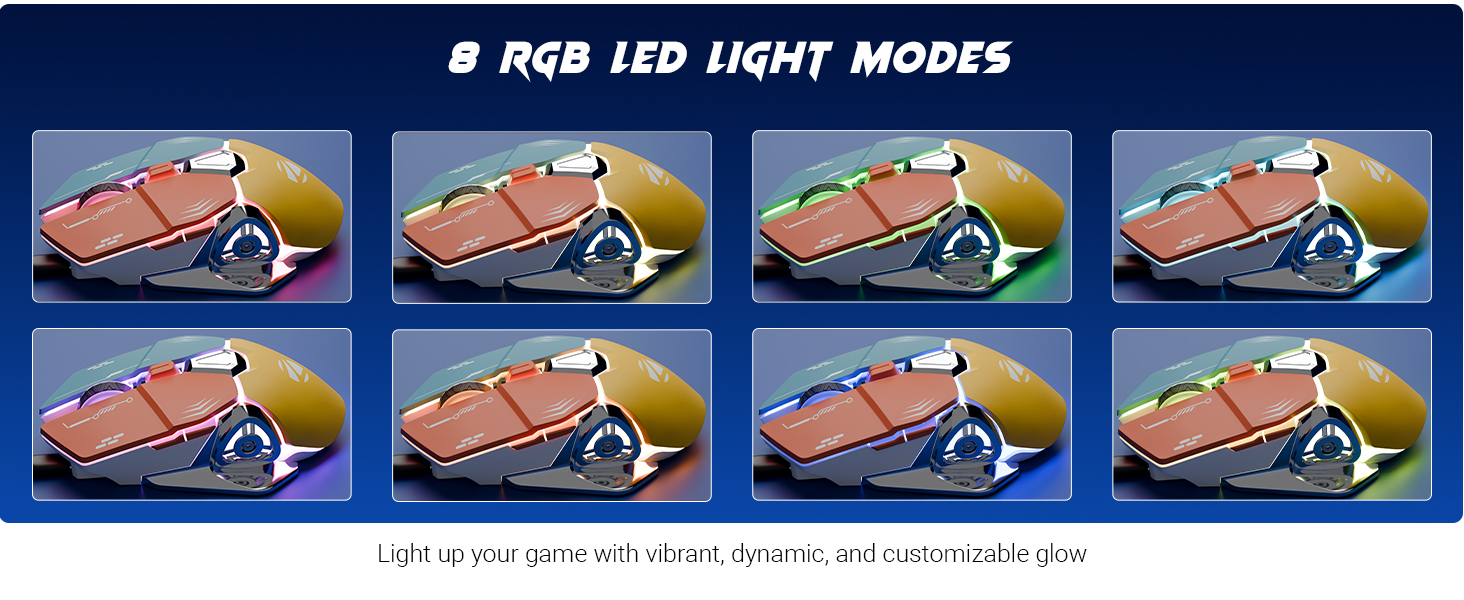
Image: Illustration of the detachable 1.5m cable and the USB interface for connection.
Enstriksyon Operasyon
DPI Ajisteman
The mouse features a 6-level DPI switch, allowing you to change sensitivity on the fly. Press the DPI button (usually located behind the scroll wheel) to cycle through the available DPI settings. An indicator light will show the current DPI level.
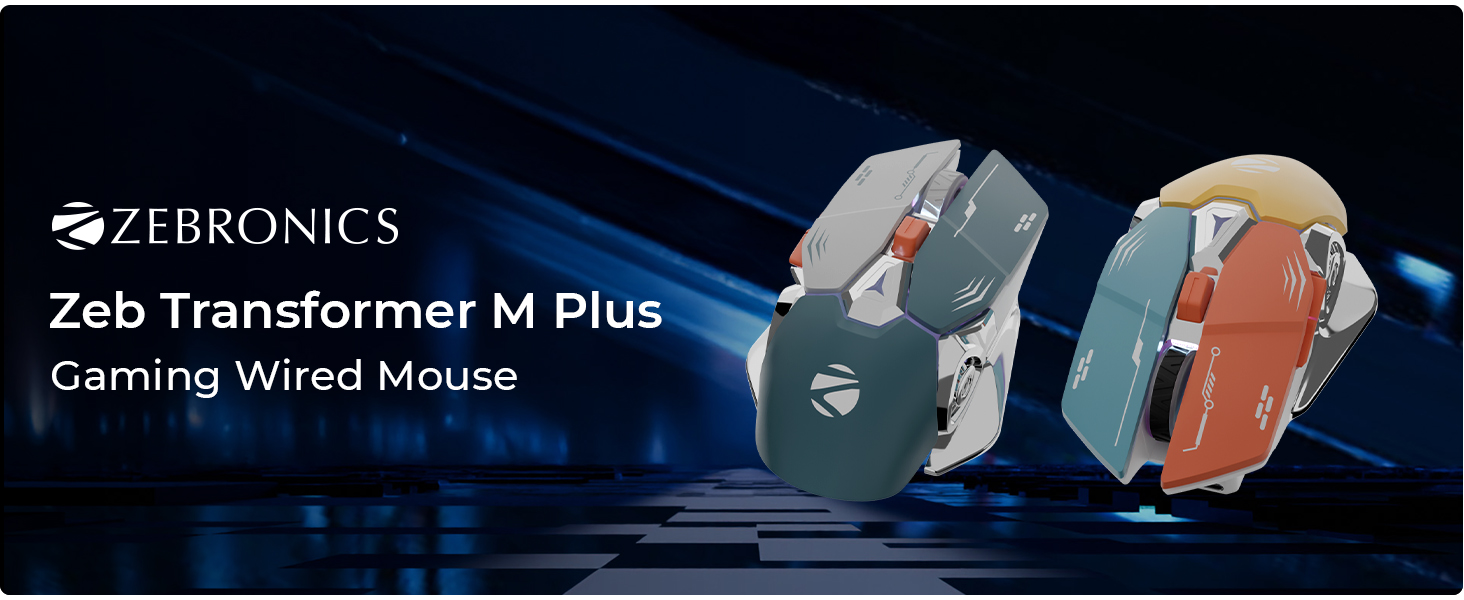
Image: Close-up of the mouse highlighting the DPI switch and its function, indicating up to 12800 DPI.
RGB mòd ekleraj
The mouse includes 8 dynamic RGB lighting modes. Use the dedicated RGB control button (refer to the button layout image) to cycle through these modes and customize the mouse's appearance.
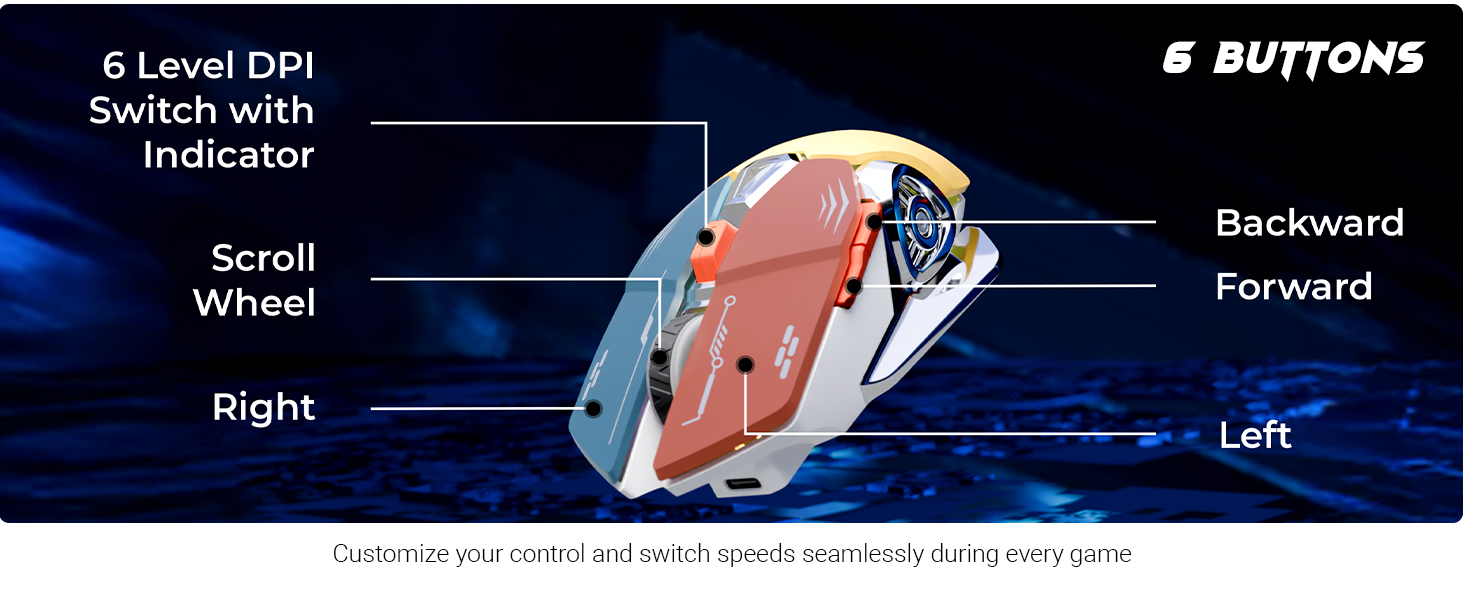
Image: Visual representation of the 8 different RGB LED light modes available on the mouse.
Fonksyon bouton
The Zebronics Transformer M Plus mouse features 6 buttons for enhanced control:
- Klike Goch: Aksyon prensipal estanda.
- Klike sou dwa: Aksyon segondè estanda.
- wou woulo liv: Scroll up/down, and middle click.
- Bouton Avant: Navige pi devan nan web navigatè oswa file eksploratè.
- Bouton dèyè: Navige bak nan web navigatè oswa file eksploratè.
- DPI switch: Adjusts mouse sensitivity (DPI levels).
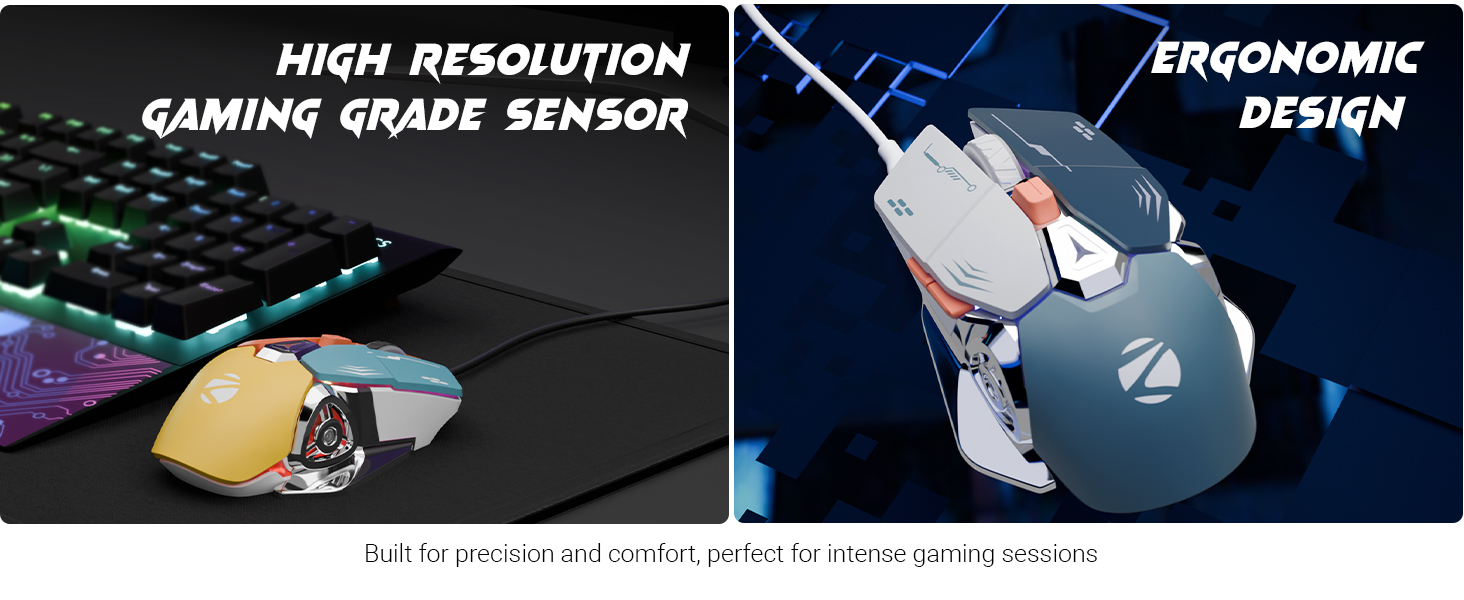
Image: Diagram illustrating the 6-button layout of the mouse, labeling the scroll wheel, DPI switch, left, right, forward, and backward buttons.
Polling Rate and Accuracy
The mouse operates at a 1000Hz polling rate, ensuring rapid response times. Its high-accuracy sensor provides precise tracking for various applications.
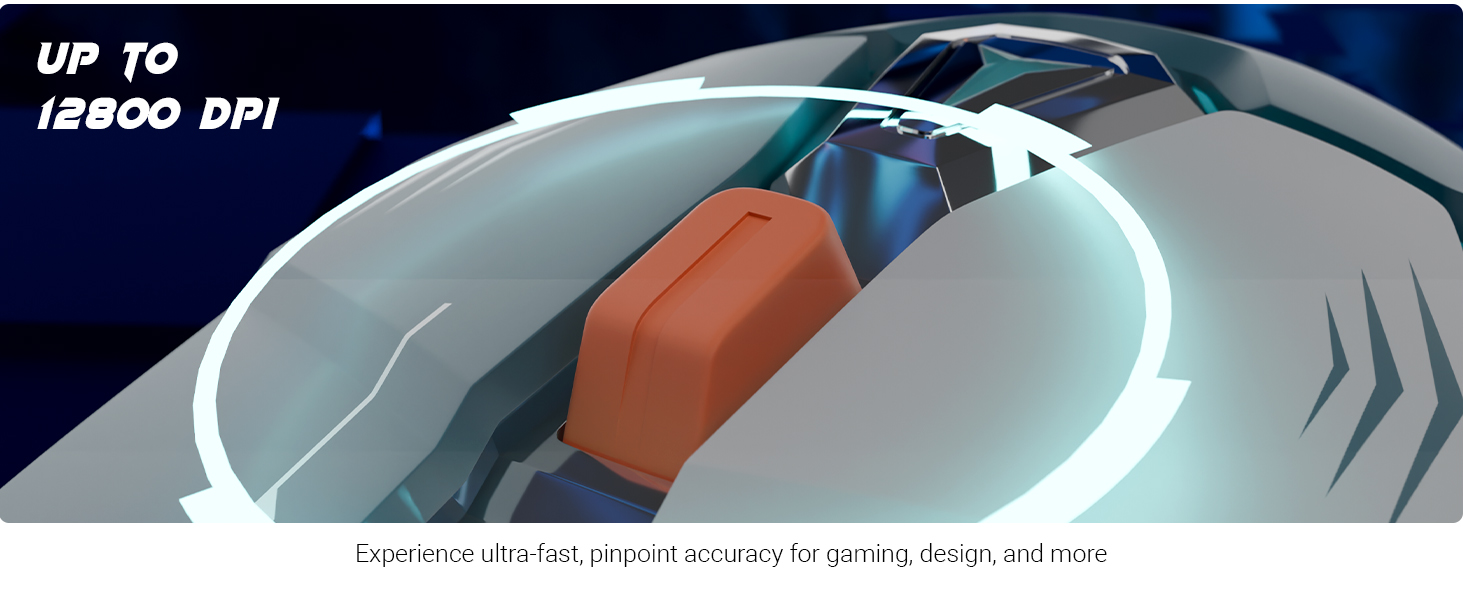
Image: Visuals demonstrating the 1000Hz polling rate and high accuracy features of the mouse.
Ergonomic Design and Sensor
The mouse is designed for comfort during prolonged use, featuring an ergonomic shape. It is equipped with a high-resolution gaming-grade sensor for reliable performance.
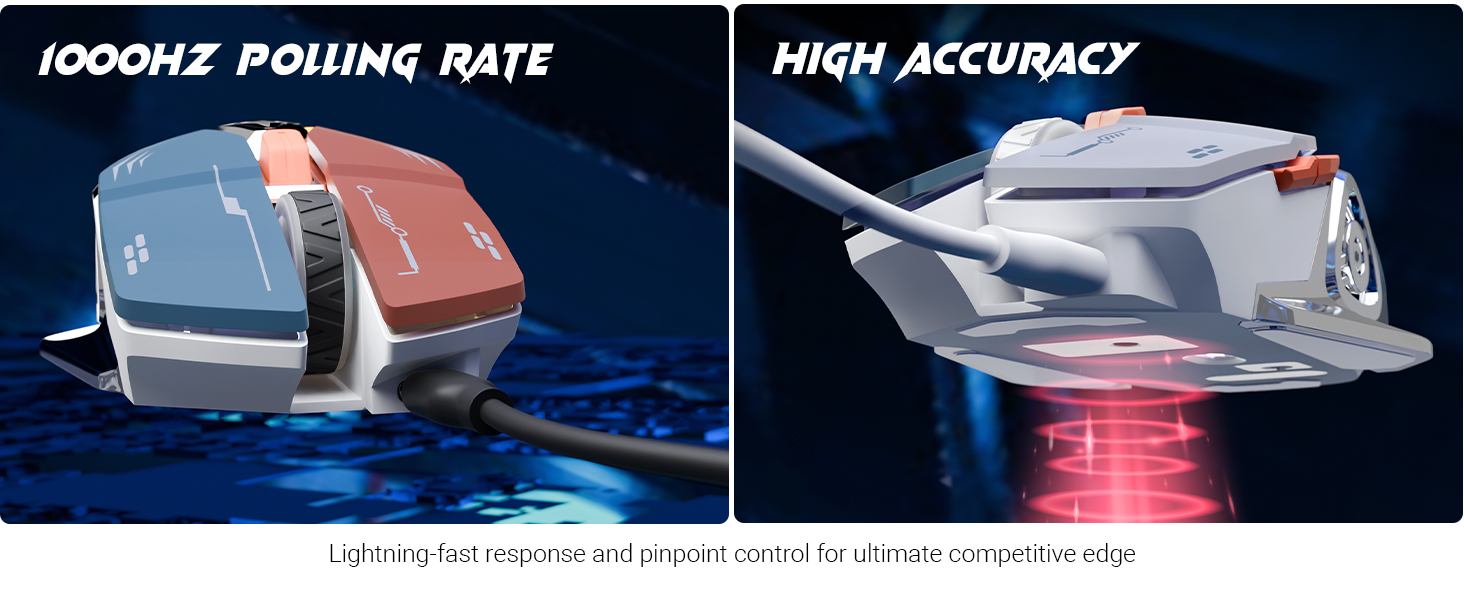
Image: Depiction of the mouse's high-resolution gaming-grade sensor and its ergonomic design for user comfort.
Pwodwi souview Videyo
Videyo: Yon finiview of the Zebronics Transformer M Plus mouse, highlighting its key features and design elements.
Antretyen
- Kenbe sourit la pwòp lè w siye l ak yon twal mou, sèk.
- Evite itilize pwodui chimik piman bouk oswa pwodui netwayaj abrazif.
- Do not expose the mouse to excessive moisture or extreme temperatures.
- Ensure the cable is not bent sharply or tangled to prevent damage.
Depanaj
- Sourit la pa reponn:
- Check if the USB cable is securely connected to both the mouse and the computer.
- Eseye konekte sourit la nan yon lòt pò USB.
- Rekòmanse òdinatè w lan.
- DPI a pa chanje:
- Ensure you are pressing the correct DPI switch button.
- Verify that the indicator light changes when pressing the DPI button.
- Limyè RGB yo pa fonksyone:
- Check if the mouse is properly connected and powered.
- Press the RGB control button to cycle through modes.
Espesifikasyon
| Mak | ZEBRONIK |
| Nimewo Modèl | ZEB TRANSFORMÈ M PLUS |
| Koneksyon Teknoloji | USB (branche) |
| Teknoloji deteksyon mouvman | Optik |
| Ranje DPI | Jiska 12800 DPI |
| Pousantaj biwo vòt | 1000Hz |
| Kantite bouton | 6 |
| Mòd RGB | 8 |
| Longè kab | 1.5 meters (Detachable) |
| Pwa atik | 111 g |
| Dimansyon pwodwi (LxWxH) | 13 x 8.3 x 0.1 cm |
| Konpozan ki enkli | Mouse, USB to Type C Cable |
| Peyi orijin | Lachin |
Garanti ak sipò
For warranty information and technical support, please refer to the official Zebronics websit la oubyen kontakte sèvis kliyan yo. Kenbe resi acha w la pou reklamasyon garanti.
Official Zebronics Websit: www.zebronics.com


