Entwodiksyon
The GOBOULT W60 True Wireless Earbuds provide a high-quality audio experience with advanced features designed for daily use, gaming, and communication. This manual provides instructions for setup, operation, maintenance, and troubleshooting to ensure optimal performance of your device.
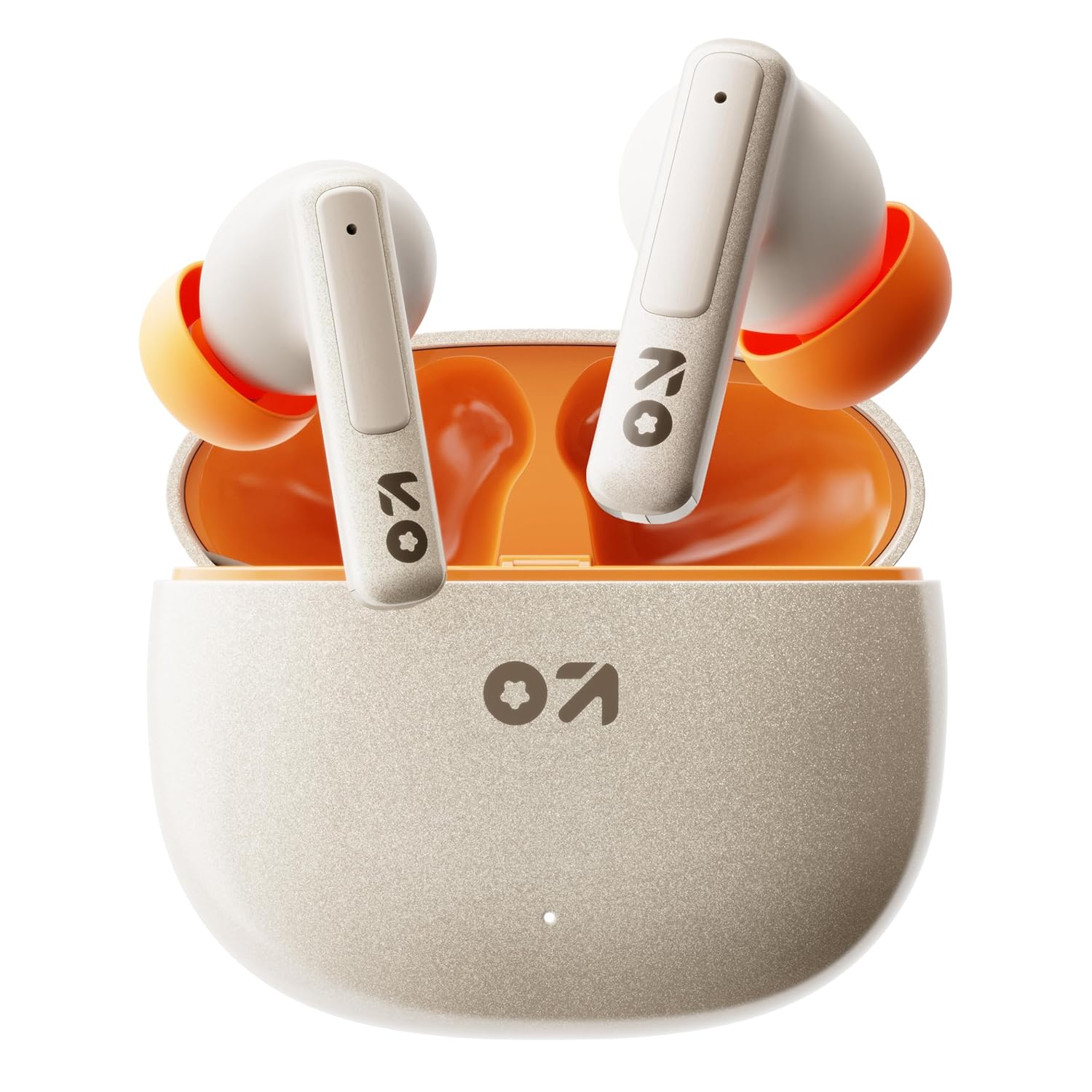
Image: GOBOULT W60 True Wireless Earbuds in their charging case.
Ki sa ki nan bwat la
- GOBOULT W60 True Wireless Earbuds
- Ka chaje san fil
- Siplemantè pè eartips
- Kab chaje rapid tip C
- Manyèl itilizatè
- Kat Garanti
Enstalasyon
1. Chaje ekoutè yo ak bwat la
Before first use, fully charge the GOBOULT W60 earbuds and their charging case.
- Connect the provided Type-C charging cable to the charging port on the case and to a compatible USB power source.
- Limyè endikatè ki sou bwat la ap montre eta chaj la. Yon fwa li fin chaje nèt, endikatè a ap chanje oswa etenn.
- Mete ekoutè yo nan bwat chaje a. Y ap kòmanse chaje otomatikman.
A 10-minute charge provides approximately 4 hours of playtime. The case offers up to 60 hours of total playtime for the earbuds.
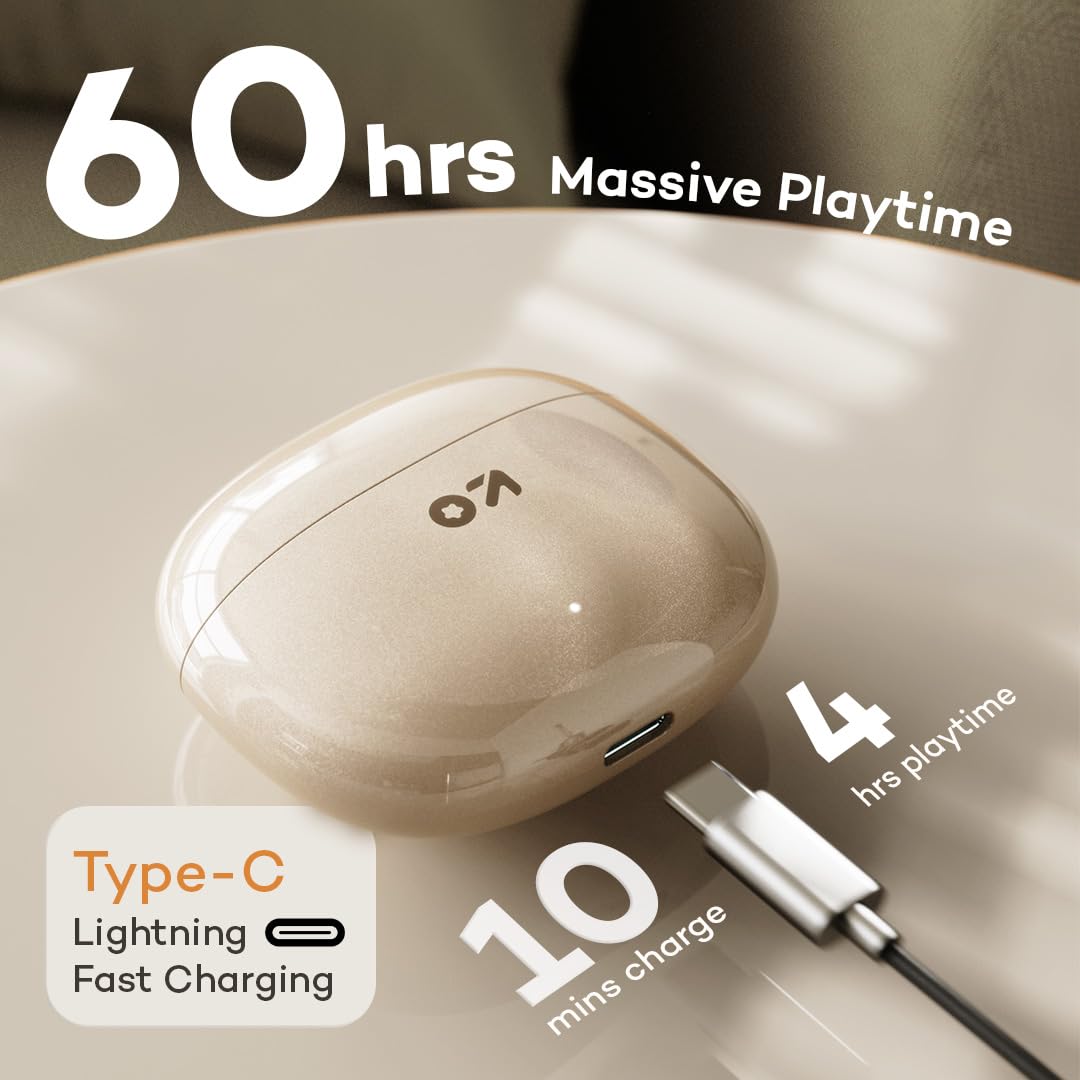
Image: GOBOULT W60 charging case with Type-C cable, highlighting fast charging capabilities.
2. Pairing ak yon Aparèy
The GOBOULT W60 earbuds utilize Bluetooth 5.4 for a fast and stable connection.
- Louvri bwat chaje a. Ekoutè yo ap antre otomatikman nan mòd koneksyon.
- Sou aparèy ou an (telefòn entelijan, tablèt, òdinatè pòtab), aktive Bluetooth.
- Chèche pou available Bluetooth devices and select "GOBOULT W60" from the list.
- Yon fwa konekte, w ap tande yon envit odyo, epi ekoutè yo ap pare pou itilize.
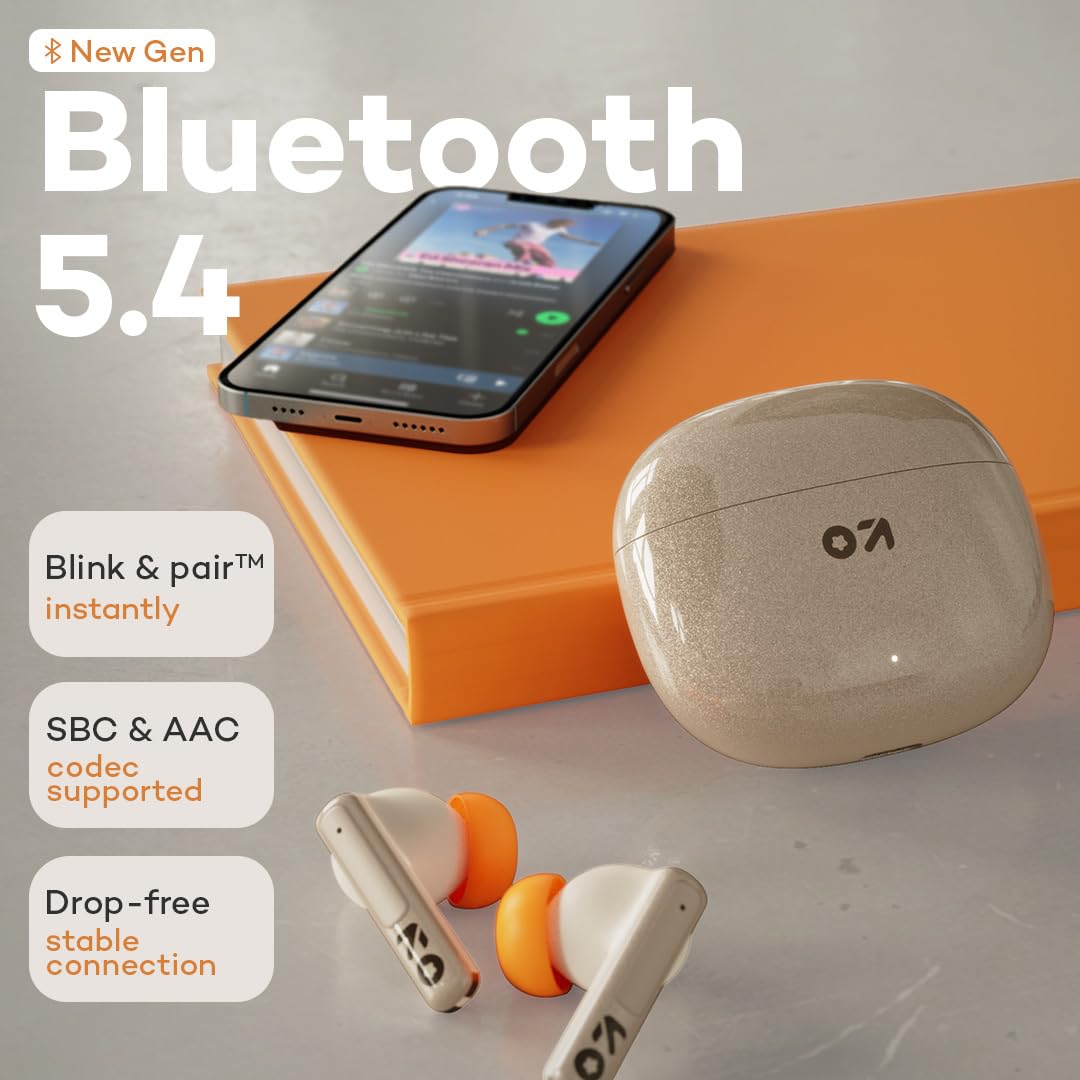
Image: GOBOULT W60 earbuds demonstrating Bluetooth 5.4 connectivity.
Enstriksyon Operasyon
Kontwòl manyen
The GOBOULT W60 earbuds feature intuitive touch controls for managing audio playback, calls, and voice assistant activation.

Image: GOBOULT W60 earbuds highlighting touch control areas.
- Jwe/Poz: Tape yon sèl sou chak ekoutè.
- Pwochen Track: Tape de fwa sou ekoutè dwat la.
- Track Previous: Tape de fwa sou ekoutè gòch la.
- Reponn/Fen Apèl: Tape yon sèl sou chak ekoutè.
- Rejte apèl: Peze lontan sou nenpòt ekoutè.
- Aktive Asistan Vwa: Triple tap on either earbud (supports Google Assistant and Siri).
- Kontwòl Volim: Long press the right earbud to increase volume, long press the left earbud to decrease volume.
Fonksyonalite Apèl
Equipped with ZEN Quad Mic ENC (Environmental Noise Cancellation), the W60 earbuds ensure clear communication by filtering out background noise during calls.
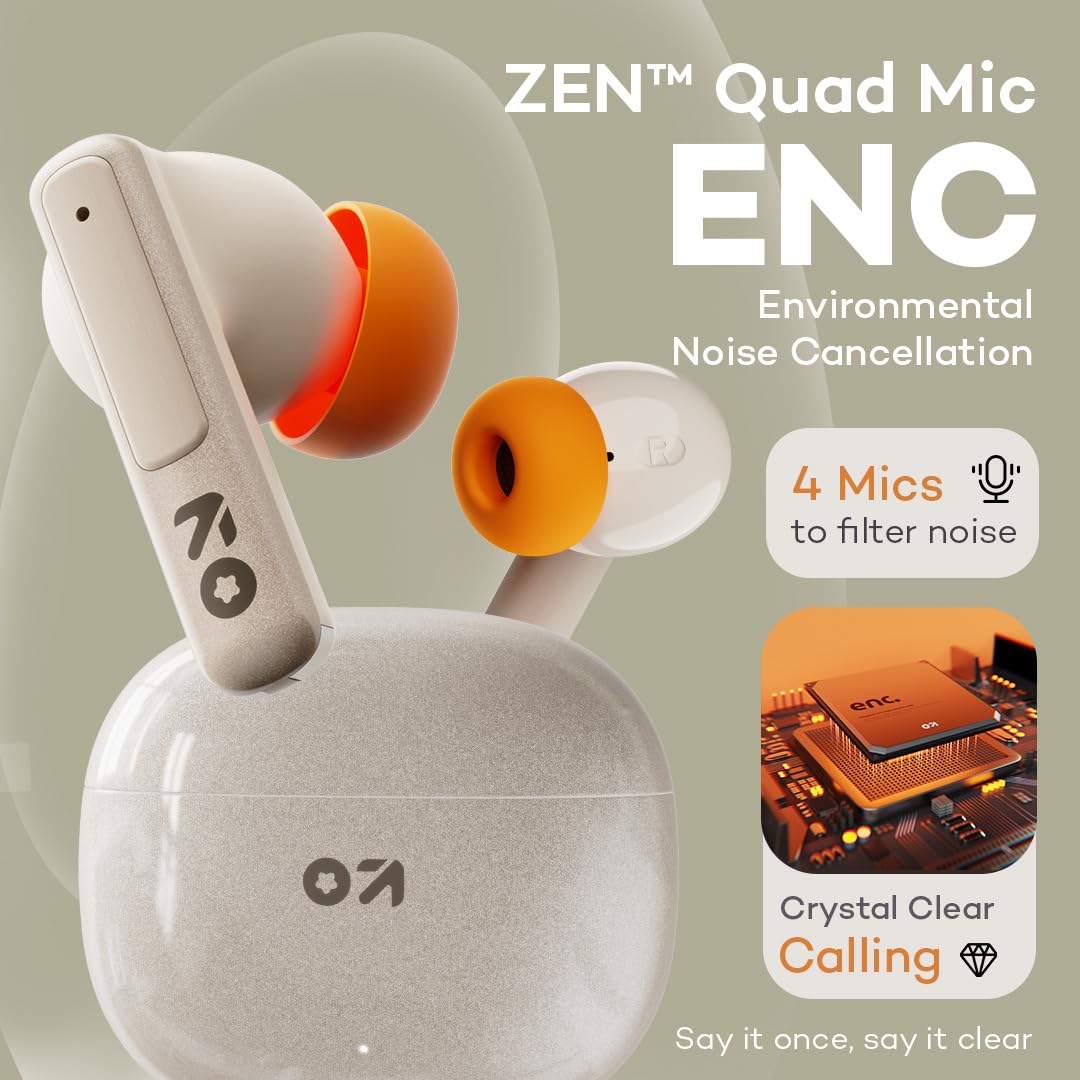
Image: GOBOULT W60 earbuds showcasing ZEN Quad Mic ENC for crystal-clear calls.
Mòd Gaming
Activate the Combat Gaming mode for an ultra-low latency experience of 50ms, providing synchronized audio during gaming or video playback.
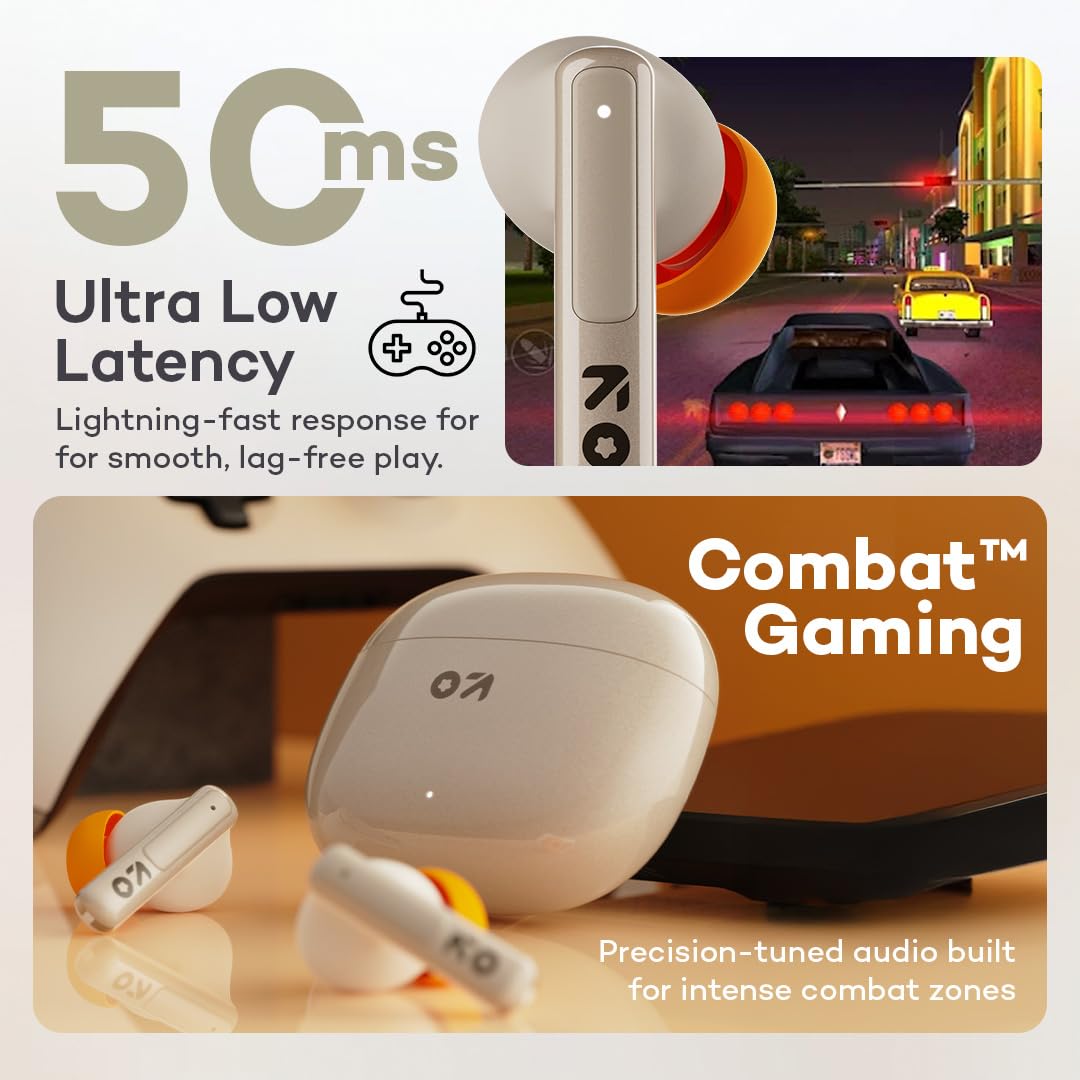
Image: GOBOULT W60 earbuds illustrating low latency for gaming.
Pèfòmans Audio
The W60 earbuds feature 13mm dynamic drivers with BoomX technology, delivering supreme bass and immersive sound for an enhanced listening experience.

Image: GOBOULT W60 earbuds highlighting 13mm punchy bass drivers.
Antretyen
Netwayaj ak Swen
- Netwaye ekoutè yo ak bwat chaje a regilyèman avèk yon twal mou, sèk, epi ki pa gen pousyè.
- Evite itilize materyèl abrazif, solvan, oswa espre ayewosòl.
- Asire w ke kontak chaje yo sou tou de ekoutè yo ak sou bwat la pwòp epi san debri.
Rezistans dlo
The GOBOULT W60 earbuds are IPX5 water resistant, meaning they are protected against sweat and splashes. They are not designed for submersion in water.

Image: GOBOULT W60 earbuds demonstrating IPX5 water resistance.
Depanaj
If you encounter issues with your GOBOULT W60 earbuds, refer to the following common solutions:
- Pa gen son: Ensure earbuds are charged, properly paired, and volume is adjusted on both the earbuds and your connected device.
- Pwoblèm kouple: Turn off Bluetooth on your device, place earbuds back in the case, close and reopen the case, then try pairing again. Ensure no other devices are actively connected to the earbuds.
- Yon ekoutè pa travay: Place both earbuds in the charging case, close the lid, wait a few seconds, then open the lid and try reconnecting. Check for debris on charging contacts.
- Pwoblèm chaje: Verify the Type-C cable and power adapter are working correctly. Ensure the charging contacts on the earbuds and case are clean.
- Move Kalite apèl: Ensure the microphones are not obstructed. Check your network signal.
If problems persist, consult the support section or contact customer service.
Espesifikasyon
| Karakteristik | Detay |
|---|---|
| Non modèl | W60 (AirBass) |
| Koneksyon Teknoloji | Bluetooth 5.4, San fil |
| Gamme Bluetooth | 10 mèt |
| Gwosè Chofè Audio | 13mm chofè dinamik |
| Kontwòl bri | ZEN Quad Mic ENC (Environmental Noise Cancellation) |
| Latansi Audio | 50 Milisegond (Mòd Jwèt) |
| Tan pou jwe (koutè) | Jiska 60 èdtan (ak bwat chaje) |
| Tan pou chaje | 10 Minutes for 4 Hours Playtime |
| Port chaje | Kalite-C |
| Nivo rezistans dlo | IPX5 (Reziste kont swè, dlo) |
| Kalite kontwòl | Touch Controls, Voice Assistant (Google Assistant, Siri) |
| Pwa atik | 51.6 gram |
| Peyi orijin | peyi Zend |
Garanti ak sipò
Your GOBOULT W60 True Wireless Earbuds come with a warranty. Please refer to the included Warranty Card for details regarding coverage and terms. For further assistance, technical support, or warranty claims, please visit the official GOBOULT store or contact customer service.
GOBOULT Store: Visit GOBOULT Store on Amazon.in


