1. Entwodiksyon
The AULA SC900 Pro is a high-performance wireless gaming mouse designed for precision and versatility. It features a flagship PAW3395 sensor, multiple connectivity options, and a lightweight design for extended comfort. This manual provides detailed instructions for setting up, operating, and maintaining your SC900 Pro mouse.

Imaj 1.1: Anlè view of the AULA SC900 Pro Wireless Gaming Mouse in red.
Videyo 1.1: Videyo sa a bay yon vizyon souview of the AULA SC900 Pro Wireless Gaming Mouse, showcasing its design, connectivity options, and key functionalities.
2. Pake kontni
Tanpri verifye ke tout atik yo prezan nan pakè ou a:
- AULA SC900 Pro Wireless Gaming Mouse
- 2 x 400mAh Replaceable Lithium-Ion Batteries
- USB-C pou USB-A Chargement/Done kab
- 2.4G Wireless Receiver (USB-C type)
3. Pwodwi souview
Familiarize yourself with the various components and buttons of your AULA SC900 Pro mouse.

Image 3.1: Labeled diagram of the AULA SC900 Pro mouse components.
- Kle Goch: Fonksyon klike gòch estanda.
- Kle dwat: Fonksyon estanda klike sou bò dwat la.
- Kle mitan (wou defile): Fonksyon defile ak klike sou bouton mitan an.
- Avant kle: Navige pi devan nan web navigatè oswa aplikasyon yo.
- Kle dèyè: Navige bak nan web navigatè oswa aplikasyon yo.
- Bouton DPI: Chanje nan paramèt DPI yo.
- Limyè endikatè: Displays DPI, charging status, and connection mode.
- Kalite-C chaje pò: For wired connection and charging.
- Chanjman pouvwa/mòd: Selects 2.4G, OFF, or BT connection modes.
- Kouvèti batri: Access to the replaceable batteries.
- Receiver Type-C Port: Connects the 2.4G receiver.
- Reseptè: USB-C dongle for 2.4G wireless connection.
4. Enstalasyon
4.1 Enstalasyon ak Chaje Batri
The AULA SC900 Pro mouse comes with two replaceable 400mAh batteries. One battery can be used while the other is charging, ensuring continuous operation.
- Open the battery cover located on the underside of the mouse.
- Insert one of the provided 400mAh Lithium-Ion batteries into the compartment, ensuring correct polarity.
- Fèmen kouvèti batri a.
- To charge, connect the mouse to a computer's USB port using the provided USB-C cable. The indicator light will show charging status. It is recommended to use the original mouse cable and a standard computer USB port for charging. Avoid using fast-charging phone chargers or wall chargers for direct charging.
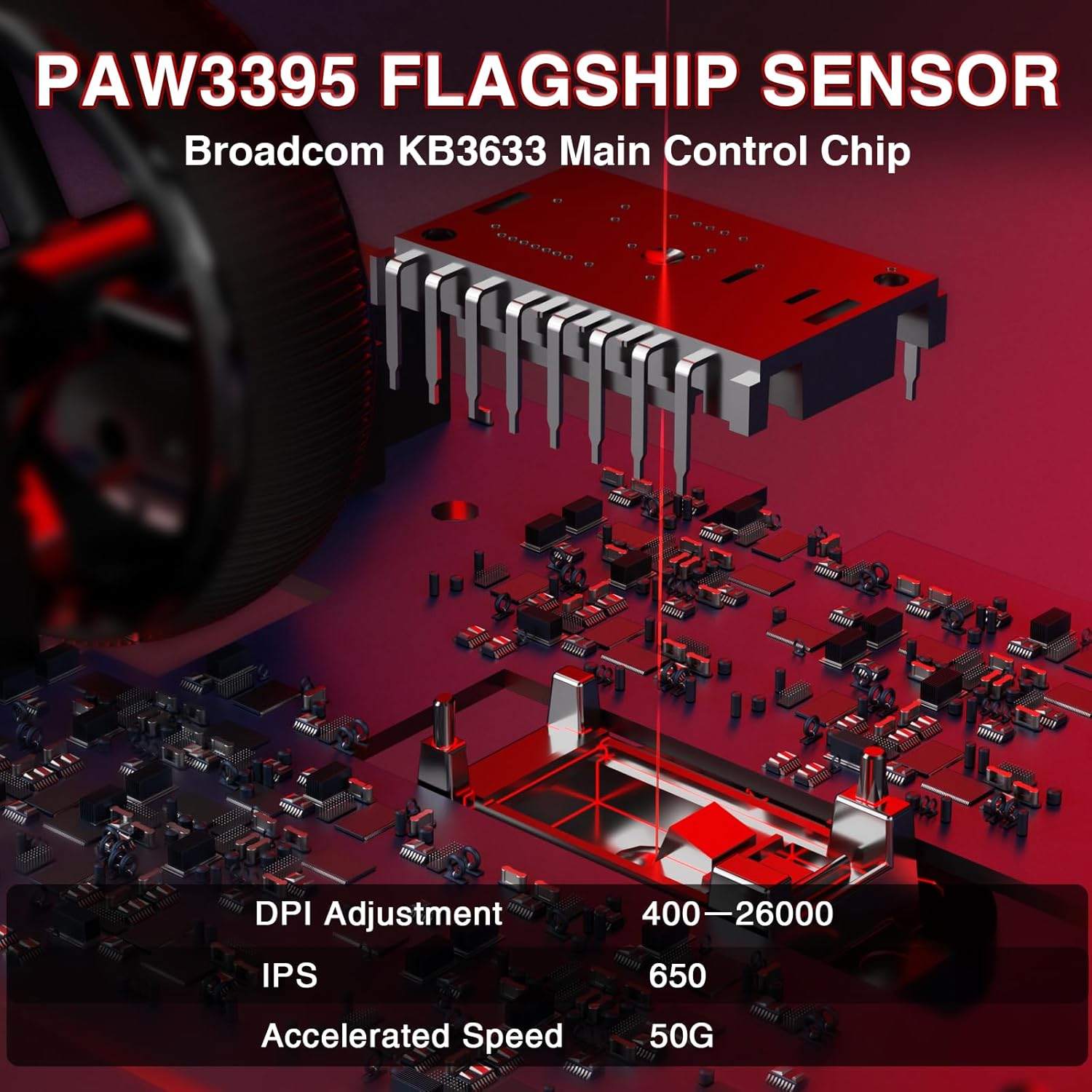
Image 4.1: Battery compartment with replaceable batteries.
4.2 Konekte Sourit la
The SC900 Pro supports three connection modes: 2.4G Wireless, Bluetooth 5.0, and Wired Type-C.
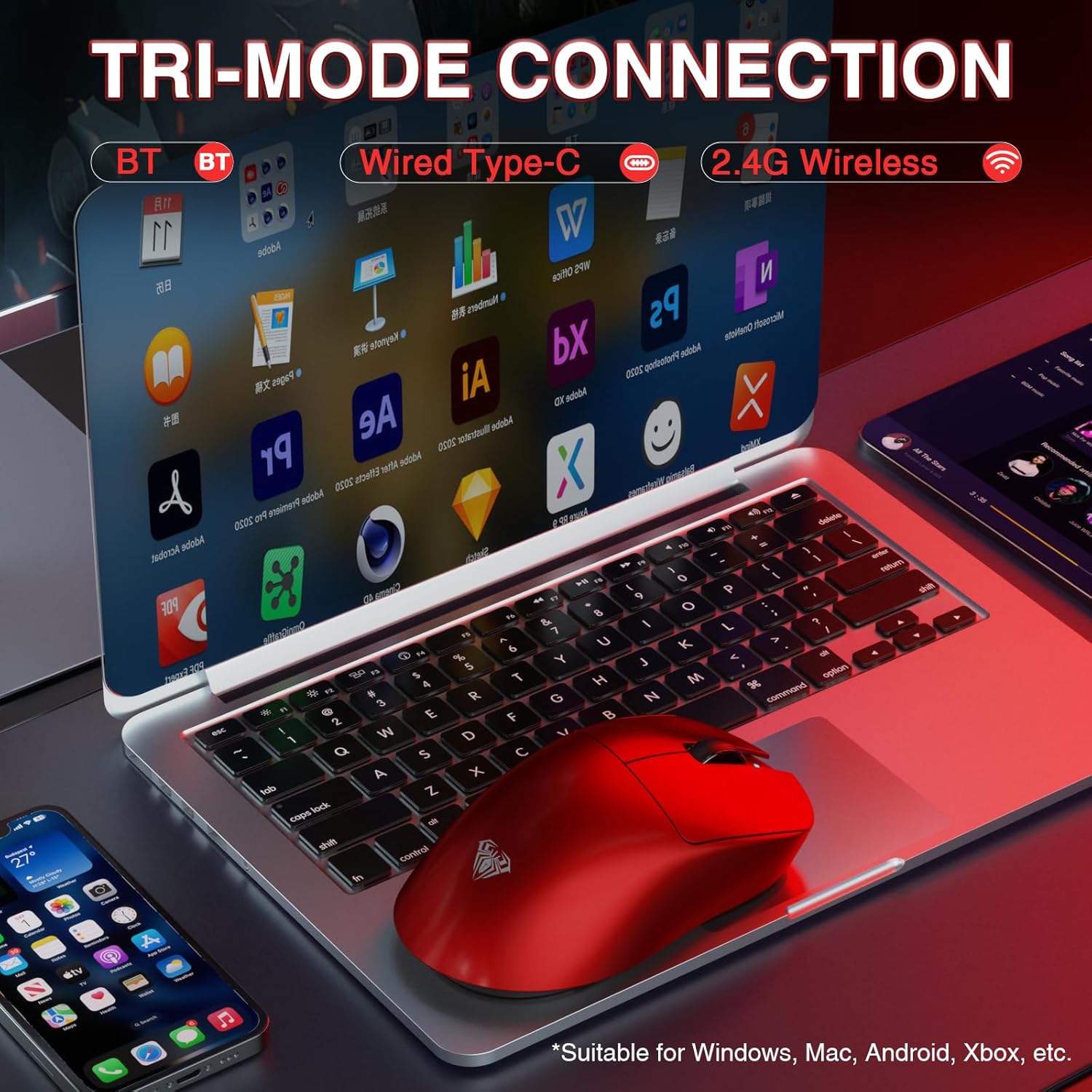
Image 4.2: Tri-mode connection options.
2.4G Wireless Mode:
- Locate the 2.4G wireless receiver.
- Connect the receiver to an available USB-A port on your computer.
- Slide the power/mode switch on the underside of the mouse to the "2.4G" position.
- Sourit la ta dwe konekte otomatikman ak òdinatè w la.
Mòd Bluetooth 5.0:
- Slide the power/mode switch on the underside of the mouse to the "BT" position.
- Press and hold the left, middle (scroll wheel), and right buttons simultaneously for approximately 3 seconds. The blue indicator light on the mouse will flash rapidly, indicating it is in pairing mode.
- On your computer or device, navigate to Bluetooth settings and search for new devices.
- Select "SC900Pro BT" from the list of available devices to connect.
Wired Type-C Mode:
- Connect one end of the USB-C cable to the mouse's Type-C charging port.
- Connect the other end of the USB-C cable to an available USB-A port on your computer.
- The mouse will function as a wired device and charge simultaneously.
5. Operasyon Enstriksyon
5.1 DPI Ajisteman
The AULA SC900 Pro features a 6-speed adjustable DPI setting. Press the DPI button on the top of the mouse to cycle through the following sensitivity levels:
- 400 DPI
- 800 DPI
- 1600 DPI
- 3200 DPI
- 6400 DPI
- 26000 DPI (Maksimòm)
The indicator lights will change to reflect the current DPI setting.

Image 5.1: PAW3395 Sensor and DPI adjustment range.
5.2 Pousantaj Sondaj
The mouse supports a dual 8000Hz polling rate when operating in 2.4G wireless or wired mode. This high polling rate ensures lower latency and precise tracking, enhancing your gaming experience.

Image 5.2: Dual 8KHz Polling Rate feature.
5.3 Customization Software
The AULA SC900 Pro features 5 programmable buttons. Users can configure mouse buttons, DPI settings, lighting effects, and report rates through the dedicated software.
- Telechaje chofè: The driver can be downloaded from bit.ly/m/AULA.
- Konpatibilite: The driver is only compatible with Windows systems.
- Mode Limitation: Customization features are only available when the mouse is used in 2.4GHz wireless or USB-C wired modes. Bluetooth mode does not support driver customization.

Image 5.3: AULA SC900 Pro customization software interface.
6. Antretyen
6.1 Swen Batri
- Always use the provided USB-C cable and a standard computer USB port for charging to prevent damage to the batteries or mouse.
- Evite ekspoze pil yo a tanperati ekstrèm.
- If the mouse will not be used for an extended period, it is recommended to switch it off to preserve battery life.
6.2 Netwayaj
- Sèvi ak yon twal mou, sèk pou netwaye sifas sourit la.
- Pou pousyè tè ki difisil pou retire, yon ti kras dampRense twal la avèk dlo oswa yon solisyon netwayaj dou. Evite pwodui chimik ki agresif.
- Pa kite likid antre nan konpozan entèn sourit la.
NAN. Depanaj
If you encounter issues with your AULA SC900 Pro mouse, please refer to the following common solutions:
| Pwoblèm | Kòz posib | Solisyon |
|---|---|---|
| Sourit pa reponn | Low battery; Incorrect connection mode; Receiver not connected (2.4G); Bluetooth not paired. | Charge the battery; Ensure the mode switch is set correctly (2.4G/BT); Reconnect the 2.4G receiver; Re-pair Bluetooth. |
| Koneksyon ki ralanti oswa ki pa ale souvan | Interference; Distance from receiver/device; Low battery. | Move closer to the receiver/device; Remove sources of interference; Charge the battery; Try a different USB port. |
| DPI a pa chanje | DPI button not pressed firmly; Software conflict. | Ensure the DPI button is pressed correctly; Restart the mouse and computer; Check for software updates. |
| Customization software not working | Incorrect connection mode; Not on Windows OS; Driver not installed correctly. | Ensure mouse is in 2.4G wireless or wired mode; Verify operating system is Windows; Reinstall the driver from bit.ly/m/AULA. |
8. Espesifikasyon
| Karakteristik | Detay |
|---|---|
| Nimewo Modèl | SC900 Pwofesyonèl |
| Koneksyon Teknoloji | 2.4G san fil, Bluetooth 5.0, USB-C ak fil |
| Capteur | Capteur optik PAW3395 |
| Anviwònman DPI | 400 / 800 / 1600 / 3200 / 6400 / 26000 |
| IPS (pous pa segonn) | 650 |
| Akselerasyon | 50G |
| Pousantaj biwo vòt | Dual 8000Hz (2.4G Wireless & Wired Modes) |
| Chanjman | TTC Optical Microswitches (100 million click lifespan) |
| Bouton pwogramasyon | 5 |
| Kalite batri | 2 x 400mAh Replaceable Lithium-Ion Batteries |
| Pwa atik | 62g (anviwon 2.19 ons) |
| Dimansyon pwodwi | 4.92 x 2.36 x 0.04 pous |
| Konpatibilite | PC, Mac, Linux (Driver for Windows only) |
9. Garanti ak sipò
AULA products are designed for reliability and performance. For warranty information, technical support, or customer service inquiries, please refer to the official AULA websit la oubyen kontakte revandè w la. Kenbe prèv acha w la pou reklamasyon garanti a.
Official AULA Websit: AULA Store on Amazon


