1. Introduction to the Leica Q2
The Leica Q2 is a full-frame compact digital camera renowned for its exceptional image quality, robust build, and intuitive operation. This manual provides detailed instructions to help you maximize your camera's potential, from basic setup to advanced photographic techniques.
2. Kamera Enstalasyon
2.1 Debale ak Premye Enspeksyon
Carefully remove all components from the packaging. Verify that all items listed in the packing contents are present and inspect the camera for any signs of damage.
2.2 Enstalasyon ak Chaje Batri
- Louvri kouvèti konpatiman batri a ki sitiye anba kamera a.
- Insert the supplied BP-SCL4 battery, ensuring the contacts align correctly.
- Fèmen kouvèti lòj batri a.
- Connect the battery charger to a power outlet and insert the battery. The charging indicator will illuminate. A full charge typically takes approximately 3 hours.
2.3 Mete Kat Memwa
The Leica Q2 supports SD, SDHC, and SDXC memory cards. For optimal performance, use UHS-II compatible cards.
- Louvri kouvèti fant kat memwa a ki sou bò kamera a.
- Mete kat memwa a avèk etikèt la anfas devan kamera a jiskaske li fè yon klik pou l antre nan plas li.
- Fèmen kouvèti emplacement kat memwa a.
2.4 Initial Power On and Language Settings
Press the ON/OFF switch to power on the camera. Follow the on-screen prompts to set the date, time, and preferred language.
3. Operating the Leica Q2
3.1 Basic Controls Overview
Familyarize w avèk kontwòl prensipal yo:
- Rele Vitès Panno: Located on the top plate, controls shutter speed.
- Bag Ouvèti: Located on the lens, controls aperture.
- Kadran ISO: Integrated into the shutter speed dial, controls ISO sensitivity.
- Rear Dial: Used for menu navigation and exposure compensation.
- Ekspozisyon Touchscreen: For menu navigation, touch focus, and image review.
3.2 Mòd tire
The Leica Q2 offers various shooting modes to suit different photographic needs:
- Pwogram (P): Camera automatically sets both aperture and shutter speed.
- Priyorite Ouvèti (A): Ou fikse ouvèti a, kamera a fikse vitès obturatè a. Ideyal pou kontwole pwofondè chan an.
- Priyorite obturateur (S): Ou fikse vitès obturatè a, kamera a fikse ouvèti a. Ideyal pou kontwole flou mouvman an.
- Manyèl (M): You set both aperture and shutter speed for full creative control. This mode is essential for achieving the 'Leica Look' and precise exposure.
3.3 Konsantre
The Q2 features both autofocus and manual focus capabilities.
- Mòd Otofokus: Selectable via the menu (AF-S for single shot, AF-C for continuous, Multi-field, Spot, Face Detection).
- Konsantre manyèl: Rotate the focus ring on the lens. Use Konsantre Peaking (highlighting in-focus areas) or Agrandisman for precise manual focusing.
3.4 Anviwònman Ekspozisyon
- ISO sansiblite: Adjust via the ISO dial. Lower ISO for cleaner images in good light, higher ISO for low-light conditions.
- Vitès vole: Set via the top dial. Fast speeds freeze action, slow speeds create motion blur.
- Ouverture: Set via the lens ring. Wider apertures (smaller f-numbers) create shallow depth of field; narrower apertures (larger f-numbers) create greater depth of field.
- Konpansasyon Ekspozisyon: Use the rear dial in P, A, or S modes to lighten or darken the image.
3.5 Balans Blan
Ensure accurate color reproduction by setting the correct white balance. Options include Auto, Daylight, Cloudy, Shade, Tungsten, Fluorescent, Flash, and Manual (Custom).
3.6 Kalite Imaj ak File Fòma
The Q2 can record images in DNG (RAW) format, JPEG, or both simultaneously. DNG files offer maximum flexibility for post-processing, while JPEGs are ready for immediate use.
3.7 Creative Features and 'Leica Look'
To achieve the distinctive 'Leica Look' and optimize for specific scenarios:
- Koulè Profiles: Experiment with various film modes and color profiles available in the camera settings to influence the final image aesthetic.
- Street Photography Settings: For quick, discreet capture, consider setting the camera to a pre-focused zone (e.g., hyperfocal distance) and using a fast shutter speed with a moderate aperture. Customize a user profile for instant recall of these settings.
- Customizing User Profiles: Save your preferred settings (exposure, focus, color, etc.) to user profiles for quick access in different shooting situations.
3.8 Anrejistreman videyo
The Leica Q2 supports 4K video recording. To start recording, press the dedicated video button. Adjust video settings (resolution, frame rate) in the camera menu.
3.9 Lekti ak Re-anrejistremanview
Press the PLAY button to review captured images and videos. Use the rear dial or touchscreen to navigate through files. Press the DELETE button to remove unwanted files.
4. Koneksyon
4.1 Connecting to Leica FOTOS App
The Leica Q2 can connect to the Leica FOTOS app via Wi-Fi or Bluetooth for remote control and image transfer.
- Download and install the Leica FOTOS app on your smartphone or tablet.
- Enable Wi-Fi/Bluetooth on your camera via the menu.
- Follow the app's instructions to pair your device with the camera.
4.2 Transferring Images
Images can be transferred wirelessly via the Leica FOTOS app or by connecting the camera directly to a computer using a USB-C cable. Alternatively, remove the memory card and insert it into a card reader.
5. Antretyen
5.1 Netwaye kò kamera a ak lantiy la
- Sèvi ak yon twal mou ki pa gen pousyè pou netwaye kò kamera a.
- For the lens, use a lens brush to remove dust, followed by a lens cleaning solution and a microfiber cloth. Avoid touching the lens surface directly.
5.2 Swen Batri
Store batteries in a cool, dry place. Avoid fully discharging batteries frequently to prolong their lifespan. Remove the battery if the camera will not be used for an extended period.
5.3 Mizajou Firmware
Tcheke Leica ofisyèl la detanzantan. website for firmware updates. Updates can improve performance, add new features, and fix bugs. Follow the instructions provided by Leica carefully when performing an update.
5.4 Rekòmandasyon Depo
When not in use, store the camera in a dry, dust-free environment, preferably in a camera bag or case to protect it from impacts and environmental elements.
NAN. Depanaj
| Pwoblèm | Kòz posib | Solisyon |
|---|---|---|
| Kamera pa limen | Dead battery, improperly inserted battery | Charge battery, reinsert battery correctly |
| Imaj yo flou | Incorrect focus, slow shutter speed, camera shake | Check focus mode, increase shutter speed, use a tripod |
| Batri vide byen vit | Frequent Wi-Fi/Bluetooth use, old battery | Disable wireless features when not in use, consider replacing battery |
| Erè kat memwa | Card not inserted correctly, corrupted card | Reinsert card, try a different card, format card (will erase data) |
7. Specifications (Leica Q2)
- Kalite Capteur: 47.3 MP Full-Frame CMOS Sensor
- Lantiy: Leica Summilux 28mm f/1.7 ASPH.
- ISO Gamme: 50 - 50,000
- Ranje vitès vole: 1/2000s (mechanical), 1/40000s (electronic) to 60s
- Kapasite Videyo: 4K (3840 x 2160) at 30/24 fps, C4K (4096 x 2160) at 24 fps, Full HD (1920 x 1080) at 120/60/30/24 fps
- Dimansyon (W x H x P): Apeprè 130 x 80 x 91.9 mm (5.1 x 3.1 x 3.6 pous)
- Pwa: Approx. 718 g / 1.58 lbs (with battery)
- Kalite batri: Leica BP-SCL4 Lithium-Ion
8. Enfòmasyon enpòtan
8.1 Prekosyon sekirite
Always handle your camera with care. Avoid exposing it to extreme temperatures, moisture, or strong magnetic fields. Do not attempt to disassemble the camera, as this will void any potential warranty and may cause damage.
8.2 Konfòmite Regilasyon
This device complies with relevant international and national regulations for electronic devices. Refer to the official Leica documentation for specific compliance details.
9. Enfòmasyon sou pwodwi ki gen rapò
This manual is inspired by the comprehensive guide available for the Leica Q2. The following images show the front and back covers of a related user guide book, which provides further detailed insights into mastering your Leica Q2 camera.
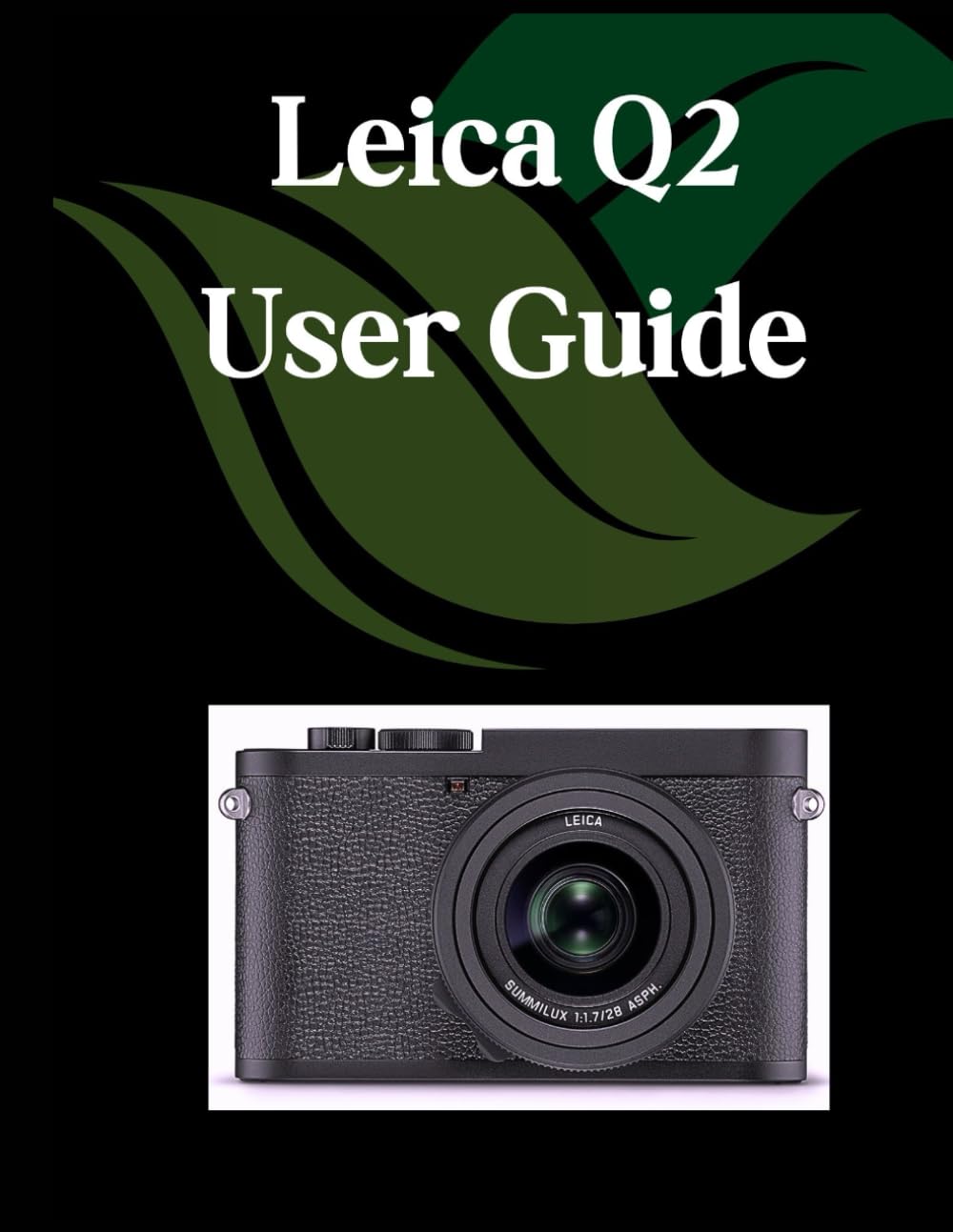
Front cover of the Leica Q2 User Guide book, featuring the title and author information.

Back cover of the Leica Q2 User Guide book, displaying the ISBN barcode and publisher information.


