1. Entwodiksyon
This manual provides essential instructions for the setup, operation, maintenance, and troubleshooting of your RCA 40-inch MultiTuner HD Google TV, Model R40M-F4G. Please read this manual thoroughly before using your television to ensure proper functionality and safety.
2. Enfòmasyon enpòtan sou sekirite
Toujou swiv prekosyon sekirite debaz yo lè w ap itilize pwodui sa a pou diminye risk dife, chòk elektrik, ak blesi.
- Pa ekspoze televizyon an ak lapli oswa imidite.
- Pa ouvri televizyon an.asing; konfye tout antretyen bay pèsonèl kalifye.
- Asire bon vantilasyon alantou televizyon an.
- Sèvi ak sèlman kòd kouran ki vini ak televizyon an.
- Kenbe televizyon an lwen limyè solèy dirèk ak sous chalè.
3. Sa ki enkli
Verifye ke tout konpozan yo prezan nan anbalaj la:
- RCA 40-inch MultiTuner HD Google TV (Model R40M-F4G)
- Kontwòl Remote (ak pil)
- Manyèl Itilizatè (dokiman sa a)
- Kòd pouvwa
- Sipò Televizyon (2) ak Vis

Image 1: RCA 40-inch Google TV with included remote control and stand components.
4. Enstalasyon
4.1 Fikse Sipò Televizyon yo
- Mete televizyon an fas anba ak anpil atansyon sou yon sifas mou epi pwòp pou evite domaje ekran an.
- Aliyen chak sipò ak twou vis ki koresponn yo anba televizyon an.
- Fikse sipò yo avèk vis yo bay yo. Pa sere yo twòp.
4.2 Montaj sou miray (opsyonèl)
If you plan to wall-mount your TV, refer to the instructions provided with your wall-mount bracket. Ensure the bracket is compatible with the TV's VESA mounting pattern (refer to specifications). Remove the TV stands before wall mounting.

Imaj 2: Dèyè view of the TV, highlighting the VESA mounting points for wall installation.
4.3 Konekte Aparèy
Connect your external devices (e.g., cable box, Blu-ray player, gaming console) to the appropriate ports on the TV.
- HDMI: Pou odyo ak videyo an wo definisyon.
- USB: Pou konekte aparèy depo USB yo.

Imaj 3: Kote view of the TV, illustrating the location of HDMI and USB ports for device connectivity.
4.4 Premye Limen ak Konfigirasyon Google TV a
- Branche kòd kouran an nan televizyon an epi answit nan yon priz miray.
- Peze bouton Power (Power) ki sou kontwòl remote la oswa sou televizyon an.
- Swiv enstriksyon ki sou ekran an pou konplete konfigirasyon inisyal la, tankou:
- Seleksyon lang
- Koneksyon rezo (Wi-Fi)
- Koneksyon kont Google
- Eskane chanèl (si w ap itilize yon antèn)
5. Operating Your RCA Google TV
5.1 Entèfas Google TV
The Google TV operating system provides a centralized hub for your streaming services, live TV, and apps. Navigate using the remote control's directional pad and select button.

Image 4: The Google TV home screen, showing recommended content and installed applications.
5.2 Karakteristik kle
- Google Asistan: Control your TV, search for content, or get information using voice commands. Press the Google Assistant button on your remote and speak into the microphone.

Image 5: Using Google Assistant with the remote control for voice commands.
- Chromecast entegre: Cast content (videos, photos, music) from your compatible smartphone, tablet, or computer directly to the TV screen.
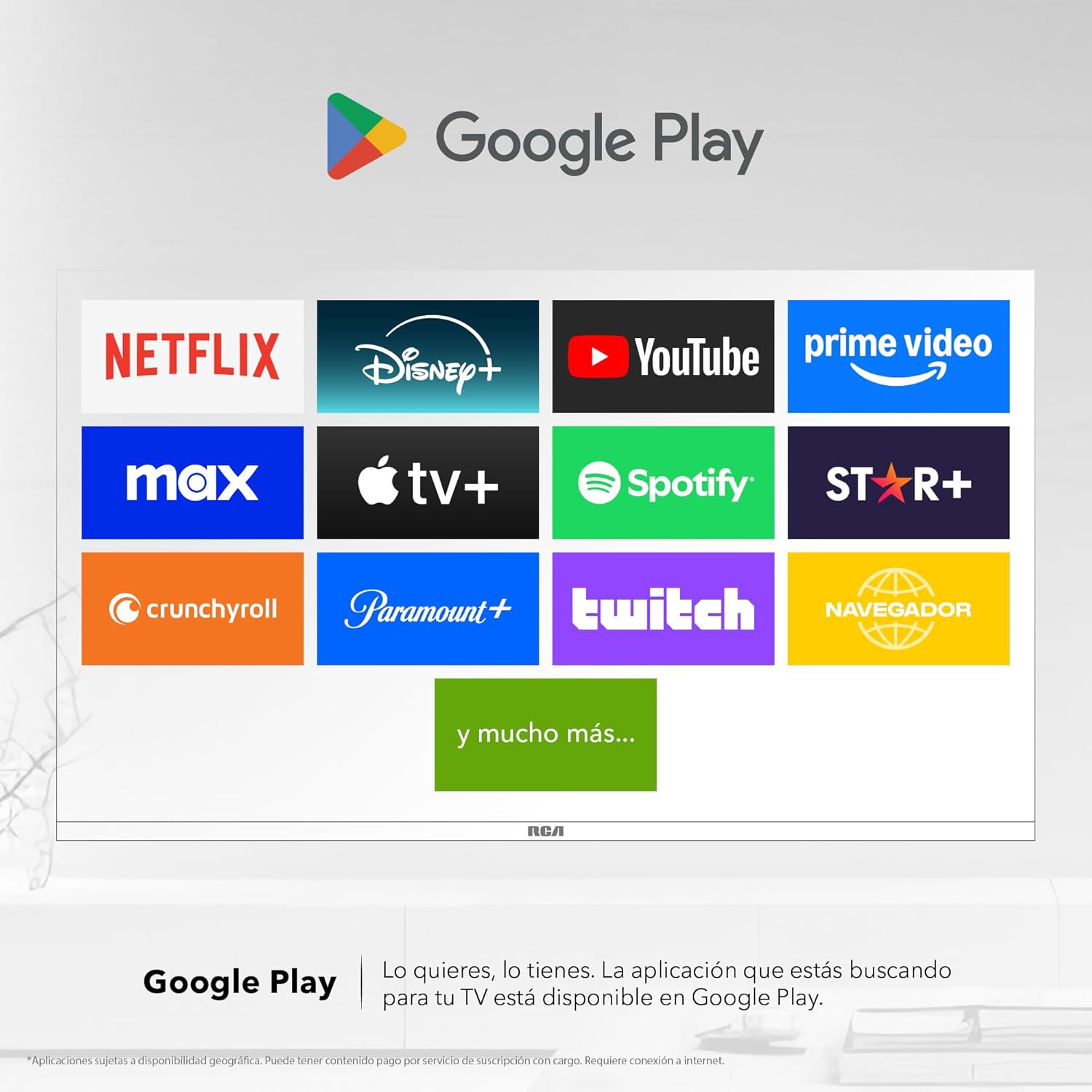
Image 6: Demonstrating content casting from a mobile device to the TV via Google Cast.
- Koneksyon Bluetooth: Connect Bluetooth-enabled devices such as soundbars, headphones, or game controllers wirelessly to your TV.

Image 7: The TV connected to a soundbar via Bluetooth for enhanced audio.
- Google Play Store: Download and install a wide variety of applications directly onto your TV.

Image 8: The Google Play Store displaying various applications available for download.
- Kids Profile: Create a dedicated profile for children to manage accessible applications and content.

Image 9: The Kids Profile interface, designed for child-friendly content management.
- Dolby Audio: Experience clear, rich, and detailed sound with Dolby Audio technology.
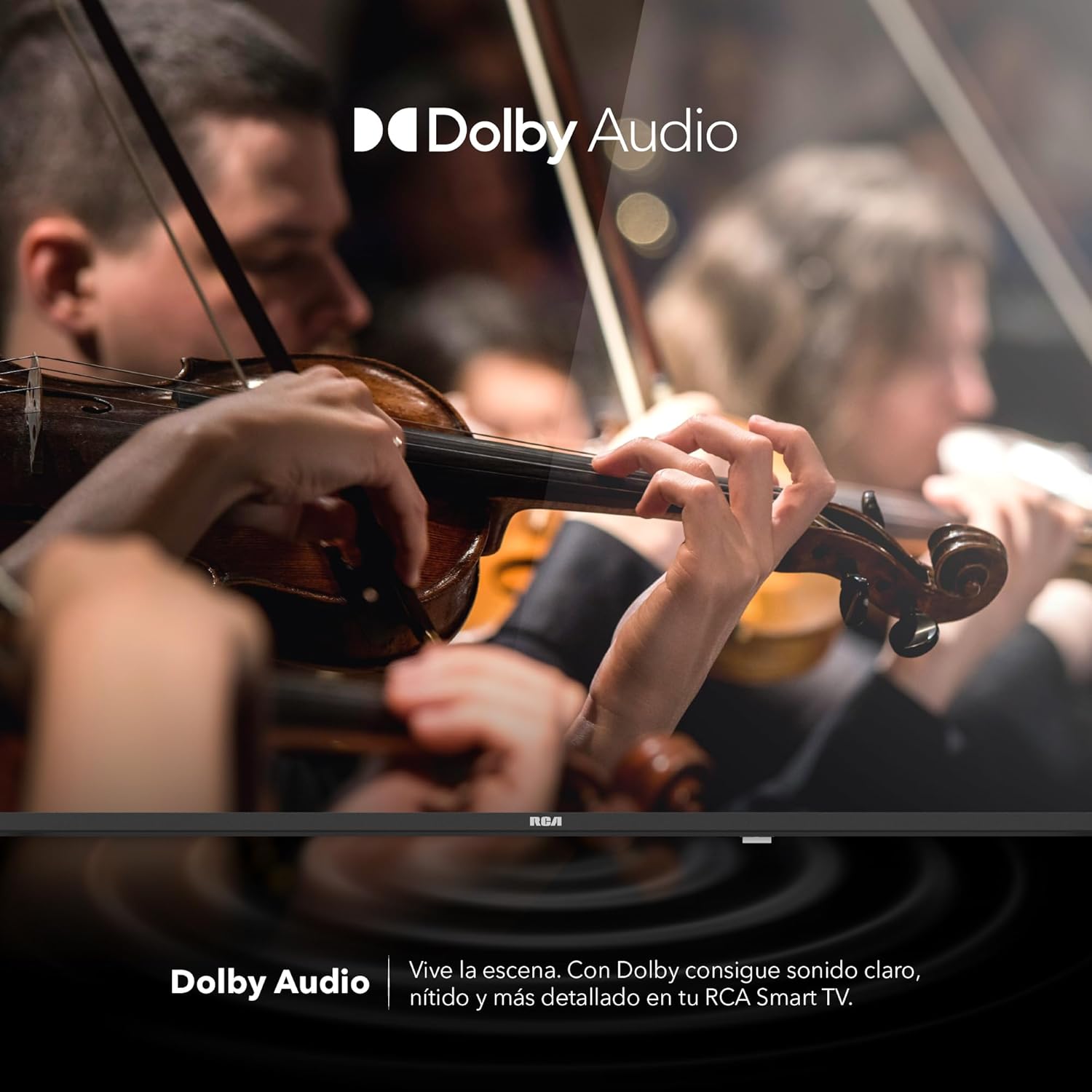
Image 10: The Dolby Audio feature enhancing the sound experience on the TV.
6. Antretyen
6.1 Netwaye ekran an
- Etenn televizyon an epi deploge li nan priz kouran an.
- Dousman siye ekran an ak yon twal mou, ki pa gen pèl.
- Pou mak ki difisil pou retire, pase yon ti krasampRense twal la avèk dlo oswa yon pwodui netwayaj ekran espesyalize (pa flite dirèkteman sou ekran an).
- Evite itilize pwodwi chimik piman bouk oswa materyèl abrazif.
6.2 Swen Jeneral
- Keep the TV in a well-ventilated area.
- Protect the TV from dust by regularly wiping the casinSiye ak yon twal mou epi sèk.
- Evite mete objè lou anlè televizyon an.
NAN. Depanaj
| Pwoblèm | Kòz posib | Solisyon |
|---|---|---|
| Pa gen pouvwa | Power cord disconnected; power outlet issue | Asire w kòd kouran an byen konekte. Teste priz la ak yon lòt aparèy. |
| Pa gen imaj, men gen son | Incorrect input source; faulty cable | Press the "Input" button on the remote to select the correct source. Check HDMI/AV cable connections. |
| Pa gen son, men imaj la la | Volume too low; Mute activated; audio settings issue | Increase volume. Check if Mute is active. Verify audio output settings in the TV menu. |
| Remote kontwòl pa travay | Dead batteries; obstruction; pairing issue | Replace batteries. Remove any obstructions between remote and TV. Re-pair Bluetooth remote if applicable. |
| Pwoblèm koneksyon Wi-Fi | Router problem; incorrect password; signal interference | Restart your router. Re-enter Wi-Fi password. Move TV closer to router or reduce interference. |
8. Espesifikasyon
| Karakteristik | Detay |
|---|---|
| Mak | RCA |
| Modèl | R40M-F4G |
| Gwosè ekran | 40 pous |
| Teknoloji ekspozisyon | dirije |
| Rezolisyon | 1920 x 1080 (Full HD) |
| Rafrechisman pousantaj | 60 Hz |
| Sistèm operasyon | Google TV |
| Kodaj odyo | Dolby Atmos |
| Entèfas Materyèl | HDMI, USB |
| Total pò USB | 2 |
| Sipò Bluetooth | Wi |
| Karakteristik espesyal | Chromecast, Flat Screen |
| Kalite aliye | Mi montabl |
| Pwodwi Dimansyon (WxHxD) | 97 x 56 x 11 cm |
| Pwa pwodwi | 7 kg |
9. Garanti ak sipò
9.1 Enfòmasyon sou Garanti
This product comes with a manufacturer's warranty. Please refer to the warranty card included in your packaging for specific terms and conditions. Extended warranty options may be available from your retailer.
9.2 Sipò pou Kliyan
For technical assistance, troubleshooting beyond this manual, or warranty claims, please contact RCA customer support. Visit the official RCA websit la pou enfòmasyon kontak ak resous sipò.
RCA Official Websit: www.rca.com


