1. Entwodiksyon
Thank you for choosing the boAt Aavante 2.2 1400 Soundbar. This manual provides essential information for setting up, operating, and maintaining your new soundbar. Please read it thoroughly before use to ensure optimal performance and safety.
1.1 Pwodwi souview
The boAt Aavante 2.2 1400 is a 140W 2.2 channel soundbar designed to enhance your home audio experience. It features built-in subwoofers, multiple connectivity options including Bluetooth V5.3, AUX, USB, Coaxial, and HDMI(ARC), and various EQ modes for customized sound.
1.2 Sa ki nan bwat la
- boAt Aavante 2.2 1400 Soundbar
- Remote Control (2 AA batteries included)
- Pouvwa kab
- Manyèl itilizatè
2. Enfòmasyon sou Sekirite
Tanpri swiv règ sekirite sa yo pou evite domaj nan aparèy la oswa blesi pèsonèl:
- Pa ekspoze ba son an nan lapli, imidite, oswa tanperati ekstrèm.
- Pa ouvri c laasing; konfye tout antretyen bay pèsonèl kalifye.
- Asire bon vantilasyon alantou inite a.
- Sèvi ak sèlman kab pouvwa yo bay la.
- Kenbe soti nan atenn timoun yo.
3. Konpozan ak Kontwòl Pwodwi yo
3.1 Soundbar Overview
The soundbar features a sleek design with integrated controls and various input ports on the rear panel.

Imaj: Devan view of the boAt Aavante 2.2 1400 Soundbar, showcasing konsepsyon kontra enfòmèl ant ak elegant li yo.
3.2 Pò koneksyon
The soundbar offers multiple options for connecting to your audio sources:
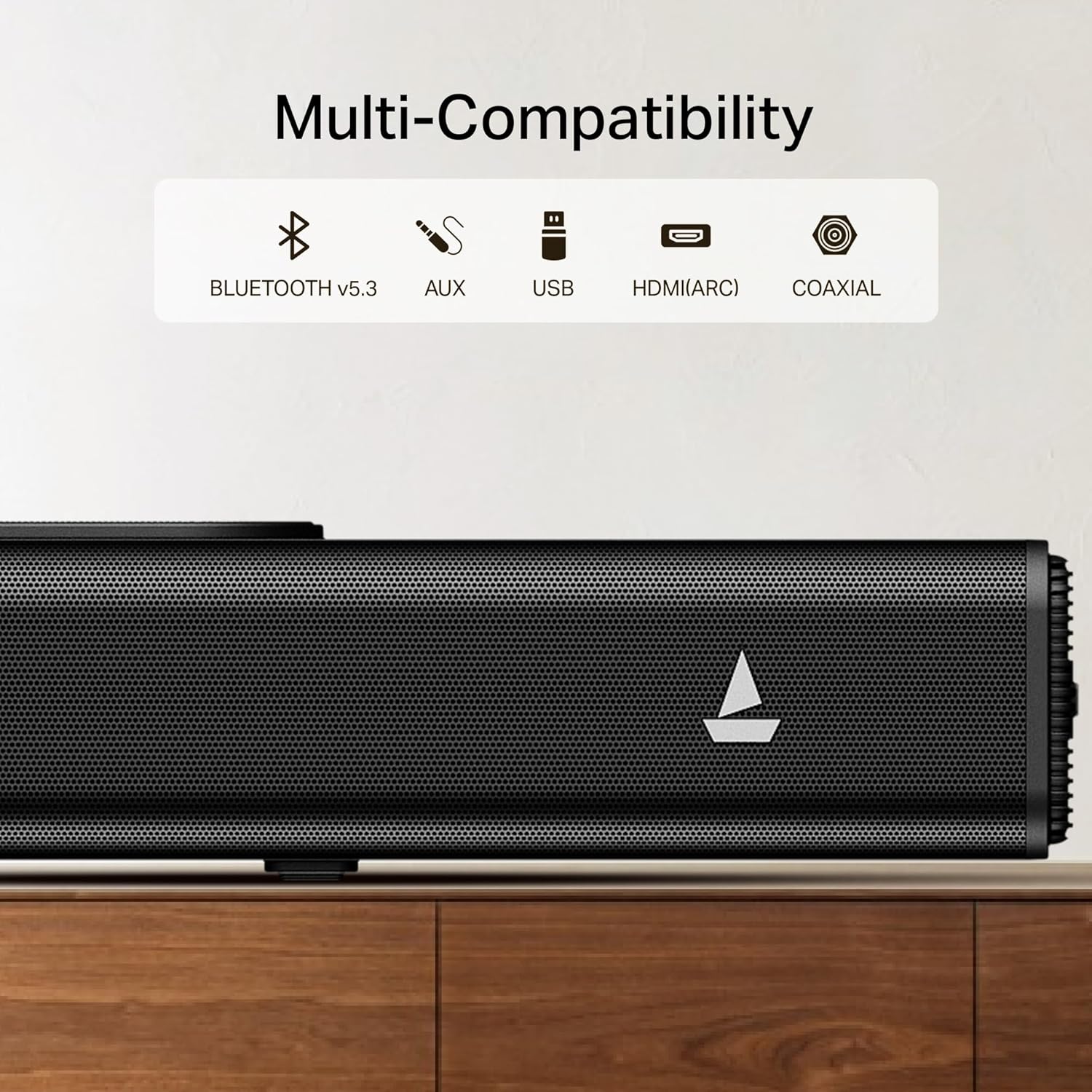
Image: Close-up of the soundbar's rear panel, highlighting the Bluetooth V5.3, AUX, USB, HDMI(ARC), and Coaxial input ports.
- Bluetooth V5.3: For wireless connection to compatible devices.
- AUX: For analog audio input from devices with a 3.5mm jack.
- USB: Pou jwe odyo files dirèkteman nan yon kondwi USB.
- HDMI (ARC): For high-quality digital audio connection to ARC-enabled TVs.
- Kowaksyal: For digital audio input from compatible devices.
3.3 Kontwòl Remote
The included remote control provides full functionality for managing your soundbar.

Image: Illustration showing the soundbar's easy access controls and the master remote control, along with icons for Music, Movies, and News EQ modes.
- Power On/Off
- Volim monte/desann
- Seleksyon sous Antre
- EQ Mode Selection (Music, Movies, News)
- Playback Controls (Play/Pause, Skip)
4. Enstalasyon
4.1 Debake
Retire tout konpozan yo nan anbalaj la avèk prekosyon. Kenbe anbalaj la pou transpò oswa depo pita.
4.2 Plasman
Place the soundbar on a stable, flat surface directly in front of your television for the best audio experience. Ensure there is adequate space for air circulation.

Image: The boAt Aavante 2.2 1400 Soundbar positioned below a television, illustrating its 2.2-channel audio with built-in subwoofer for an immersive experience.
4.3 Konekte sou pouvwa
- Konekte kab kouran an nan pò AC IN ki sou ba son an.
- Branche lòt bout kab kouran an nan yon priz miray.
4.4 Koneksyon Audio
Chwazi youn nan metòd sa yo pou konekte sous odyo ou a:
Koneksyon 4.4.1 HDMI (ARC)
For optimal digital audio quality and control, connect your TV's HDMI ARC port to the soundbar's HDMI(ARC) port using an HDMI cable (not included).
4.4.2 Bluetooth Koneksyon
- Press the 'Input' button on the remote or soundbar until 'BT' appears on the display.
- Aktive Bluetooth sou aparèy ou an (telefòn entelijan, tablèt, elatriye).
- Select 'boAt Aavante 1400' from the list of available devices.
- A confirmation tone will sound upon successful pairing.
4.4.3 AUX Koneksyon
Connect an AUX cable (not included) from your audio device's 3.5mm output to the soundbar's AUX IN port.
4.4.4 USB Koneksyon
Mete yon kle USB ki gen odyo ladan l files into the USB port on the soundbar. The soundbar will automatically switch to USB mode and begin playback.
4.4.5 Coaxial Connection
Connect a Coaxial cable (not included) from your audio device's Coaxial output to the soundbar's Coaxial IN port.
5. Operasyon Enstriksyon
5.1 Power On/Off
Peze bouton pouvwa a sou ba son an oswa sou kontwòl remote la pou limen oswa etenn aparèy la.
5.2 Kontwòl Volim
Use the 'Volume +' or 'Volume -' buttons on the remote or soundbar to adjust the volume level.
5.3 Seleksyon Sous Antre
Press the 'Input' button on the remote or soundbar repeatedly to cycle through available input sources: Bluetooth, AUX, USB, Coaxial, HDMI(ARC).
5.4 mòd EQ
The soundbar features multiple equalizer modes to optimize audio for different content types:
- Mòd Mizik: Enhanced for musical playback.
- Movies Mode: Optimized for cinematic sound.
- Mòd nouvèl: Clearer vocal reproduction for news and dialogue.
Peze bouton mòd EQ ki koresponn lan sou kontwòl remote la pou chwazi mòd ou vle a.
6. Antretyen
6.1 Netwayaj
Wipe the soundbar with a soft, dry cloth. Do not use liquid cleaners or abrasive materials.
6.2 Depo
Si w ap sere soundbar la pou yon bon bout tan, dekonekte l nan kouran an epi sere l nan yon kote ki fre epi sèk, de preferans nan anbalaj orijinal li.
NAN. Depanaj
| Pwoblèm | Kòz posib | Solisyon |
|---|---|---|
| Pa gen pouvwa | Kab kouran an pa konekte; Priz miray la pa aktif | Asire w ke kab kouran an byen konekte; Teste priz miray la ak yon lòt aparèy. |
| Pa gen son | Incorrect input source; Volume too low; Mute activated; Cable connection issue | Chwazi sous opinyon ki kòrèk la; Ogmante volim nan; Dezaktive silans lan; Tcheke koneksyon kab odyo a. |
| Bluetooth pa konekte | Ba son an pa nan mòd koneksyon; Aparèy la pa detektab; Entèferans | Ensure soundbar is in BT mode; Make sure device Bluetooth is on; Move devices closer; Restart both devices. |
| Remote kontwòl pa travay | Pil yo fin itilize; Antrav; Telekòmand lan pa nan zòn nan | Replace batteries (2 AA); Remove obstructions; Point remote directly at soundbar; Ensure within range. |
8. Espesifikasyon
- Non modèl: Aavante 2.2 1400
- Mak: bato
- Kalite oratè: Ba son
- Koneksyon Teknoloji: Bluetooth V5.3, AUX, USB, Coaxial, HDMI(ARC)
- Sorti pouvwa: 140W
- Chanèl: 2.2 Channel with Built-in Subwoofer
- Dimansyon pwodwi: 97P x 14W x 9H santimèt
- Pwa atik: 4 kg
- Metòd kontwòl: Remote
- Sous pouvwa: Fil elektrik
- Pil pou telekòmand: 2 pil AA (enkli)
- Itilizasyon Rekòmande: Kay teyat
- Peyi orijin: peyi Zend
9. Garanti ak sipò
For warranty information and customer support, please refer to the warranty card included with your product or contact boAt customer service.
Manifakti: Imajine Maketing Ltd


