1. Entwodiksyon
This manual provides essential information for setting up, operating, maintaining, and troubleshooting your HP 255 15.6-inch laptop. Please read this manual thoroughly to ensure proper use and to maximize the lifespan of your device.
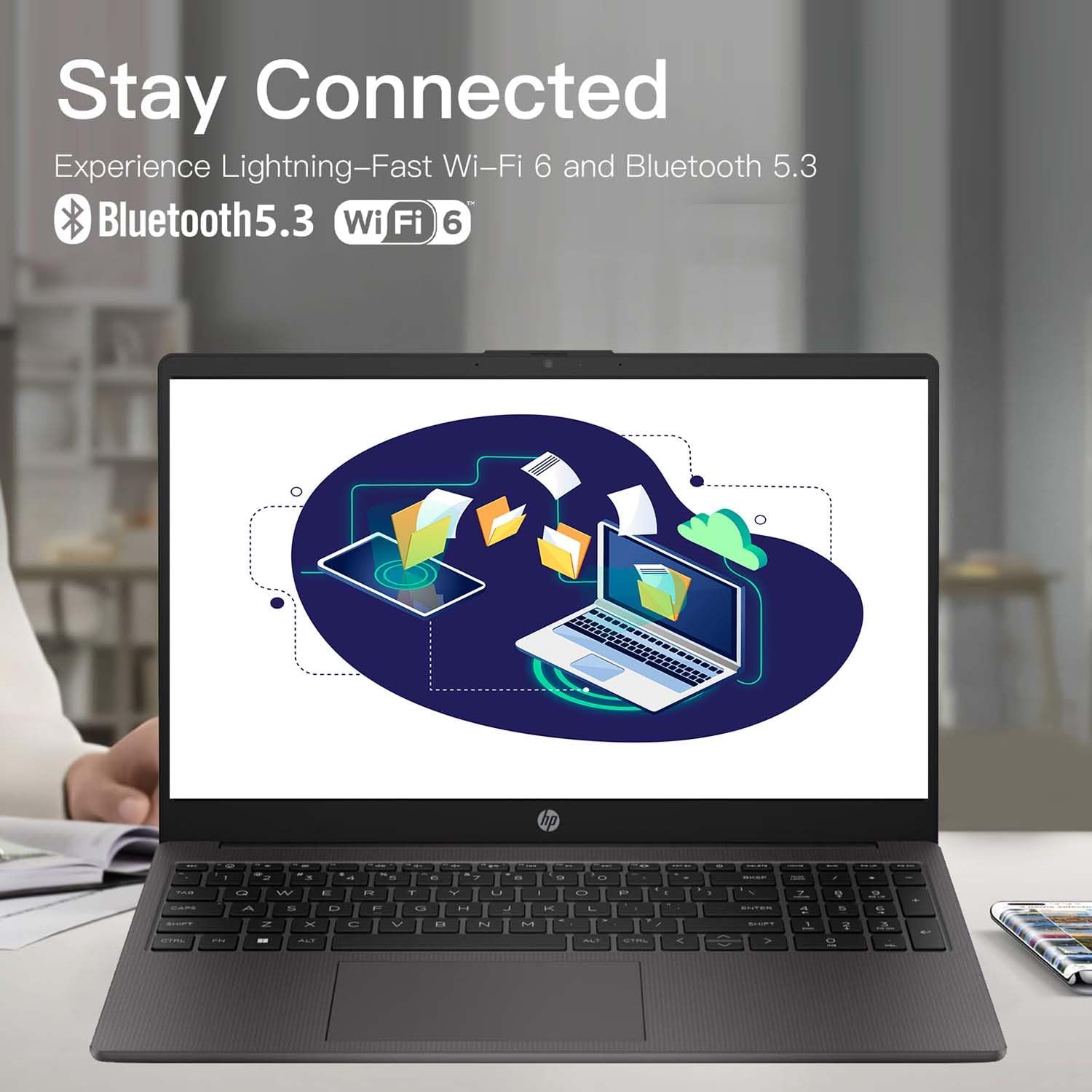
The HP 255 laptop is designed for everyday tasks, productivity, and general computing. It features an AMD Ryzen 3 7330U processor, a 15.6-inch Full HD display, Wi-Fi 6, Bluetooth 5.3, and runs on Windows 11 Pro.
2. Enstalasyon
2.1 Debale ak Premye Enspeksyon
Retire tout konpozan yo nan anbalaj la avèk prekosyon. Asire w ke atik sa yo la:
- HP 255 15.6-inch Laptop
- Adaptè pouvwa
- Dokimantasyon (manyèl sa a, enfòmasyon sou garanti a)
Inspect the laptop for any physical damage. If any damage is found, contact your retailer or HP support immediately.
2.2 Konekte adaptè kouran an
- Connect the power adapter cable to the power-adapter port on the laptop.
- Ploge adaptè pouvwa a nan yon priz elektrik ki baze sou tè.
- Allow the battery to charge for at least 30 minutes before initial use, or until the battery indicator shows a sufficient charge.
Imaj: Diagram illustrating the various ports and slots on the HP 255 laptop, with labels for USB Type-A, HDMI 1.4, USB Type-C (data only), 3.5mm Headset Jack, and Power-adapter port. This helps identify where to connect the power adapter.
2.3 Premye Limen ak Enstalasyon Windows
- Louvri kouvèti laptop la.
- Peze bouton pouvwa a, ki anjeneral sitiye sou klavye a.
- Follow the on-screen instructions to complete the Windows 11 Pro setup. This includes selecting your region, language, connecting to a network, and creating a user account.
3. Operasyon Enstriksyon
3.1 Jesyon pouvwa
- Pouvwa sou: Peze bouton pouvwa a.
- Fèmen: Klike sou bouton Start la, answit sou Power, epi sou Close down.
- Rekòmanse: Click the Start button, then Power, then Restart.
- Dòmi: Fèmen kouvèti a oubyen klike sou bouton Start la, answit sou Power (Alimantasyon), epi sou Sleep (Dòmi).
3.2 Klavye ak Touchpad
The laptop features a full-size keyboard and a multi-touch touchpad. Refer to the Windows 11 Pro documentation for detailed gestures and keyboard shortcuts.
3.3 Konekte ak rezo ak aparèy

Imaj: The HP 255 laptop screen showing icons for Wi-Fi 6 and Bluetooth 5.3, indicating its wireless connectivity capabilities.
- Wi-Fi 6: To connect to a wireless network, click the Wi-Fi icon in the taskbar, select your desired network, and enter the password if prompted.
- Bluetooth 5.3: Pou konekte aparèy Bluetooth yo, ale nan Anviwònman Windows > Bluetooth ak aparèy, epi swiv enstriksyon yo pou ajoute yon nouvo aparèy.
- Ethernet: Connect an Ethernet cable to the Ethernet port for a wired network connection.
- Aparèy USB: Connect USB devices (e.g., mouse, external drive) to the available USB Type-A or USB Type-C ports.
- Ekspozisyon ekstèn: Use the HDMI 1.4 port to connect an external monitor or projector.
3.4 Dire batri ak chaje
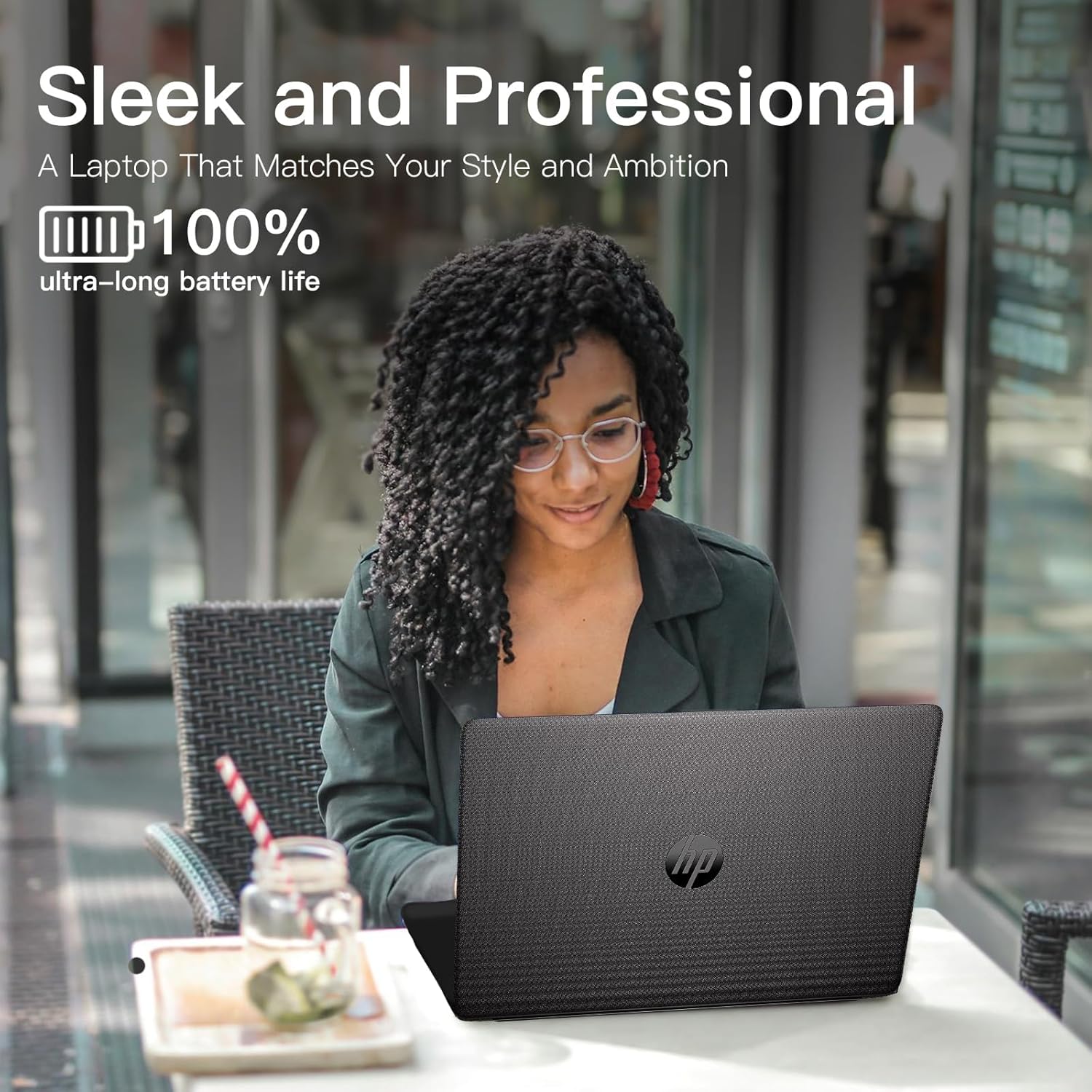
The laptop is equipped with a 3-cell 41WH Li-Ion battery. For optimal battery performance:
- Chaje batri a konplètman anvan premye itilize.
- Evite dechaje batri a nèt souvan.
- Use the provided HP power adapter for charging.

Imaj: A user operating the HP laptop in an outdoor setting, emphasizing its design and battery endurance for mobile use.
3.5 Miltitasking ak Pwodiktivite
The HP 255 laptop, powered by the AMD Ryzen 3 7330U processor and ample memory, is designed to handle multiple applications simultaneously, enhancing your productivity.

Imaj: The HP 255 laptop screen showcasing various applications running concurrently, such as video editing, document creation, and web browsing, demonstrating its multitasking capabilities.
4. Antretyen
4.1 Netwaye òdinatè pòtab la
- Ekran: Sèvi ak yon moso twal mou, ki san pèl dampLave avèk dlo oswa yon pwodui netwayaj ekran. Pa flite likid dirèkteman sou ekran an.
- Klavye ak chasi: Sèvi ak yon twal mou epi sèk. Pou pousyè tè ki difisil pou retire, yon ti kras mouye.amp Ou ka itilize twal. Evite pwodui chimik ki agresif.
- Pò: Kenbe pò yo pwòp san pousyè ak debri. Sèvi ak lè konprese si sa nesesè, men evite mete objè nan pò yo.
4.2 Mizajou lojisyèl
Regularly update your Windows operating system and drivers to ensure optimal performance and security. Go to Windows Settings > Windows Update to check for and install updates.
4.3 Jesyon Depo
Netwaye sa ki pa nesesè detanzantan files and applications to maintain system performance. The laptop comes with a 1TB PCIe SSD.
NAN. Depanaj
This section addresses common issues you might encounter with your HP 255 laptop.
5.1 Pwoblèm pouvwa
- Laptop la pa limen:
- Asire w adaptè kouran an byen konekte ak laptop la ak yon priz elektrik ki fonksyone.
- Verifye si priz kouran an fonksyone byen lè w branche yon lòt aparèy.
- Si batri a fin dechaje nèt, li ka pran kèk minit pou l chaje anvan laptop la ka limen.
- Batri pa chaje:
- Check the power adapter and cable for damage.
- Ensure the power adapter is correctly seated in the laptop's power port.
- Eseye yon priz kouran diferan.
5.2 Pwoblèm ekspozisyon
- Ekran an vid oswa nwa:
- Asire w ke laptop la limen epi li pa nan mòd dòmi.
- Peze Fn + F2 (or the appropriate function key with a display icon) to toggle the display output.
- If an external monitor is connected, ensure it is powered on and correctly configured.
5.3 Performance and System Stability
- System crashes or freezes during Windows installation:
- Ensure the laptop is receiving adequate power and is not overheating.
- If repeated crashes occur during initial setup, this may indicate a hardware issue. Contact HP support for assistance.
- Overheating or fan noise:
- Ensure the laptop's vents are not blocked.
- Sèvi ak laptop la sou yon sifas plat e di pou pèmèt bon sikilasyon lè a.
- If cooling fans are reported as inoperable (e.g., via a blue screen error), immediately power off the laptop and contact HP support. Continued use can cause damage.
6. Espesifikasyon
The following table outlines the key technical specifications of the HP 255 15.6-inch Laptop (16GB RAM | 1TB PCIe configuration):

Imaj: The HP 255 laptop with its physical dimensions indicated as 14.17 inches in width and 9.29 inches in depth, illustrating its compact and portable design.
| Karakteristik | Spesifikasyon |
|---|---|
| Non modèl | HP 255 |
| Gwosè ekran | 15.6 pous |
| Rezolisyon ekran maksimòm | 1920x1080 Piksèl (Full HD) |
| Processeur | AMD Ryzen 3 7330U (jiska 4.6 GHz) |
| RAM | 16 GB DDR4 |
| Depo | 1 TB PCIe SSD |
| Koprosesè grafik | Grafik AMD Radeon (Entegre) |
| Sistèm operasyon | Windows 11 Pro |
| Koneksyon san fil | Wi-Fi 6 (802.11ax), Bluetooth 5.3 |
| Pò | 3x USB 3.0 (Type-A), 1x HDMI 1.4, 1x USB Type-C (data only), 1x 3.5mm Headset Jack, Ethernet Port, Power-adapter port |
| Batri | 3-Cell 41WH Li-Ion |
| Dimansyon (LxWxH) | 14.11 x 0.7 x 9.5 pous |
| Pwa atik | 5 liv |
| Koulè | Gri |
| Karakteristik espesyal | Anti Glare Coating, HD Audio, Numeric Keypad, Spill Resistant |
Imaj: A bar chart comparing the performance metrics of the AMD Ryzen 3 7330U processor against the Intel i5-1135G7, showing scores for single-core, multi-core, power efficiency, and integrated graphics.
7. Garanti ak sipò
7.1 Enfòmasyon sou Garanti
Your HP 255 laptop comes with a standard manufacturer's warranty. For detailed information regarding warranty terms, conditions, and duration, please refer to the warranty card included in your product packaging or visit the official HP support websit.
7.2 Sipò teknik
If you encounter issues that cannot be resolved using the troubleshooting steps in this manual, please contact HP technical support. You can find contact information and additional resources on the official HP support websit:
When contacting support, please have your laptop's serial number and model number (HP 255) ready.