Entwodiksyon
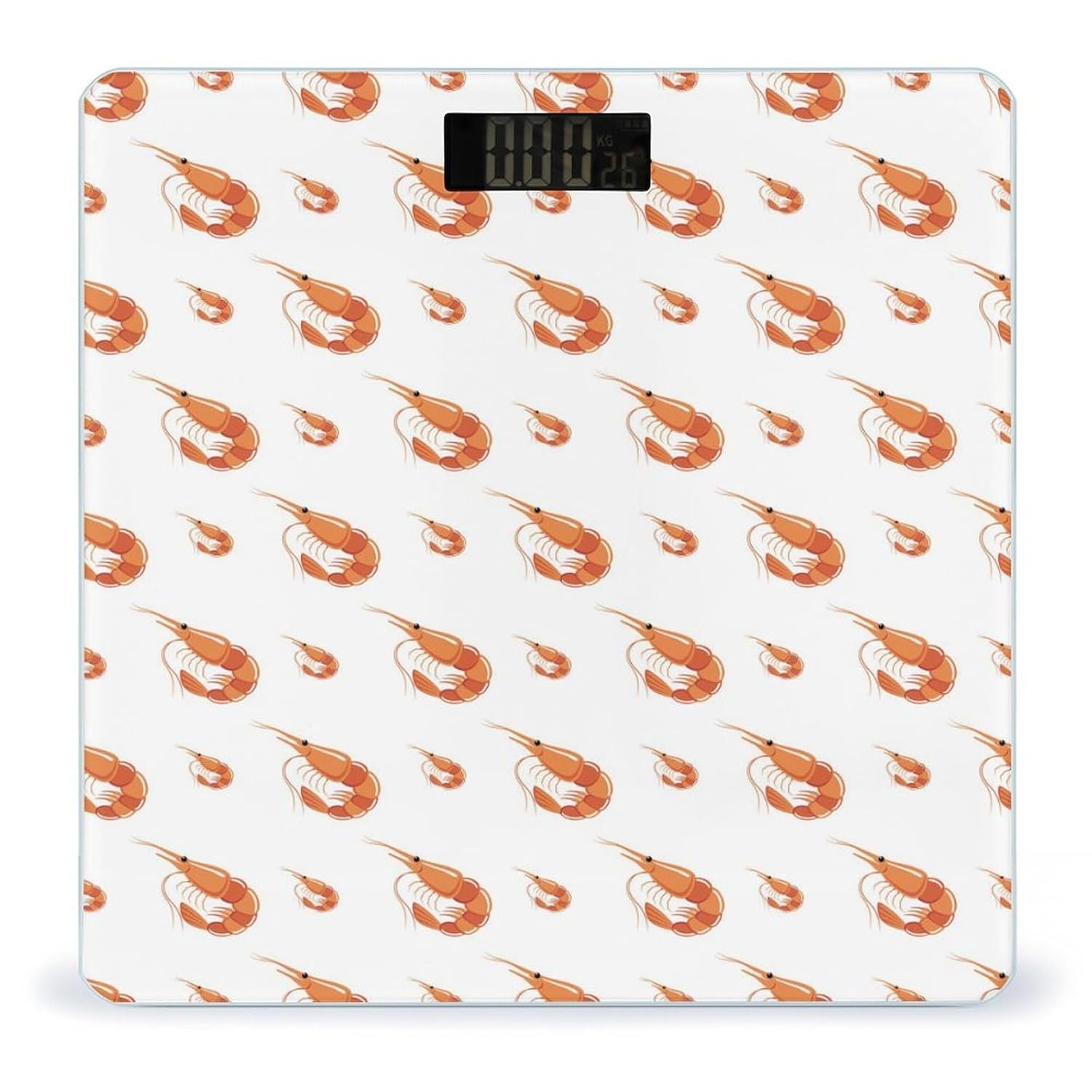
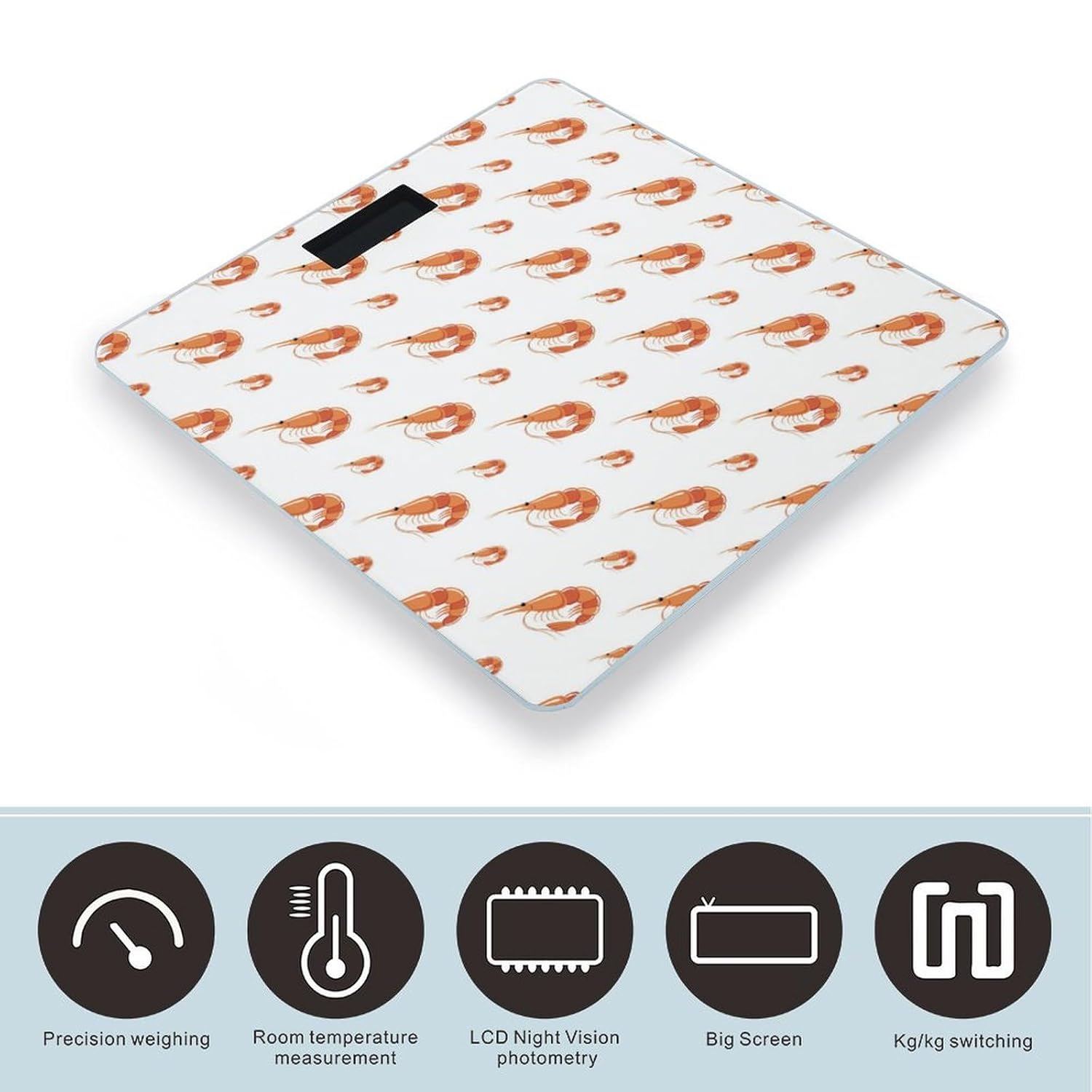
The Novastar Shrimp No.901 Digital Body Weight Scale is designed for accurate and consistent weight tracking in a home environment. Featuring a durable tempered glass surface and an ultra-bright LCD display, this scale provides reliable measurements for monitoring your health and fitness progress. Its user-friendly design includes automatic power on/off, zero-reset, and calibration functions for a seamless experience.
Enstalasyon
- Depake balans lan: Retire balans lan nan anbalaj li avèk prekosyon.
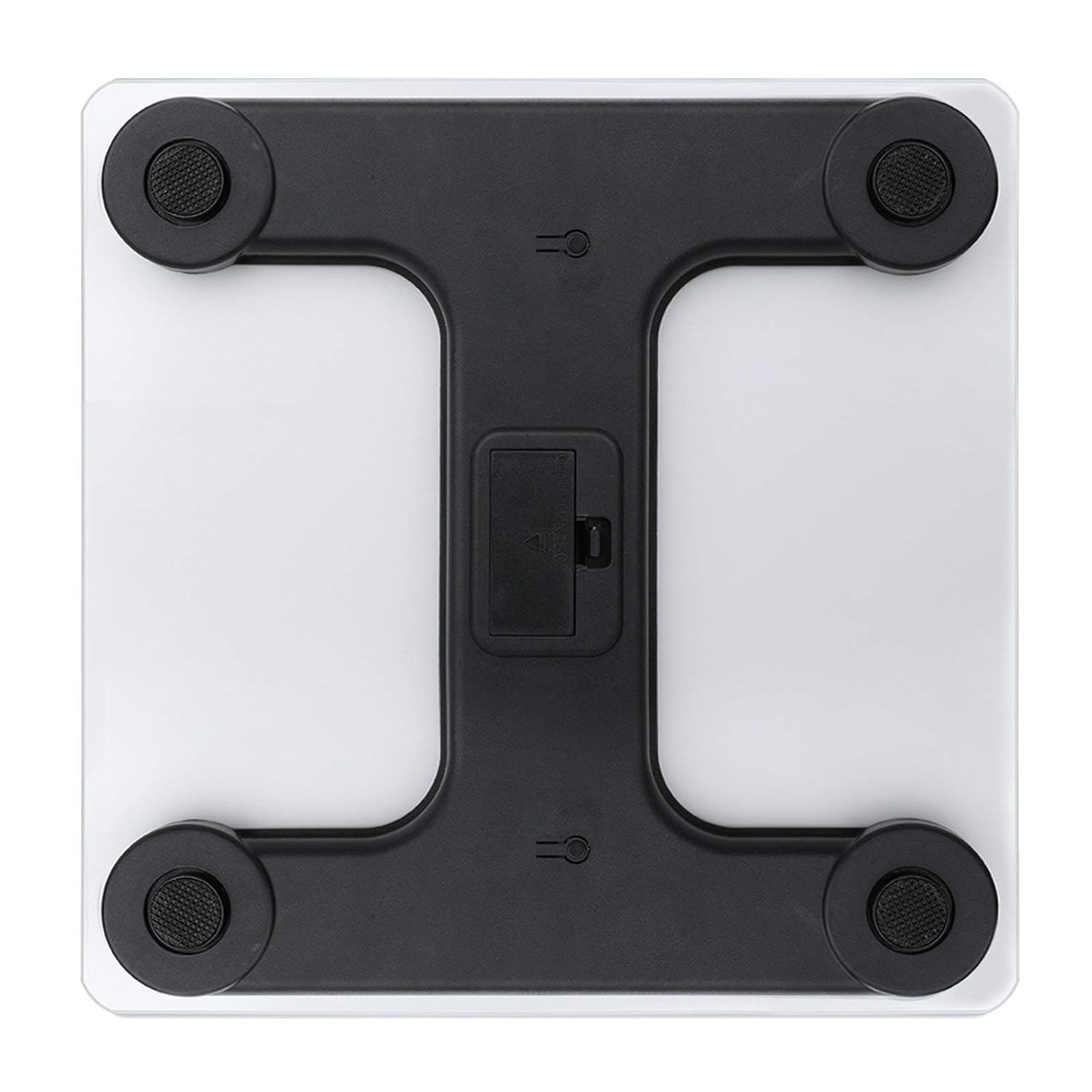
- Enstale pil: Open the battery compartment located on the underside of the scale. Insert the required batteries (typically AAA, not included) according to the polarity indicators. Close the compartment securely.
- Plasman: Mete balans lan sou yon sifas ki di, plat, epi ki estab. Evite tapi oswa planche inegal, paske sa ka afekte presizyon.
- Kalibrasyon inisyal: For first-time use or after moving the scale, gently step on the scale until the display shows a reading, then step off. The scale will display '0.0' or 'CAL' and then turn off, indicating it is calibrated and ready for use.
Enstriksyon Operasyon
- Etap-sou Aktivasyon: Gently step onto the center of the scale platform with bare feet. The scale will automatically turn on.
- Reading Your Weight: Stand still on the scale. Your weight will be displayed on the ultra-bright LCD screen within a few seconds.
- Konvèsyon Inite: If your scale supports unit switching (e.g., kg/lb), there may be a button on the underside or side of the scale to toggle between units. Refer to the specific markings on your device.
- Otomatik pouvwa koupe: The scale will automatically turn off after a few seconds of inactivity to conserve battery life.

Swen ak Antretyen
- Netwayaj: Siye sifas echèl la ak anonsamp twal ak savon dou. Pa sèvi ak pwodui netwayaj abrazif oswa plonje balans lan nan dlo.
- Depo: Store the scale in a cool, dry place. Avoid extreme temperatures or high humidity.
- Ranplasman batri: If the display shows a 'Lo' indicator or becomes dim, replace the batteries promptly.
- Evite enpak: While the tempered glass is sturdy, avoid dropping heavy objects on the scale or subjecting it to strong impacts.
Depanaj
- Lekti ki pa kòrèk:
- Ensure the scale is on a hard, flat, and stable surface.
- Re-calibrate the scale by stepping on and off once before weighing.
- Tcheke nivo batri a epi ranplase si sa nesesè.
- 'Lo' Display: Indicates low battery. Replace batteries.
- 'Err' or Overload Display: Indicates the maximum weight capacity has been exceeded. Step off the scale immediately.
- Pa gen ekspozisyon: Check if batteries are correctly installed or need replacement.
Espesifikasyon
| Karakteristik | Detay |
|---|---|
| Modèl | Nimewo 901 |
| Mak | Novastar |
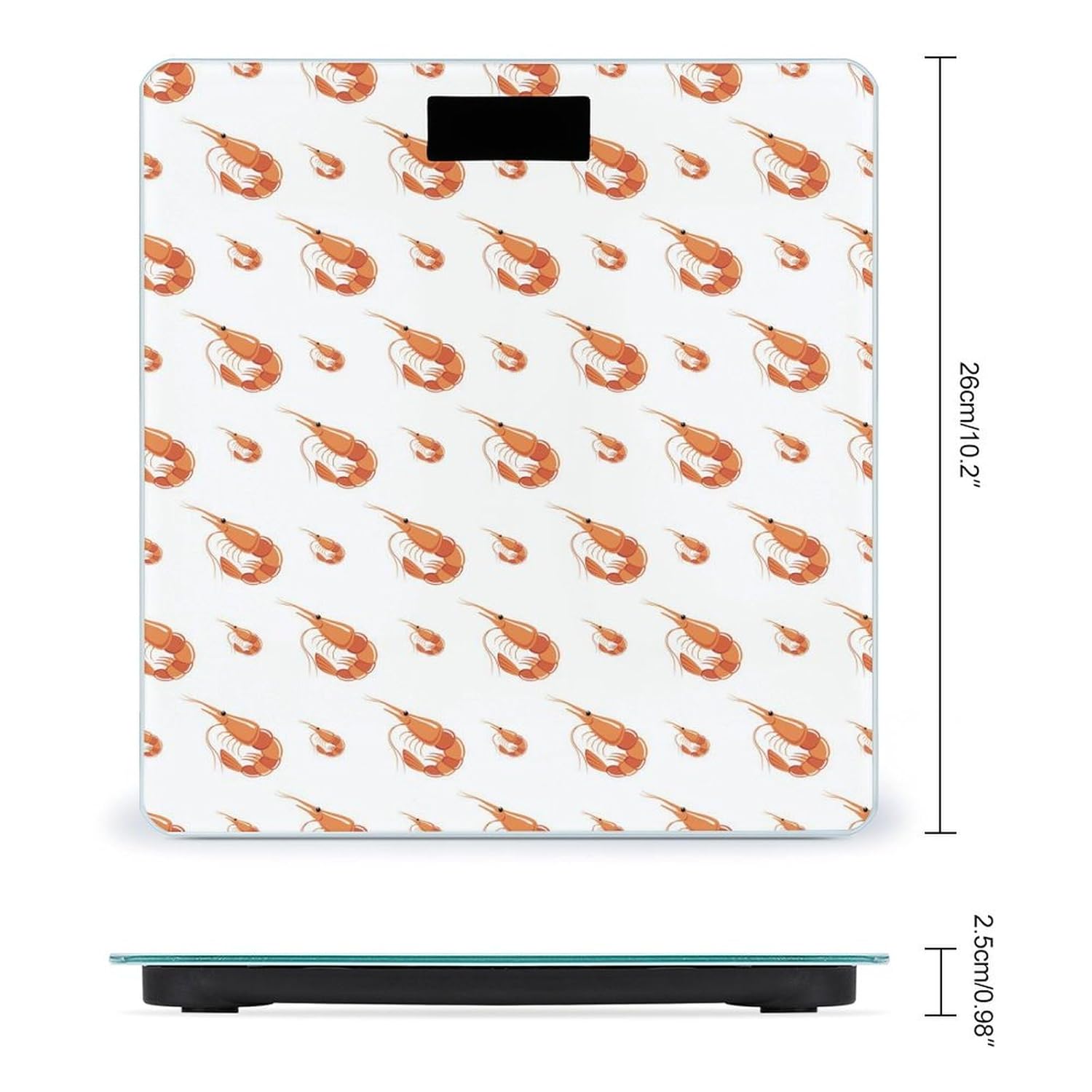
| Dimansyon pwodwi | 10.2 x 10.2 x 0.98 pous (26 x 26 x 2.5 cm) |
| Materyèl | Tanpered Glass Sifas |
| Detèktè | 4 High-Sensitivity Sensors |
| Ekspozisyon | Ultra-Bright LCD |
| Fonksyon | Automatic On/Off, Zero-Reset, Calibration, Unit Switching (kg/lb) |
| Manifakti | NOVASTAR |
Enfòmasyon sou Garanti
Specific warranty details for the Novastar Shrimp No.901 Digital Body Weight Scale are not provided in this manual. Please refer to the product packaging or contact the retailer/manufacturer for warranty terms and conditions.
Sipò pou Kliyan
For further assistance, technical support, or inquiries regarding your Novastar Shrimp No.901 Digital Body Weight Scale, please contact Novastar customer service through their official websit oswa enfòmasyon kontak yo bay ak acha w la.


