Entwodiksyon
This manual provides detailed instructions for the setup, operation, and maintenance of your GOBOULT Rover Pro Smartwatch. Please read this manual thoroughly before using your device to ensure proper functionality and to maximize your user experience.

Image: GOBOULT Rover Pro Smartwatch, showcasing its sleek design and digital time display.
Kontni pake
Upon opening your GOBOULT Rover Pro Smartwatch package, verify that all items listed below are present:
- GOBOULT Rover Pro Smartwatch
- Chaje kab
- Manyèl Itilizatè (dokiman sa a)
Enstalasyon
1. Chaje mont entelijan an
Before initial use, fully charge your GOBOULT Rover Pro Smartwatch. Connect the provided charging cable to the charging port on the back of the smartwatch and to a standard USB power adapter (not included). A full charge typically takes approximately 150 minutes (2.5 hours).

Image: Illustration of the smartwatch charging, highlighting battery life and charging duration.
2. Powering On / Off
- Pouvwa sou: Peze epi kenbe bouton bò a jiskaske ekran an limen.
- Pouvwa Off: Peze epi kenbe bouton bò a, answit chwazi "Etenn" sou ekran an.
3. Enstalasyon ak koneksyon aplikasyon an
To unlock the full potential of your smartwatch, download and install the companion application on your smartphone. The application can typically be found by scanning a QR code in the watch's settings or by searching for "GloryFit" in your smartphone's app store. Once installed:
- Pèmèt Bluetooth sou smartphone ou.
- Louvri aplikasyon konpayon an epi swiv enstriksyon ki sou ekran an pou ajoute aparèy ou an.
- Select "GOBOULT Rover Pro" from the list of available devices to pair.
- Konfime demann koneksyon an sou tou de telefòn entelijan ou ak mont entelijan ou.
For app download, visit: GloryFit App Download
Fonksyone Smartwatch la
Ekspozisyon ak Navigasyon
The GOBOULT Rover Pro features a 1.43-inch AMOLED display with 1000 nits brightness, ensuring clear visibility even in direct sunlight. The display supports an Always-on mode for continuous time display.

Imaj: Detaye view of the smartwatch's 1.43-inch round AMOLED curved display.

Image: Visual comparison highlighting the superior brightness and clarity of the Rover Pro's AMOLED display.
- Glise monte/anba/agoch/adwat: Navigate through menus, notifications, and quick settings.
- Tape: Chwazi yon atik oubyen louvri yon aplikasyon.
- Bouton bò: Press to return to the home screen or access the app list.
Siveyans Sante
The GOBOULT Rover Pro Smartwatch offers comprehensive health tracking features to help you monitor your well-being:
- Siveyans batman kè 24/7: Li kontwole batman kè w san rete pandan tout jounen an.
- SpO2 Blood Oxygen Saturation: Measures the oxygen level in your blood.
- Siveyans dòmi: Analize modèl dòmi ou, ki gen ladan dòmi pwofon, dòmi lejè, ak lè ou reveye.
- Suivi Sik Règ Fi: Bay enfòmasyon ak prediksyon pou sik règ yo.
- Tracker aktivite: Anrejistre pa, distans, ak kalori boule.
- Rapèl: Gen ladan l rapèl pou bwè dlo epi rete aktif.
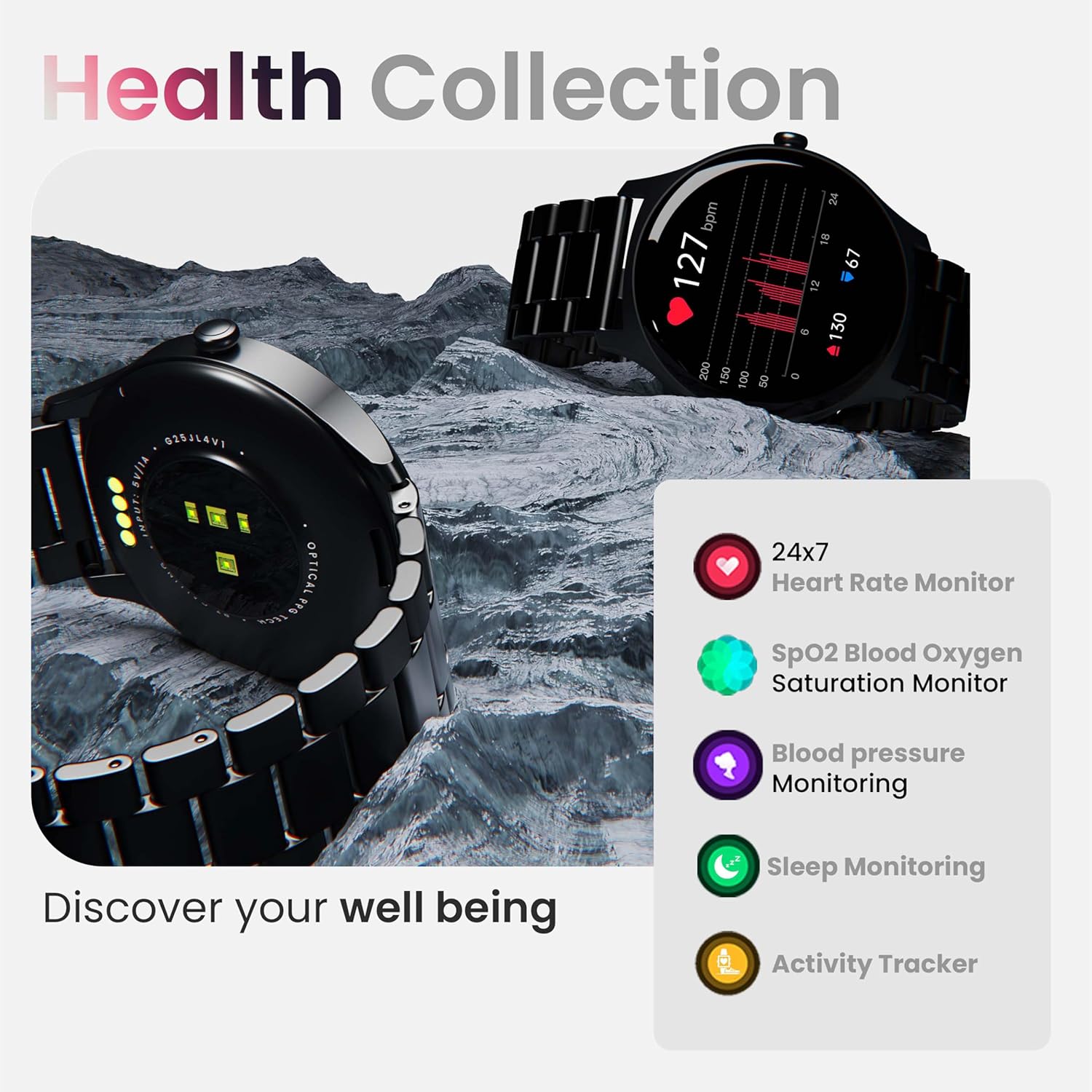
Imaj: Plis paseview of the smartwatch's health monitoring capabilities.
Nòt: This device is not a medical instrument. Health data is for reference only and should not be used for medical diagnosis or treatment.
Espò mòd
With over 120 sports modes, the GOBOULT Rover Pro Smartwatch is designed to track a wide range of physical activities. Select your desired sport from the watch's menu to record specific metrics such as duration, calories burned, and heart rate during your workout.

Image: Display of various sports modes available on the smartwatch.
Personnalisation
Gade figi
Personalize your smartwatch with over 150 cloud-based watch faces available through the companion app. You can also create custom watch faces using your own photos.

Imaj: Egzamples of various watch faces and customization options.
Rele Bluetooth
The GOBOULT Rover Pro Smartwatch features Bluetooth 5.2 single-chip technology, enabling direct calls from your wrist. It includes a dedicated speaker and microphone for clear communication.
- Fè apèl: Access the dial pad or contact list on your watch to initiate calls.
- Reponn/Rejte Apèl: Swipe on the screen to answer or reject incoming calls.
- Contact Sync: Sync your phone's contacts to the smartwatch via the companion app.

Image: Visual representation of the smartwatch's Bluetooth calling interface and features.
AI Voice Asistan
Interact with your smartwatch hands-free using the built-in AI voice assistant. Simply activate the assistant and speak your commands to perform various functions, such as setting alarms, checking weather, or initiating calls. Supports popular voice assistants like Siri and Google Assistant when connected to a compatible smartphone.
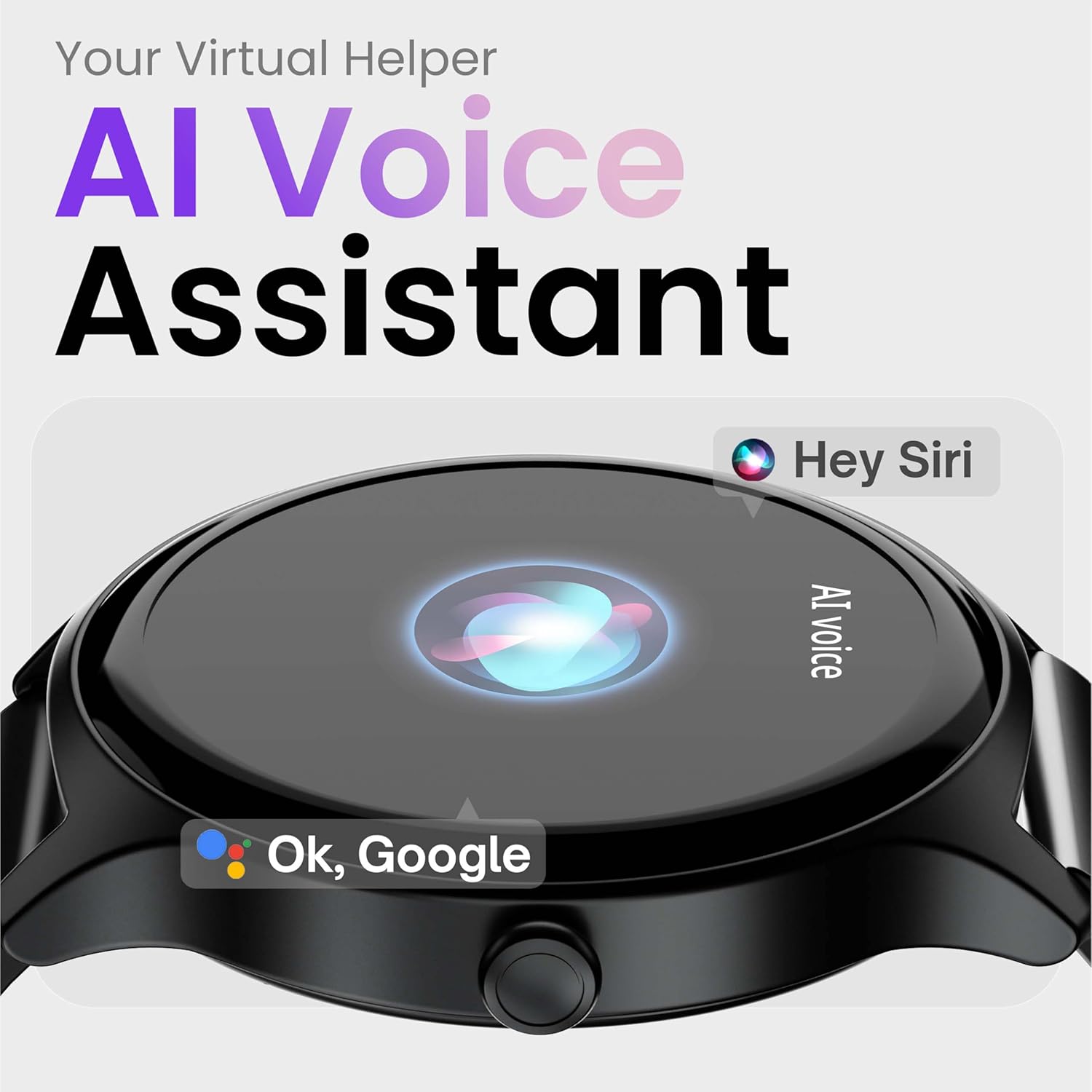
Image: Depiction of the AI Voice Assistant functionality on the smartwatch.
Smart Notifications & Safety Features
Notifikasyon entelijan
Receive SMS, call, and app notifications directly on your wrist. Manage which notifications appear through the companion app settings.

Image: Smartwatch screen showing notification alerts and the 'Find my phone' function.
Karakteristik sekirite
- 4-Digit PIN: Secure your smartwatch with a PIN for enhanced privacy.
- One-Tap SOS Alert: In an emergency, activate the SOS feature to notify pre-set emergency contacts.
- Secure Sign-in Methods: Utilize easy and secure methods for accessing your device.
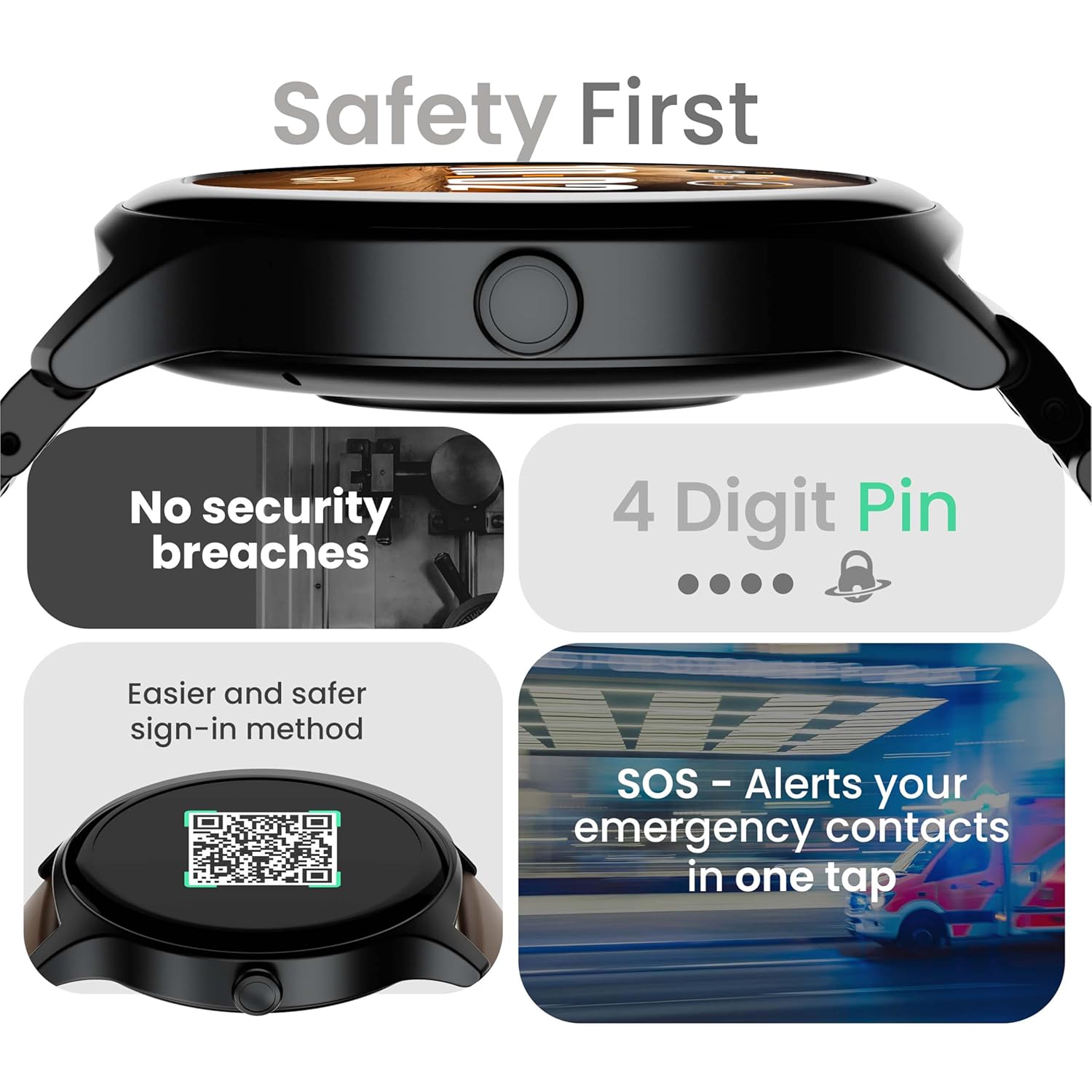
Image: Visuals illustrating the smartwatch's security and emergency features.
Lavi batri ak chaje
The GOBOULT Rover Pro Smartwatch is equipped with a battery designed for extended use:
- Itilizasyon tipik: Jiska 7 jou nan lavi batri.
- Tan sibstiti: Jiska 20 jou.
- Chaje rapid: Approximately 10 minutes of charging provides up to 2 days of battery life.
- Tan chaj konplè: Approximately 90 minutes for a complete charge.
Use only the provided charging cable to ensure optimal charging performance and to prevent damage to the device.
Rezistans dlo (IP68)
The GOBOULT Rover Pro Smartwatch has an IP68 rating, meaning it is dustproof and water-resistant. It can withstand immersion in water up to 1.5 meters deep for up to 30 minutes. This makes it suitable for daily use and various outdoor activities, but it is not recommended for diving or high-pressure water activities.

Image: Illustration of the smartwatch's IP68 water and dust resistance.
Antretyen
To ensure the longevity and optimal performance of your smartwatch, follow these maintenance guidelines:
- Netwayaj: Siye ekran mont lan ak braslè a regilyèman avèk yon twal mou epi sèk. Si sa nesesè, sèvi ak yon twal yon ti kras mouye.amp cloth for the strap, then dry thoroughly.
- Evite pwodwi chimik yo: Pa sèvi ak pwodui chimik ki fò, solvan netwayaj, oswa detèjan fò, paske sa yo ka domaje fini ak sele mont lan.
- Pò chaje: Kenbe kontak chaje yo pwòp epi sèk.
- Depo: Sere smartwatch la nan yon kote ki fre, sèk lè li pa itilize.
- Evite tanperati ekstrèm: Pa ekspoze mont lan nan tanperati ki twò cho oswa twò frèt pou yon peryòd tan pwolonje.
Depanaj
If you encounter issues with your GOBOULT Rover Pro Smartwatch, refer to the following common solutions:
| Pwoblèm | Solisyon |
|---|---|
| Smartwatch won't turn on. | Asire w ke mont lan chaje nèt. Konekte l nan plato a pou omwen 30 minit. |
| Pa ka konekte ak telefòn entelijan an. |
|
| Done sou sante ki pa egzak. |
|
| Yo pa resevwa notifikasyon. |
|
| Kout lavi batri. |
|
Espesifikasyon
| Karakteristik | Detay |
|---|---|
| Mak | GOBOULT |
| Seri modèl | Rover Pro |
| Gwosè ekspozisyon | 1.43 pous |
| Kalite ekspozisyon | AMOLED |
| Klète | 1000 Nit |
| Koneksyon | Bluetooth 5.2 |
| Sistèm operasyon | Android (konpatib) |
| Rezistans dlo | IP68 |
| Dire batri (tipik) | Jiska 7 jou |
| Tan chaj batri | Approx. 150 Minutes (Full Charge) |
| Pwa atik | 43 g |
| Konpozan ki enkli | Chaje kab, manyèl itilizatè |
Garanti ak sipò
Enfòmasyon sou Garanti
Your GOBOULT Rover Pro Smartwatch comes with a 1-ane garanti apati dat acha a. Garanti sa a kouvri domaj fabrikasyon ak fonksyònman ki pa kòrèk nan itilizasyon nòmal. Li pa kouvri domaj ki koze pa move itilizasyon, aksidan, modifikasyon san otorizasyon, oswa mete ak chire nòmal.
Sipò pou Kliyan
For technical assistance, warranty claims, or any other inquiries, please contact GOBOULT customer support through their official website or the contact information provided with your purchase documentation. Please have your product model and purchase details ready when contacting support.