1. Entwodiksyon
Thank you for choosing the Fockety A3 Laminator Machine. This manual provides essential information for the safe and efficient operation of your new laminator. Please read it thoroughly before use and retain it for future reference.
2. Enstriksyon Sekirite
- Read all instructions before using the laminator.
- Keep the laminator away from water or other liquids to prevent electric shock.
- Pa sèvi ak laminatè a si kòd kouran an oswa ploge a domaje.
- Asire ekipman pou pouvwa a voltage matches the specifications listed on the device.
- Kenbe timoun ak bèt kay lwen laminatè a pandan l ap fonksyone.
- Do not touch the laminator's hot surfaces during or immediately after use.
- Deploge laminator a lè li pa itilize oswa anvan w netwaye.
- Use only laminating pouches designed for thermal or cold lamination as appropriate.
3. Pwodwi souview
The Fockety A3 Laminator is designed for both thermal and cold lamination, supporting various document sizes up to A3. It features quick preheating, multiple thickness settings, and a film release function.

Image: The Fockety A3 Laminator Machine in operation, demonstrating its ability to laminate documents up to A3 size.
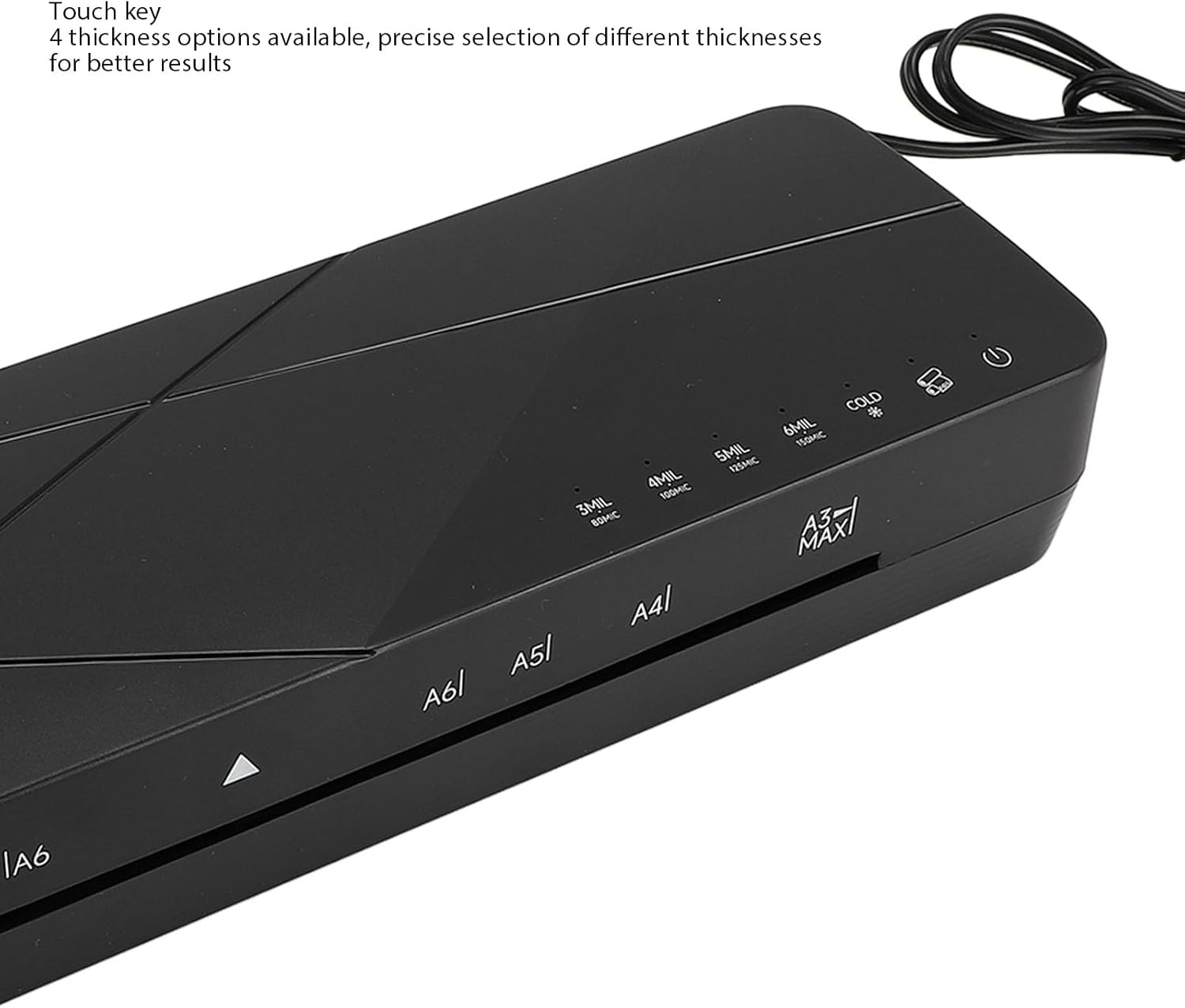
Imaj: Yon imaj detaye view of the control panel, highlighting the four thickness options for precise lamination.

Image: The control panel displaying the 'Hot Laminating' and 'Cold Laminating' selections, along with thickness indicators.
4. Enstalasyon
- Debake: Carefully remove the laminator from its packaging. Retain packaging for storage or transport.
- Plasman: Place the laminator on a stable, flat surface with adequate ventilation. Ensure there is enough space behind the machine for laminated documents to exit freely.
- Koneksyon pouvwa: Ploge fil elektrik la nan yon priz elektrik apwopriye.
- Pouvwa sou: Set the power switch to the 'ON' position.
5. Operasyon Enstriksyon
5.1 Prechofaj
- Turn on the laminator. The preheating time is typically 1-3 minutes.
- Wait for the indicator light to signal that the machine has reached the optimal operating temperature (usually a green light).
- The laminator is equipped with an intelligent reminder that will prompt you if it is not preheated properly.

Image: The laminator displaying its intelligent reminder feature, indicating when the machine is not properly preheated or enters standby mode.
5.2 Thermal Laminating
- Ensure the laminator is preheated and the appropriate thickness setting is selected (3, 4, 5, or 6 mil).
- Place your document inside a thermal laminating pouch, ensuring it is centered and there is a small margin around the edges.
- Insert the sealed edge of the pouch into the laminator's entry slot. The machine will automatically feed the pouch through.
- Collect the laminated document from the exit slot. Allow it to cool on a flat surface.
5.3 Cold Laminating
- Select the 'COLD' setting on the control panel. Preheating is not required for cold lamination.
- Mete dokiman ou an andedan yon sache plastifikasyon frèt ki oto-adezif.
- Insert the pouch into the laminator's entry slot.
- Collect the laminated document from the exit slot.
5.4 Thickness Settings
The laminator offers four thickness options (3, 4, 5, 6 mil) to accommodate different pouch thicknesses and desired results. Select the appropriate setting based on your laminating pouch.
5.5 Film Release Function (ABS Button)
In case of a paper jam or misfeed, press the ABS toggle button to release the film. This allows you to safely remove the document and pouch without damage to the machine or your item.
5.6 Compatible Sizes and Materials
This laminator supports various sizes including A3, A4, A5, 3-inch, 5-inch, 6-inch, 7-inch, and 8-inch. It is suitable for photos, menus, documents, certificates, and drawings.
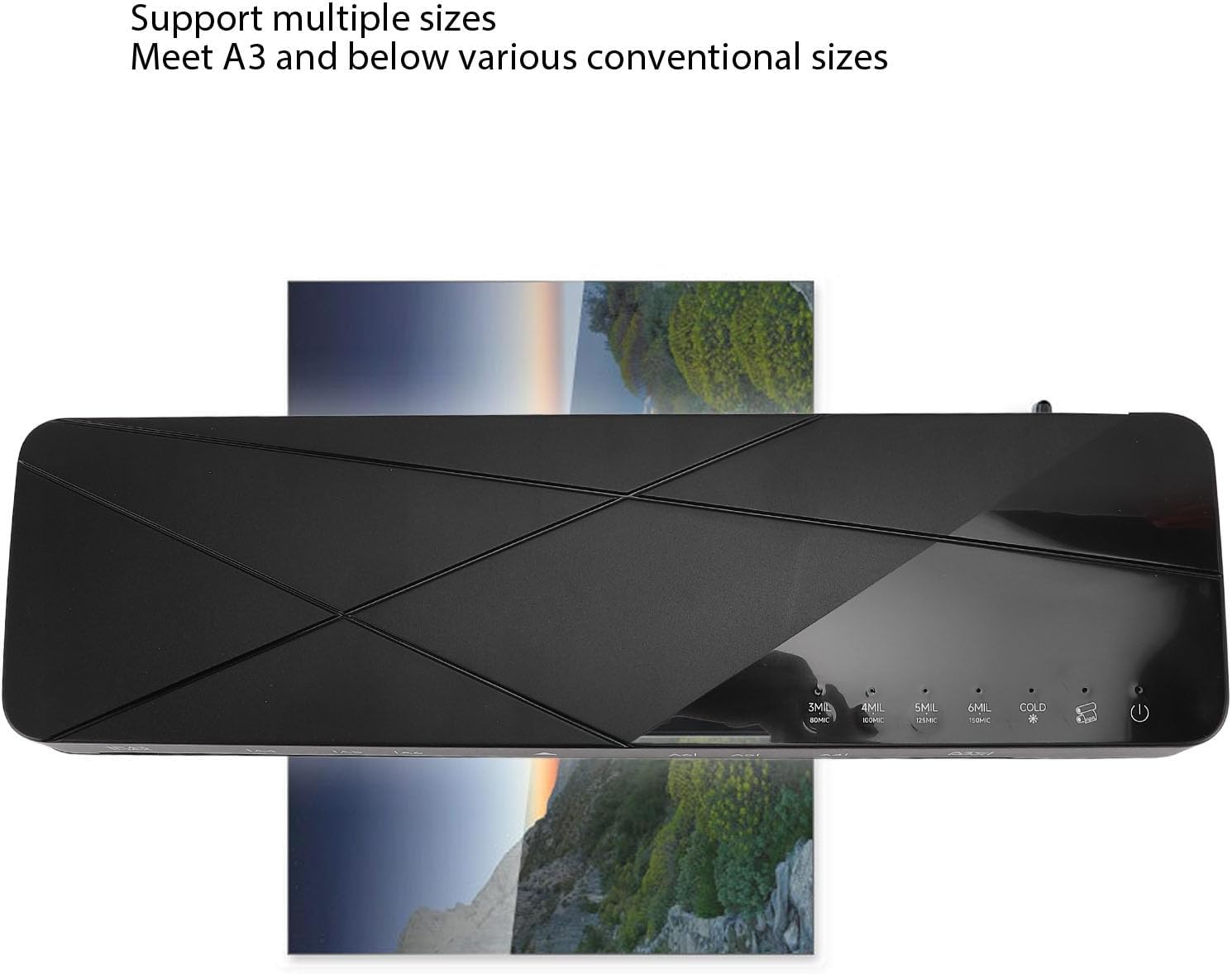
Image: The laminator handling a document that spans its width, demonstrating its capability to support multiple conventional sizes up to A3.

Image: The laminator positioned with examples of items it can laminate, such as photos, menus, and certificates, highlighting its versatility.
6. Antretyen
- Netwayaj: Ensure the laminator is unplugged and completely cool before cleaning. Use a soft, dry cloth to wipe the exterior. Do not use abrasive cleaners or solvents.
- Netwayaj roulo: If the rubber rollers accumulate debris, gently clean them with a soft, damp cloth. Ensure they are dry before next use.
- Depo: Store the laminator in a dry, dust-free environment when not in use.
NAN. Depanaj
| Pwoblèm | Kòz posib | Solisyon |
|---|---|---|
| Non-stick paper, misty white blocks | Preheating not completed, insufficient temperature; Incorrect thickness gear. | Wait for the laminator to complete preheating (green light); Select a higher gear and laminate after heating up. |
| Laminating machine does not work or heat up | Inappropriate power supply; Switch not set to on/hot mode. | Check power specifications; Set the switch to on/hot mode. |
| Appearance of bubbles, wrinkles, bent photos | Incorrect thickness gear; Rubber roller uneven or has debris; Laminated objects not placed flat or have debris. | Select a lower gear and laminate after cooling down; Check and clean the rubber roller; Remove debris, place object flat before laminating. |
| Konfiti papye | Incorrect feeding; Foreign objects on the rubber roller. | Close the switch, press the ABS key to remove film, and clean the rubber roller. |
| Smoke over the laminating machine | Normal vulcanization of a new machine; Power supply voltage dezakò. | Normal for new machines, will disappear after a few uses; Check power specifications before powering on. |
8. Espesifikasyon
| Karakteristik | Spesifikasyon |
|---|---|
| Modèl | FNL002 |
| Konsomasyon pouvwa | 400W |
| Lamination Width | Approx. 330mm / 12.99in (A3) |
| Lamination Size | A3 and below (A3, A4, A5, 3, 5, 6, 7, 8 inch) |
| Lamination Thickness | 3, 4, 5, 6 mil |
| Tan prechofaj | 1-3 minit |
| Ranje Tanperati | 110℃-160℃ |
| Lamination Speed | 355mm / min |
| Film Release Method | ABS toggle button |
| Nivo bri | ≤55db |
| Pwa atik | 3.15 liv |
| Dimansyon pake | 17.32 x 5.91 x 5.51 pous |

Image: Technical drawing illustrating the physical dimensions of the Fockety A3 Laminator Machine.
9. Garanti ak sipò
Pou enfòmasyon sou garanti a oswa sipò teknik, tanpri al gade dokiman ki vini ak acha ou a oswa kontakte manifakti a dirèkteman. Kenbe resi acha ou kòm prèv acha.