Entwodiksyon
Welcome to the world of the OnePlus 13. This device is engineered for exceptional speed and performance, featuring the Snapdragon 8 Elite processor, a vibrant 120Hz Super Fluid AMOLED display, and an advanced 5th Generation Hasselblad Camera System. This manual provides detailed instructions to help you get the most out of your new smartphone.
Ki sa ki nan bwat la
Upon unboxing your OnePlus 13, please verify that all the following items are included:
- OnePlus 13 Handset
- Charger (80W SUPERVOOC)
- USB done kab
- Zouti èkstrè SIM
- Gid rapid
- Gid Sekirite
- Kat manm
- Mak Sticker
- Lèt Byenveni
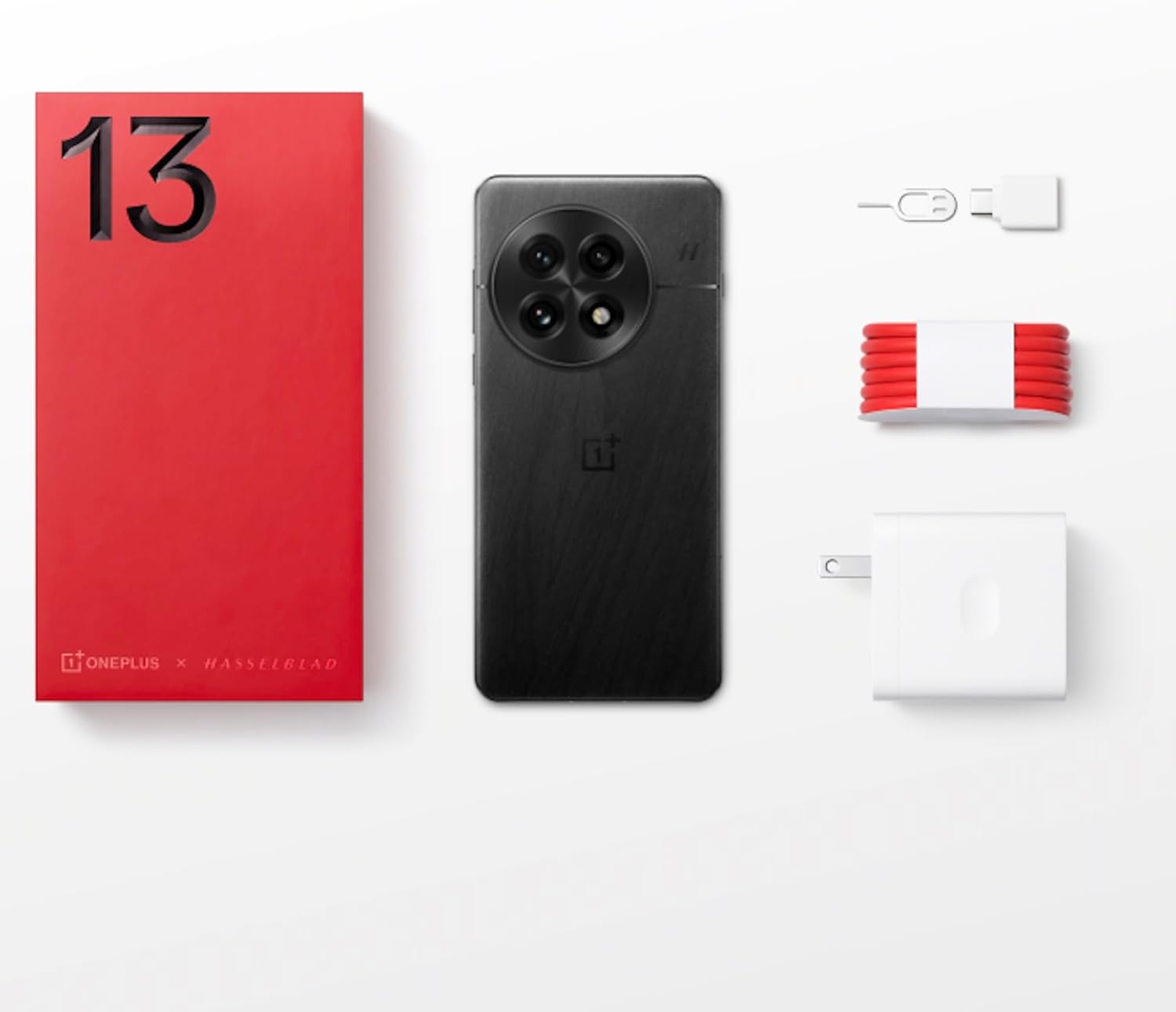
Figure 1: OnePlus 13 Box Contents
Enstalasyon
1. Mete kat SIM la
- Locate the SIM card tray on the side of your OnePlus 13.
- Mete zouti pou retire kat SIM lan nan ti twou ki akote plato a epi peze dousman jiskaske plato a soti.
- Place your Nano-SIM card(s) into the tray with the gold contacts facing down. The OnePlus 13 supports Dual SIM functionality.
- Pouse plato a tounen nan fant lan avèk anpil atansyon jiskaske li aliyen ak kò telefòn nan.
2. Limen ak Premye Konfigirasyon
- Peze epi kenbe bouton Power la (ki sitiye sou bò dwat la) jiskaske logo OnePlus la parèt.
- Swiv enstriksyon yo sou ekran an pou chwazi lang ou, konekte ak Wi-Fi a, epi konfigire kont Google ou.
- Configure security features such as the built-in ultrasonic fingerprint sensor and facial recognition.
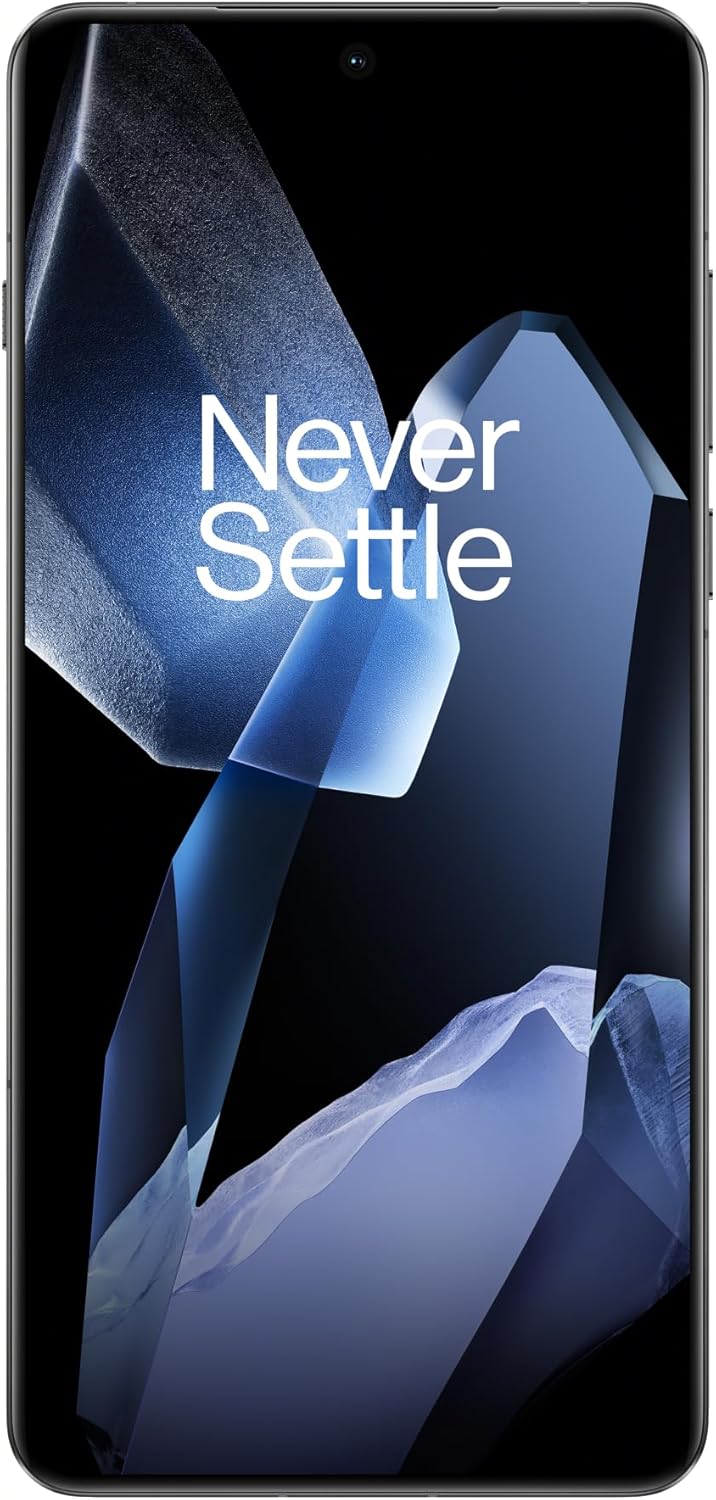
Figure 2: OnePlus 13 Front View
Operating Your OnePlus 13
OxygenOS 15
The OnePlus 13 runs on OxygenOS 15, providing a smooth, intuitive, and customizable Android experience. Explore various features and settings to personalize your device.
Karakteristik kle ak Fonksyon
- Nòt IA: Your meeting companion. This feature allows for intelligent transcription and organization of notes, enhancing productivity.
- Rechèch Entelijan: Know instantly. Quickly find files, contacts, and information across your device with smart search capabilities.
- Fluid Cloud: Touch and go. Experience seamless interaction and data synchronization across your devices.
- RadyanView Ekspozisyon: Bright in any light. The display automatically adjusts to provide optimal visibility even in direct sunlight.
- Built-In Ultrasonic Fingerprint Sensor: Unlock your phone securely and effortlessly with the advanced ultrasonic fingerprint sensor for quick access to your device.

Figure 3: Ultrasonic Fingerprint Sensor in action
Sistèm kamera
The OnePlus 13 features a 5th Generation Hasselblad Camera System, designed to capture every moment in breathtaking detail. The advanced triple-camera setup includes a versatile 50MP lens for stunning photos and videos, day or night.
- Mòd pòtrè: Achieve studio-grade portraits with professional-looking depth and bokeh effects.
- Snapshot Photography: Eye for speed. Capture fast-moving subjects with clarity and precision.
- Clear Burst: Capture the whole moment. This feature allows you to take multiple shots in quick succession, ensuring you don't miss any action.

Figure 4: Hasselblad Camera System

Figure 5: Capturing Moments with the OnePlus 13 Camera
Batri ak Chaje
The OnePlus 13 is equipped with a massive 6000mAh battery, designed to keep you powered throughout the day. It supports advanced charging technologies:
- 80W SUPERVOOC Fast Charging: Get back up and running quickly with incredibly fast wired charging speeds.
- 50W AIRVOOC Wireless Charging: Enjoy the convenience of rapid wireless charging, ensuring you stay powered up with North America's fastest wireless charging speed.
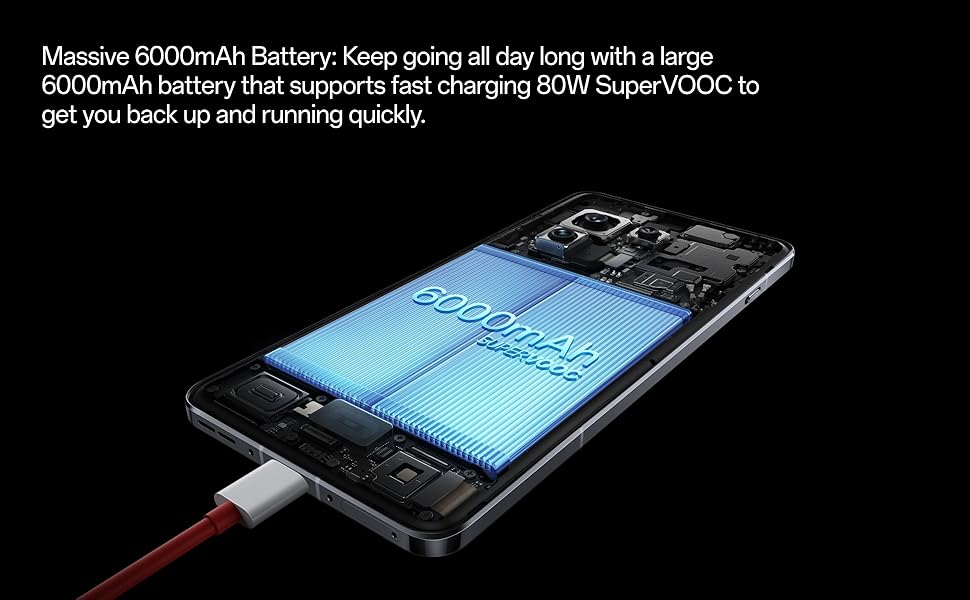
Figure 6: Massive 6000mAh Battery with SUPERVOOC Charging
Pèfòmans
Experience unparalleled speed and efficiency with the OnePlus 13:
- Lightning-Fast Snapdragon 8 Elite Processor: Powered by the latest Qualcomm Snapdragon 8 Elite chipset, enjoy exceptional speed, efficiency, and performance for gaming, multitasking, and productivity.
- Ample Memory and Storage: With up to 16GB of RAM and 512GB of storage, the OnePlus 13 handles demanding applications and large files ak fasilite.

Figure 7: Snapdragon 8 Elite Processor and Memory Configuration
Ekspozisyon
The OnePlus 13 features a stunning 120Hz ProXDR Display:
- Vizyèl vibran: Experience vibrant colors and ultra-smooth visuals on a QHD+ ProXDR display.
- Pousantaj rafrechisman 120Hz: Perfect for gaming, streaming, and everyday use, providing a highly responsive and fluid visual experience.

Figure 8: Stunning 120Hz ProXDR Display
Durability
The OnePlus 13 is built to withstand the elements:
- IP68 & IP69 Water and Dust Resistance: The OnePlus 13 is built to withstand the elements with an IP69 rating, offering superior protection against dust, dirt, and water. Whether you're caught in the rain or working in harsh environments, your device remains safe and fully functional.

Figi 9: Rezistans dlo ak pousyè IP69
Espesifikasyon
| Karakteristik | Detay |
|---|---|
| Non modèl | OnePlus 13 (CPH2655) |
| Mak | OnePlus |
| Sistèm operasyon | Android 15 |
| Modèl CPU | Snapdragon 8 Elite |
| CPU vitès | 4.32 GHz |
| Gwosè memwa RAM enstale | 16 GB |
| Kapasite Depo memwa | 512 GB |
| Gwosè ekran | 6.82 pous |
| Rezolisyon | 2K DCI 1080p |
| Rafrechisman pousantaj | 120 Hz |
| Kapasite batri | 6000 mAh |
| Tan pou pale nan telefòn | 38.2 èdtan |
| Karakteristik espesyal | Dual SIM, Wireless Charging, Ultrasonic Fingerprint Sensor |
| Koneksyon teknoloji | Bluetooth, GPS (Dual band: GPS(L1+L5) Galileo(E1+E10a)) |
| Dimansyon pwodwi | 6.41 x 3.01 x 0.33 pous |
| Pwa atik | 7.5 ons (213 gram) |
| Koulè | Black Eclipse |
| Manifakti | OnePlus |
| Peyi orijin | Lachin |
| Dat Premye Disponib | 15 mas 2025 |
Depanaj
If you encounter any issues with your OnePlus 13, please refer to the following general troubleshooting steps:
- Rekòmanse aparèy ou an: Yon senp rekòmanse ka souvan rezoud ti pwoblèm lojisyèl.
- Tcheke Koneksyon: Ensure Wi-Fi, Bluetooth, and cellular data are properly enabled and connected.
- Mizajou lojisyèl: Make sure your OxygenOS is updated to the latest version. Go to Settings > About device > OxygenOS version.
- Klè Cache: For app-specific issues, try clearing the app's cache (Settings > Apps > App management > [App Name] > Storage usage > Clear cache).
- Reyajisteman faktori (Dènye rekou): Si pwoblèm yo pèsiste, ou ka konsidere yon reset faktori. Avètisman: Sa ap efase tout done ki sou telefòn ou an. Fè yon kopi done enpòtan yo anvan ou kontinye. Go to Settings > System settings > Back up and reset > Reset phone > Erase all data.
Garanti ak sipò
Your OnePlus 13 comes with a standard manufacturer's warranty. Please refer to the warranty card included in your product packaging for specific terms and conditions.
For further assistance, technical support, or warranty claims, please visit the official OnePlus support website or contact their customer service. Keep your proof of purchase handy.
- OnePlus Ofisyèl Websit: www.oneplus.com/support
- Sèvis Kliyan: Refer to your region-specific contact information on the official websit.


