Entwodiksyon
This manual provides detailed instructions for the safe and effective use of your Picun B8 Bluetooth Headphones. Please read this manual thoroughly before using the product and retain it for future reference.

Image: Picun B8 Bluetooth Headphones, showcasing their sleek black over-ear design with metallic earcups and a visible blue indicator light.
Ki sa ki nan bwat la
- 1 x Picun B8 Headphone
- 1 x 3.5mm Audio Kab
- 1 x USB Chaje Kab
- 1 x manyèl itilizatè
Karakteristik pwodwi
- Dire Batri Ultra Long: Equipped with a 1000mAh battery, providing up to 120 hours of playtime on a single charge. Supports wired mode via 3.5mm audio cable for continuous use.

Image: Headphones next to a smartphone, highlighting the 120-hour battery life for extended music, movie, and meeting playback.
- Hi-Fi Sound & 3 EQ Modes: Features 40mm dynamic drivers for high-resolution stereo sound. Includes Pop, Rock, and Bass Boost EQ modes for customized audio experience.

Image: A woman enjoying music with the headphones, demonstrating the availability of Pop, Bass-Boost, and Rock equalizer modes.
- Konfò tout lajounen ak konsepsyon pliyab: Constructed with skin-friendly PU leather and high-elastic memory cotton for breathable comfort. Adjustable headband and ergonomic design ensure a pressure-free fit. Foldable for easy storage.

Imaj: Detaye view of the headphones' comfort features, including 60-degree adjustable earcups, an adjustable headband, and a foldable design for portability.
- Bluetooth 5.4 & Smart Control: Equipped with a Bluetooth 5.4 chip for fast and stable connections up to 33 feet. Features touch controls and a built-in microphone for hands-free calls and voice assistant activation. Supports dual-device connectivity.

Image: A visual representation of the advanced Bluetooth 5.4 chip, highlighting its benefits of lower latency and extended battery life.
- Mikwofòn entegre: Pèmèt kominikasyon klè san men.
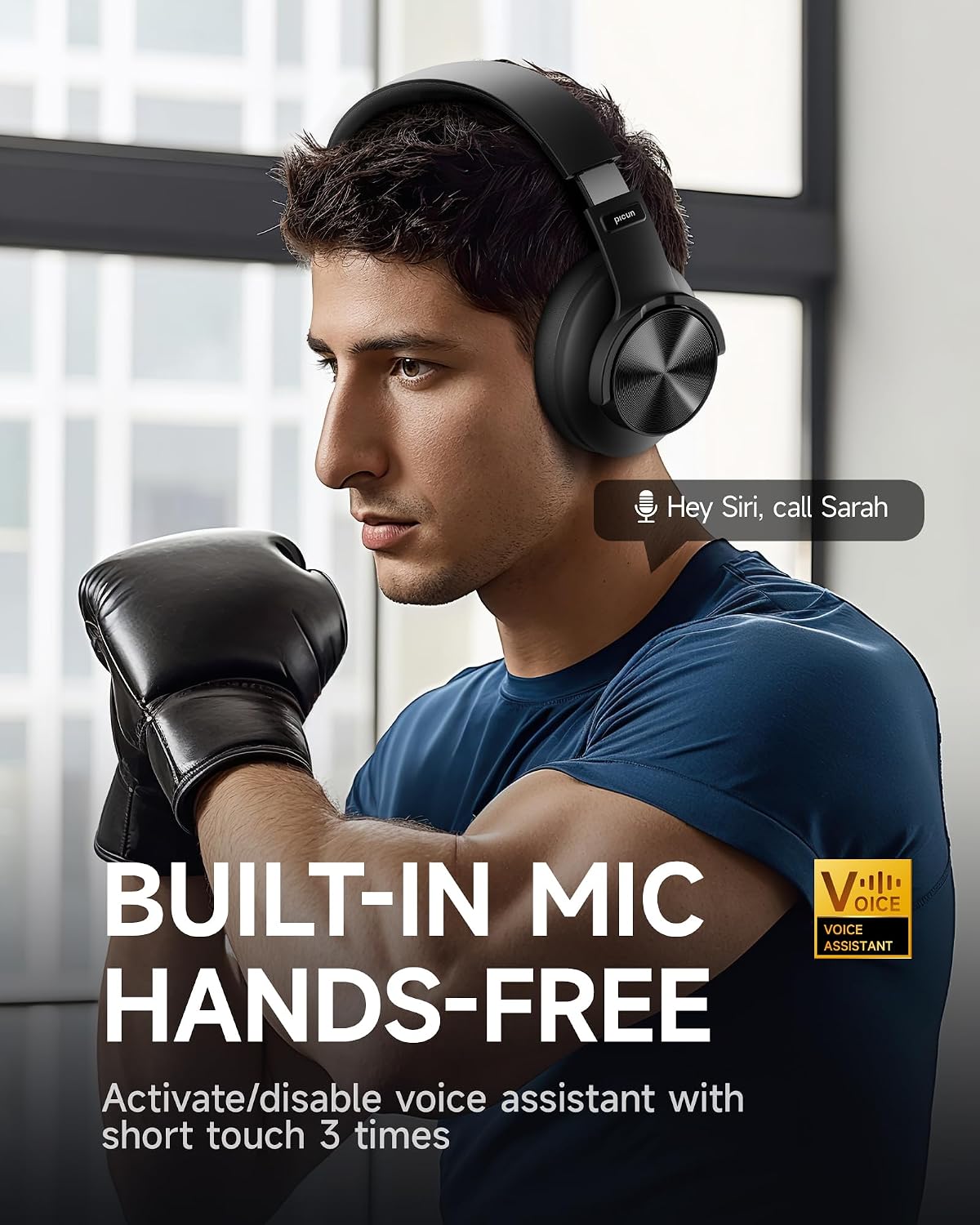
Image: A man using the headphones, demonstrating the built-in microphone and hands-free voice assistant capabilities.
- Mòd latansi ki ba: Offers 50ms ultra-low latency for a smoother gaming and video experience.

Image: Headphones depicted with a gaming theme, emphasizing the 50ms ultra-low latency for an enhanced gaming and video experience.
Enstalasyon
1. Chaje kas ekoutè yo
Before first use, fully charge your Picun B8 headphones. Connect the provided USB charging cable to the USB-C charging port on the headphones and the other end to a compatible USB power source (e.g., computer USB port, wall adapter). The indicator light will show charging status and turn off when fully charged.
2. Powering On / Off
- Pouvwa sou: Press and hold the Power/EQ button for approximately 3 seconds until the indicator light illuminates.
- Pouvwa Off: Press and hold the Power/EQ button for approximately 3 seconds until the indicator light turns off.
3. Pè Bluetooth
- Asire w ke kas ekoutè yo etenn.
- Press and hold the Power/EQ button for approximately 5 seconds until the indicator light flashes blue and red, indicating pairing mode.
- Sou aparèy ou an (telefòn entelijan, tablèt, òdinatè pòtab), aktive Bluetooth epi chèche aparèy ki disponib yo.
- Select "Picun B8" from the list of found devices.
- Yon fwa konekte, limyè endikatè ki sou kas ekoutè a ap vin ble fiks.
4. Filè Koneksyon
To use the headphones in wired mode, connect one end of the provided 3.5mm audio cable to the 3.5mm audio port on the headphones and the other end to the audio output jack of your device. The headphones will automatically switch to wired mode, and Bluetooth will be disabled.
Enstriksyon Operasyon

Image: A detailed diagram illustrating the location and function of all controls on the Picun B8 headphones, including touch controls, ports, and buttons.
Kontwòl Lekti Mizik
- Jwe/Poz: Tap the Touch Area once.
- Pwochen chante: Swipe forward on the Touch Area or press the 'Next Song' button.
- Chante Previous: Swipe backward on the Touch Area or press the 'Previous Song' button.
- Volim moute: Peze bouton an Volim +.
- Volim desann: Peze bouton Volim - la.
Jesyon Rele
- Reponn/Fen Apèl: Tap the Touch Area once.
- Rejte apèl: Press and hold the Touch Area for 3 seconds.
EQ Mode chanje
Double-tap the Power/EQ button to cycle through the 3 available EQ modes: Pop, Rock, and Bass Boost. Select the mode that best suits your audio preference.
Vwa Asistan Aktivasyon
Triple-tap the Touch Area to activate your device's voice assistant (e.g., Siri, Google Assistant).
Koneksyon Doub Aparèy
The Picun B8 headphones can connect to two Bluetooth devices simultaneously. After pairing with the first device, put the headphones back into pairing mode and connect to the second device. The headphones will intelligently switch between devices for calls and audio playback.

Image: Headphones shown connected to both a smartphone and a tablet, illustrating simultaneous Bluetooth connectivity.
Antretyen
- Netwayaj: Sèvi ak yon twal mou epi sèk pou netwaye kas ekoutè yo. Pa sèvi ak pwodui netwayaj abrazif oswa solvan.
- Depo: Lè w pa ap itilize kas ekoutè yo, sere yo nan yon kote ki fre epi sèk, lwen limyè solèy dirèk ak tanperati ekstrèm. Sèvi ak konsepsyon pliyan an pou yon depo konpak.
- Swen batri: Pou pwolonje lavi batri a, evite dechaje kas ekoutè yo nèt souvan. Chaje yo regilyèman, menm si w pa itilize yo tout tan.
- Evite imidite: The headphones are not water-resistant. Avoid exposure to water, rain, or excessive humidity.
Depanaj
| Pwoblèm | Kòz posib | Solisyon |
|---|---|---|
| Kas ekoutè yo pa limen. | Batri ki ba. | Chaje kas ekoutè yo konplètman. |
| Pa ka konekte ak aparèy la. | Kas ekoutè a pa nan mòd koneksyon; Bluetooth etenn sou aparèy la; aparèy la twò lwen. | Ensure headphones are in pairing mode (flashing blue/red). Turn on Bluetooth on your device. Move device closer to headphones (within 33 feet). |
| Pa gen son oswa volim nan ba. | Volim twò ba; sous odyo ki pa kòrèk; kas ekoutè pa konekte. | Increase volume on headphones and connected device. Ensure headphones are properly paired or 3.5mm cable is fully inserted. Check audio output settings on your device. |
| Move kalite apèl. | Weak signal; microphone obstruction. | Move closer to your connected device. Ensure the microphone is not covered. |
Espesifikasyon
| Karakteristik | Detay |
|---|---|
| Non modèl | PC-B8 PRO |
| Koneksyon Teknoloji | Filaire, San fil (Bluetooth) |
| Bluetooth vèsyon | 5.4 |
| Gamme Bluetooth | 33 pye (apeprè 10 mèt) |
| Lavi batri | 120 èdtan |
| Kapasite batri | 1000mAh |
| Gwosè Chofè Audio | 40mm chofè dinamik |
| Repons Frekans | 20 Hz - 20000 Hz (20 KHz) |
| Sansiblite | 42 dB |
| Enpedans | 32 Ohm |
| Ekoutè Jack | 3.5mm Jack |
| Kontwòl bri | Izolasyon son |
| Kalite kontwòl | Volume Control, Touch Control |
| Materyèl | Acrylonitrile Butadiene Styrene (ABS), Stainless Steel, PU Leather, Memory Cotton |
| Pwa atik | 0.34 kilogram (12 ons) |
| Nivo rezistans dlo | Pa reziste dlo |
Garanti ak sipò
Picun offers the following support for your B8 Bluetooth Headphones:
- Règleman pou retounen 30 jou: For returns within 30 days of purchase.
- 1-ane garanti: Covers manufacturing defects for one year from the date of purchase.
- Lifetime Worry-Free User Support: For any product-related questions or assistance, please contact Picun customer service. They aim to reply within 12 hours.
For support, please refer to the contact information provided in the packaging or visit the official Picun websit.


