Entwodiksyon
This manual provides detailed instructions for the setup, operation, and maintenance of your Tronsmart Sounfii Q20 Active Noise Cancelling Headphones. Please read this manual thoroughly before using the product to ensure proper function and longevity.

Image: The Tronsmart Sounfii Q20 headphones in black, showcasing konsepsyon elegant yo ki kouvri zòrèy la.
Ki sa ki nan bwat la
Lè w ap debale l, tanpri verifye si tout konpozan sa yo enkli:
- 1x Tronsmart Sounfii Q20 Active Noise Cancelling Headphones
- 1x Kalite-C Chaje Kab
- 1x Aux-nan kab
- 1x kat garanti
- Manyèl Itilizatè (dokiman sa a)
Enstalasyon
1. Premye Chajman
Before first use, fully charge your headphones. Connect the provided Type-C charging cable to the charging port on the headphones and the other end to a compatible USB power source. A full charge takes approximately 2.5 hours.
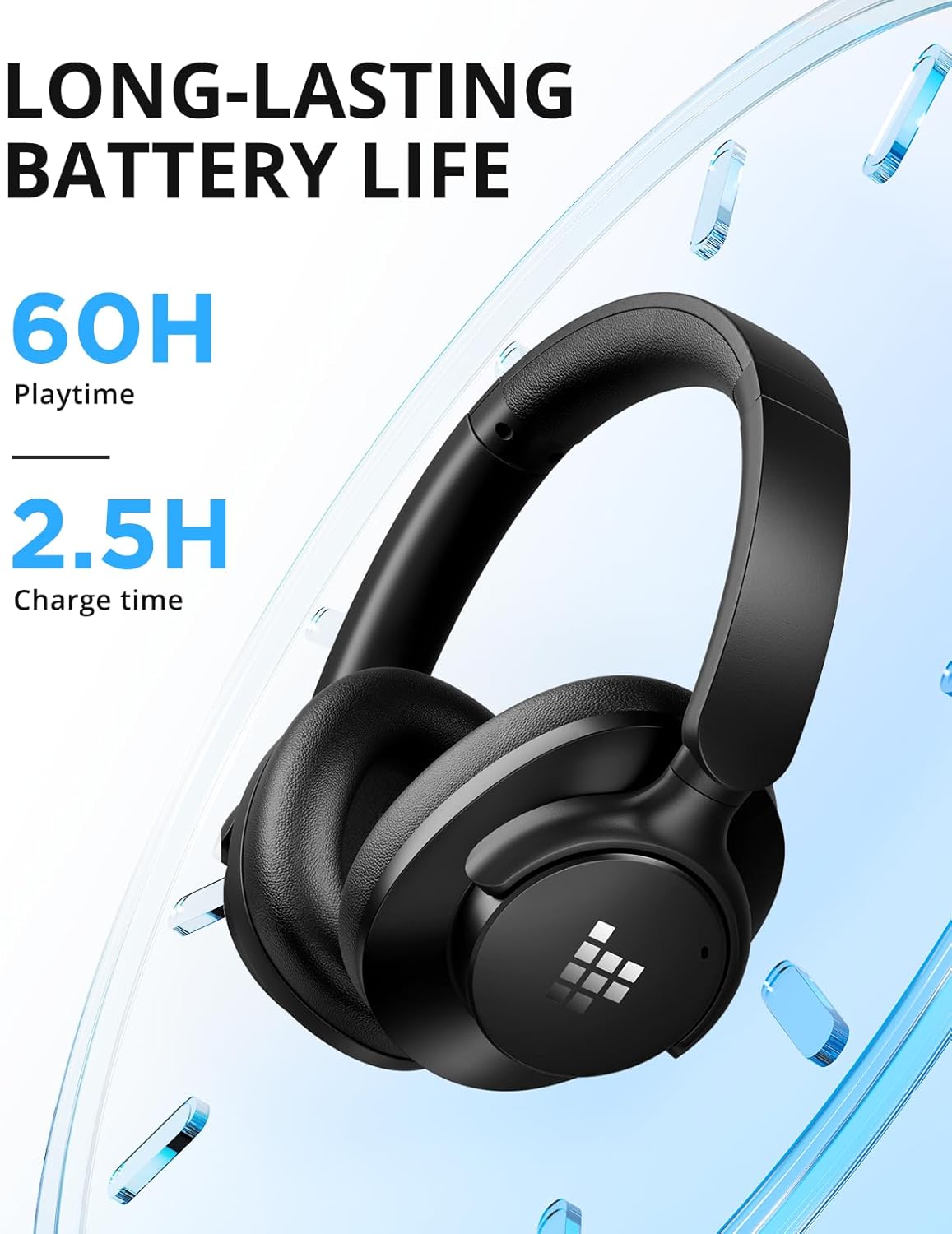
Image: Visual representation of the headphones' long battery life and quick charging capability.
2. Pè Bluetooth
- Asire w ke kas ekoutè yo etenn.
- Peze epi kenbe bouton Pouvwa a jiskaske endikatè LED la flache ble ak wouj, sa ki endike mòd koneksyon an.
- On your device (smartphone, tablet, laptop), enable Bluetooth and search for "Tronsmart Sounfii Q20".
- Select the headphones from the list to connect. Once connected, the LED indicator will turn solid blue.
3. Koneksyon filaire (opsyonèl)
For a wired audio experience, use the included 3.5mm Aux-in cable. Connect one end to the headphone's 3.5mm jack and the other end to your audio device's auxiliary port. This mode can be used even when the headphones are out of battery.
Enstriksyon Operasyon
Power On/Off
- Pouvwa sou: Peze epi kenbe bouton Pouvwa a pou 3 segonn.
- Pouvwa Off: Peze epi kenbe bouton Pouvwa a pou 3 segonn.
Lèktur Klas Mizik
- Jwe/Poz: Peze bouton Multi-fonksyon an yon fwa.
- Pwochen Track: Peze epi kenbe bouton Volim Monte a.
- Track Previous: Peze epi kenbe bouton Volim desann.
- Volim moute: Peze bouton Volim Monte a yon ti tan.
- Volim desann: Peze bouton Diminye Volim nan yon ti tan.
Fonksyon Rele
- Reponn/Fen Apèl: Peze bouton Multi-fonksyon an yon fwa.
- Rejte apèl: Peze epi kenbe bouton Multi-fonksyon an pou 2 segonn.
- Aktive Asistan Vwa: Doub peze bouton Multi-fonksyon an.

Image: The headphones feature a built-in microphone for clear, hands-free calls.
Anilasyon bri aktif (ANC)
The Tronsmart Sounfii Q20 headphones feature advanced Active Noise Cancelling technology to reduce ambient noise by up to 85%.
- Aktive/dezaktive ANC: Press the dedicated ANC button once to activate or deactivate.

Image: The headphones effectively filter out environmental noise, ideal for travel or busy environments.
Customizable EQ via Tronsmart App
Enhance your listening experience by customizing the audio equalizer settings through the official Tronsmart App. The app allows you to fine-tune bass, mids, and highs, or select from six different preset sound modes.
- Download the Tronsmart App from your device's app store.
- Connect your Sounfii Q20 headphones to the app.
- Access the EQ settings to personalize your sound profile.

Image: The Tronsmart App provides a user-friendly interface for audio customization.
Konfò ak Portabilite
The Sounfii Q20 headphones are designed for extended wear and easy transport.
- Comfort Fit: Ultra-soft memory foam earpads and a 90° swivel headband ensure a pressure-free, custom fit.
- Konsepsyon pliable: The headphones can be folded for compact storage, making them ideal for travel.

Image: The plush memory foam earcups provide superior comfort for long listening sessions.

Image: The headphones fold neatly for convenient storage and transport.
Antretyen
To ensure the longevity and optimal performance of your Tronsmart Sounfii Q20 headphones, follow these maintenance guidelines:
- Netwayaj: Sèvi ak yon twal mou epi sèk pou siye kas ekoutè yo. Pa sèvi ak pwodui netwayaj abrazif oswa solvan.
- Depo: When not in use, store the headphones in a cool, dry place, away from direct sunlight and extreme temperatures. Utilize the foldable design for compact and safe storage.
- Evite dlo: The headphones are not water-resistant. Avoid exposure to water, rain, or excessive moisture.
- Chaje: Only use the provided Type-C charging cable or a certified equivalent.
Depanaj
| Pwoblèm | Kòz posib | Solisyon |
|---|---|---|
| Kas ekoutè yo pa limen. | Batri ki ba. | Chaje kas ekoutè yo konplètman. |
| Pa ka konekte ak aparèy la. | Kas ekoutè a pa nan mòd koneksyon; Bluetooth aparèy la etenn; twò lwen aparèy la. | Asire w ke kas ekoutè yo an mòd koneksyon (liy ble/wouj ap flache). Aktive Bluetooth sou aparèy ou an. Pi pre kas ekoutè yo ak aparèy la (nan yon distans 15 mèt). |
| Pa gen son oswa volim nan ba. | Volim twò ba; sous odyo ki pa kòrèk; kas ekoutè pa konekte. | Increase volume on headphones and device. Check if the correct audio source is selected. Re-pair or reconnect headphones. |
| ANC a pa fonksyone byen. | ANC not activated; earpads not sealed properly. | Peze bouton ANC a pou aktive li. Ajiste kas ekoutè yo pou yo byen chita sou zòrèy ou. |
Espesifikasyon
| Karakteristik | Detay |
|---|---|
| Non modèl | Sounfii Q20 |
| Kontwòl bri | Anile aktif bri |
| Koneksyon Teknoloji | San fil (Bluetooth 5.3) |
| Gamme Bluetooth | Jiska 49 pye (15 mèt) |
| Ekoutè Jack | 3.5mm Jack |
| Kalite chofè odyo | Chofè dinamik (40mm) |
| Lavi batri | Jiska 60 èdtan (ANC koupe) |
| Tan pou chaje | 2.5 èdtan |
| Kalite kontwòl | Kontwòl bouton |
| Pwa atik | 8.6 ons |
| Dimansyon pwodwi | 7.32 x 7.17 x 8.23 pous |
| Nivo rezistans dlo | Pa reziste dlo |
| Aparèy konpatib | Desktops, Gaming Consoles, Laptops, Smartphones, Tablets, Telephones, Television |
Garanti ak sipò
Your Tronsmart Sounfii Q20 headphones come with a Warranty Card. Please refer to the card for specific warranty terms and conditions. For technical support, product inquiries, or warranty claims, please visit the official Tronsmart websit la oubyen kontakte sèvis kliyan yo dirèkteman.
Official Tronsmart Store: Tronsmart Store on Amazon


