Entwodiksyon
The Sentry Over the Ear Wireless Active Noise Cancelling Headphones are designed to provide an immersive audio experience with advanced noise cancellation. These headphones offer up to -20dB of noise reduction, ensuring a focused listening environment. Featuring Bluetooth V5.3 for seamless wireless connectivity, a long-lasting battery, and a comfortable, foldable design, they are ideal for travel and daily use. Integrated controls allow for easy management of audio and calls.
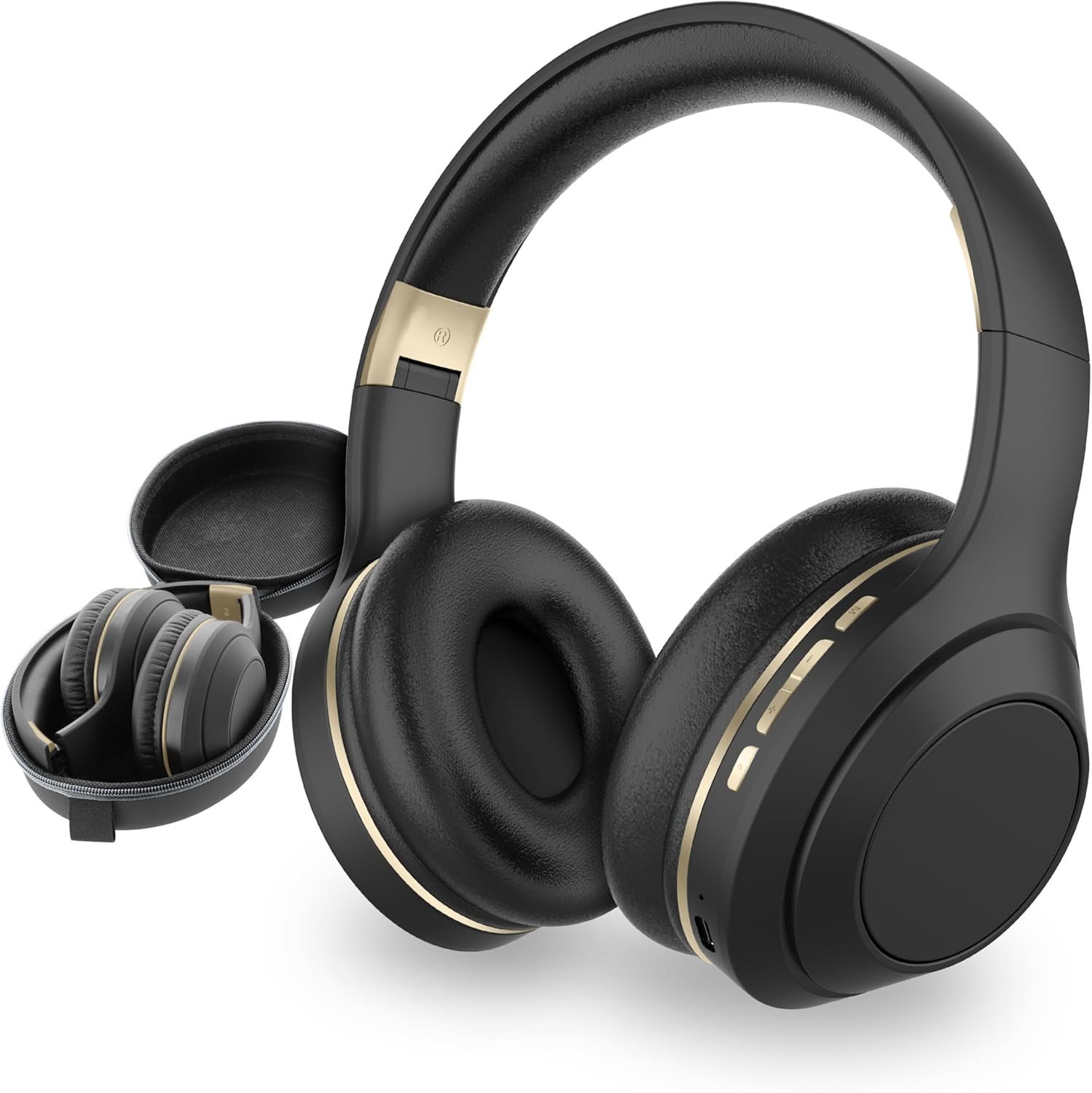
Figure 1: SENTRY OSH Over Ear Bluetooth Wireless Headphones and Carrying Case.
Ki sa ki nan bwat la
Upon opening your SENTRY OSH headphone package, you will find the following items:
- SENTRY OSH Over Ear Bluetooth Wireless Headphones
- USB C Charging Wire
- Ka Pwoteksyon Pote
- Manyèl Itilizatè (dokiman sa a)

Figure 2: The included hard shell carrying case provides protection and portability for your headphones.
Karakteristik pwodwi
Anilasyon Bri Avanse
These headphones are equipped with Active Noise Cancellation (ANC) technology, effectively blocking out ambient noise by up to -20dB. This feature allows for an isolated listening experience, minimizing distractions from your surroundings. The ANC is particularly effective at reducing mid to high-frequency sounds.
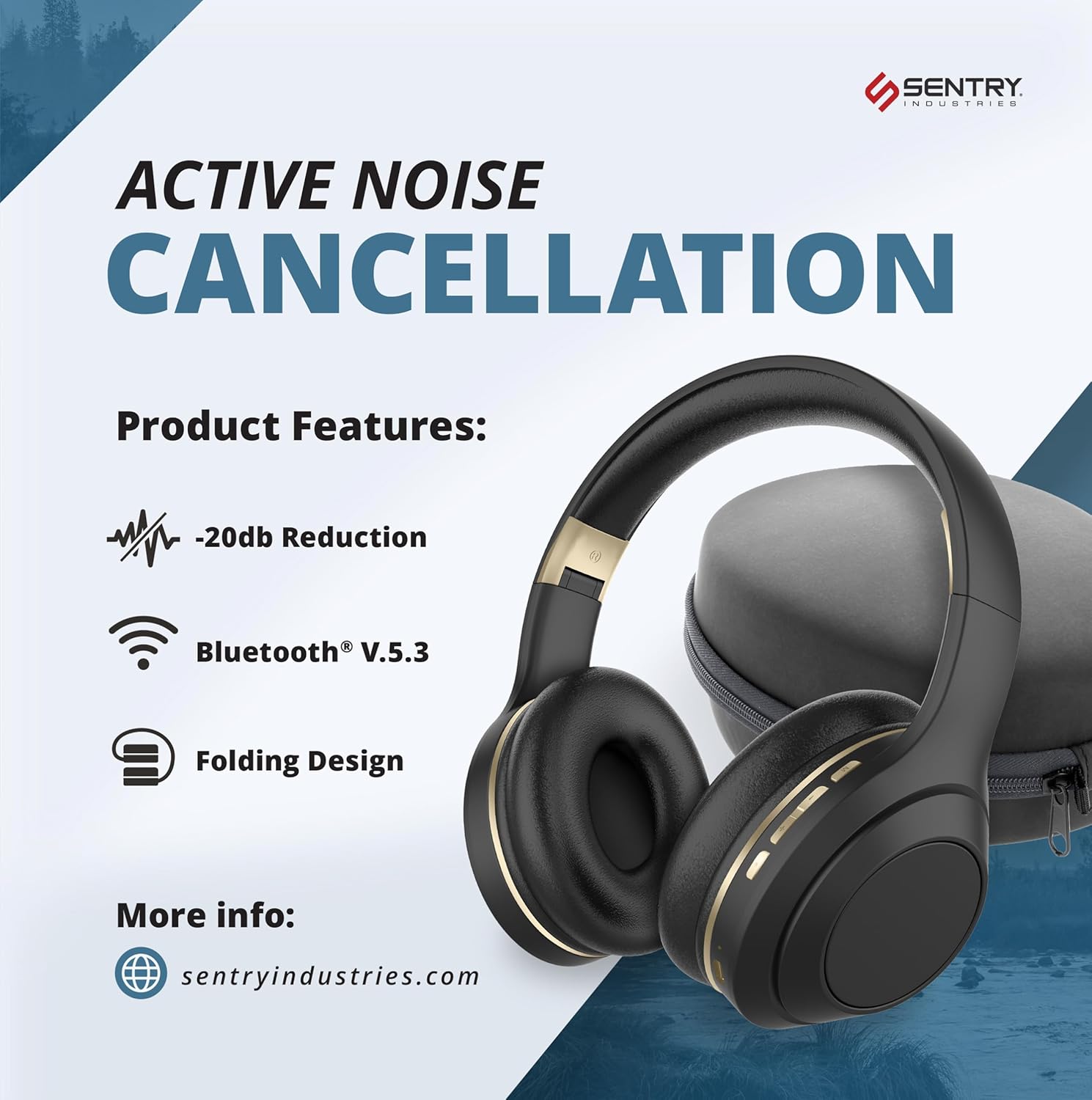
Figure 3: Key features including Active Noise Cancellation and Bluetooth V5.3.

Figure 4: Awareness Mode allows you to stay connected to your surroundings while enjoying audio.
Wireless Connectivity (Bluetooth V5.3)
Experience seamless audio streaming with Bluetooth V5.3, offering up to 30 feet of stable, unbreakable connectivity. No application is required for pairing, ensuring a straightforward connection process with your devices. On-ear buttons provide convenient control over volume, track skipping, and call management.

Figure 5: Bluetooth 5.3 technology ensures stable and efficient wireless connection.
Pwolonje lavi batri
The integrated 400mAh battery provides up to 22 hours of uninterrupted listening with Active Noise Cancellation enabled. A full charge requires approximately 3 hours using the included USB-C charging cable.

Figure 6: Enjoy long listening sessions with the extended battery life and quick charging capability.
Comfortable and Compact Design
Ergonomic over-ear cups and an adjustable headband ensure a snug and comfortable fit, even during prolonged listening periods. The bi-folding design allows the headphones to be compactly stored in the included carrying case, making them highly portable.

Figure 7: Studio-grade earpads provide comfort for all-day wear.
Deep Bass Technology
Experience vibrant soundscapes with deep bass, clear vocals, and balanced stereo sound that brings your favorite music to life.

Figure 8: Deep Bass Technology enhances your audio experience.
Enstalasyon
1. Chaje kas ekoutè yo
Before first use, fully charge your SENTRY OSH headphones. Connect the included USB-C charging cable to the charging port on the headphones and the other end to a compatible USB power source (e.g., computer USB port, wall adapter). The charging indicator light will show the charging status. A full charge takes approximately 3 hours.
2. Powering On / Off
To power on the headphones, press and hold the Power button (located on the right earcup) for a few seconds until you hear an audible prompt or see the indicator light illuminate. To power off, press and hold the Power button again until the headphones shut down.
3. Pè Bluetooth
- Asire w ke kas ekoutè yo etenn.
- Peze epi kenbe bouton Pouvwa a jiskaske limyè endikatè a flache rapidman, sa ki endike mòd koneksyon.
- Sou aparèy ou an (telefòn entelijan, tablèt, òdinatè pòtab), ale nan paramèt Bluetooth yo.
- Chèche pou available devices and select "SENTRY OSH" from the list.
- Once connected, the indicator light on the headphones will change, and you will hear a confirmation sound.
Kas ekoutè yo ap rekonekte otomatikman ak dènye aparèy ki konekte a lè yo limen l, si Bluetooth aparèy la aktif epi li nan zòn nan.
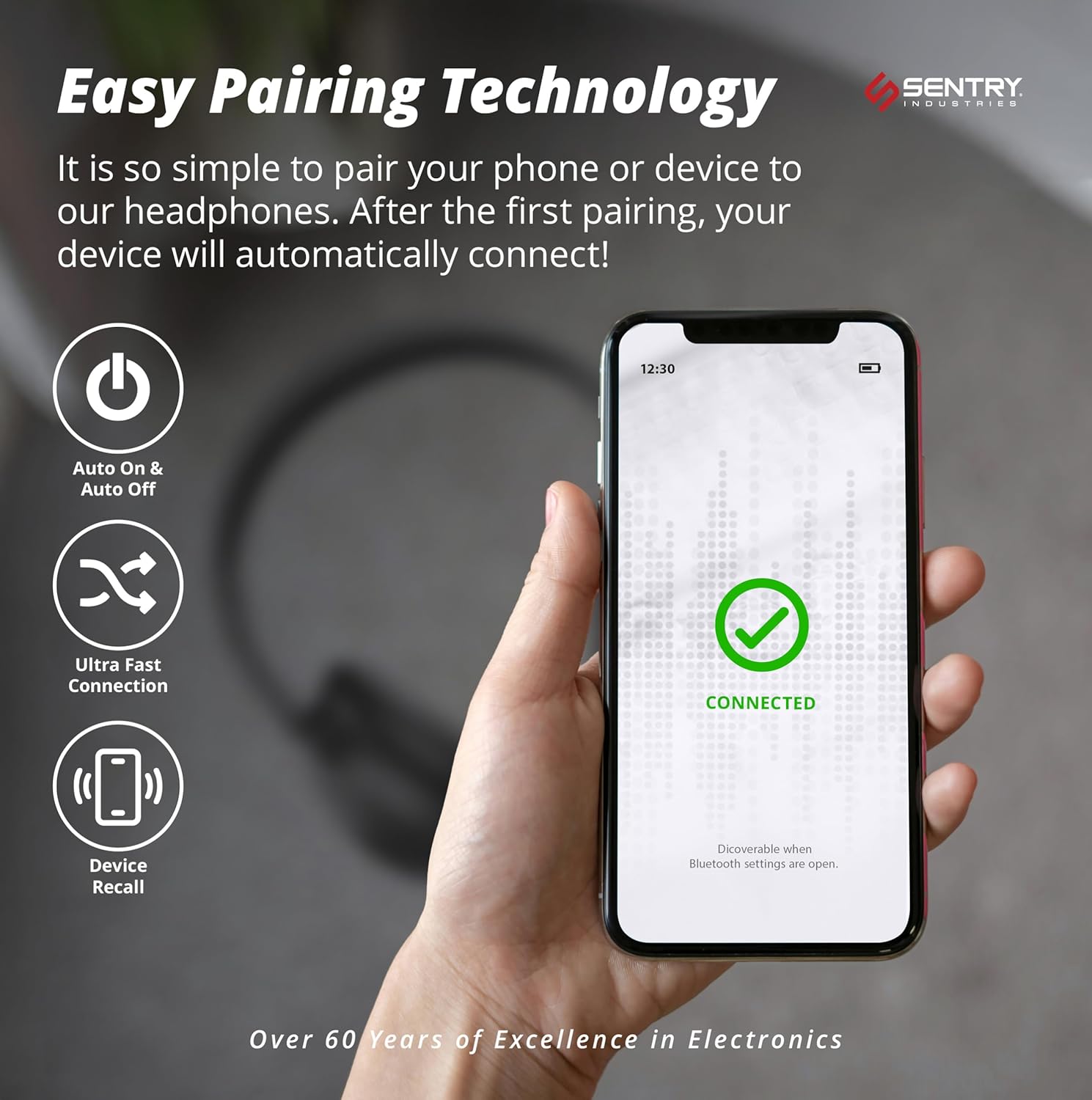
Figure 9: Easy pairing technology ensures quick and hassle-free connection to your devices.
Enstriksyon Operasyon
Kontwòl Lekti Odyo
- Jwe/Poz: Press the Multi-function button (often the power button or a dedicated play/pause button) once.
- Pwochen Track: Peze epi kenbe bouton Volim Monte a.
- Track Previous: Peze epi kenbe bouton Volim desann.
- Volim moute: Peze bouton Volim Monte a yon ti tan.
- Volim desann: Peze bouton Diminye Volim nan yon ti tan.
Jesyon Rele
- Reponn/Fen Apèl: Peze bouton Multi-fonksyon an yon fwa.
- Rejte apèl: Peze epi kenbe bouton Multi-fonksyon an pou 2 segonn.
- Recomposition Dènye Nimewo: Doub peze bouton Multi-fonksyon an.
Kontwòl anilasyon bri aktif (ANC).
To activate or deactivate the Active Noise Cancellation feature, locate the dedicated ANC button (often on one of the earcups, as indicated in the video description). Press this button to toggle ANC on or off. You may hear a slight change in ambient sound when toggling this feature.
Antretyen
- Netwayaj: Sèvi ak yon twal mou epi sèk pou netwaye kas ekoutè yo. Pa sèvi ak pwodui netwayaj abrazif oswa solvan.
- Depo: When not in use, store the headphones in their protective carrying case to prevent damage. Avoid exposing them to extreme temperatures or humidity.
- Swen batri: Pou pwolonje lavi batri a, evite dechaje kas ekoutè yo nèt souvan. Chaje yo regilyèman, menm si w pa itilize yo tout tan.
- Rezistans dlo: The headphones are water resistant. However, avoid submerging them in water or exposing them to heavy rain.
Depanaj
| Pwoblèm | Kòz posib | Solisyon |
|---|---|---|
| Kas ekoutè yo pa limen. | Batri ki ba. | Chaje kas ekoutè yo nèt avèk kab USB-C ki vini ak li a. |
| Pa ka konekte ak aparèy la. | Kas ekoutè a pa nan mòd koneksyon; Bluetooth aparèy la etenn; twò lwen aparèy la. | Ensure headphones are in pairing mode (flashing indicator light). Turn on Bluetooth on your device. Move headphones closer to the device (within 30 feet). Forget previous pairings on your device and try again. |
| Pa gen son oswa volim nan ba. | Volim twò ba; kas ekoutè pa konekte; yo chwazi yon move sòti odyo sou aparèy la. | Increase volume on both headphones and connected device. Reconnect headphones. Check device's audio output settings. |
| ANC buzzing sound. | Interference or a specific frequency interaction. | Try toggling the ANC feature off and on. If the issue persists, contact customer support. |
| Headphones feel loose or uncomfortable. | Bann tèt la pa byen ajiste. | Adjust the headband to ensure a snug and comfortable fit over your ears. |
Espesifikasyon
| Karakteristik | Detay |
|---|---|
| Non modèl | OVHDBKZ |
| Kontwòl bri | Active Noise Cancellation (-20dB Reduction) |
| Koneksyon Teknoloji | Wireless, Bluetooth V5.3 |
| Gamme Bluetooth | Jiska 30 pye |
| Lavi batri | Jiska 22 èdtan (avèk ANC) |
| Tan pou chaje | 3 èdtan |
| Ekoutè Jack | 3.5 mm Jack, USB C Charging |
| Repons Frekans | 20 Hz - 20,000 Hz |
| Sansiblite | 100 dB |
| Enpedans | 40 Ohm |
| Gwosè Chofè Audio | 40 Milimèt |
| Kalite kontwòl | Kontwòl Manyèl, Bouton |
| Plasman Zòrèy | On Ear (Form Factor: Over Ear) |
| Materyèl | Plastic (Headphones), Fabric (Carrying Case) |
| Nivo rezistans dlo | Dlo rezistan |
| Pwa atik | 1.38 liv |
| UPC | 080068071303 |
Garanti ak sipò
90-jou garanti
Sentry Industries offers an extensive 90-day warranty on all products. This guarantee provides free replacement for defective or damaged products within 90 days of purchase.
Sipò pou Kliyan
Sentry Industries is an American company with over 60 years in business. For assistance or inquiries, a customer support line is operated out of our New York office to ensure you receive the help you need.
For more information, visit the official SENTRY store: SENTRY Store on Amazon


