Entwodiksyon
Mèsi pou acha aasing the Dolphin LX-30 Waterproof Bluetooth Speaker. This manual provides essential information for setting up, operating, and maintaining your speaker to ensure optimal performance and longevity. The Dolphin LX-30 is designed for robust audio performance in various environments, featuring IPX5 water resistance, powerful 26W sound, and a long-lasting battery, making it ideal for outdoor and wet conditions.
Enfòmasyon sou Sekirite
Tanpri li tout avètisman ak enstriksyon sekirite yo ak anpil atansyon anvan ou itilize pwodui sa a pou evite blesi oswa domaj.
- Do not expose the speaker to extreme temperatures (hot or cold) or high humidity.
- While the speaker is IPX5 water-resistant, it is not designed for full submersion. Avoid prolonged exposure to water or direct water jets.
- Keep the speaker away from direct sunlight and heat sources.
- Do not disassemble, repair, or modify the speaker. This will void the warranty and may cause damage or injury.
- Use only the provided Type-C cable for charging. Ensure the charging port is dry before connecting the cable.
- Kenbe soti nan atenn timoun yo.
- Netwaye oratè a avèk yon twal mou epi sèk. Pa sèvi ak pwodui netwayaj abrazif oswa solvan.
Pwodwi souview
Eleman ak Kontwòl

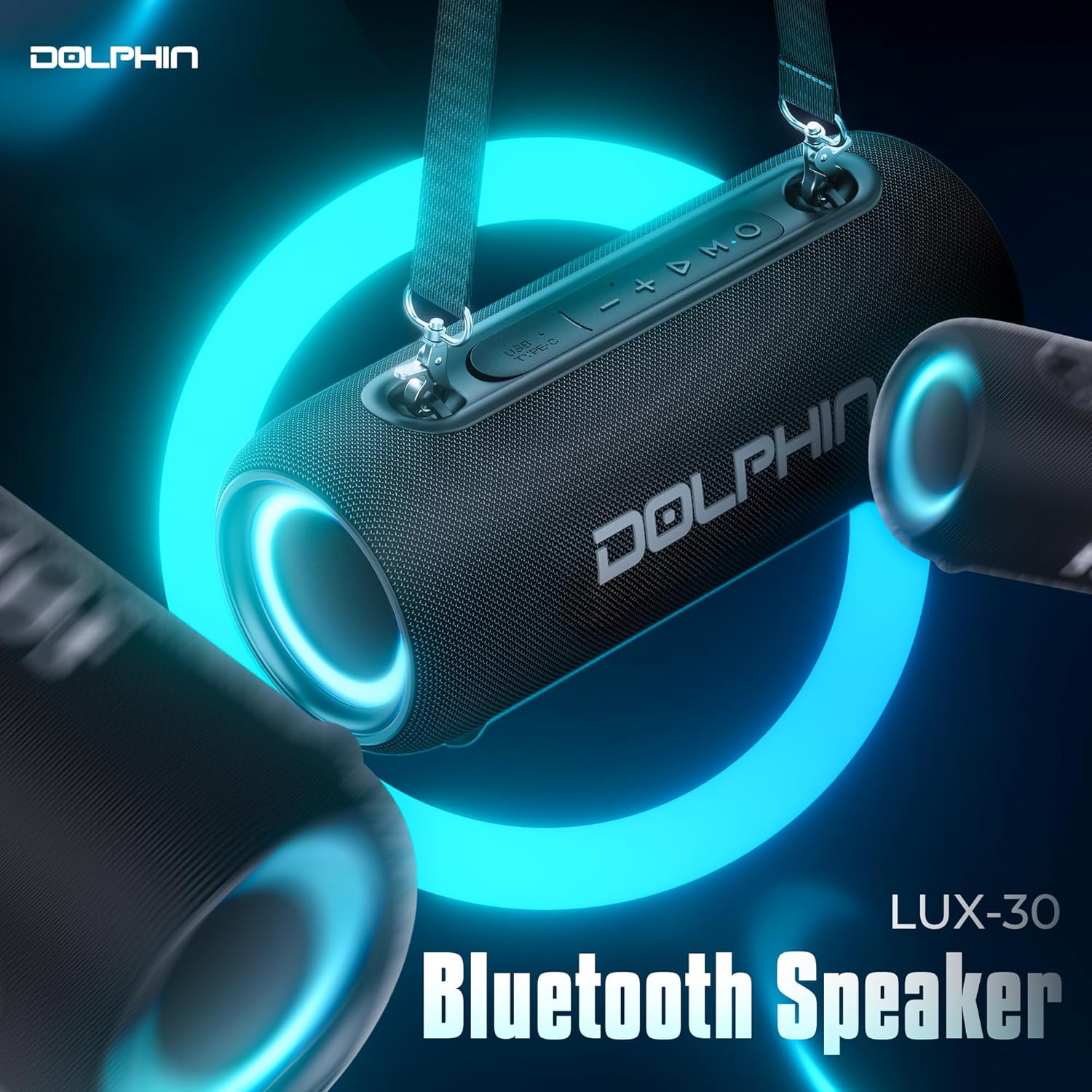
The Dolphin LX-30 features an intuitive control panel located on the top surface. Key controls include:
- Bouton pouvwa: Peze epi kenbe pou limen oswa etenn oratè a.
- Bouton Mòd (M): Short press to switch between Bluetooth and USB input modes.
- Bouton jwe/poz: Press to play or pause audio. Also used for answering/ending calls.
- Volim desann (-): Peze yon ti kras pou diminye volim nan. Peze lontan pou ale nan mizik anvan an.
- Volim moute (+): Peze yon ti kras pou ogmante volim nan. Peze lontan pou pwochen mizik la.
- USB Kalite-C Port: Pou chaje oratè a.
- Shoulder Strap Attachment Points: Located on both ends for easy portability.
Karakteristik kle
- IPX5 rezistans dlo: Designed to withstand splashes and light rain, making it suitable for outdoor and wet environments.
- Son pwisan 26W: Equipped with dual 2.75-inch woofers for rich, immersive audio with enhanced bass.
- Batri ki dire lontan: A built-in 3600mAh rechargeable battery provides up to 7 hours of continuous playtime.
- Bluetooth 5.3: Ensures stable and efficient wireless connectivity with compatible devices.
- WaveSync Technology: Allows pairing of two Dolphin LX-30 speakers for a true stereo sound experience.
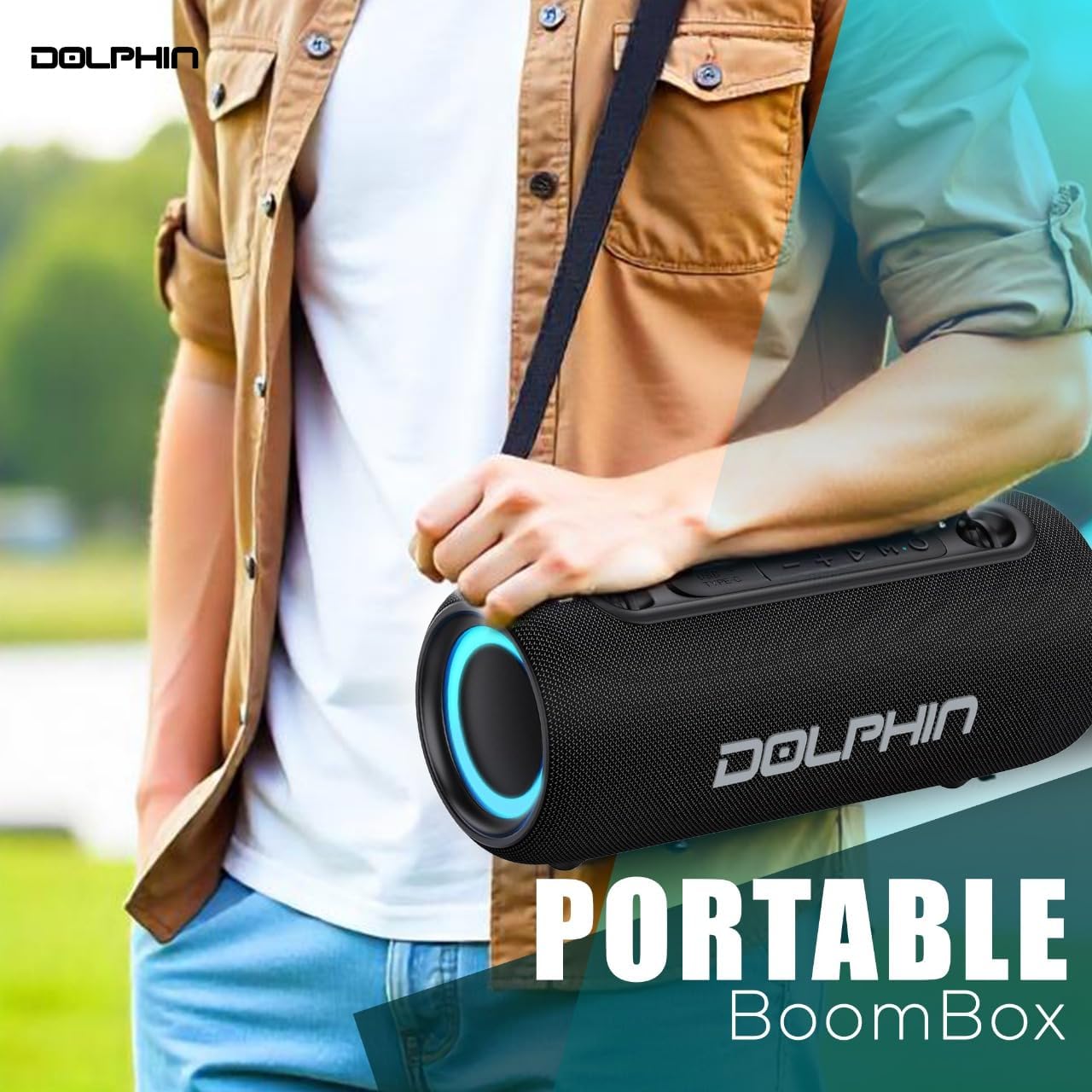
- Konsepsyon pòtab: Compact and lightweight, includes a detachable shoulder strap for convenient transport.
- Ekleraj RGB: Integrated lighting for an enhanced visual experience.
Enstalasyon
Chaje Oratè a
Before first use, fully charge the Dolphin LX-30 speaker. A full charge typically takes approximately 3.5 hours with a standard 5V/2A charger (not included).
- Ensure the USB Type-C charging port on the speaker is dry and free of debris.
- Konekte kab USB Kalite-C ki vini ak li a nan pò chaje oratè a.
- Connect the other end of the USB cable to a 5V/2A USB power adapter or a computer's USB port.
- Limyè endikatè chaj la ap limen pandan chaj la epi li ap etenn yon fwa li fin chaje nèt.

Tache senti zepòl la
The included shoulder strap enhances portability.
- Locate the two attachment points on each end of the speaker.
- Securely clip each end of the shoulder strap to these attachment points.
Enstriksyon Operasyon
Limen / Off
- Pou limen: Peze epi kenbe bouton an Bouton pouvwa until you hear an audible prompt and the indicator lights illuminate.
- Pou etenn: Peze epi kenbe bouton an Bouton pouvwa ankò jiskaske limyè yo etenn.
Pè Bluetooth
The Dolphin LX-30 will automatically enter Bluetooth pairing mode when powered on for the first time or if no device is connected.
- Ensure the speaker is powered on and in Bluetooth mode (indicated by a flashing blue light). If not, short press the Mode (M) bouton pou chanje an mòd Bluetooth.
- Aktive Bluetooth sou telefòn entelijan ou, tablèt ou, oswa lòt aparèy odyo ou.
- Chèche pou "Dolphin LX-30" in your device's Bluetooth settings.
- Select "Dolphin LX-30" to connect. Once connected, the speaker will provide an audible confirmation, and the blue light will become solid.
The speaker will automatically reconnect to the last paired device if it is within range and Bluetooth is enabled.
WaveSync Technology (Stereo Pairing)
To achieve a true wireless stereo experience, you can pair two Dolphin LX-30 speakers together.
- Ensure both Dolphin LX-30 speakers are powered on and in Bluetooth mode, but not connected to any other device.
- On one of the speakers (this will be your primary speaker), double-press the Bouton jwe/poz. The speaker will emit a pairing tone.
- De oratè yo pral otomatikman chèche epi konekte youn ak lòt. Yon fwa konekte, ou pral tande yon son konfimasyon.
- Now, connect your audio device to the primary speaker via Bluetooth as described in the "Bluetooth Pairing" section. Audio will play through both speakers in stereo.
Kontwole Lektur ak Volim
- Jwe/Poz: Kout peze la Bouton jwe/poz.
- Volim moute: Kout peze la + Bouton.
- Volim desann: Kout peze la - Bouton.
- Pwochen Track: Long peze la + Bouton.
- Track Previous: Long peze la - Bouton.
Mobile Functions (Calls)
- Reponn apèl: Kout peze la Bouton jwe/poz lè yon apèl vini.
- Fini apèl: Kout peze la Bouton jwe/poz pandan yon apèl.
- Rejte apèl: Long peze la Bouton jwe/poz lè yon apèl vini.
RGB ekleraj
The Dolphin LX-30 features integrated RGB lighting for visual enhancement. The lighting automatically activates when the speaker is powered on. There is no explicit control for turning off the lights mentioned in the product details, suggesting they are always on when the speaker is active.
Antretyen
Netwayaj
- Always power off the speaker and disconnect any cables before cleaning.
- Siye deyò oratè a avèk yon twal mou, yon ti kras damp twal.
- Pa sèvi ak pwodui chimik piman bouk, solvang netwayaj, oswa detèjan fò.
- Ensure all ports are dry before reconnecting any cables or using the speaker near water.
Depo
- Sere oratè a nan yon kote ki fre epi sèk, lwen limyè solèy dirèk ak tanperati ekstrèm.
- Si w ap sere l pou yon peryòd pwolonje, chaje batri a apeprè 50% chak kèk mwa pou kenbe l an bon eta.
Water Resistance Guidelines (IPX5)
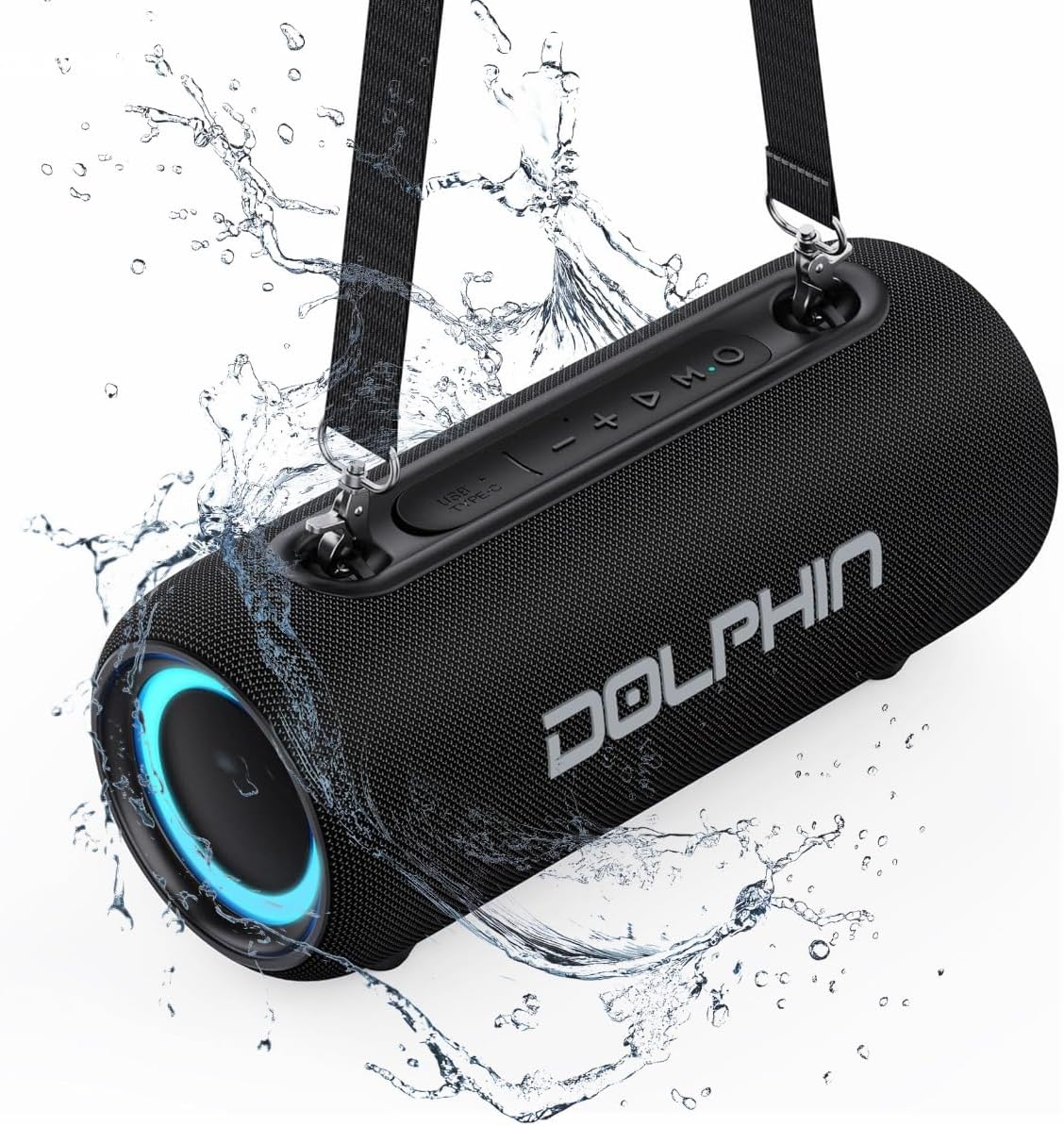
The Dolphin LX-30 is rated IPX5, meaning it is protected against low-pressure water jets from any direction. This makes it suitable for use in environments where it might encounter splashes, such as by a pool, at the beach, or in a shower.
- Pa plonje oratè a nan dlo.
- Asire w kouvèti pò chaje a byen fèmen anvan ou mete oratè a nan dlo.
- After exposure to water, wipe the speaker dry with a soft cloth before charging or connecting other devices.
Depanaj
| Pwoblèm | Kòz posib | Solisyon |
|---|---|---|
| Oratè pa limen. | Batri ap vide. | Chaje oratè a nèt avèk kab Kalite-C ki vini ak li a. |
| Pa ka konekte atravè Bluetooth. | Speaker is not in pairing mode; Device Bluetooth is off; Speaker is too far from device; Speaker is connected to another device. | Ensure speaker is in Bluetooth pairing mode (flashing blue light). Turn on Bluetooth on your device. Move device closer to speaker (within 33 feet/10 meters). Disconnect from other devices or restart speaker. |
| Pa gen son oswa volim nan ba. | Volume too low on speaker or device; Incorrect input mode. | Increase volume on both the speaker and your connected device. Press the Mode (M) bouton to ensure the correct input mode (Bluetooth/USB) is selected. |
| Son deformation. | Volim twò wo; Pil fèb; Entèferans. | Reduce volume. Charge the speaker. Move speaker away from other electronic devices that may cause interference. |
| WaveSync pairing fails. | Oratè yo twò lwen youn ak lòt; Youn nan oratè yo deja konekte ak yon aparèy. | Ensure both speakers are within close proximity. Disconnect both speakers from any other Bluetooth devices before attempting WaveSync pairing. |
Espesifikasyon
| Non modèl | LX-30 |
| Kalite Oratè | Portable oratè |
| Koneksyon Teknoloji | Bluetooth, oksilyè, USB |
| Kominikasyon san fil | Bluetooth 5.3 |
| Oratè maksimòm pwodiksyon pouvwa | 26 Watts |
| Gwosè Chofè Audio | Doub 2.75 pous |
| Repons Frekans | 40 Hz (minimòm) |
| Kapasite batri | 3600 mAh |
| Lavi batri | Jiska 7 èdtan |
| Tan pou chaje | Approx. 3.5 hours (with 5V/2A charger) |
| Nivo rezistans dlo | IPX5 (Reziste kont dlo) |
| Dimansyon pwodwi (D x W x H) | 4.88" x 11.14" x 4.72" |
| Pwa atik | 3 liv |
| Konpozan ki enkli | Type-C Cable, Shoulder Strap |
| UPC | 810059432529 |
Ki sa ki nan bwat la
- Dolphin LX-30 Waterproof Bluetooth Speaker
- Kalite-C chaje kab
- braslè zepòl
- Manyèl Itilizatè (dokiman sa a)
Garanti ak sipò
The Dolphin LX-30 speaker comes with a limited warranty. For detailed warranty information, please refer to the warranty card included with your product or contact Dolphin customer support.
For technical support, troubleshooting assistance, or warranty claims, please visit the official Dolphin websit entènèt la oubyen kontakte depatman sèvis kliyan yo. Anjeneral, ou ka jwenn enfòmasyon pou kontakte yo sou anbalaj pwodwi a oubyen sou paj ofisyèl mak la. websit.
Manifakti: General Sound Co
Dat premye disponib: 19 septanm 2024




