Fockety 68GB MP3 MP4 Player User Manual
Model: Fockety6fkzy1coi0-11
1. Entwodiksyon
This manual provides instructions for the Fockety 68GB MP3 MP4 Player. This device features a 1.8-inch color display, a built-in voice recorder, HiFi audio capabilities, and supports various media formats for music, videos, photos, and e-books. It comes with 64GB of internal storage, expandable up to 128GB via a small memory card.
2. Pake kontni
Tanpri tcheke pake a pou atik sa yo:
- 1 x Fockety MP3 MP4 Player
- 1 x USB Done kab
- 1 x ekoutè

3. Pwodwi souview
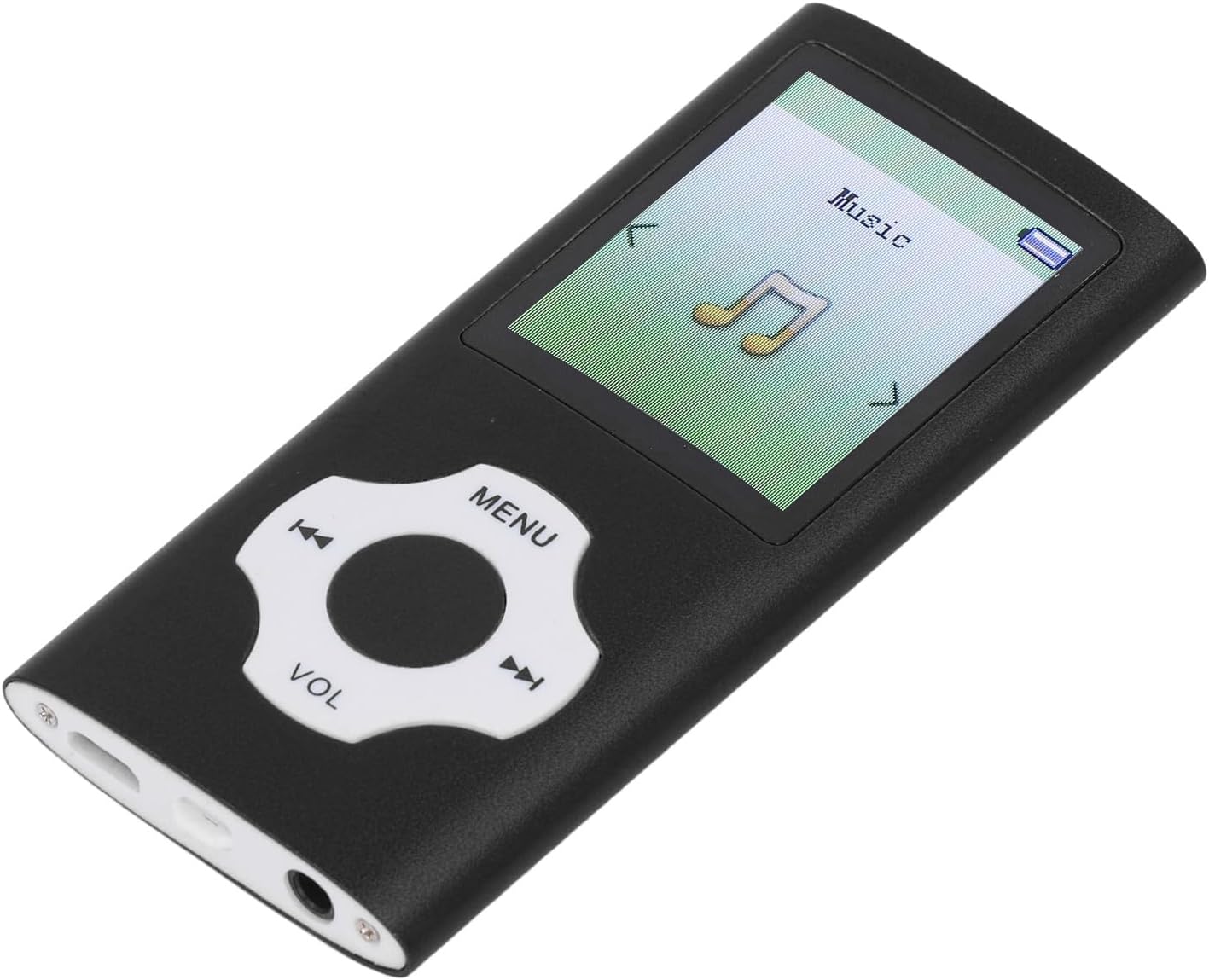
Familiarize yourself with the device's components and controls.
Kontwòl:
- Bouton MENI: Access the main menu or go back to the previous screen.
- Directional Buttons (Left/Right): Navigate through menu options or skip tracks.
- Bouton Sant: Select an option or play/pause media.
- bouton VOL: Ajiste nivo volim.
Pò:
- USB 2.0 pò: Pou chaje ak transfè done.
- Jack ekoutè 3.5mm: For connecting earphones.
4. Enstalasyon
4.1 Chaje Aparèy la
Before first use, fully charge the player. Connect the included USB data cable to the device's USB port and the other end to a computer's USB port or a compatible USB wall adapter (not included). A full charge typically takes 1-2 hours.

4.2 Power On/Off
To power on the device, press and hold the power button (location may vary, typically on the side or top edge) until the screen illuminates. To power off, press and hold the power button again until the device shuts down.
4.3 Ekspansyon memwa
The player includes a built-in 64GB small memory card. For additional storage, you can insert a small memory card (up to 128GB, not included) into the designated slot.
4.4 Konekte sou yon òdinatè
Connect the player to your computer using the USB data cable. The device will function as a storage card reader or a file storage device, allowing you to transfer music, videos, photos, and e-book files.
5. Operasyon Enstriksyon
5.1 Navigasyon debaz
Use the directional buttons to move through menu options. Press the center button to select an item. Use the MENU button to return to the previous screen or the main menu.
5.2 Mizik lèktur
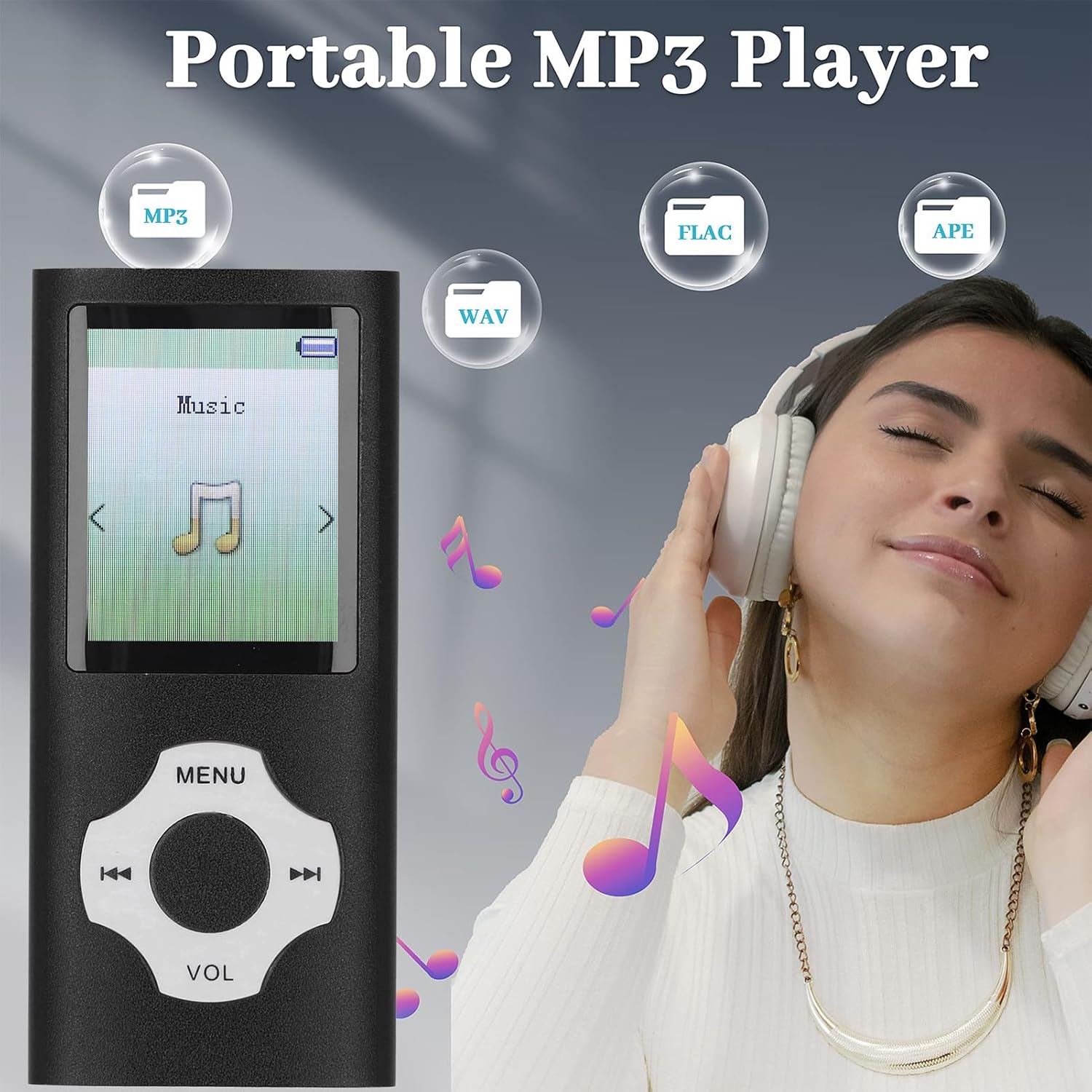
From the main menu, select 'Music'. Browse your stored audio files. The player supports MP3, WMA, APE, FLAC, WAV, and OGG formats. Select a track and press the center button to play. Use the VOL button to adjust the volume.
5.3 Anrejistrè vwa
Navigate to the 'Voice Recorder' function from the main menu. Press the center button to start recording. Press it again to pause/stop. The device features a noise-canceling recorder. Recordings are saved automatically and can be accessed through the 'Recordings' folder.

5.4 E-Book Reader
Select 'E-Book' from the main menu. The player supports TXT format. Transfer your TXT files to the device via USB. Select a file pou kòmanse li.
5.5 lèktur videyo
Access 'Video' from the main menu. The player supports AMV format (converted video). Ensure your video files are converted to AMV format before transferring them to the device for playback.
5.6 Foto Viewing
Select 'Photos' from the main menu. The device supports JPG, JPEG, BMP, and GIF formats. Browse and view your images on the 1.8-inch color screen.
5.7 FM Radyo
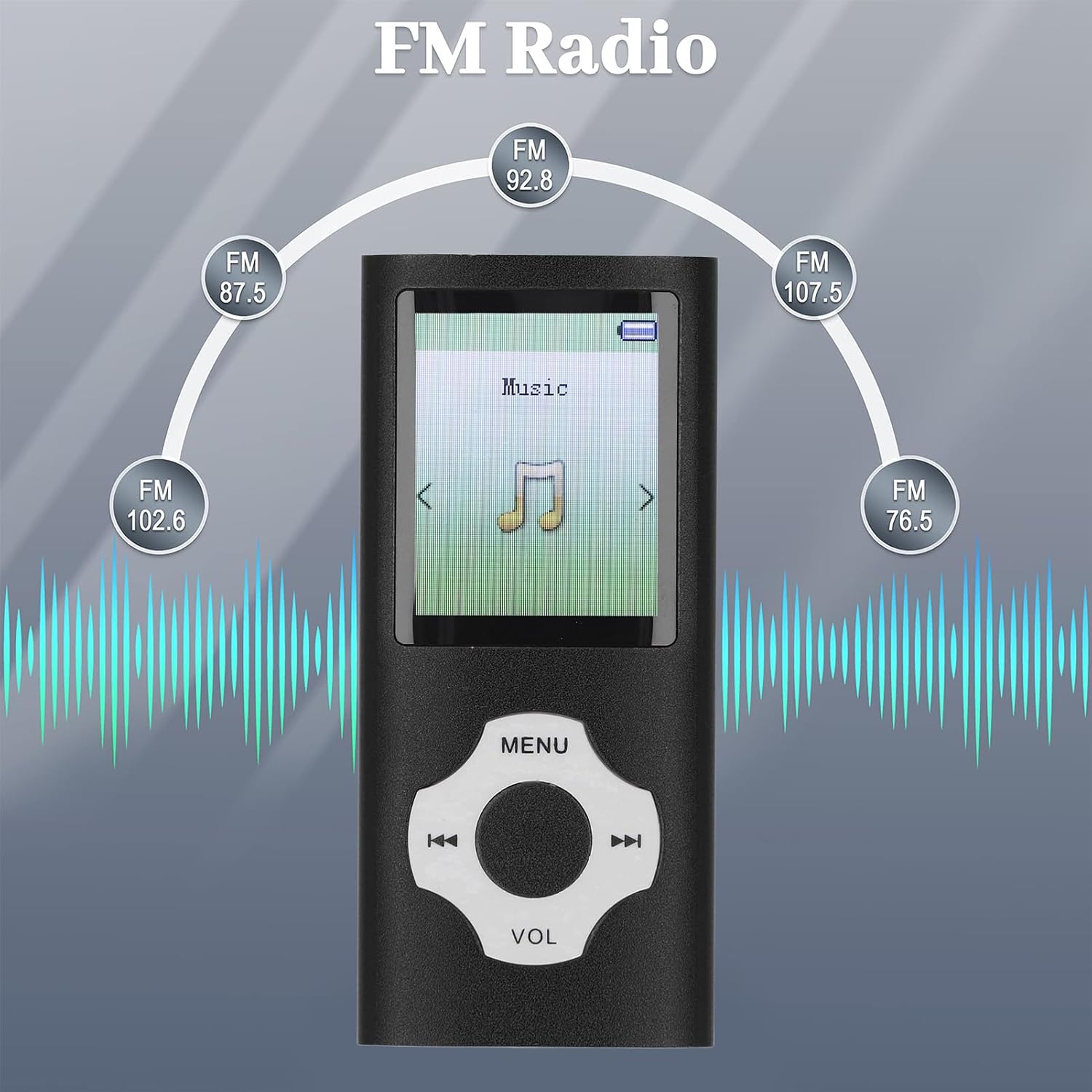
From the main menu, select 'FM Radio'. Use the directional buttons to scan for stations or manually tune to a frequency. Ensure earphones are connected as they often act as the antenna.
6. Antretyen
- Netwayaj: Sèvi ak yon twal mou epi sèk pou netwaye aparèy la. Evite pwodui netwayaj likid oswa materyèl abrazif.
- Depo: Sere jwè a nan yon kote ki fre epi sèk, lwen limyè solèy dirèk ak tanperati ekstrèm.
- Swen batri: Pou pwolonje lavi batri a, evite dechaje batri a nèt souvan. Chaje aparèy la regilyèman, menm si ou pa itilize li pandan yon bon bout tan.
- Ekspozisyon dlo: Aparèy sa a pa enpèmeyab. Evite ekspoze li nan dlo oswa imidite ki wo.
NAN. Depanaj
- Aparèy la pa limen:
- Ensure the battery is charged. Connect the player to a power source and try again.
- If the battery is charged, try resetting the device (if a reset button is available, or by holding the power button for an extended period). - Cannot play music/video files:
- Check if the file format is supported (MP3/WMA/APE/FLAC/WAV/OGG for music; AMV for video).
- Ensure the fileyo pa koripsyon.
- Verify that the files are stored in the correct folders on the device. - No sound from earphones:
- Check if the earphones are properly plugged into the 3.5mm jack.
- Ensure the volume is not set to minimum or muted.
- Test with a different pair of earphones to rule out faulty earphones. - Aparèy la pa rekonèt pa òdinatè a:
- Ensure the USB cable is securely connected to both the player and the computer.
- Try a different USB port on your computer or a different USB cable.
- Restart your computer and the player.
8. Espesifikasyon
| Kalite atik | MP3 Player |
| Materyèl | Aliminyòm alyaj |
| Kalite batri | Batri ityòm-ion 180mAh entegre |
| Memwa Entèn | 64GB (built-in small memory card) |
| Memwa dilatabl | Up to 128GB (small memory card, not included) |
| Gwosè ekran | 1.8 pous ekran koulè |
| Fòma Mizik | MP3, WMA, OGG, APE, FLAC, WAV |
| Fòma videyo | AMV (converted video) |
| Fòma imaj | JPG, JPEG, BMP, GIF |
| Fòma E-liv | TXT |
| Dimansyon pwodwi | 6.69 x 3.15 x 0.79 pous |
| Pwa atik | 3 ons |
| Nimewo Modèl | Fockety6fkzy1coi0-11 |
9. Garanti ak sipò
For warranty information and customer support, please refer to the documentation provided at the time of purchase or contact your retailer. Specific warranty terms and support channels are not detailed in this manual.


