1. Entwodiksyon
Thank you for choosing the AULA AM210 Wireless + Bluetooth Gaming Mouse. This ultra-lightweight mouse is designed for versatility and precision, offering dual-mode connectivity (2.4G wireless and Bluetooth) and adjustable DPI settings. Its ergonomic design ensures comfort during extended use, making it suitable for various computing tasks and gaming. This manual provides detailed instructions for setup, operation, and maintenance to ensure optimal performance.
2. Pake kontni
Tanpri verifye ke tout atik yo prezan nan pakè a:
- 1 x AULA AM210 Wireless + Bluetooth Gaming Mouse
- 1 x Reseptè USB (2.4G)
- 1 x USB Chaje Kab
- 1 x manyèl itilizatè

Image: Contents of the AULA AM210 package, including the mouse, USB cable, and user manual.
3. Pwodwi souview
The AULA AM210 mouse features a transparent, ergonomic, and lightweight design for comfortable and precise control. It integrates a 400mAh rechargeable battery and a unique luminous decorative strip.
3.1 Design and Aesthetics
The mouse is constructed from high-transparency PC material, showcasing its internal components with a sleek, modern aesthetic. Its ergonomic shape is designed to fit comfortably in your hand, reducing strain during prolonged use.

Imaj: Yon imaj anwo-anba view of the AULA AM210 mouse, highlighting its transparent casing and internal structure.

Imaj: Yon bò view illustrating the ergonomic and sleek profile of the AULA AM210 mouse.
3.2 Opsyon koneksyon
The AM210 offers dual-mode connectivity, allowing you to switch between a stable 2.4G wireless connection via a USB receiver or a convenient Bluetooth connection for broader device compatibility.
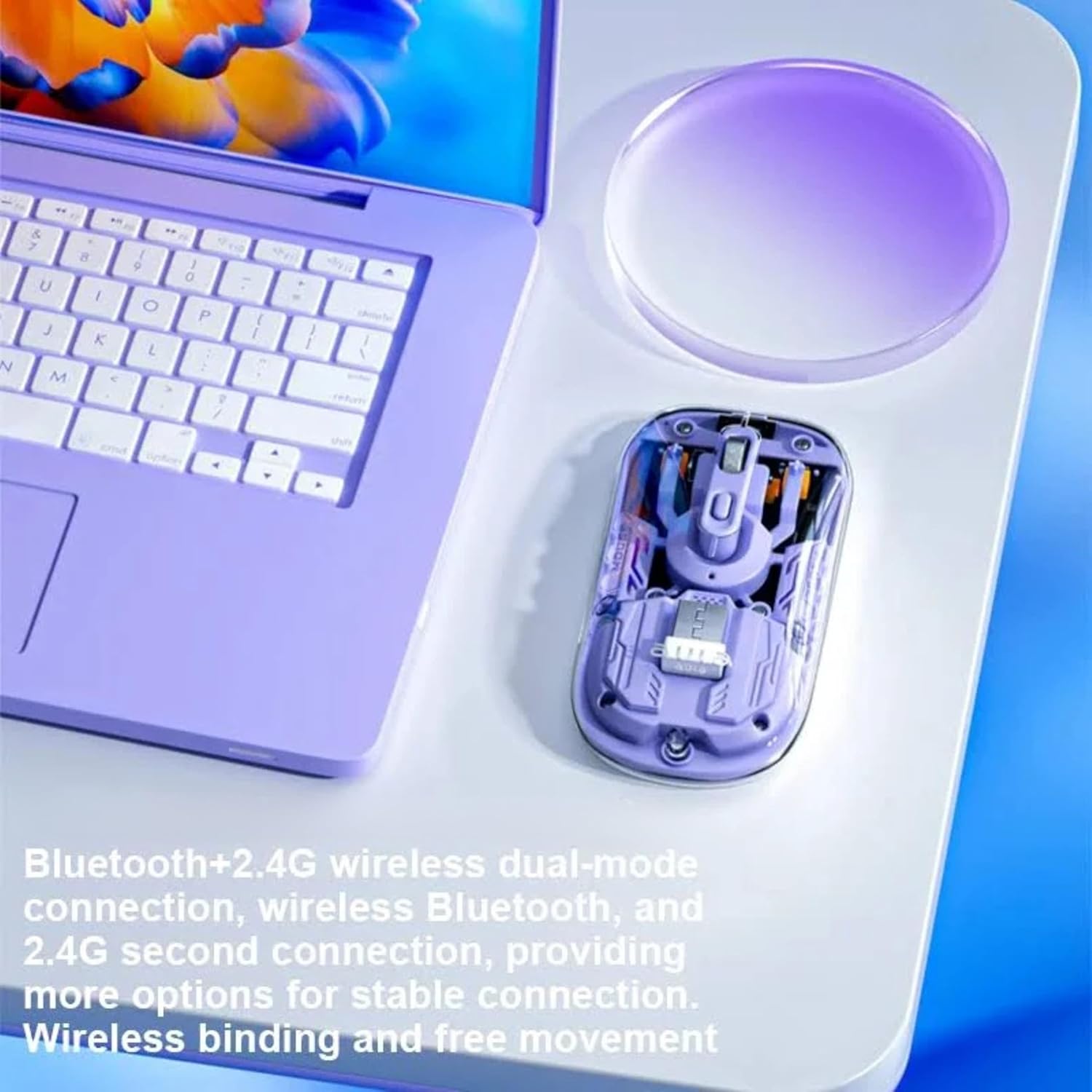
Image: The AULA AM210 mouse positioned beside a laptop, demonstrating its dual Bluetooth and 2.4G wireless connectivity options.
3.3 Batri ak chaje
Equipped with a 400mAh Lithium Polymer rechargeable battery, the mouse provides long-lasting performance. It can be conveniently recharged using the included USB cable.

Image: The AULA AM210 mouse with an overlay indicating its 400mAh battery capacity.
3.4 Luminous Decorative Strip
The mouse features a unique luminous decorative strip on its sides. This strip illuminates when the mouse is stationary and turns off when the mouse is in motion, adding a distinctive visual element.

Image: A visual representation of the AULA AM210 mouse's luminous decorative strip.
4. Gid Enstalasyon
4.1 Chaje Sourit la
- Connect the included USB charging cable to the charging port on the front of the mouse.
- Plug the other end of the USB cable into a powered USB port on your computer or a USB wall adapter.
- The indicator light will show charging status (refer to Section 5.3 for details). Allow sufficient time for a full charge before first use.
Koneksyon san fil 4.2 2.4G
- Locate the USB receiver, typically stored in a compartment on the underside of the mouse.
- Ploge reseptè USB a nan yon pò USB ki disponib sou òdinatè w lan.
- Limen sourit la avèk bouton pouvwa ki anba a.
- The mouse should automatically connect to your computer. If not, ensure the mode switch on the mouse is set to 2.4G wireless mode.
4.3 Bluetooth Koneksyon
- Limen sourit la avèk bouton pouvwa ki anba a.
- Switch the mode selector on the underside of the mouse to Bluetooth mode. The indicator light will begin to flash, indicating pairing mode.
- Sou òdinatè w la oswa aparèy ou an, ouvri paramèt Bluetooth yo.
- Chèche pou new devices and select "AULA AM210" from the list.
- Follow any on-screen prompts to complete the pairing process. The indicator light on the mouse will become solid when successfully connected.
5. Operasyon Enstriksyon
5.1 Power On/Off
Use the power switch located on the underside of the mouse to turn it ON or OFF.
5.2 DPI Ajisteman
The AULA AM210 mouse features adjustable DPI settings (800, 1200, and 1600 DPI) to suit your preference for cursor speed and precision. Press the DPI button, usually located near the scroll wheel, to cycle through the available DPI settings. The indicator lights may change to reflect the current DPI level.
5.3 Konprann Limyè Endikatè yo
The mouse is equipped with indicator lights that provide information on its status:
- Endikatè chaje: Li limen pandan chaj la epi li etenn lè li konplètman chaje.
- Endikatè koneksyon Bluetooth: Flashes when in Bluetooth pairing mode and becomes solid upon successful connection.
- Endikatè batri ki ba: May flash or change color to indicate a low battery level, prompting you to recharge the mouse.
- Endikatè DPI: May briefly illuminate or change pattern to show the selected DPI level.
6. Antretyen
6.1 Netwayaj
Pou netwaye sourit ou a, sèvi ak yon twal mou epi sèk. Pou pousyè tè ki difisil pou netwaye, siye l yon ti kras.ampen the cloth with water or a mild, non-abrasive cleaner. Avoid using harsh chemicals or abrasive materials, as these can damage the mouse's surface.
6.2 Depo
Lè w pa itilize sourit la pou yon bon bout tan, sere l nan yon kote ki fre epi sèk, lwen limyè solèy dirèk ak tanperati ekstrèm. Asire w ke sourit la etenn pou konsève lavi batri a.
NAN. Depanaj
| Pwoblèm | Solisyon posib |
|---|---|
| Mouse not responding (2.4G Wireless) |
|
| Sourit la pa reponn (Bluetooth) |
|
| Mouvman kurseur a pa regilye oswa ralanti |
|
| Sourit la pa chaje |
|
8. Espesifikasyon
| Karakteristik | Detay |
|---|---|
| Mak | AULA |
| Modèl | AM210 |
| Koneksyon | 2.4G san fil, Bluetooth |
| Anviwònman DPI | 800 / 1200 / 1600 DPI (Reglabl) |
| Mouvman Deteksyon | Optik |
| Kalite batri | Lityòm Polymère |
| Kapasite batri | 400mAh |
| Dimansyon pwodwi | 11.35 x 5.8 x 0.1 cm |
| Pwa atik | 63 g |
| Materyèl | Plastik |
| Sistèm operasyon konpatib | Windows 2000/XP/7/8/10/VISTA, Linux, Mac |
| Aparèy konpatib | Odinatè pèsonèl, Telefòn entelijan, Tablèt |
| Karakteristik espesyal | Ergonomic Design, Lightweight, Portable, Rechargeable, Wireless |
9. Garanti ak sipò
AULA products are designed for reliability and performance. For information regarding warranty coverage, technical support, or service inquiries, please refer to the warranty card included with your product or visit the official AULA websit la. Kenbe prèv acha ou pou reklamasyon garanti.
For further assistance, you may contact AULA customer support through their official channels.