Entwodiksyon
This manual provides detailed instructions for the setup, operation, and maintenance of your bemi Kix-m Smartwatch Fitness Tracker. Please read this manual thoroughly before using the device to ensure proper function and to maximize your user experience. The bemi Kix-m is designed to assist you in monitoring your fitness activities and health metrics.
Ki sa ki nan bwat la
- bemi Kix-m Smartwatch
- Chaje kab
- Manyèl Itilizatè (dokiman sa a)
Enstalasyon
1. Enstalasyon aplikasyon an
The bemi Kix-m Smartwatch operates with the "H Band" application. This application is compatible with smartphones running Android 4.4 or newer and iOS 8.0 or newer.
- Chèche pou "H Band" in the App Store (for iOS devices) or Google Play Store (for Android devices).
- Telechaje epi enstale aplikasyon an sou smartphone ou.
- Swiv enstriksyon ki parèt sou ekran an pou kreye yon kont epi konfigire pwofesyonèl pèsonèl ou.file.
2. Aparèy Pè
To connect your smartwatch with the "H Band" app:
- Asire w ke Bluetooth smartphone ou a aktive.
- Open the "H Band" application.
- Navigate to the device pairing section within the app (usually found under "Device" or "My Device").
- The app will search for available devices. Select "Kix-m" from the list to initiate pairing.
- Konfime demann koneksyon an sou tou de smartphone ou ak smartwatch la si yo mande w la.
Nòt: If you experience issues with pairing, ensure the watch is charged and within Bluetooth range of your phone. Refer to the troubleshooting section for further assistance.
Enstriksyon Operasyon
1. Navigasyon debaz
The bemi Kix-m Smartwatch features a 1.5-inch touchscreen display for navigation. Swipe left, right, up, or down to access different functions and menus. Tap to select options.
2. Mizik lèktur
The Kix-m includes a built-in audio player with 512MB of internal memory, allowing you to store and play music directly from the watch.
- Transfè mizik: Connect the smartwatch to a computer using the charging cable. The watch should appear as a removable storage device. Drag and drop your MP3 files into the designated music folder on the watch.
- Connecting Headphones/Speakers: The watch features a dual Bluetooth module. Navigate to the Bluetooth settings on your watch, enable Bluetooth, and pair with your wireless headphones or speaker.
- Kontwole Lekti: Access the music player from the watch's menu. You can play, pause, skip tracks, and adjust volume directly from the watch screen.
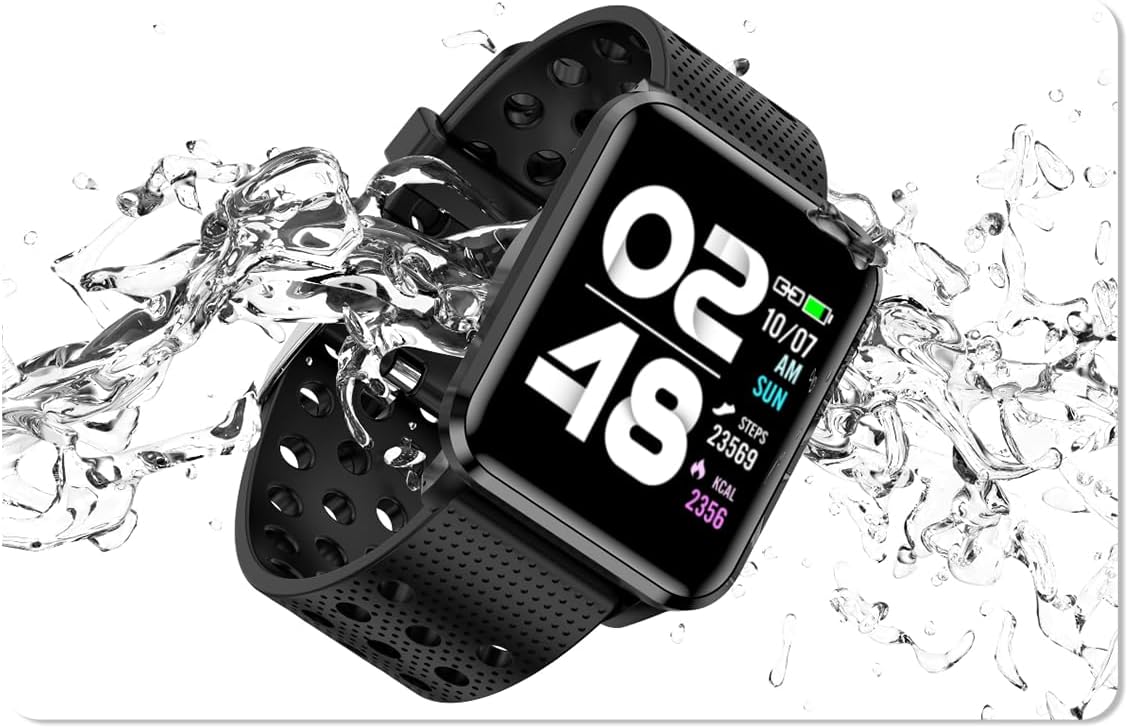
Image: The bemi Kix-m Smartwatch showing its music playback interface, with wireless earbuds positioned next to it, illustrating the device's audio capabilities.
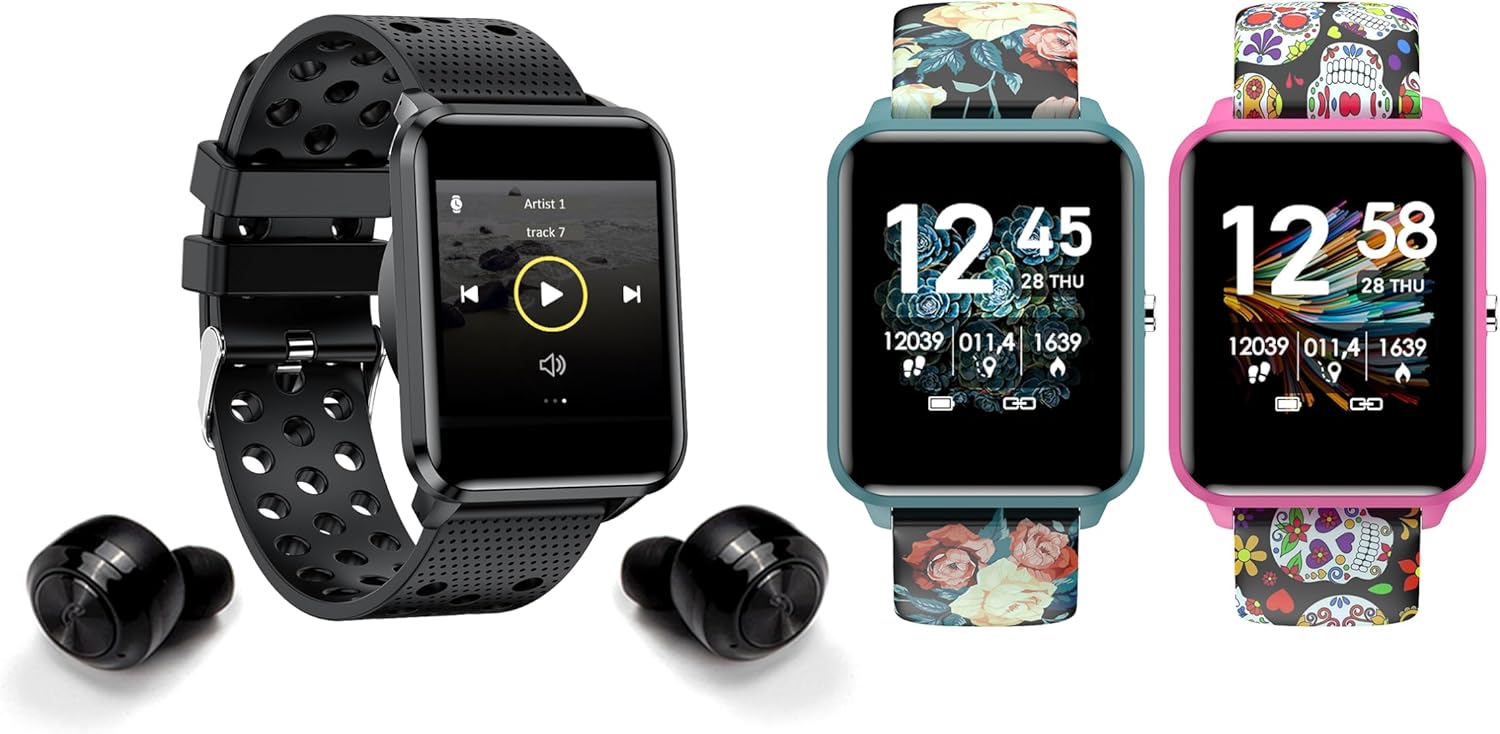
Image: The bemi Kix-m Smartwatch showing its music playback interface, with wireless earbuds positioned next to it, illustrating the device's audio capabilities.
3. Suivi Aktivite
The smartwatch continuously monitors your daily activity, including steps taken, distance covered, and calories burned. This data is synchronized with the "H Band" app for detailed analysis.

Image: A screenshot of the H Band application dashboard, displaying various activity metrics such as steps, blood oxygen saturation (SpO2), heart rate, and sleep patterns, alongside a smartwatch face.
4. Mòd Espò
The Kix-m offers 10 different sport modes to track specific workouts. Select the appropriate mode before starting an activity to get accurate data for your performance.
- Access sport modes from the main menu.
- Choose your desired activity (e.g., running, cycling).
- The watch will display real-time metrics relevant to your chosen sport.
5. Siveyans Sante
The smartwatch provides continuous monitoring of several health metrics:
- Monitè batman kè: Li swiv batman kè ou pandan tout jounen an. View done an tan reyèl sou mont lan oubyen graf detaye nan aplikasyon an.
- Oksijèn nan san (SpO2): Mezire nivo oksijèn nan san ou.
- Suivi dòmi: Monitors your sleep patterns, including deep sleep, light sleep, and awake times. Data is analyzed in the "H Band" app to provide insights into sleep quality.

Imaj: Dèyè a view of the bemi Kix-m Smartwatch, highlighting the optical sensors used for heart rate and blood oxygen monitoring.

Image: The bemi Kix-m Smartwatch screen showing current blood pressure and heart rate measurements, with a background graph indicating historical data.

Imaj: Yon imaj detaye view of the H Band application's sleep tracking interface, showing sleep duration, quality, and different sleep stages.
6. Smart Features
- Notifikasyon: Receive alerts for calls, messages, and app notifications directly on your wrist. Configure notification settings within the "H Band" app.
- Kontwòl kamera: Use your smartwatch as a remote shutter for your smartphone camera. Access this feature from the watch's menu.
- Suivi Sante Fanm: A dedicated mode for women's health tracking, including menstrual cycle and ovulation predictions. Set up and manage this feature in the "H Band" app.
- Rapèl Mouvman: Mont lan ka raple ou pou ou deplase apre peryòd inaktivite.
- Alam, Kronomèt, Revèy: Standard utility functions available on the watch.
- Jwenn telefòn: Use this feature to locate your paired smartphone by making it ring.

Image: The bemi Kix-m Smartwatch screen showing a photo, demonstrating its remote camera control functionality with a smartphone in the background.

Image: A screenshot of the H Band application displaying the women's health tracking interface, including menstrual cycle and ovulation prediction features.
7. Personnalisation
Choose from 24 clock faces available in the "H Band" application. You can also upload a photo from your phone to use as a custom watch face.

Image: A display of multiple bemi Kix-m Smartwatches showcasing different customizable watch faces, including a personalized photo option.
Antretyen
1. Chaje
Connect the provided charging cable to the charging port on the back of the smartwatch and to a USB power source. The watch will display a charging indicator. A full charge typically takes 1-2 hours.
2. Rezistans dlo
The bemi Kix-m Smartwatch is IP68 waterproof, meaning it is resistant to dust and can withstand immersion in water up to 1.5 meters for up to 30 minutes. It is suitable for daily use, such as washing hands or light rain. Avoid hot water, saunas, or diving, as these conditions may compromise the water resistance.

Image: The bemi Kix-m Smartwatch being splashed with water, illustrating its IP68 water resistance rating for daily activities.
3. Netwayaj
Siye ekran mont lan ak braslè a ak yon twal mou,amp twal. Evite itilize pwodui chimik ki agresif oswa materyèl abrazif, ki ka domaje aparèy la.
Depanaj
- Mont lan pa limen: Asire w ke mont lan chaje nèt. Konekte l ak kab chaje a ak yon sous kouran pou omwen 30 minit.
- Pa kapab konekte ak telefòn nan:
- Asire w ke Bluetooth aktive sou telefòn ou.
- Make sure the watch is within close proximity to your phone.
- Rekòmanse telefòn ou ak mont entelijan an.
- Check if the "H Band" app is updated to the latest version.
- Si ou te deja konekte aparèy la, eseye dekonekte l nan paramèt Bluetooth telefòn ou an epi konekte l ankò atravè aplikasyon an.
- Done sou sante ki pa egzak:
- Asire w ke mont lan byen sere sou ponyèt ou, men pa twò sere.
- Netwaye detèktè ki sou dèyè mont lan.
- Remake byen ke mont entelijan yo pa aparèy medikal epi lekti yo se pou referans sèlman.
- Notifikasyon yo pa parèt:
- Verifye ke mont lan byen konekte ak telefòn ou an.
- Check notification permissions for the "H Band" app in your phone's settings.
- Ensure notifications are enabled within the "H Band" app for the desired applications.
Espesifikasyon
| Nimewo Modèl | Kix-m |
| Gwosè ekran | 1.5 pous |
| Kapasite Depo memwa | 512MB (for music) |
| Koneksyon Teknoloji | Bluetooth, fil |
| Rezistans dlo | IP68 |
| Sistèm operasyon konpatibilite | Android 4.4+, iOS 8.0+ |
| Kalite batri | Lityòm Polymère |
| Pwa atik | 4.2 ons |
| Dimansyon pake | 4.8 x 2.83 x 2.24 pous |
Remak: Espesifikasyon yo sijè a chanje san avètisman davans.
Garanti ak sipò
For warranty information and customer support, please refer to the official bemi websit la oubyen kontakte machann ou an. Kenbe resi acha ou a kòm prèv acha pou reklamasyon garanti.
Pou plis asistans, tanpri vizite Magazen bemi sou Amazon.


