Enfòmasyon enpòtan sou sekirite
Please read all safety instructions before using your homary Smart Nightstand.
- Always unplug the wireless charger when not in use.
- Do not place heavy objects on the nightstand that could cause it to tip over.
- Keep the nightstand away from heat sources and liquids to prevent damage to the electrical components.
- Ensure the nightstand is placed on a stable, level surface.
- Avoid exposing the nightstand to direct sunlight or extreme temperatures.
Pwodwi souview
The homary Smart Nightstand (Model GY-J040528) is a modern bedside table designed for convenience and style. It features integrated charging capabilities and ample depo.
- Pad chaje san fil: Sitiye sou sifas anwo a pou aparèy konpatib.
- USB and Type-C Ports: For wired charging of various devices.
- De tiwa depo: Provides organized storage for personal items.
- Konstriksyon dirab: Crafted from engineered wood with a faux leather finish.
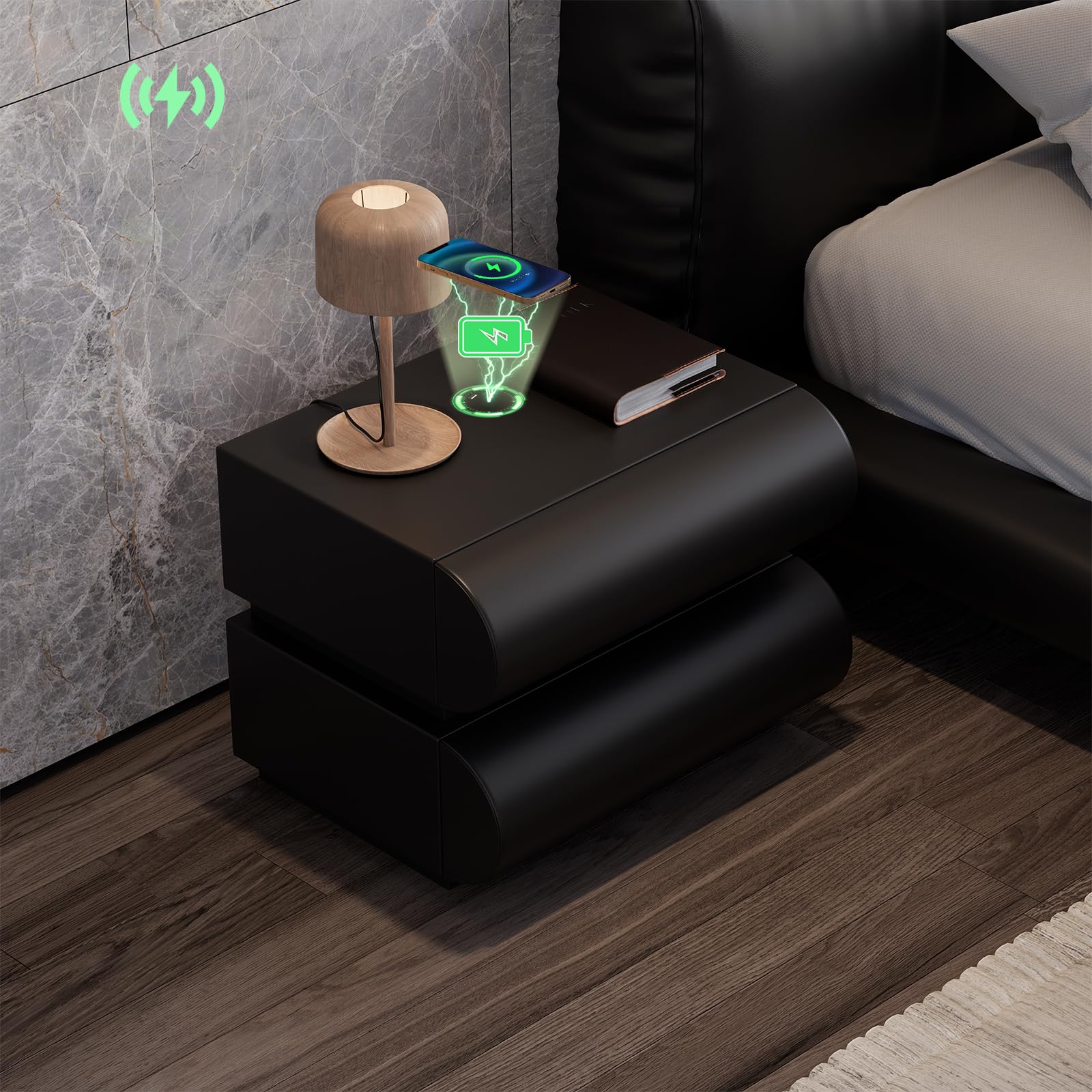
Image: The homary Smart Nightstand in black, showcasing its modern design and two drawers.
Enstalasyon
The homary Smart Nightstand comes fully assembled, requiring no complex setup.
- Debake: Carefully remove the nightstand from its packaging. Inspect for any shipping damage.
- Plasman: Position the nightstand on a stable, level surface next to your bed or desired location. Ensure adequate space for drawer operation.
- Koneksyon pouvwa: Locate the power cable for the charging station. Connect it to a suitable wall outlet. The nightstand's smart features (wireless charger, USB/Type-C ports) will now be active.

Image: A person standing next to the nightstand with a drawer open, demonstrating its height and drawer access.
Enstriksyon Operasyon
Chaje san fil
The nightstand features a built-in wireless charging pad on its top surface.
- Ensure the nightstand is plugged into a power source.
- Place your Qi-compatible device (e.g., smartphone) directly onto the designated wireless charging area on the nightstand's top surface.
- The device should indicate that it is charging. If not, adjust its position on the pad until charging begins.

Image: A smartphone charging wirelessly on the nightstand's surface, with charging icons visible.
USB and Type-C Charging Ports
For devices not compatible with wireless charging, or for faster charging, use the integrated USB and Type-C ports.
- Ensure the nightstand is plugged into a power source.
- Connect your device's charging cable to the appropriate USB or Type-C port on the nightstand.
- Konekte lòt bout kab la sou aparèy ou an.
- Aparèy ou a ta dwe kòmanse chaje.
Operasyon tiwa
The nightstand features two smooth-gliding drawers for storage.
- To open a drawer, gently pull the front panel.
- Pou fèmen tiwa a, pouse l byen fèm jiskaske li byen chita.
- Evite twò chaje tiwa yo pou asire yon bon fonksyònman epi pou anpeche domaj.

Image: An open drawer of the nightstand, highlighting its construction and storage capacity.
Antretyen
Proper care will ensure the longevity and appearance of your homary Smart Nightstand.
- Netwayaj: Siye sifas kwi faux la ak yon mou, damp twal. Evite pwodui netwayaj abrazif oswa pwodui chimik ki agresif, paske sa yo ka domaje fini an.
- Devèsman: Immediately wipe up any spills to prevent staining, especially on the faux leather.
- Époussetage: Regularly dust the nightstand with a dry, soft cloth.
- Glisad pou tiwa: If drawers become stiff, a small amount of silicone-based lubricant can be applied to the slides.
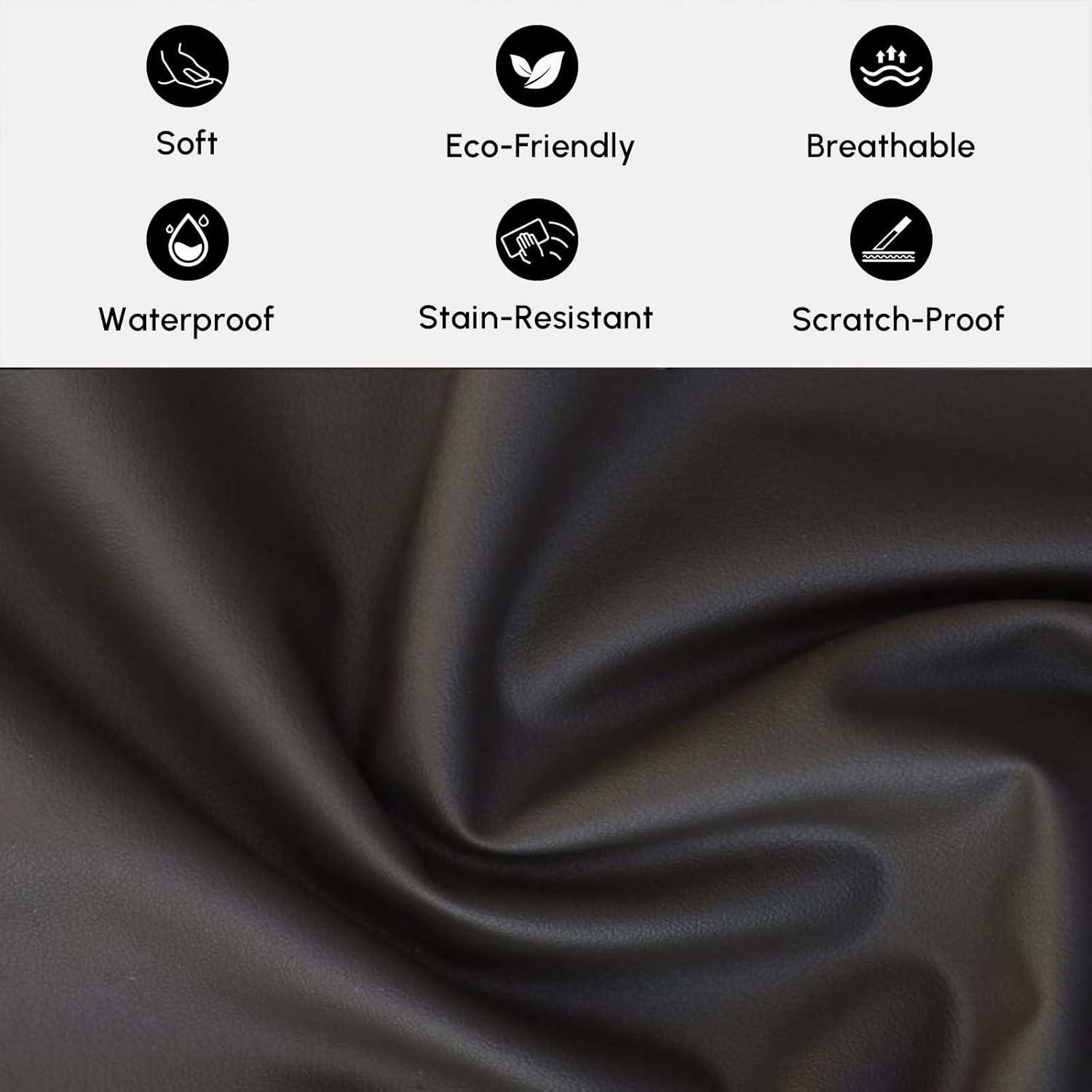
Imaj: Yon gwo plan view of the faux leather material, illustrating its texture and properties like being soft, eco-friendly, breathable, waterproof, stain-resistant, and scratch-proof.
Depanaj
Wireless Charger Not Working
- Tcheke pouvwa: Ensure the nightstand is properly plugged into a functional wall outlet.
- Aparèy konpatibilite: Verify that your device is Qi-compatible for wireless charging.
- Plasman aparèy: Adjust the device's position on the charging pad. It may need to be precisely centered.
- Obstak: Remove any thick phone cases or metallic objects between the device and the charging pad.
USB/Type-C Ports Not Charging
- Tcheke pouvwa: Ensure the nightstand is plugged in.
- Entegrite kab: Eseye yon lòt kab chaje pou w ka pa gen pwoblèm ak kab la.
- Port Condition: Inspect the ports for any debris or damage.
Drawers Sticking or Not Opening Smoothly
- Surcharge: Diminye pwa oswa volim bagay ki nan tiwa a.
- Obstruction: Check for any objects blocking the drawer slides.
- Sifas Nivo: Ensure the nightstand is on a level surface, as unevenness can affect drawer alignment.
Espesifikasyon
| Mak | omaj |
| Non modèl | GY-J040528 |
| Koulè | Nwa |
| Kalite Materyèl | Faux Leather; MDF |
| Materyèl ankadreman | Enjenieri bwa |
| Kantite tiwa | 2 |
| Dimansyon atik (L x W x H) | 15.7 x 19.7 x 19.7 pous (400 x 500 x 500 mm) |
| Pwa Atik (Apeprè) | 33 liv (15 kg) |
| Max Load Capacity (Approx.) | 66 liv (30 kg) |
| Asanble obligatwa | Non |

Image: Detailed dimensions and weight specifications for the nightstand and its drawers.
Enfòmasyon sou Garanti
Specific warranty details for the homary Smart Nightstand (Model GY-J040528) may vary. Please refer to the warranty card included with your product or contact homary customer support for detailed information regarding warranty coverage and terms.
Sipò pou Kliyan
If you have any questions, require assistance, or need to report an issue, please contact homary customer support.
- Imèl: sèvis@homary.com
- Please include your order number when contacting support via email.
- Customer service typically responds within 24 hours, excluding public holidays.

Image: Homary customer support details, including email and response time.


