1. Entwodiksyon
Thank you for choosing the IOOIOO A80 Portable Printer. This compact, inkless thermal printer is designed for convenience and efficiency, allowing you to print documents, photos, and more from various devices, including smartphones, tablets, and computers. Its portable design makes it ideal for home, office, or travel use.


2. Ki sa ki nan bwat la
Tanpri verifye sa ki nan pake a pou asire w tout atik yo la:
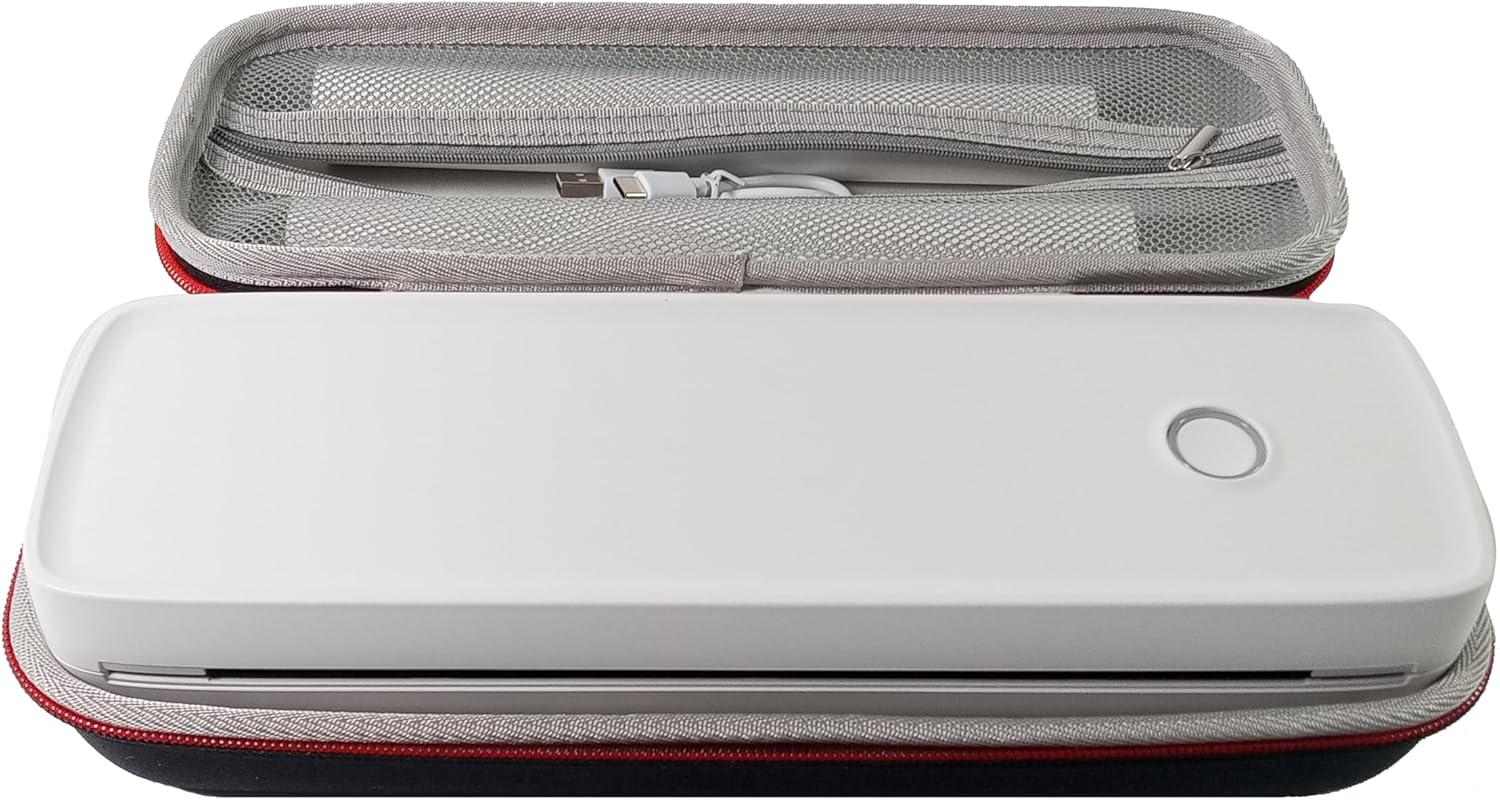
- Enprimant pòtab IOOIOO A80
- Ka pote
- 3 Rolls of A4 or Letter Thermal Paper
- 3 Pages of Continuous Folded Thermal Paper
- USB kab
- QR Code for Manual Download (Digital Manual)

3. Enstalasyon
3.1 Premye chaj
Before first use, fully charge the printer using the provided USB cable. The LED indicator will show charging status.
3.2 Software/Driver Installation
To use the printer with your devices, appropriate software or drivers are required:
- For Mobile Phones (iPhone/Android): Download the "SharpFox" application from your device's app store.
- For Desktop PCs (Windows/Mac/Linux/Raspberry Pi): Download the necessary drivers from the official IOOIOO website. A QR code is provided in the box for quick access to the manual and driver download links.
3.3 Chaje Papye Tèmik la
The IOOIOO A80 uses inkless thermal paper. To load paper:
- Louvri kouvèti lòj papye a.
- Insert the thermal paper roll or folded stack, ensuring the printable side is facing the print head.
- Fèmen kouvèti a byen.

4. Operasyon Enstriksyon
4.1 Limen/Etenyen
- Pou limen: Press and hold the power button until the LED indicator illuminates.
- Pou etenn: Peze epi kenbe bouton pouvwa a jiskaske endikatè ki ap dirije a etenn.
4.2 Koneksyon
The IOOIOO A80 offers both Bluetooth wireless and USB wired connectivity options.
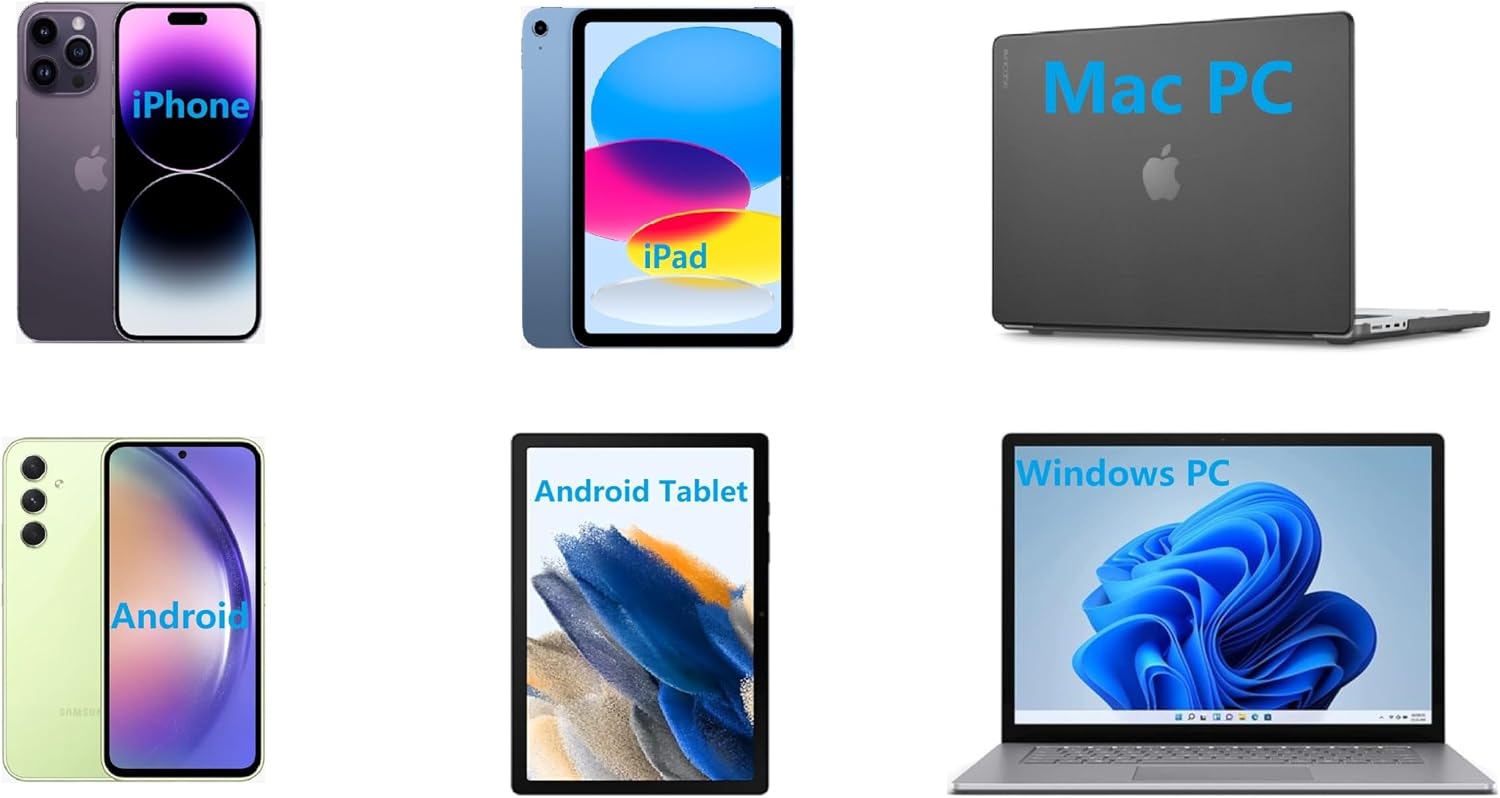
4.2.1 Bluetooth Connection (for Phones and Windows PC)
- Ensure the printer is powered on and the LED is green.
- On your phone, open the "SharpFox" app. On your Windows PC, ensure Bluetooth is enabled.
- Within the app or PC Bluetooth settings, search for and select the "IOOIOO A80" printer to pair.
- Swiv nenpòt envit ki sou ekran pou konplete pwosesis kouple a.
4.2.2 USB Connection (for Windows PC, Mac PC, Linux, Raspberry Pi)
- Ensure the printer is powered on and the LED is green. If the LED is not green, the printer will not print via USB.
- Konekte enprimant lan ak òdinatè w lan lè l sèvi avèk kab USB yo bay la.
- Install the appropriate drivers as described in Section 3.2.
- Once drivers are installed, the printer should be recognized by your computer.
4.3 Enpresyon
After connecting your printer, you can initiate printing from your chosen application (e.g., SharpFox app, word processor, PDF viewer).
- Select the print option within your application.
- Choose "IOOIOO A80" from the list of available printers.
- Adjust print settings (e.g., paper size: US letter/legal/A4/A5, 2", 3", 4" sticky/non-sticky, flat folded/rolled thermal paper, tattoo stencil transfer paper) as needed.
- Klike sou "Enprime" pou kòmanse enprime.
Note on Tattoo Stencil Printing: This printer is suitable for normal tattoo lines only. It is not recommended for sharp lines, large blocks, gradients, or color patterns.
5. Antretyen
Proper maintenance ensures the longevity and optimal performance of your IOOIOO A80 printer.
5.1 Netwaye tèt enprime a
Regularly clean the print head to maintain print quality.
- Turn off the printer and disconnect it from power.
- Louvri lòj papye a.
- Gently wipe the print head with a lint-free cloth lightly dampfini ak alkòl izopropilik.
- Kite tèt enprime a seche nèt anvan ou fèmen kouvèti a epi limen enprimant lan.
5.2 Paper Storage
Store thermal paper in a cool, dry place away from direct sunlight and heat to preserve its quality and ensure prints last for the expected duration (2 to 15 years depending on paper type).
NAN. Depanaj
If you encounter issues with your IOOIOO A80 printer, please refer to the official Troubleshooting Guide for detailed solutions.
Common issues and quick checks:
- Enprimant lan pa limen: Asire w ke batri a chaje.
- Pa gen okenn rezilta enprime: Check paper loading, ensure the LED is green (for USB connection), and verify connectivity (Bluetooth/USB).
- Move kalite enprime: Clean the print head, ensure you are using compatible thermal paper.
- Pwoblèm koneksyon: Restart both the printer and the device you are trying to connect from. Re-pair Bluetooth or re-plug the USB cable.
7. Espesifikasyon
| Karakteristik | Detay |
|---|---|
| Mak | IOOOIO |
| Non modèl | A80 |
| Dimansyon pwodwi | 3.6"D x 11.4"W x 2.4"H |
| Pwa atik | 1.8 liv |
| Teknoloji Enpresyon | Tèmik |
| Maksimòm rezolisyon enprime nwa e blan | 200 dpi |
| Vitès Enpresyon Maksimòm (Monochrome) | 4 ppm (approx. 10mm/s) |
| Gwosè Maksimòm Medya | A4 (supports US Letter/Legal/A4/A5) |
| Koneksyon Teknoloji | Bluetooth for Phone, USB for PC |
| Koulè lank | Nwa (Monokrom) |
| Enprime tèt lavi | Approx. 170,000 letter pages |
| Batri | 1 batri ityòm Ion (enkli) |
8. Garanti ak sipò
For any questions, technical assistance, or warranty inquiries, please contact IOOIOO customer service.
- Sipò nan telefòn Etazini: Available for direct assistance.
- Sipò WhatsApp: Available for convenient messaging support.
Please refer to your product packaging or the official IOOIOO websit la pou jwenn enfòmasyon kontak ki pi resan yo.


