1. Entwodiksyon
The Macally Bluetooth Keyboard for Tablet (Model BTTABKEYBATBR) is a versatile wireless keyboard designed for seamless use across multiple devices. Featuring a built-in stand, portable design, and rechargeable battery, it enhances productivity for tablets, smartphones, PCs, and smart TVs. This manual provides essential information for setup, operation, maintenance, and troubleshooting.
2. Pwodwi souview
This compact keyboard offers a comfortable and efficient typing experience with its 78-key layout and responsive scissor-switch keys. It includes 13 dedicated shortcut/media keys for quick access to common functions. The integrated 10.5-inch slot serves as a convenient stand for your smartphone or tablet, allowing for an ergonomic viewang ang.
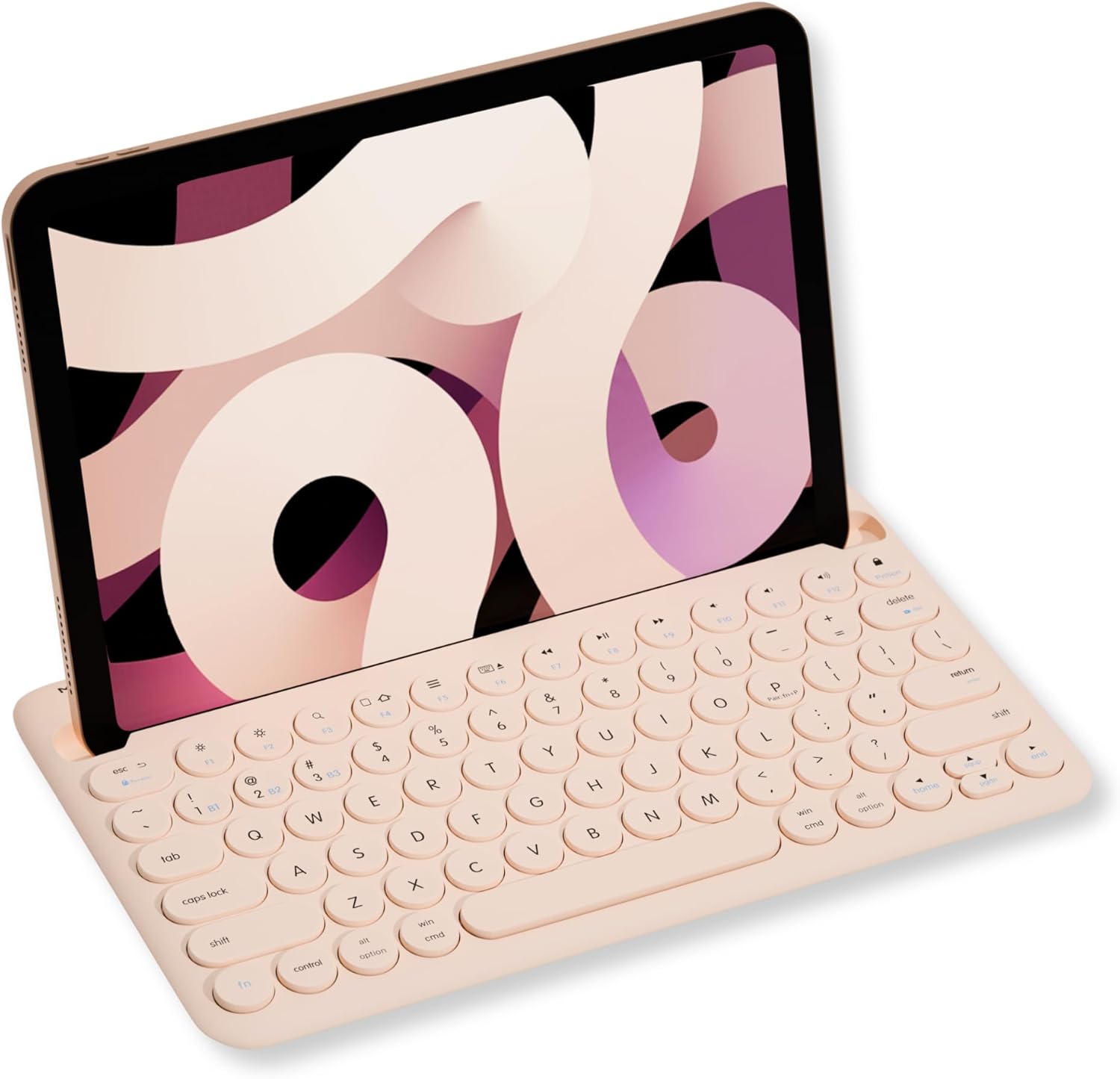
Image: Macally Bluetooth Keyboard with an iPad positioned in its integrated stand.
Karakteristik kle:
- Koneksyon plizyè aparèy: Pair and switch between up to three Bluetooth-enabled devices (e.g., iPad, iPhone, PC, Smart TV).
- Kanpe entegre: Built-in 10.5-inch slot securely holds your smartphone or tablet for optimal viewing.
- Pòtab & Rechargeable: Compact design with a 280mAh rechargeable battery for on-the-go use.
- Efficient Layout: 78-key layout with 13 shortcut/media keys for enhanced productivity.
- Responsive Typing: Scissor-switch keys provide a comfortable and semi-silent typing experience.
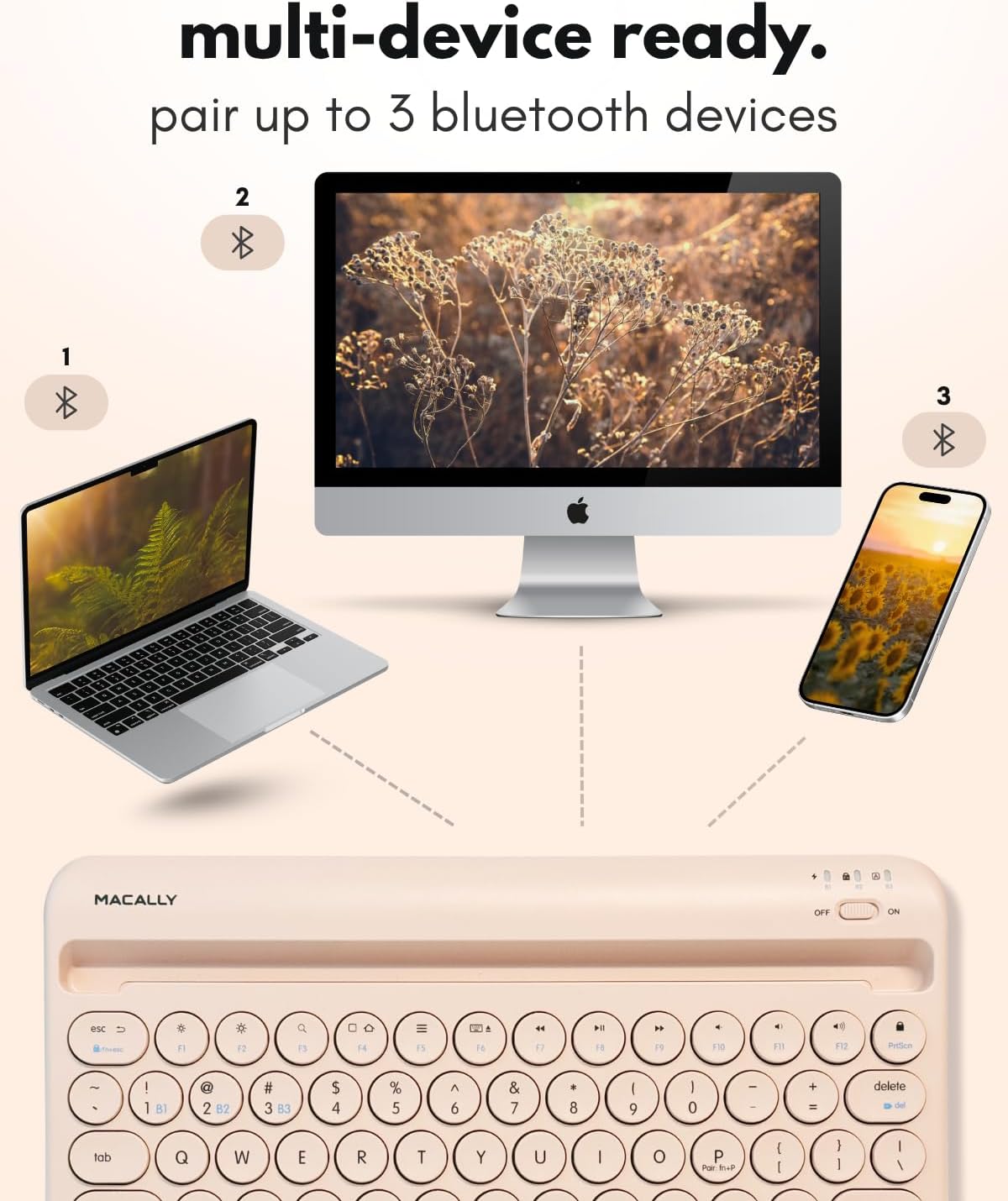
Image: The Macally keyboard demonstrating multi-device connectivity to a laptop, desktop computer, and smartphone.
3. Enstriksyon Enstalasyon
3.1. Chaje klavye a
The keyboard features a 280mAh rechargeable battery. Use the included charging cable to power the device. The LED indicator will show the charging status:
- Wouj ki ap dirije: Chaje an pwogrè.
- Red LED Off: Konplètman chaje.

Imaj: Yon gwo plan view of the Macally keyboard highlighting the charging port and a battery icon, indicating its rechargeable nature.
3.2. Power On/Off
Locate the power switch on the top right side of the keyboard. Slide it to the 'ON' position to power on the keyboard and to 'OFF' to power it down.
3.3. Pè Bluetooth
The keyboard can pair with up to three devices. Follow these steps to pair your device:
- Asire w ke klavye a limen.
- Select a Bluetooth channel (B1, B2, or B3) by pressing the Fn key simultaneously with the desired channel key (e.g., Fn + B1). The corresponding LED (B1, B2, or B3) will flash.
- To initiate pairing mode, press and hold Fn + P simultaneously. The selected channel's LED will flash rapidly, indicating it is ready to pair.
- On your device (tablet, smartphone, PC), go to its Bluetooth settings and search for 'BTTABKEYBAT' (or similar).
- Select the keyboard from the list of available devices to complete the pairing process. The LED will stop flashing once successfully paired.
Video: A demonstration of connecting the Macally Bluetooth keyboard to a device, highlighting the ease of pairing and use.
4. Operasyon Enstriksyon
4.1. Chanje ant aparèy yo
After pairing multiple devices, you can easily switch between them by pressing the Fn kle ansanm ak kle chanèl ki koresponn lan (B1, B2, oswa B3) pou aparèy ou vle a.
4.2. Using Shortcut Keys
The keyboard includes 13 shortcut/media keys (F1-F12, and a lock key) that provide quick access to various functions depending on your operating system. Refer to your device's operating system documentation for specific functions of these keys.
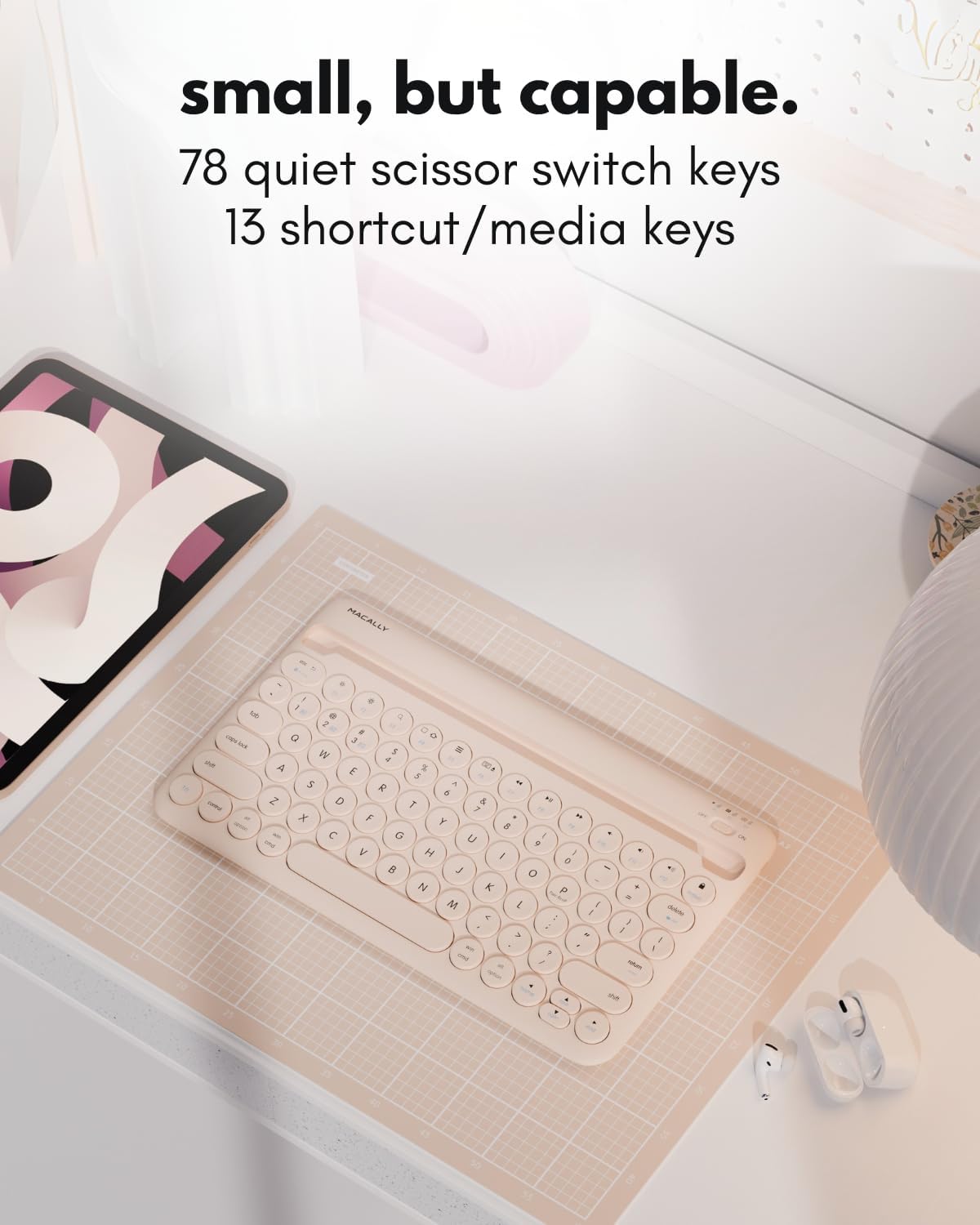
Imaj: Yon imaj detaye view of the Macally keyboard, emphasizing its 78-key layout and the inclusion of 13 shortcut/media keys.
5. Antretyen
To ensure the longevity and optimal performance of your Macally Bluetooth Keyboard, follow these maintenance guidelines:
- Netwayaj: Sèvi ak yon mou, damp twal pou netwaye sifas klavye a. Evite pwodui chimik ki agresif oswa materyèl abrazif.
- Depo: Sere klavye a nan yon kote ki fre epi sèk, lwen limyè solèy dirèk ak tanperati ekstrèm.
- Swen batri: For best battery life, avoid fully discharging the battery frequently. Charge it regularly, even if not in constant use.
- Pwoteksyon: When traveling, consider using a protective sleeve or case to prevent scratches or damage.
NAN. Depanaj
6.1. Keyboard Not Pairing
- Asire w klavye a limen epi li chaje nèt.
- Verifye ke Bluetooth aktive sou aparèy ou an.
- Make sure the keyboard is in pairing mode (LED flashing rapidly after pressing Fn + P).
- If previously paired, try unpairing the keyboard from your device's Bluetooth settings and then re-pairing.
- Move the keyboard closer to your device to ensure it's within the 30ft wireless range.
6.2. Kle yo pa reponn
- Check if the keyboard is connected to the correct device channel (B1, B2, or B3).
- Asire w ke batri klavye a pa twò ba.
- Restart both the keyboard and your connected device.
6.3. Pwoblèm Chaje
- Confirm the charging cable is securely connected to both the keyboard and a power source.
- Eseye itilize yon lòt kab chaje oswa pò USB.
- Asire w ke sous kouran an aktif.
7. Espesifikasyon
| Karakteristik | Detay |
|---|---|
| Nimewo Modèl | BTTABKEYBATBR |
| Koneksyon Teknoloji | Bluetooth |
| Aparèy konpatib | Laptop, PC, Smart TV, Smartphone, Tablèt |
| Deskripsyon klavye | Aksesib |
| Karakteristik espesyal | Ergonomic, Hotkeys and Media Keys, Lightweight, Low-Profile Key, Round Key |
| Koulè | Boba Brown |
| Materyèl | Plastik |
| Sous pouvwa | Mache ak pil (280mAh rechargeable) |
| Chanje Kalite | Linear (Scissor Switch) |
| Pwa atik | 0.071 ons |
| Dimansyon pake | 14.65 x 7.91 x 1.38 pous |

Image: A diagram illustrating the physical dimensions of the Macally Bluetooth Keyboard.
8. Garanti ak sipò
Macally offers dedicated U.S. based support and service for its products. For warranty registration and additional support, please visit:
- Enskripsyon garanti: vip.macally.com
- Sipò teknik: techsupport@macally.com


