1. Pwodwi souview
The HP 255 G10 is a 15.6-inch Full HD Business Laptop designed for productivity and everyday use. It features an AMD Ryzen 7 7730U processor, ample RAM, and fast storage, making it suitable for multitasking, office applications, and general computing tasks. This manual provides essential information for setting up, operating, maintaining, and troubleshooting your laptop.

Figure 1: HP 255 G10 15.6-inch FHD Business Laptop
2. Ki sa ki nan bwat la
- Laptop HP
- Adaptè pouvwa
- Quick Start Guide (may be a separate document)
3. Gid Enstalasyon
3.1 Premye pouvwa sou
- Dekonpoze: Retire laptop la ak tout akseswa yo nan anbalaj la avèk anpil atansyon.
- Konekte pouvwa: Branche adaptè kouran an nan pò kouran laptop la epi answit nan yon priz miray.
- Pouvwa sou: Open the laptop lid and press the power button, usually located on the keyboard deck.
- Premye enstalasyon Windows: Follow the on-screen prompts to complete the Windows 11 Pro setup, including language, region, network connection, and user account creation.
3.2 Konekte ak Wi-Fi
- During initial setup, you will be prompted to connect to a Wi-Fi network. Select your network from the list and enter the password.
- If setting up later, click the Wi-Fi icon in the taskbar, select your network, and connect.
4. Operasyon Enstriksyon
4.1 Itilizasyon debaz
- Limen/Etenyen: Press the power button to turn on. To turn off, click Start > Power > Shut down.
- Mòd dòmi: Fèmen kouvèti a oubyen klike sou Start > Power > Sleep pou antre nan mòd dòmi.
- Klavye ak Touchpad: Utilize the full-size keyboard and precision touchpad for navigation and input. The numeric keypad is integrated for efficient data entry.
- WebCam: Entegrasyon an webcam can be used for video calls and conferences.
4.2 Konekte periferik
The laptop offers various ports for connecting external devices:
- USB Kalite-A: Connect USB devices such as mice, keyboards, or external drives.
- USB Kalite-C: Pou transfè done ak koneksyon aparèy USB-C konpatib.
- HDMI: Konekte ak monitè ekstèn oswa pwojektè pou ekspozisyon pwolonje.
- Konbinezon kas ekoutè/mikwofòn: Pou antre ak sòti odyo.

Figi 2: Side view showing available ports (USB, HDMI, USB-C, Headphone/Mic Combo)
5. Karakteristik kle
5.1 Pèfòmans
The HP 255 G10 is equipped with an AMD Ryzen 7 7730U processor, featuring 8 cores and 16 threads, with a max turbo frequency of 4.50GHz. This provides robust performance for demanding business applications and efficient multitasking. The integrated AMD Radeon Graphics handles visual tasks smoothly.

Figure 3: Laptop highlighting AMD Ryzen 7 processor for ready-to-go performance.
5.2 Memwa ak Depo
With 32GB of high-bandwidth DDR4 RAM, the laptop ensures smooth operation of multiple applications simultaneously. The 1TB PCIe M.2 Solid State Drive (SSD) provides fast boot-up times, quick application loading, and ample storage for documents, media, and software.
5.3 Montre
The 15.6-inch Full HD (1920 x 1080) IPS display features an anti-glare coating and micro-edge design, offering clear visuals and a comfortable viewing experience, even in varying lighting conditions. It provides 250 nits brightness and 45% NTSC color gamut.

Figure 4: Laptop display showcasing the 15.6-inch FHD screen.
5.4 Connectivity and Operating System
The laptop supports Wi-Fi 6 for faster wireless speeds and improved network performance, along with Bluetooth for connecting wireless accessories. It comes pre-installed with Windows 11 Pro, offering advanced security features, management tools, and enhanced productivity.
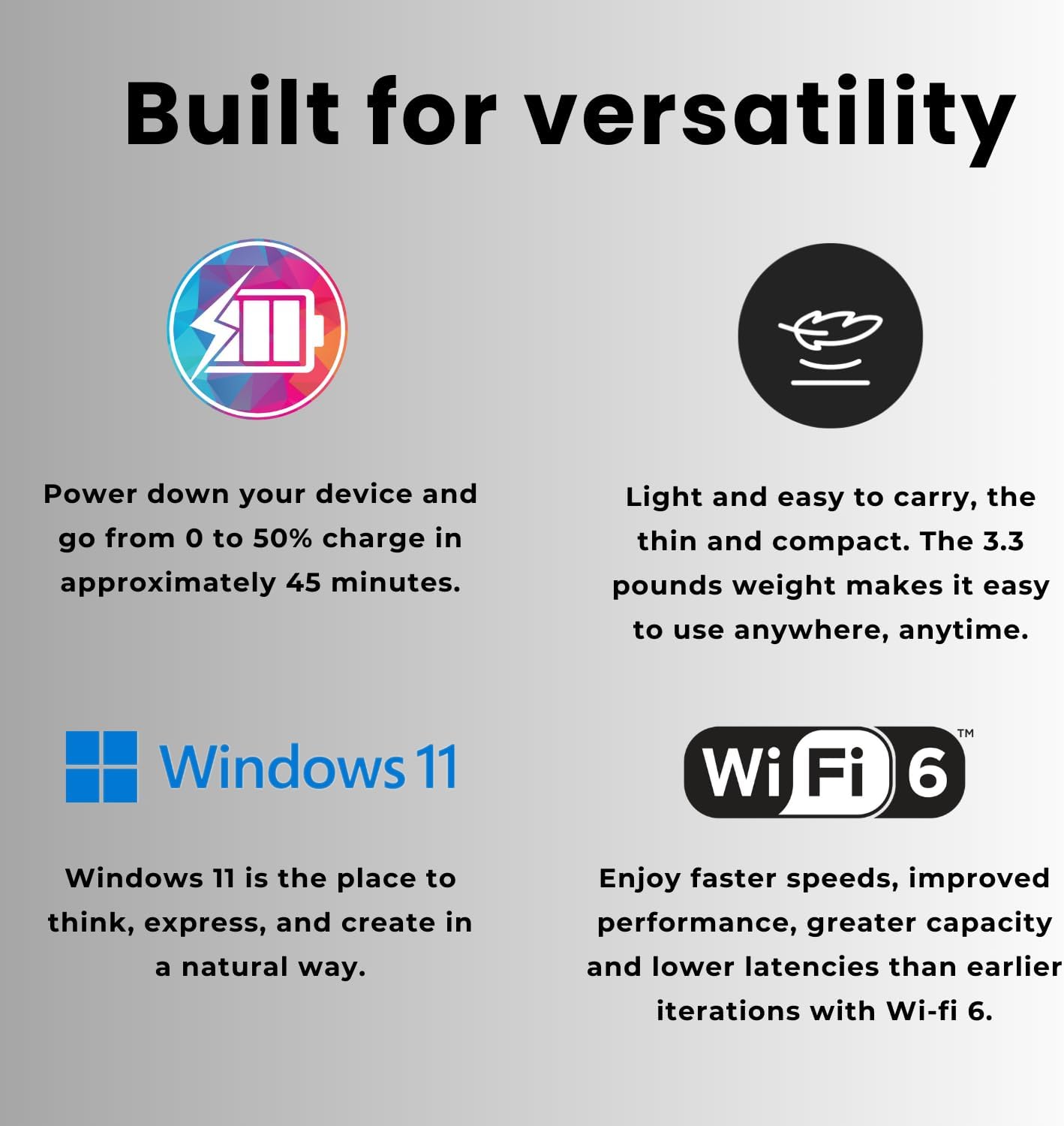
Figure 5: Laptop features including fast charging, lightweight design, Windows 11, and Wi-Fi 6.
6. Antretyen
- Netwayaj: Sèvi ak yon twal mou ki pa gen pousyè pou netwaye ekran an ak deyò a. Evite pwodui chimik ki agresif.
- Mizajou lojisyèl: Regularly check for and install Windows updates and HP driver updates to ensure optimal performance and security.
- Swen batri: Pou pwolonje lavi batri a, evite tanperati ekstrèm epi eseye kenbe chaj batri a ant 20% ak 80% chak fwa sa posib.
- Vantilasyon: Asire w ke ouvèti vantilasyon laptop la pa bouche pou anpeche li chofe twòp.
NAN. Depanaj
7.1 Pwoblèm komen ak solisyon
- Laptop la pa limen: Asire w adaptè kouran an byen konekte epi priz la ap fonksyone. Eseye yon lòt priz.
- Pa gen koneksyon Wi-Fi: Tcheke si Wi-Fi a aktive nan paramèt Windows yo. Rekòmanse routeur ou a ak laptop la.
- Pèfòmans ralanti: Close unnecessary applications and browser tabs. Check for background updates or malware. Ensure sufficient free storage space.
- Screen issues (no display, flickering): Restart the laptop. If connected to an external monitor, try disconnecting it.
8. Espesifikasyon teknik
| Karakteristik | Spesifikasyon |
|---|---|
| Non modèl | TPN-Q287 |
| Processeur | AMD Ryzen 7 7730U (8 Nwayo, 16 Fil, jiska 4.50GHz) |
| Grafik | Grafik AMD Radeon (Entegre) |
| RAM | 32GB DDR4 (3200 MHz) |
| Depo | SSD PCIe M.1 2TB |
| Ekspozisyon | 15.6-inch FHD (1920 x 1080) IPS, Anti-glare, Micro-edge, 250 nits, 45% NTSC |
| Sistèm operasyon | Windows 11 Pro |
| Pò | 2x SuperSpeed USB Type-A, 1x SuperSpeed USB Type-C, 1x HDMI, 1x Headphone/Microphone Combo |
| Koneksyon san fil | Wi-Fi 6 (802.11ax), Bluetooth |
| Webkam | Wi |
| Dimansyon (LxWxH) | 14.17 x 9.29 x 0.73 pous |
| Pwa | 3.35 liv |
| Koulè | Nwa |
| Karakteristik espesyal | Nimerik klavye |
9. Garanti ak sipò
Pou enfòmasyon sou garanti a ak sipò teknik, tanpri al gade dokiman ki vini ak pwodwi w la oswa vizite sit sipò ofisyèl HP a. websit la. Anjeneral, ou ka jwenn resous sipò, telechajman chofè, ak enfòmasyon pou kontakte sèvis kliyan la.
Sipò sou entènèt: Sipò Ofisyèl HP