1. Entwodiksyon
The Accsoon SeeMo 4K HDMI Adapter (Model ACC-SEEMO) is a device designed to transform your iPhone or iPad into a professional 4K video monitoring solution. It captures HDMI video signals and transmits them to your iOS device, enabling real-time monitoring, live streaming, and recording capabilities through the Accsoon SEE app. This manual provides essential information for setting up, operating, maintaining, and troubleshooting your SeeMo 4K adapter.
2. Pake kontni
The Accsoon SeeMo 4K HDMI Adapter package includes the following items:
- Accsoon SeeMo 4K unit
- Accsoon adaptè frèt soulye
- USB-C pou kab Zeklè
- USB-C pou USB-C kab
Please ensure all components are present upon unboxing.

Image: Contents of the Accsoon SeeMo 4K package, including the main unit, cold shoe adapter, and two USB cables.
3. Pwodwi souview
Familiarize yourself with the various components and ports of your Accsoon SeeMo 4K HDMI Adapter.

Image: Diagram illustrating the different parts and ports of the Accsoon SeeMo 4K, including USB-C power output, HDMI input, SD card slot, and mounting points.
Konpozan kle yo enkli:
- USB-C Power Output Port (5V/3A)
- HDMI Antre Port
- Sou entènèt jwèt Cold Shoe Mount
- Kat SD plas
- Bouton pouvwa
- Endikatè Nivo pouvwa
- Endikatè Antre Videyo
- Lock Sekirite Batri
- Battery Holder (for NPF batteries)
- 1/4" Mounting Hole
4. Enstriksyon Enstalasyon
Follow these steps to set up your Accsoon SeeMo 4K HDMI Adapter:
- Sous pouvwa: Insert a fully charged NPF battery (e.g., NP-F550/F750/F970, sold separately) into the battery holder on the back of the SeeMo 4K.
- Koneksyon HDMI: Connect an HDMI cable (sold separately) from your camera or video source to the HDMI Input Port on the SeeMo 4K.
- Enstalasyon aplikasyon an: Download and install the "Accsoon SEE" application from the Apple App Store on your iPhone or iPad.
- iOS Device Connection: Use the provided USB-C to Lightning cable (for older iPhones/iPads) or USB-C to USB-C cable (for newer iPhones/iPads) to connect your iOS device to the USB-C Video Output Port on the SeeMo 4K.
- Premye Koneksyon: Open the Accsoon SEE app. Select the "SeeMo 4K" device icon and tap "MONITOR" to begin. Your iOS device may prompt for permission to connect; please allow this connection.
- Montaj: Attach the Accsoon Cold Shoe Adapter to the 1/4" mounting hole on the SeeMo 4K, then mount it to your camera's cold shoe or other compatible rig.

Image: The Accsoon SeeMo 4K adapter securely mounted on a camera, with an iPhone attached and connected, demonstrating a typical setup.
5. Operasyon Enstriksyon
The Accsoon SeeMo 4K enhances your video production workflow with several key functions:
- Siveyans Pwofesyonèl: Transform your iPhone or iPad into a high-quality monitor. The Accsoon SEE app provides a range of monitoring features such as histogram, false color, focus peaking, zebras, scopes, and LUT application in real-time.

Image: An iPhone screen displaying a live video feed with various monitoring tools and overlays from the Accsoon SEE app, demonstrating its use as a professional monitor.
- Difizyon an dirèk: Facilitate direct live streaming using RTMP or SRT protocols. The app allows for horizontal or vertical video orientation and real-time LUT application for a streamlined streaming experience.

Image: An iPhone displaying the Accsoon SEE app's live streaming interface, showing options for service type, stream code, and a "Start Streaming" button, illustrating the ease of initiating a live broadcast.
- Instant Recording and Sharing: Record the incoming HDMI video directly to your iOS device in H.264 format. This allows for quick sharing and editing of footage.

Image: An iPhone screen showing a video recording in progress within the Accsoon SEE app, highlighting the instant H.264 recording and sharing capabilities.
- Powering iOS Devices: The SeeMo 4K can supply 5V 2.4A power to your connected iPhone or iPad, extending their operational time during shoots.
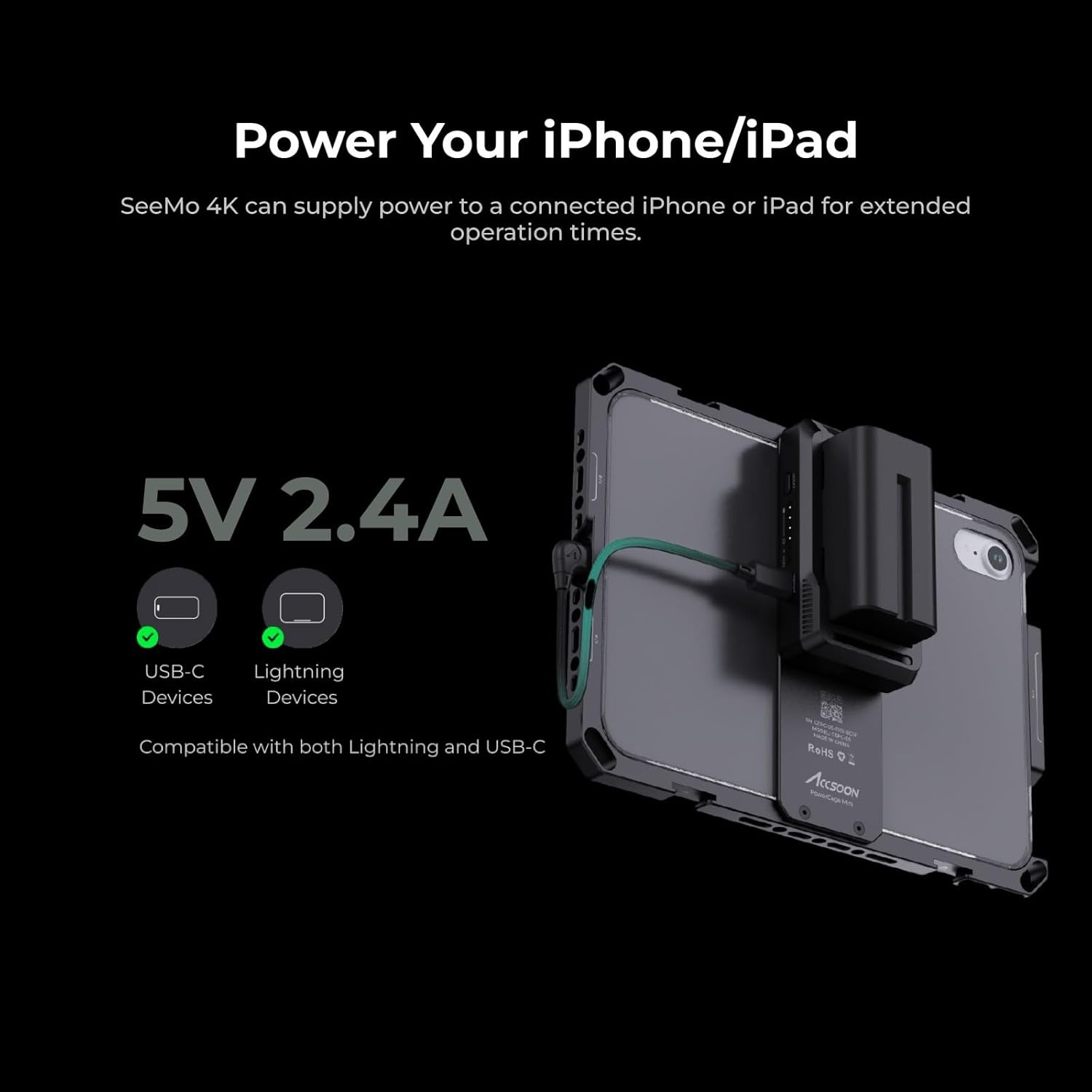
Image: A visual representation of the SeeMo 4K connected to an iPad, indicating its ability to provide 5V 2.4A power to the connected iOS device via USB-C or Lightning.
- Integrated SD Card Reader: For USB-C compatible iPhones and iPads, the SeeMo 4K features an integrated SD card reader with transfer rates up to 480Mbps. This allows for offloading footage from your camera's SD card to your iOS device for backup or editing. Note: Videos cannot be recorded directly to the SD card from the SeeMo 4K.

Image: A diagram illustrating the Accsoon SeeMo 4K with an SD card inserted, showing the data flow from the SD card to an iPhone, emphasizing its function as an SD card reader.
6. Antretyen
To ensure the longevity and optimal performance of your Accsoon SeeMo 4K HDMI Adapter, follow these maintenance guidelines:
- Netwayaj: Sèvi ak yon twal mou, sèk pou netwaye eksteryè aparèy la. Evite itilize pwodwi chimik piman bouk oswa materyèl abrazif.
- Depo: Sere adaptè a nan yon kote ki fre epi sèk, lwen limyè solèy dirèk ak tanperati ekstrèm lè w pa ap itilize li.
- Swen kab: Handle cables gently to prevent damage to connectors and wiring.
- Swen batri: Ensure NPF batteries are stored and charged according to their manufacturer's instructions.
NAN. Depanaj
If you encounter issues with your Accsoon SeeMo 4K, refer to the following common problems and solutions:
- No Video Signal on iOS Device:
- Ensure the HDMI cable is securely connected to both your camera/video source and the SeeMo 4K.
- Verify that your camera's HDMI output settings are correctly configured and active.
- Check if the NPF battery in the SeeMo 4K is sufficiently charged and properly inserted.
- Confirm that the Accsoon SEE app is open and "MONITOR" mode is selected for the SeeMo 4K.
- Accsoon SEE App Not Connecting:
- Ensure the USB-C to Lightning/USB-C cable is firmly connected between the SeeMo 4K and your iOS device.
- Check if you have granted all necessary permissions to the Accsoon SEE app on your iOS device during the initial connection.
- Update the Accsoon SEE app to the latest version from the Apple App Store.
- Restart both your iOS device and the SeeMo 4K.
- iOS Device Battery Drains Quickly:
- Confirm that a charged NPF battery is installed in the SeeMo 4K, as it is designed to power your iOS device during operation.
- Check the power output settings within the Accsoon SEE app, if applicable.
- iPad Mounting Issues:
- The included phone mount is primarily designed for iPhones. For larger iPads, an external power cage or a dedicated iPad mounting solution may be required for secure attachment.
8. Espesifikasyon
The following are the technical specifications for the Accsoon SeeMo 4K HDMI Adapter (Model ACC-SEEMO):
| Nimewo Modèl | ACC-SEEMO |
| Dimansyon pwodwi | 3.62 x 2.13 x 1.85 pous (92 x 54 x 46.3 mm) |
| Pwa atik | 4.2 ons (115.7g) |
| Aparèy konpatib | iPhone 8 and newer (including iPhone 16 series), various iPad models |
| Itilizasyon espesifik | Video Monitoring, Live Streaming, Video Recording |
| Kalite Connector | HDMI (Input), USB-C (Output to iOS device), Lightning (Output to iOS device via cable) |
| Koulè | Nwa |
| Rezolisyon Antre HDMI | 2160p: 23.98/24/25/29.97/30fps (UHD 4K30) 1080p: 23.98/24/25/29.97/30/50/59.94/60fps 720p: 50/59.94/60fps |
| Power Output to iOS Device | 5V 2.4A |
| Kalite batri | NP-F series (NP-F550/F750/F970, not included) |
| Tanperati Fonksyònman | -10 ° C a 40 ° C |
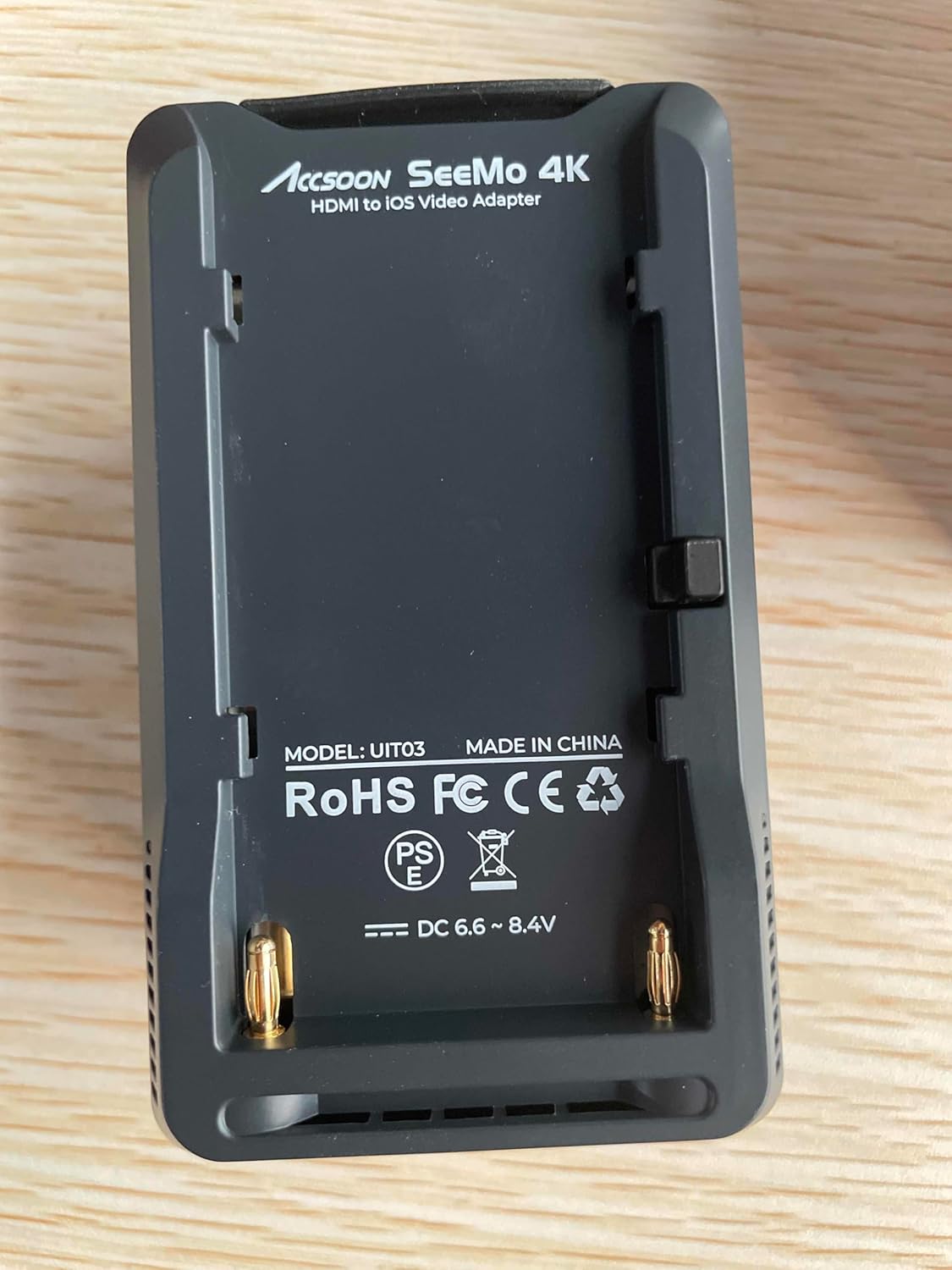
Image: A close-up image of the Accsoon SeeMo 4K product box, detailing technical specifications such as dimensions, weight, compatible devices, and input resolutions.
9. Garanti ak sipò
For warranty information and customer support, please refer to the following resources:
- Manifakti: Aksoon
- Sipò Imèl: support@accsoon.com
- Magazen sou entènèt: Vizite la Accsoon Store on Amazon pou plis pwodwi ak enfòmasyon.
- Sèvis Kliyan: For order-related inquiries, please check your Amazon Order Page and click "problem with this order" for assistance. Responses are typically provided within 24 hours during working days.


