Entwodiksyon
The TNICER T3X Motorcycle Bluetooth Headset is designed to provide clear and reliable communication for motorcyclists. Featuring advanced ENC (Environmental Noise Cancellation) technology, Bluetooth 5.2 connectivity, and multi-rider intercom capabilities, the T3X enhances your riding experience by allowing seamless communication, music enjoyment, and call management on the road. This manual provides detailed instructions for setup, operation, and maintenance of your T3X headset.
Kontni pake
Tanpri verifye ke tout atik ki nan lis anba a yo enkli nan pakè ou a:

Image: Contents of the TNICER T3X package.
- Intercom Unit (x1)
- HiFi Speaker with Boom Mic (x1)
- Soft Tube Microphone (x1)
- Manyèl itilizatè (x1)
- Mounting Support (x1)
- Kab Kalite-C (x1)
- 3M Single Sided Silicone Pad (x2)
- 3M Double Sided Silicone Pad (x2)
- Big Square Velcro (x1)
- Small Square Velcro (x1)
- Round Velcro (x2)
- Metal Clip (x1)
Pwodwi souview
The TNICER T3X is equipped with several key features designed for optimal performance and user convenience:
Independent ENC Noise Reduction Chip
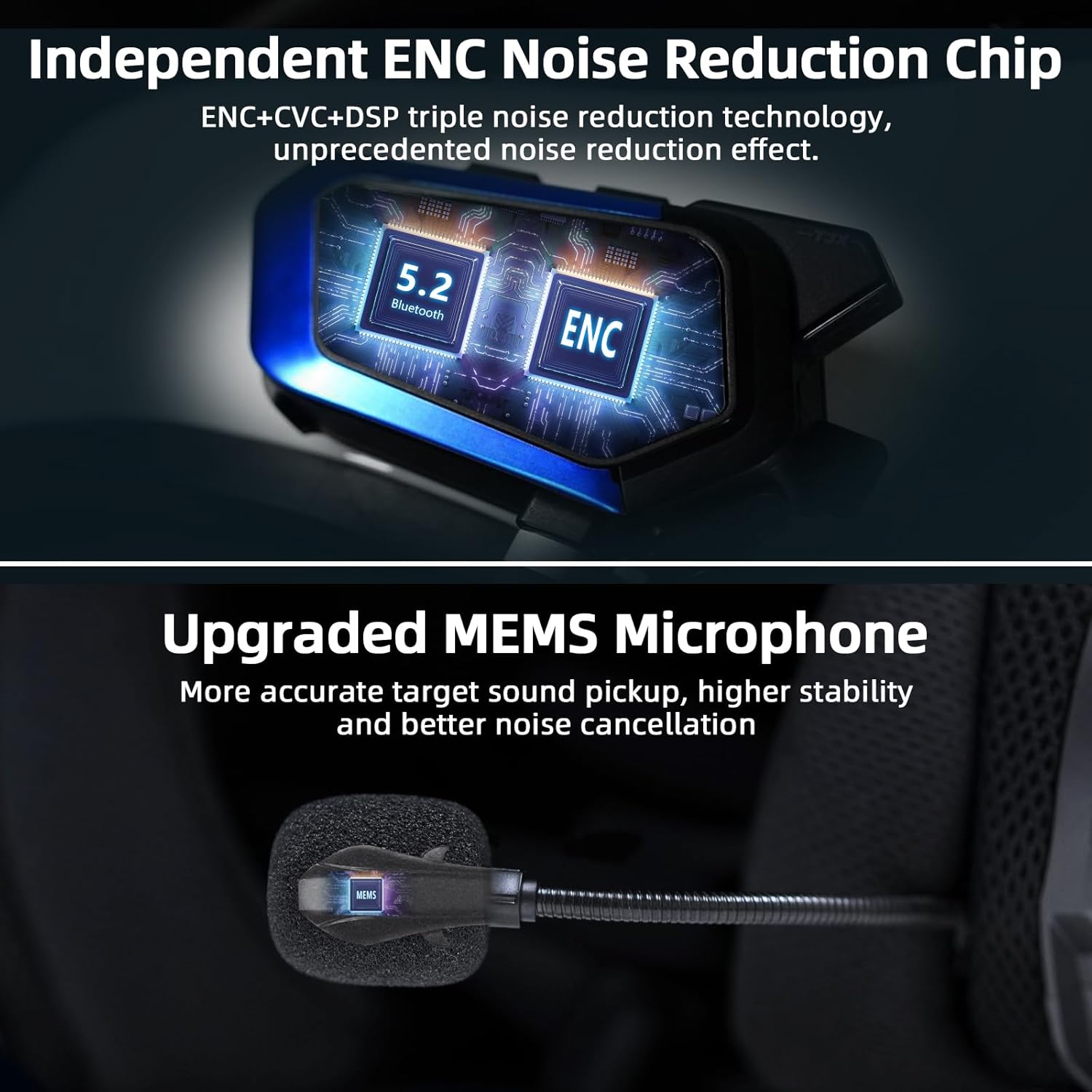
The T3X integrates an independent ENC (Environmental Noise Cancellation) chip, alongside DSP and CVC technologies, to provide superior noise reduction. This system accurately identifies and suppresses ambient noise by up to 35dB, ensuring your voice is clear during communications, even in noisy riding conditions. It also features an upgraded MEMS microphone for more accurate sound pickup.
Latest Bluetooth 5.2 & 8-Way Intercom
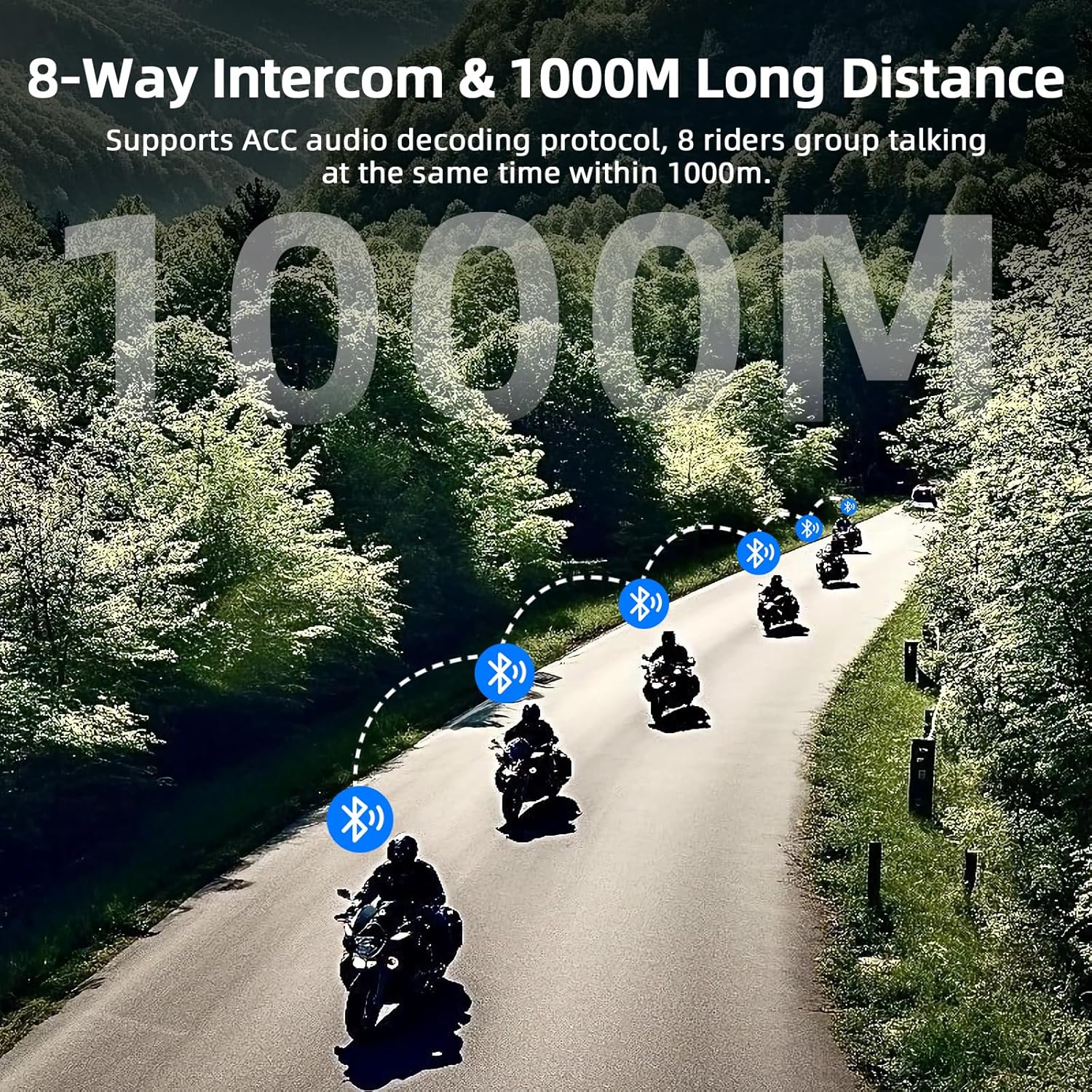
Utilizing an optimized Qualcomm Bluetooth 5.2 chip, the T3X ensures a highly stable connection with low energy consumption. It supports real-time intercom for up to 8 riders, with an effective communication distance of approximately 1000 meters between two motorcycles in open environments. For 8 riders, the maximum communication distance can extend up to 1500 meters.
Automatic Pairing Feature
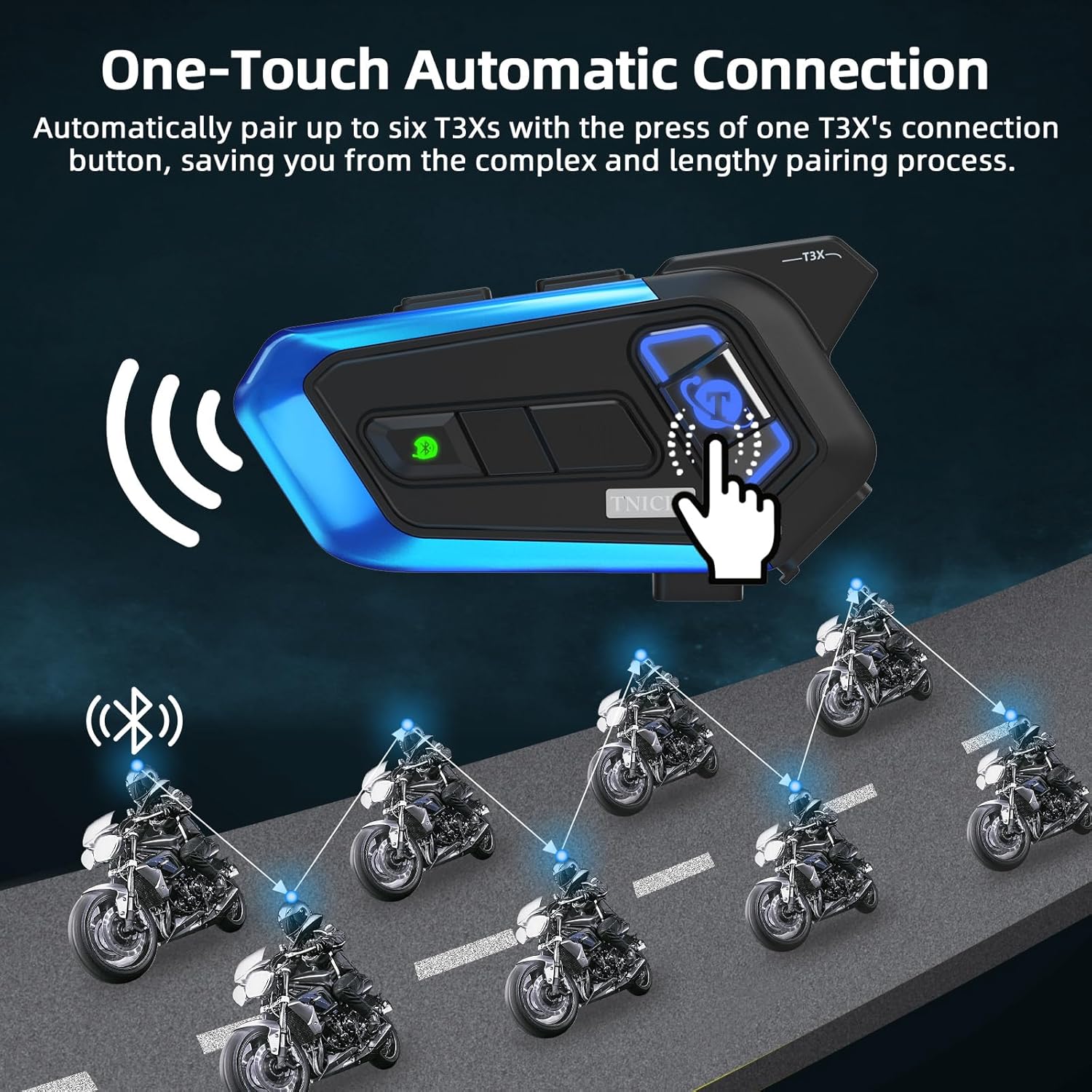
The T3X simplifies group communication with its auto-pairing function. By performing the pairing operation on one T3X unit, other T3X headsets in your group will automatically pair, eliminating complex manual pairing steps. This feature allows for quick and easy connection for multiple riders.
3 EQ Sound Effects & Music Sharing
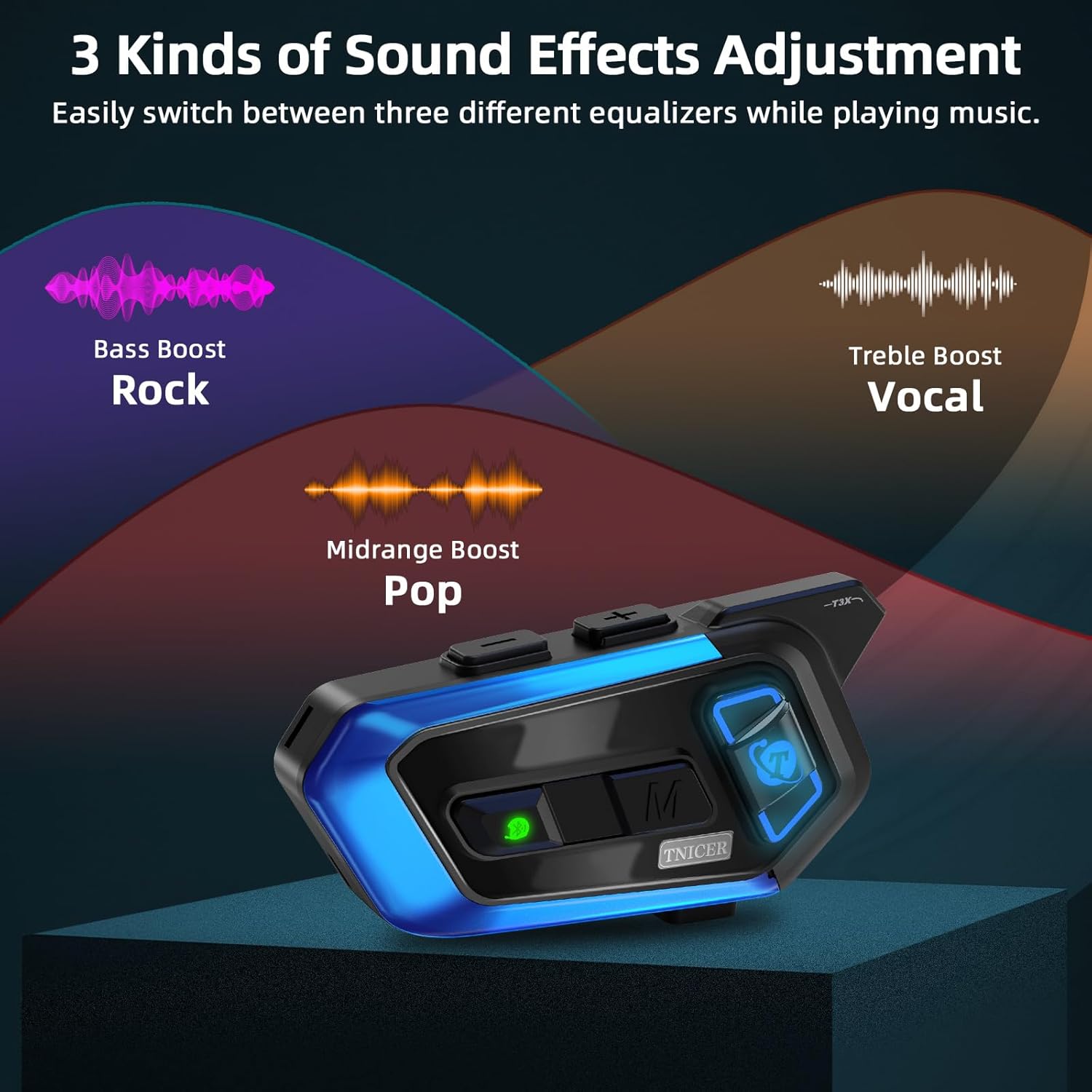
Customize your audio experience with three distinct equalized sound effects: Bass Boost (Rock), Midrange Boost (Pop), and Treble Boost (Vocal). The T3X also supports music sharing, allowing two riders to enjoy the same music simultaneously during their ride.
Long Battery Life & IP67 Waterproof Rating
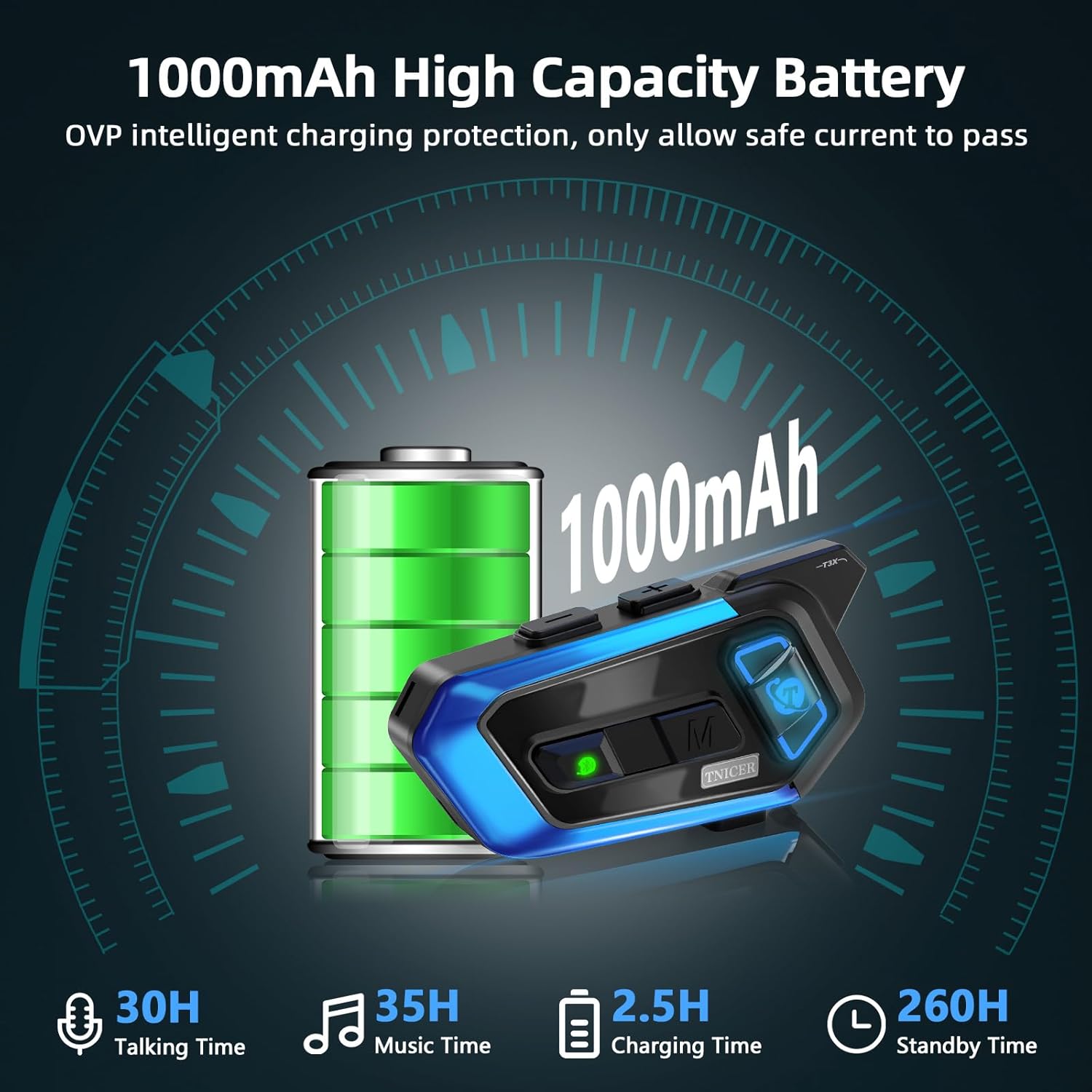
Powered by a 1000mAh Li-Polymer battery, the T3X provides up to 35 hours of music time, 30 hours of talk time, and an impressive 260 hours of standby time. It features OVP intelligent charging protection for safe charging. With an IP67 waterproof and dustproof rating, the T3X is built to withstand various weather conditions, ensuring reliable performance in rain, mud, or snow.
Enstalasyon
1. Enstalasyon sou kas
The T3X unit can be mounted to your helmet using either the metal clip or the adhesive bracket. Ensure the mounting location allows for easy access to controls and does not obstruct your vision or helmet functionality.
- Monte inite a: Choose between the metal clip for temporary attachment or the 3M adhesive bracket for a more permanent fixture. Clean the helmet surface thoroughly before applying the adhesive bracket.
- Plasman Oratè: Position the HiFi speakers inside the helmet's ear pockets. Ensure they are aligned with your ears for optimal sound quality. Use the provided Velcro pads to secure them.
- Mikwofòn atache: Attach the boom microphone (for open-face helmets) or soft tube microphone (for full-face helmets) to the inside of the helmet, positioning it close to your mouth for clear voice pickup. Route the cables neatly under the helmet padding to avoid interference.
2. Chaje Aparèy la
Before first use, fully charge the T3X headset. Connect the provided Type-C cable to the charging port on the unit and plug the other end into a USB power source (e.g., computer, wall adapter). The charging indicator light will show the charging status. A full charge typically takes approximately 2.5 hours.
Enstriksyon Operasyon
1. Power On/Off
- Pouvwa sou: Press and hold the Power button and another designated button simultaneously for a few seconds until the indicator light illuminates.
- Pouvwa Off: Press and hold the Power button and another designated button simultaneously for a few seconds until the indicator light turns off.
2. Pè Bluetooth
- Initial Pairing (First Use): With the headset off, press and hold the Power button until the indicator light flashes rapidly, indicating pairing mode. On your mobile device, search for "TNICER T3X" in the Bluetooth settings and select to connect.
- Automatic Group Pairing: For multiple T3X units, initiate pairing on one unit. Other T3X units in the group will automatically connect, simplifying the setup for group rides.
- Koneksyon Inivèsèl: The T3X supports open-source Bluetooth protocols, allowing it to connect with other brands of Bluetooth intercom devices. Refer to the specific pairing instructions for the third-party device.
3. Fonksyon entèkominikasyon
- Kòmanse Entèkom: Once paired with other T3X units, press the Intercom button to start a conversation.
- Fini entèrfòn: Press the Intercom button again to end the conversation.
- Rekoneksyon otomatik: If connection is lost due to distance, the T3X will automatically reconnect when units are back within range.
4. Mizik lèktur
- Jwe/Poz: Peze bouton Multi-fonksyon an yon fwa.
- Pwochen Track: Peze bouton Ogmante Volim nan.
- Track Previous: Peze bouton Diminye Volim nan.
- Ajisteman Volim: Use the Volume Up/Down buttons to adjust the listening volume.
- Ajisteman EQ: While playing music, press a specific button (refer to quick start guide for exact button) to cycle through Bass Boost, Midrange Boost, and Treble Boost sound effects.
- Pataje Mizik: Activate music sharing to allow another paired T3X unit to listen to the same music.
5. Rele Jesyon
- Reponn apèl: Peze bouton milti-fonksyon an yon fwa lè yon apèl antre.
- Fini apèl: Peze bouton milti-fonksyon an yon fwa pandan yon apèl.
- Rejte apèl: Press and hold the Multi-function button for 2 seconds when a call comes in.
- Mikwofòn bèbè: The T3X features a microphone mute function to protect your privacy during calls or intercom conversations. Refer to the quick start guide for the specific button combination to activate/deactivate mute.
Antretyen
To ensure the longevity and optimal performance of your TNICER T3X headset, follow these maintenance guidelines:
- Netwayaj: Siye inite a avèk yon mou, damp cloth. Do not use harsh chemicals or abrasive cleaners. Ensure the charging port cover is securely closed to maintain IP67 waterproofing.
- Depo: Store the headset in a cool, dry place away from direct sunlight and extreme temperatures. If storing for an extended period, charge the battery to about 50% every few months to preserve battery health.
- Ekspozisyon dlo: While IP67 rated, avoid prolonged submersion in water. After exposure to rain or splashes, wipe the unit dry.
Depanaj
If you encounter issues with your T3X headset, refer to the following common problems and solutions:
| Pwoblèm | Kòz posib | Solisyon |
|---|---|---|
| Aparèy pa limen | Batri fèb; Pwosedi pou limen l ki pa kòrèk | Charge the device fully; Ensure you are pressing the correct buttons simultaneously to power on. |
| Cannot pair with phone/other headset | Device not in pairing mode; Too far from device; Interference | Ensure the T3X is in pairing mode (flashing indicator); Move closer to the device; Restart both devices and try again. |
| Poor audio quality/noise during calls | Microphone not positioned correctly; High ambient noise; Loose speaker connection | Adjust microphone closer to mouth; Ensure ENC is active; Check speaker connections; Consider helmet type and speed. |
| Intercom connection drops frequently | Beyond effective range; Obstacles between riders | Stay within the recommended communication distance; Avoid large obstacles like buildings or dense terrain. |
| Buttons are difficult to operate | Wearing thick gloves; Unfamiliarity with button layout | Practice button operations without gloves; Familiarize yourself with the button layout. |
Espesifikasyon
| Karakteristik | Detay |
|---|---|
| Non modèl | T3X |
| Koneksyon Teknoloji | San fil (Bluetooth) |
| Bluetooth vèsyon | 5.2 |
| Kapasite batri | 1000mAh Li-Polymère |
| Tan Mizik | Jiska 35 èdtan |
| Tan pale | Jiska 30 èdtan |
| Tan sibstiti | Jiska 260 èdtan |
| Tan pou chaje | Apeprè. 2.5 èdtan |
| Intercom Range (2 riders) | Approx. 1000 meters (unobstructed) |
| Intercom Range (8 riders) | Approx. 1500 meters (unobstructed) |
| Rediksyon bri | ENC + DSP + CVC (up to 35dB) |
| Nivo rezistans dlo | IP67 ki enpèmeyab ak pousye |
| Efè son | 3 EQ Modes (Bass, Midrange, Treble Boost) |
| Kalite kontwòl | Kontwòl Medya, Manyen |
| Pwa atik | 13.7 ons |
| Manifakti | TNICER |
Garanti ak sipò
For warranty information, technical support, or further assistance, please refer to the warranty card included with your product or visit the official TNICER website. Contact details for customer service are typically provided on the product packaging or the manufacturer's support page.


