1. Entwodiksyon
The THOMSON Google TV Streaming Box 240 transforms your television into a Smart TV, offering access to a wide range of streaming services and applications. This manual provides instructions for setting up, operating, and maintaining your device to ensure optimal performance and an enhanced vieweksperyans nan.
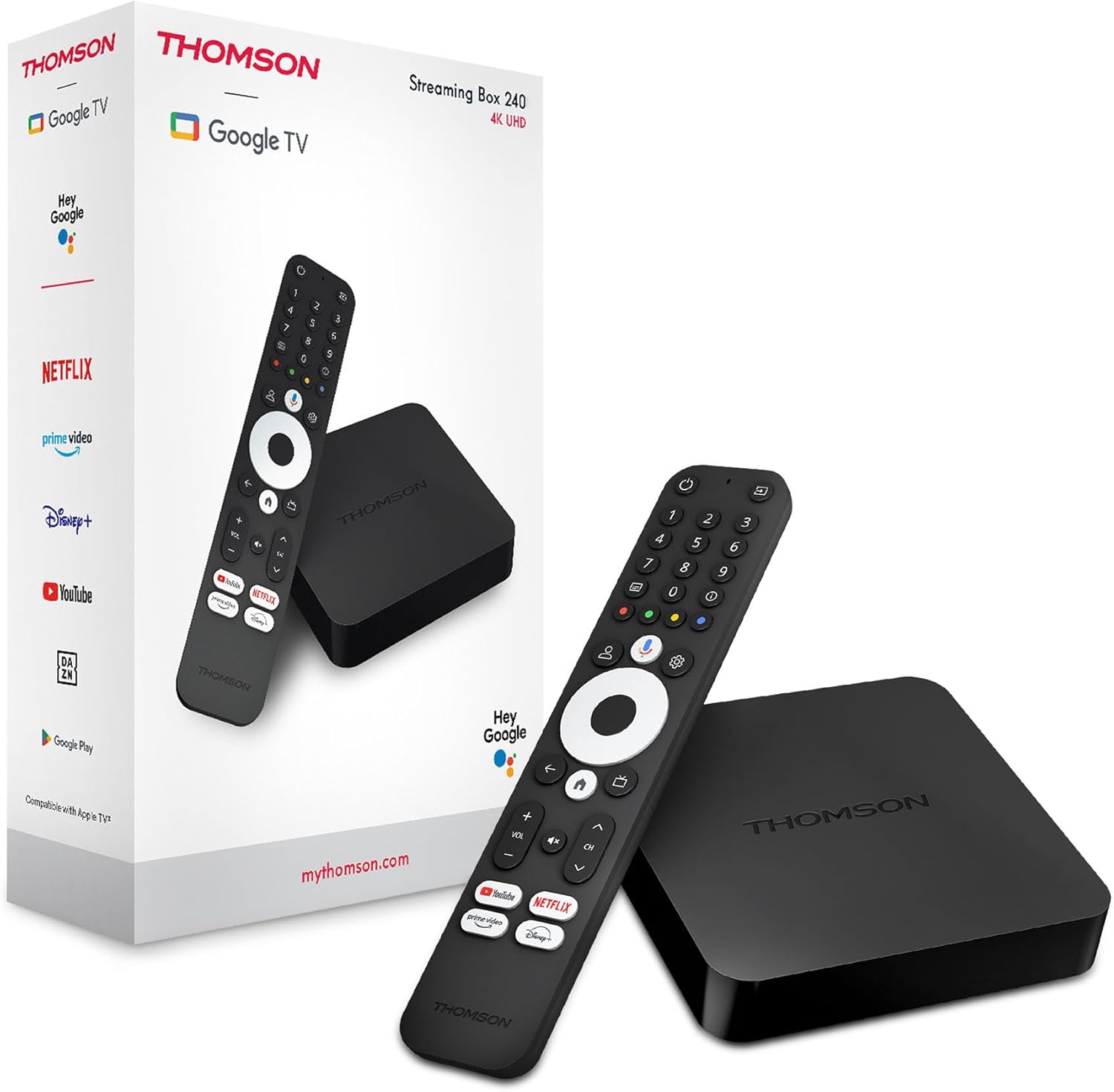
Image 1.1: THOMSON Google TV Streaming Box 240 and its remote control.
2. Ki sa ki nan bwat la
Tanpri verifye sa ki nan pake a pou asire w tout atik yo la:
- THOMSON Streaming Box 240
- Remote Control with Google Assistant
- Adaptè pouvwa
- HDMI kab
- Manyèl Itilizatè (dokiman sa a)
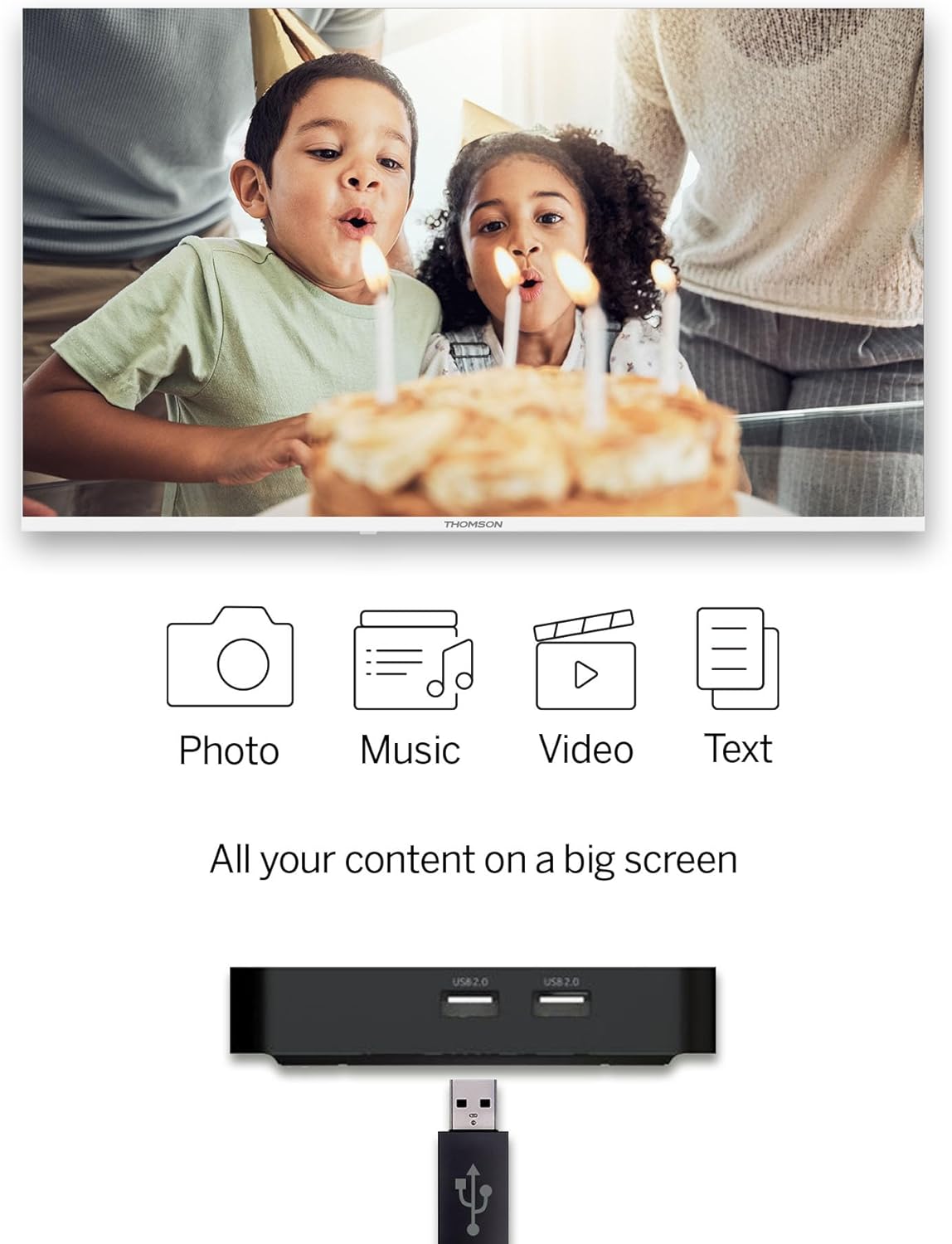
Image 2.1: The THOMSON Streaming Box 240 and its accompanying remote control.
3. Gid Enstalasyon
Follow these steps to set up your THOMSON Google TV Streaming Box 240:
- Konekte ak televizyon an: Connect one end of the HDMI cable to the HDMI port on the Streaming Box and the other end to an available HDMI input on your television.
- Konekte pouvwa: Plug the power adapter into the DC IN port on the Streaming Box, then plug the adapter into a wall power outlet.
- Pouvwa sou: Turn on your television and select the correct HDMI input source using your TV remote. The Streaming Box should power on automatically.
- Premye konfigirasyon: Follow the on-screen instructions to complete the initial setup. This includes selecting your language, connecting to your network (Wi-Fi or Ethernet), and logging in with your Google account.
- Pè Remote: If prompted, pair your remote control by following the on-screen instructions. Typically, this involves holding down specific buttons on the remote near the device.

Imaj 3.1: Dèyè view of the Streaming Box 240, highlighting its connectivity ports.
4. Operasyon Enstriksyon
4.1 Remote Control Overview
The ergonomic Bluetooth remote control provides easy navigation and access to features.

Image 4.1: Key features of the THOMSON Streaming Box 240 remote control.
- Bouton pouvwa: Limen oswa etenn aparèy la.
- Bouton nimerik (0-9): Easily switch between available channels within supported applications.
- Bouton Asistan Google la: Aktive kontwòl vokal.
- Navigasyon Pad: Pou navigasyon meni (Anwo, Anba, Agoch, Adwat, OK).
- Bouton tounen: Retounen nan ekran anvan an.
- Bouton Kay: Retounen nan ekran prensipal Google TV a.
- Bouton Volim: Ajiste volim nan.
- Bouton chanèl: Changes channels within supported applications.
- Bouton Aksè Dirèk: One-click access to Netflix, Prime Video, YouTube, and Disney+.
- Profile Bouton Chanje: Allows switching between different user profiles.
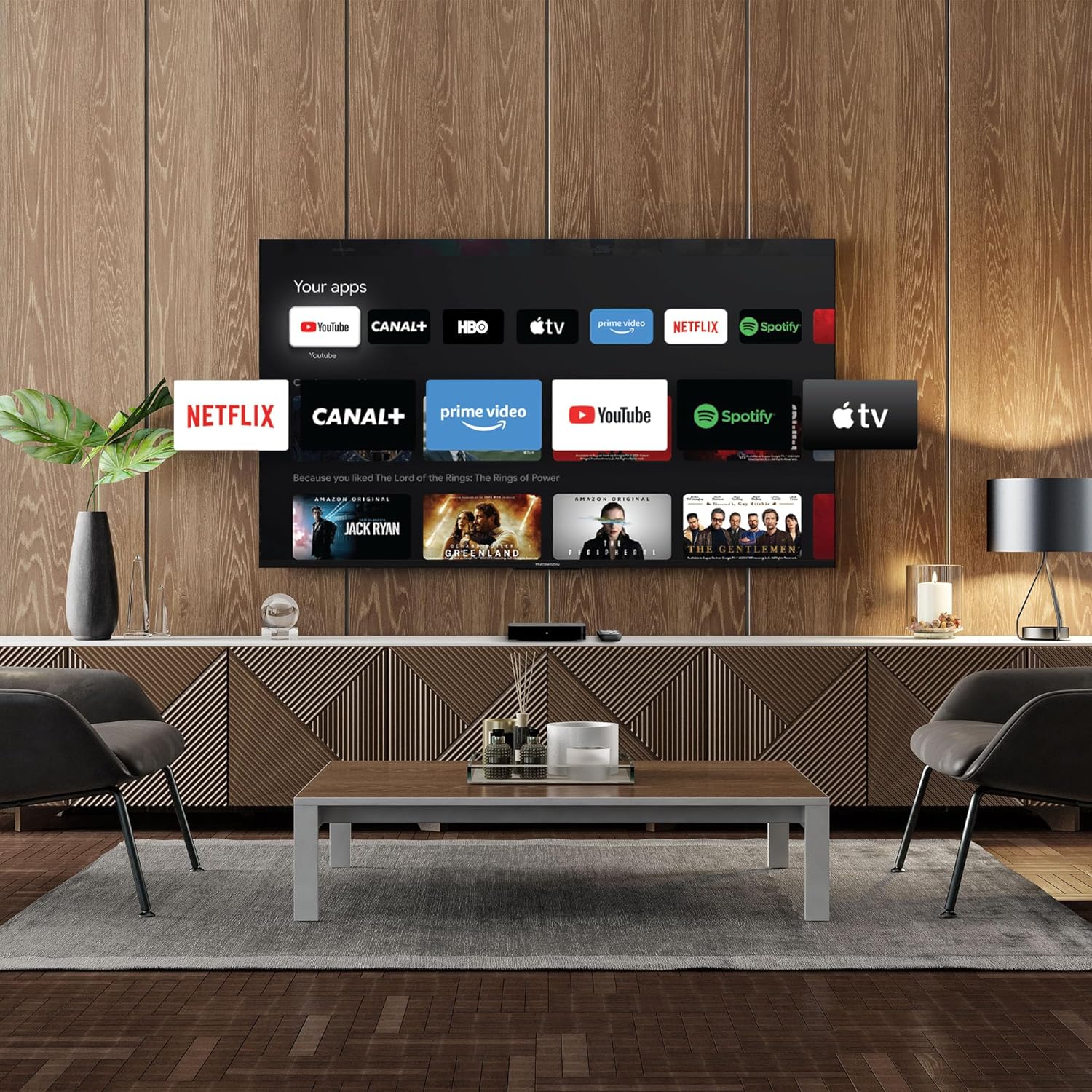
Image 4.2: Using numeric buttons on the remote for in-app channel switching.
4.2 Entèfas Google TV
Google TV combines content from various streaming services onto a single home screen, providing personalized recommendations. You can create multiple user profiles to tailor content suggestions for each family member.

Image 4.3: The Google TV interface with integrated streaming services.
4.3 Asistan Google
Use the built-in Google Assistant for voice control. Press the Google Assistant button on your remote and speak your commands. You can search for content, open apps, get information, and control smart home devices.

Image 4.4: Activating Google Assistant via the remote control.
4.4 Google jete
With Google Cast built-in, you can wirelessly stream movies, music, and photos from your compatible smartphone, tablet, or computer directly to your TV screen.
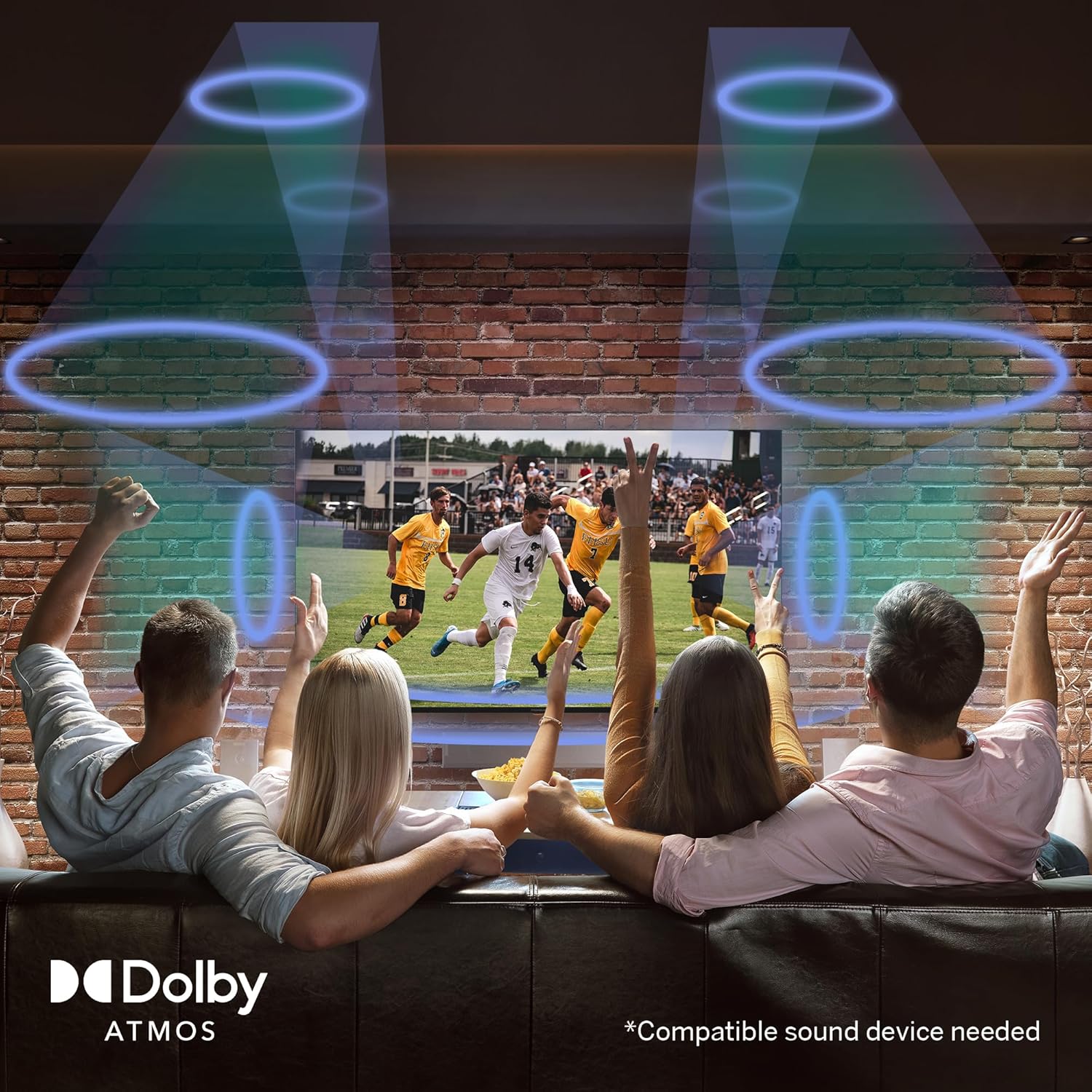
Image 4.5: Demonstrating the Google Cast functionality.
4.5 Lekti Medya USB
Connect a USB storage device to one of the USB 2.0 ports to view your personal photos and videos on your television.
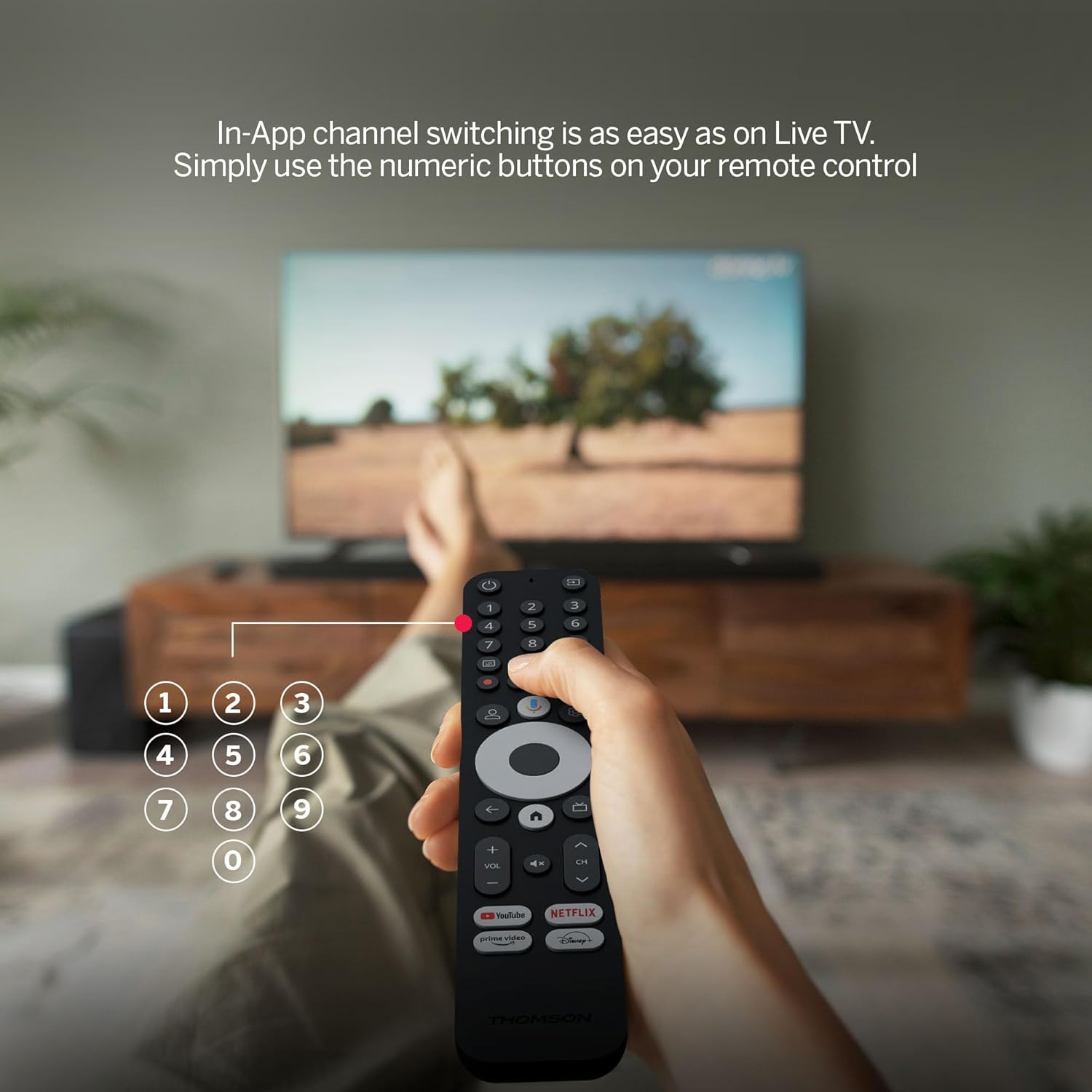
Image 4.6: USB media playback for various content types.
5. Karakteristik kle
- Rezolisyon 4K UHD: Experience stunningly sharp and vivid images with 4x the precision of Full HD.
- Google TV (Android 12): Enjoy personalized content recommendations and multiple user profiles for a customized Smart TV experience. Access popular streaming services like Netflix, Prime Video, YouTube, Disney+, and more.
- Google Asistan: Control your TV and search for content using voice commands.
- Chromecast entegre: Wirelessly cast movies, music, and photos from compatible devices to your TV.
- Powerful Quad-Core Processor: Ensures smooth and fluid performance without lag.
- Media Player: Play your favorite photos and videos directly from a USB drive on the big screen.
- Bouton Aksè Dirèk: Quickly launch Netflix, Prime Video, YouTube, and Disney+ with dedicated buttons on the remote.
- Dolby Atmos: Delivers an immersive audio experience (requires a compatible sound device).
- Koneksyon konplè: Equipped with HDMI, 2x USB, optical digital audio, and LAN ports.
- Convenient Network Access: Choose between Wi-Fi or Ethernet LAN for stable internet connection.
- Bluetooth 5.0: Easily connect gamepads, speakers, or other external devices wirelessly.

Image 5.1: Visual comparison of different display resolutions, highlighting 4K UHD.
6. Koneksyon
The THOMSON Streaming Box 240 offers a variety of connection options:
- HDMI2.1: For high-definition video and audio output to your television.
- USB 2.0 (x2): For connecting external storage devices like USB drives.
- Ethernet (LAN): Pou yon koneksyon entènèt filaire ki estab.
- Soti odyo optik: For connecting to external audio systems with digital input.
- Wi-Fi: Pou koneksyon entènèt san fil.
- Bluetooth 5.0: For pairing wireless peripherals such as game controllers, headphones, or speakers.
7. Antretyen
To ensure the longevity and optimal performance of your Streaming Box 240, follow these maintenance guidelines:
- Netwayaj: Gently wipe the device with a soft, dry cloth. Do not use liquid cleaners or abrasive materials.
- Vantilasyon: Asire ouvèti vantilasyon yo pa bloke pou anpeche surchof.
- Anviwònman: Evite ekspoze aparèy la nan tanperati ekstrèm, limyè solèy dirèk, imidite ki wo, oswa anviwònman ki gen pousyè.
- Dekoneksyon pouvwa: Disconnect the power adapter during electrical storms or if the device will be unused for an extended period.
NAN. Depanaj
If you encounter issues with your THOMSON Streaming Box 240, refer to the following common solutions:
| Pwoblèm | Kòz posib | Solisyon |
|---|---|---|
| Pa gen kouran/Aparèy la pa limen | Power adapter not connected; Power outlet not working | Tcheke koneksyon kab kouran an; Eseye yon lòt priz kouran. |
| No signal on TV screen | Incorrect HDMI input selected; Loose HDMI cable | Select the correct HDMI input on your TV; Ensure HDMI cable is securely connected. |
| No network connection (Wi-Fi/Ethernet) | Incorrect Wi-Fi password; Router issue; Loose Ethernet cable | Verify Wi-Fi password; Restart your router; Check Ethernet cable connection. |
| Remote kontwòl pa reponn | Low battery; Remote not paired | Replace batteries; Re-pair the remote control as per initial setup instructions. |
| Applications freezing or slow performance | Too many apps running; Software glitch | Close unused applications; Restart the Streaming Box; Clear app cache in settings. |
9. Espesifikasyon
Detailed technical specifications for the THOMSON Google TV Streaming Box 240:
| Karakteristik | Spesifikasyon |
|---|---|
| Mak | THOMSON |
| Non modèl | Streaming Box 240 |
| Koulè | Nwa |
| Rezolisyon | 4K UHD (3840x2160) |
| Sistèm operasyon | Google TV (Android 12) |
| RAM | 2 GB |
| Memwa Entèn | 8 GB |
| Koneksyon | HDMI 2.1, 2x USB 2.0, Ethernet, Optical Audio Out, Wi-Fi, Bluetooth 5.0 |
| Karakteristik espesyal | Google Assistant, Chromecast, Dolby Atmos, HDR10 |
| Dimansyon (L x W x H) | 112 mm x 112 mm x 23 mm |

Image 9.1: Dimensions of the Streaming Box 240 and its remote control.
10. Garanti ak sipò
Your THOMSON Google TV Streaming Box 240 comes with a comprehensive Garanti manifakti 3 zan, asire fyab ak trankilite lespri.
For further assistance, technical support, or warranty claims, please visit the official THOMSON websit la oubyen kontakte depatman sèvis kliyan yo. Kenbe prèv acha ou a pou validasyon garanti a.


