Pwodwi souview
The Housbay White Noise Machine (Model TS1Z) is a versatile 3-in-1 device designed to enhance your sleep and daily routine. It functions as a white noise machine, an alarm clock, and a Bluetooth speaker. This compact device features a natural wood-tone finish and offers a comprehensive set of features for a restful environment.
Key functionalities include a rich sound library with 25 soothing sounds, a customizable alarm clock with natural wake-up sounds, and Bluetooth 5.0 connectivity for streaming personal audio. It also incorporates a 7-color night light and a dimmable LED display for optimal user experience.
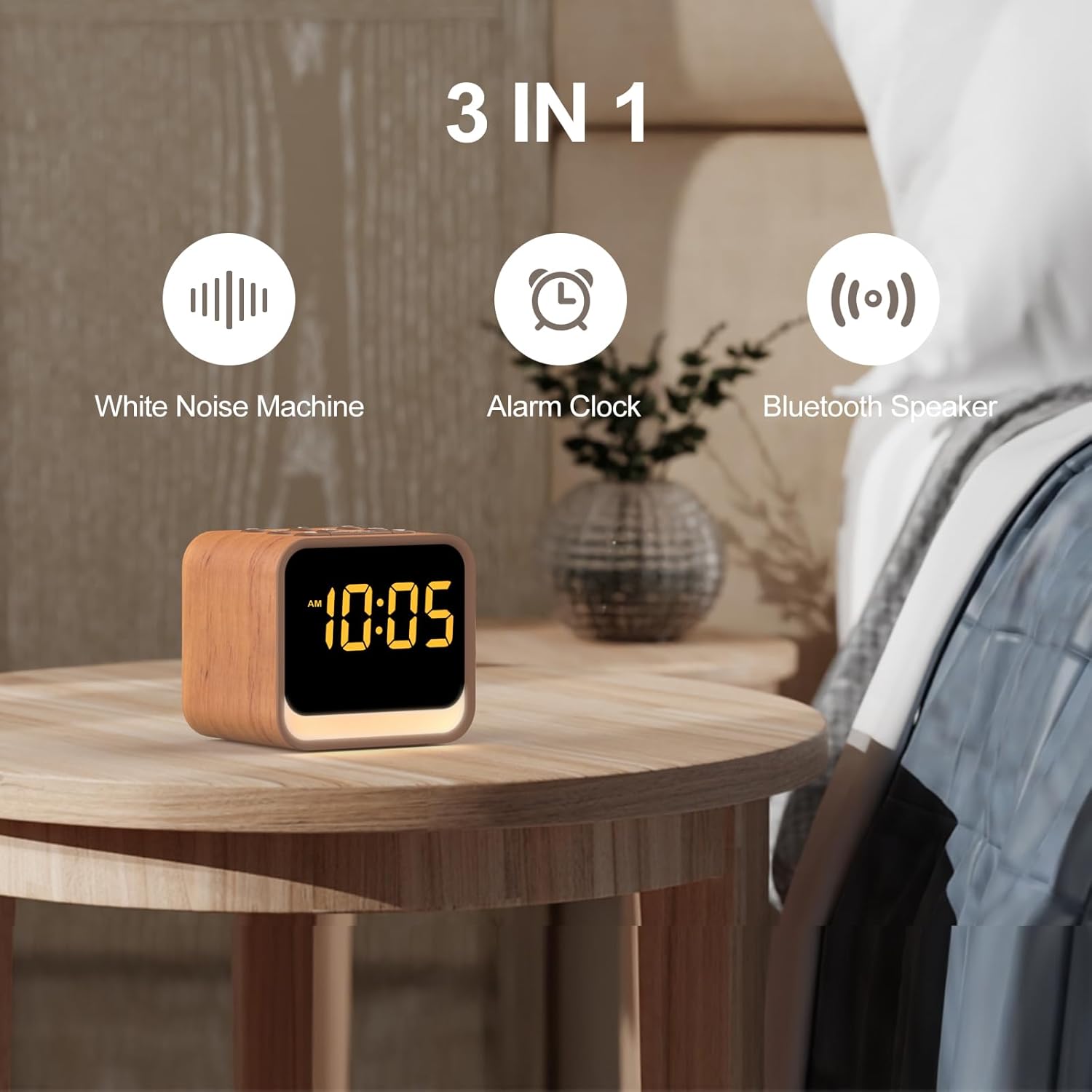
Figi 1: The Housbay White Noise Machine highlighting its three core functions: White Noise Machine, Alarm Clock, and Bluetooth Speaker.
Gid Enstalasyon
1. Koneksyon pouvwa
Connect the provided power adapter to the DC input port on the back of the device. Plug the adapter into a standard wall outlet. The LED display will illuminate, indicating the device is powered on.
2. Anviwònman Tan Inisyal
Upon first power-up or after a power interruption, you may need to set the time. Refer to the "Setting Time and Alarms" section under Operating Instructions for detailed steps.
Enstriksyon Operasyon
Bibliyotèk son
The device features 25 built-in soothing sounds to aid in relaxation and sleep. These include various noise types (white, brown, pink, blue), fan sounds, and natural sounds like birds, ocean, campfire, rain, thunderstorm, stream, cricket, and wind.
- Chwazi son: Peze a Son button (often represented by a musical note or sound wave icon) to cycle through the available sounds.
- Ajiste Volim: Sèvi ak la Volim leve (+) ak Volim desann (-) buttons to set your preferred listening level. The device offers 1-30 volume levels (20-105dB).
- Revèy dòmi: Pou mete yon revèy dòmi, peze la Revèy button. Options typically include 30, 60, or 90 minutes, after which the sound will gradually fade out.

Figi 2: The extensive sound library available on the Housbay device, including various noise types and natural sounds, along with Bluetooth pairing capability.

Figi 3: Illustration of the adjustable volume feature, allowing users to select their preferred sound level for sleep and relaxation.
Fonksyon revèy
The integrated alarm clock features a progressive wake-up system and 8 natural alarm sounds.
- Setting Time and Alarms:
- Peze epi kenbe la Tan Mete button (often represented by a clock icon) to enter time setting mode.
- Sèvi ak la + epi - buttons to adjust hours and minutes. Press Tan Mete again to confirm each step.
- To set an alarm, press and hold the Alam Mete button (often represented by an alarm clock icon).
- Adjust the alarm time and select one of the 8 natural alarm sounds (birds, ocean, piano, soft music, stream sound, ocean wave, beep, honey beep) using the + epi - bouton. Konfime ak Alam Mete.
- Aktive / Dezaktive Alam: Peze a Alam Mete button briefly to toggle the alarm on or off. An alarm icon will appear/disappear on the display.
- Fonksyon Snooze: Lè alam la son, peze la Snooze button (usually a large button on top) to temporarily silence the alarm for a set period (e.g., 9 minutes).
- Sispann Alam: To turn off the alarm completely, press any button other than Snooze.

Figi 4: Plis paseview of the alarm clock's capabilities, including multiple wake-up sounds and snooze functionality.
Oratè Bluetooth
The device can connect to your smartphone or other Bluetooth-enabled devices to stream audio content.
- Pè Mode: Peze a Bluetooth button (often represented by a Bluetooth symbol) to enter pairing mode. The Bluetooth icon on the display will flash.
- Konekte: On your device (e.g., smartphone), go to Bluetooth settings and select "Housbay TS1Z" (or similar name) from the list of available devices. Once connected, the Bluetooth icon on the display will stop flashing and remain solid.
- Jwe odyo: Play music or other audio content from your connected device. The volume can be controlled both from your device and the Housbay machine.
Limyè lannwit ak ekspozisyon LED
The device features a soft night light with 7 color options and a dimmable LED display.
- Kontwòl Limyè Lannwit: Peze a Limyè button (often represented by a light bulb icon) to turn the night light on/off and cycle through the 7 color options.
- LED Display Brightness: The LED display has an intelligent dimming feature. To adjust brightness manually or set it to dim automatically, use the Dimmer button (or a dedicated brightness control). The display can be dimmed from 0-100% and can go completely dark.

Figi 5: The dimmable LED display, illustrating its ability to adjust brightness from completely off to fully illuminated.
Antretyen
To ensure the longevity and optimal performance of your Housbay White Noise Machine, follow these simple maintenance guidelines:
- Netwayaj: Disconnect the power adapter before cleaning. Use a soft, dry, or slightly damp cloth to wipe the exterior surfaces. Do not use abrasive cleaners, waxes, or solvents.
- Depo: If storing the device for an extended period, ensure it is clean and dry. Store it in a cool, dry place away from direct sunlight and extreme temperatures.
- Evite likid: Do not expose the device to water or other liquids. Avoid placing it in humid environments.
Depanaj
If you encounter any issues with your Housbay White Noise Machine, please refer to the following common problems and solutions:
| Pwoblèm | Kòz posib | Solisyon |
|---|---|---|
| Pa gen kouran/Ekspozisyon etenn | Adaptè kouran an pa konekte oswa priz la gen pwoblèm. | Ensure the power adapter is securely plugged into the device and a working wall outlet. Try a different outlet. |
| Pa gen son ki soti nan oratè | Volume too low; sound paused; Bluetooth not connected or connected to another device. | Increase volume using the '+' button. Ensure a sound is selected. If using Bluetooth, verify connection and disconnect from other devices. |
| Aparèy Bluetooth echwe | Device not in pairing mode; too far from the machine; interference. | Ensure the machine is in Bluetooth pairing mode (flashing icon). Move your device closer. Turn off other Bluetooth devices nearby. |
| Alam pa sonnen | Alam lan pa aktive; volim alam lan twò ba; lè alam lan pa kòrèk. | Verify the alarm is activated (alarm icon visible). Increase alarm volume. Double-check the set alarm time. |
| LED display too bright/dim | Paramèt klète a bezwen ajisteman. | Use the Dimmer button to adjust the display brightness to your preference. |
Si pwoblèm nan pèsiste apre ou fin eseye solisyon sa yo, tanpri kontakte sèvis kliyan.
Espesifikasyon
| Mak | HOUSBAY |
| Nimewo Modèl | TS1Z |
| Koulè | Oak (Wood Tone) |
| Dimansyon pwodwi (L x W x H) | 8.99 x 7.19 x 8 cm (apeprè 3.54 x 2.83 x 3.15 pous) |
| Pwa atik | 472 grams (approximately 1.04 pounds) |
| Bibliyotèk son | 25 Soothing Sounds (White Noise, Brown Noise, Pink Noise, Blue Noise, Fan Sounds, Nature Sounds) |
| Son alam | 8 Natural Alarm Sounds |
| Nivo volim | 1-30 (20-105dB) |
| Bluetooth vèsyon | 5.0 |
| Koulè limyè lannwit | 7 Opsyon |
| Ekspozisyon ki ap dirije | Dimmable (0-100%) |
Garanti ak sipò
For warranty information and customer support, please refer to the documentation included with your purchase or visit the official Housbay website. If you have any questions or require assistance with your device, please contact Housbay customer service directly.
Enfòmasyon pou kontakte: Tanpri gade anbalaj pwodwi a oswa dokiman ofisyèl manifakti a. websit la pou jwenn enfòmasyon kontak ki pi ajou yo.


