Entwodiksyon
The Logitech Signature M550 L Wireless Mouse is designed for enhanced comfort and productivity, especially for users with larger hands. It features an adaptive SmartWheel for precise or hyper-fast scrolling, SilentTouch technology for quiet clicks, and versatile connectivity options. This manual provides detailed instructions for setup, operation, and maintenance of your device.
Kontni pake
- Sourit san fil Logitech Signature M550 L
- 1 pil AA (pre-enstale oswa enkli)
- Logi Bolt USB Receiver (may be stored inside the mouse battery compartment)
- Dokimantasyon pou itilizatè a (manyèl sa a)
Pwodwi souview
Familiarize yourself with the key components of your Logitech Signature M550 L mouse.

Imaj: Anlè ak sou kote view of the Logitech Signature M550 L mouse, highlighting its features including the SmartWheel, silent clicking buttons, Bluetooth connectivity, ergonomic shape, and 24-month battery life.
- Bouton Klike Agoch/Dwat: Feature SilentTouch technology for reduced clicking noise.
- Rou Entelijan: Adaptive scroll wheel for line-by-line precision or super-fast free-spin scrolling.
- Endikatè ki ap dirije: Shows battery status and connection mode.
- Bouton On/Off: Located on the bottom of the mouse.
- Lòj batri: Houses the AA battery and Logi Bolt USB receiver.
- Konsepsyon ergonomique: Contoured shape with soft thumb area and rubber side grips for comfort.
Enstalasyon
1. Enstale batri
- Louvri kouvèti konpatiman batri a ki anba sourit la.
- Mete pil AA ki vini ak li a, asire w polarite a kòrèk (+/-).
- Close the battery compartment cover. The LED indicator on the mouse may flash briefly.
2. Konekte ak aparèy ou an
The Signature M550 L offers two connection methods: Logi Bolt USB Receiver or Bluetooth Low Energy.
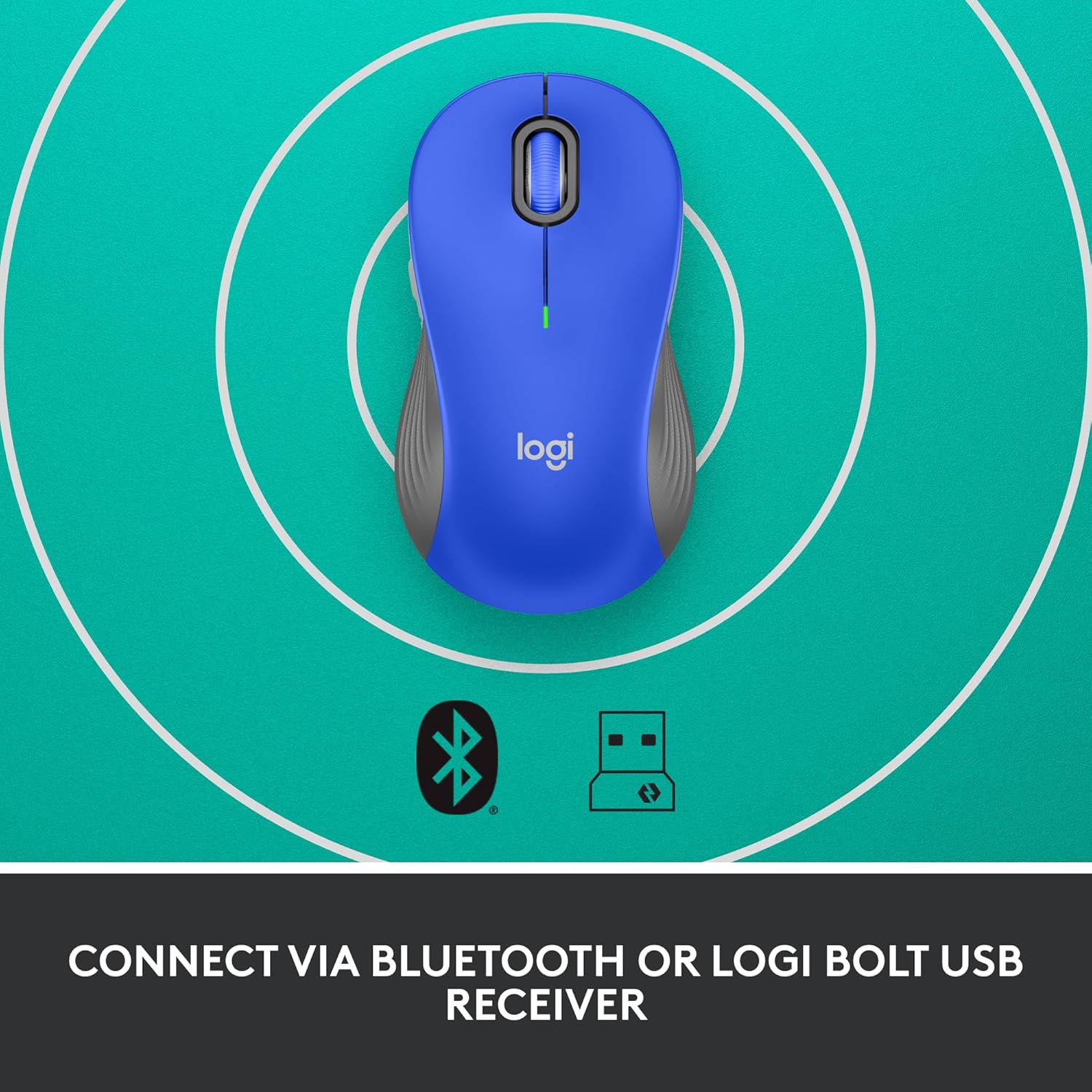
Image: The Logitech Signature M550 L mouse shown with icons representing Bluetooth and Logi Bolt USB receiver connectivity options.
Option A: Logi Bolt USB Receiver
- Locate the Logi Bolt USB receiver, typically stored inside the mouse's battery compartment.
- Branche reseptè USB Logi Bolt la nan yon pò USB ki disponib sou òdinatè w la.
- Turn on the mouse using the On/Off switch on the bottom. Your computer should automatically detect the mouse.
Option B: Bluetooth Low Energy
- Limen sourit la avèk bouton On/Off ki anba a.
- Press and hold the Easy-Switch button (usually on the bottom or side, refer to product diagram if available) for 3 seconds until the LED indicator starts blinking rapidly. This indicates pairing mode.
- Sou òdinatè w la oswa aparèy ou an, ouvri paramèt Bluetooth yo.
- Select "Logitech M550 L" from the list of available devices and follow any on-screen prompts to complete pairing.
The mouse is compatible with Windows, macOS, Linux, Chrome OS, iPadOS, and Android operating systems.
Enstriksyon Operasyon
Defileman SmartWheel
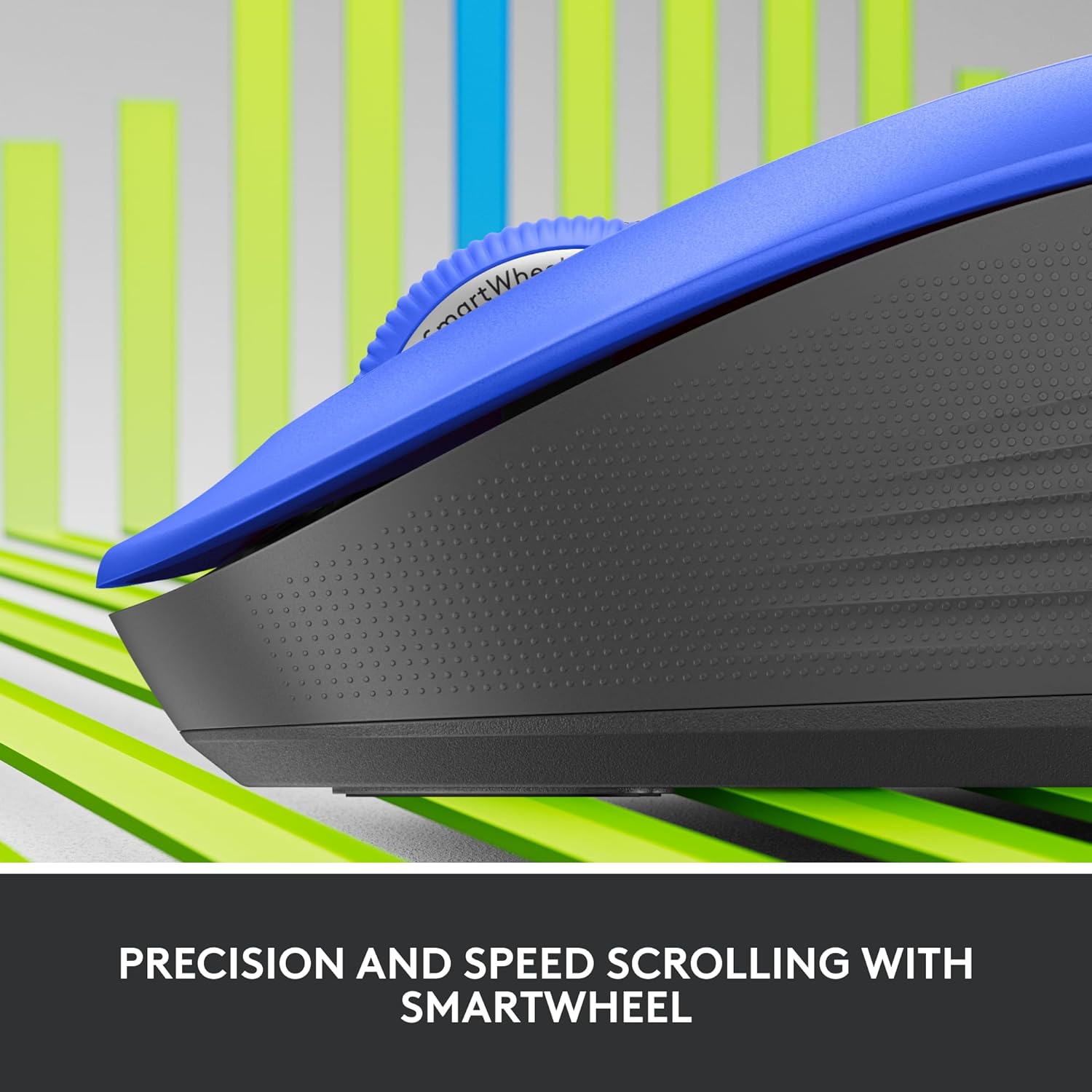
Imaj: Yon gwo plan view of the Logitech SmartWheel, demonstrating its precision and speed scrolling capabilities.
SmartWheel la chanje otomatikman ant de mòd:
- Line-by-Line Precision: Ideal for detailed work and navigating documents. Scroll slowly for precise control.
- Super-Fast Free-Spin: For quickly navigating long web pages or documents. Flick the wheel to activate.
Klik Silansyeuz

Image: A person using the Logitech Signature M550 L mouse at a desk, illustrating the benefit of 90% less clicking noise for a focused work environment.
The mouse features Logitech's SilentTouch technology, reducing click noise by over 90% compared to traditional mice. This allows for a quieter work environment without compromising click feel.
Multi-Aparèy konpatibilite
The Signature M550 L can be paired with multiple devices and switched between them using the Easy-Switch button. This feature is ideal for users who work across several computers or tablets.
Antretyen
Ranplasman batri
The mouse operates on a single AA battery, offering up to 24 months of battery life depending on usage. When the battery is low, the LED indicator will turn red. To replace:
- Etenn sourit la.
- Louvri kouvèti konpatiman batri a ki anba a.
- Retire ansyen pil AA a epi mete yon nouvo, tout pandan w ap respekte polarite a.
- Close the cover and turn the mouse back on.
Netwayaj
Pou netwaye sourit ou a, sèvi ak yon twal mou ki pa gen pousyè, siye l yon ti kras.ampened with water or a mild cleaning solution. Avoid harsh chemicals or abrasive materials. Ensure no liquid enters the mouse's openings.
Depanaj
- Sourit la pa reponn:
- Asire w sourit la limen.
- Tcheke nivo batri a epi ranplase si sa nesesè.
- If using the Logi Bolt receiver, try plugging it into a different USB port or a different computer to rule out port issues.
- Si w ap itilize Bluetooth, asire w ke Bluetooth aktive sou aparèy ou an epi sourit la byen konekte. Eseye konekte sourit la ankò.
- Move the mouse closer to the receiver or Bluetooth-enabled device to ensure it's within range.
- Mouvman kurseur iregilye:
- Netwaye detèktè optik ki anba sourit la.
- Asire w ke w ap itilize sourit la sou yon sifas ki apwopriye. Evite sifas ki reflete anpil limyè oswa transparan.
- Connectivity issues after system update:
- Rekòmanse òdinatè w lan.
- Check for updated drivers for your mouse or Bluetooth adapter.
Espesifikasyon
| Mak | Logitech |
| Nimewo Modèl | 910-006794 |
| Koneksyon Teknoloji | Bluetooth ki ba enèji, Reseptè USB Logi Bolt |
| Mouvman Deteksyon | Optik |
| Karakteristik espesyal | Lightweight, Portable, Silent Clicks (SilentTouch), SmartWheel, Wireless |
| Kalite batri | 1 batri AA |
| Lavi batri | Jiska 24 mwa (ka varye selon itilizasyon) |
| Sistèm operasyon konpatibilite | Windows, macOS, Linux, Chrome OS, iPadOS, Android |
| Pwa atik | 3.92 ons |
| Koulè | Ble (pou varyant sa a) |
Enfòmasyon sou Garanti
Logitech products are manufactured to high quality standards and are covered by a limited hardware warranty. For specific warranty terms and conditions applicable to your region and product, please refer to the official Logitech websit la oubyen kat garanti ki vini ak acha ou a.
Sipò
For further assistance, technical support, or to download the latest software and drivers for your Logitech Signature M550 L Wireless Mouse, please visit the official Logitech support websit:
Ou kapab jwenn tou FAQ ak fowòm kominotè sou sit sipò a.


