Entwodiksyon
Mèsi pou acha aasing the Mesqool Vibrating Alarm Clock. This device is designed to provide a reliable and discreet wake-up experience through powerful vibration, sound, or a combination of both. Its compact, cordless design and long-lasting battery make it ideal for various settings, including bedrooms, living rooms, and offices. This manual provides detailed instructions for setup, operation, and maintenance to ensure optimal performance.
Enfòmasyon sou Sekirite
- Kenbe aparèy la lwen dlo ak imidite ki wo.
- Pa ekspoze a tanperati ekstrèm oswa limyè solèy la dirèk.
- Evite jete oswa sibi aparèy la nan gwo enpak.
- Use only the provided Type-C charging cable.
- Pa eseye demonte oswa repare aparèy la tèt ou.
- Kenbe lwen timoun piti pou evite operasyon aksidantèl oswa domaj.
Kontni pake
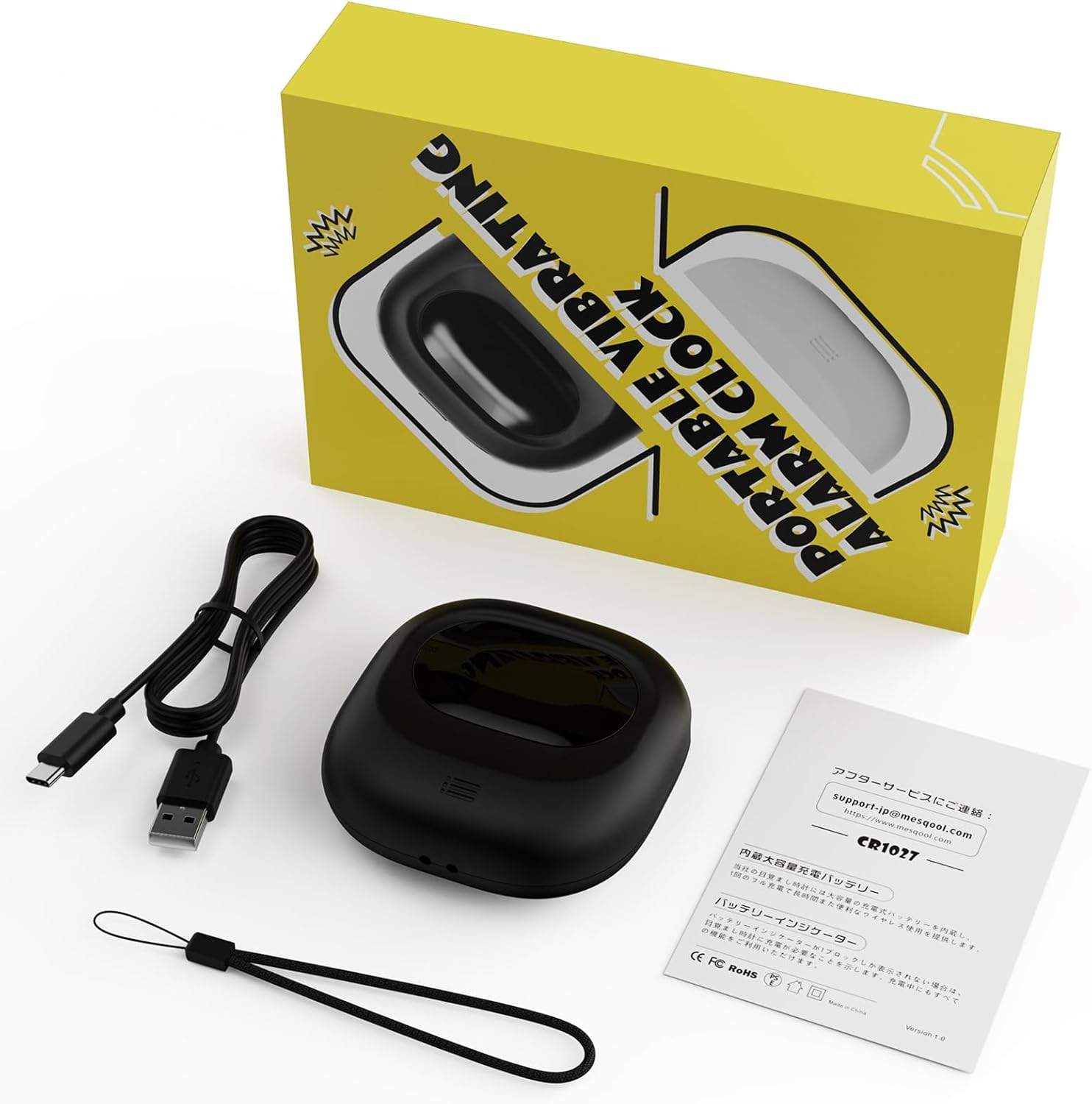
Image: Mesqool Vibrating Alarm Clock package contents, showing the black alarm clock, a Type-C charging cable, and the user manual.
- Mesqool Vibrating Alarm Clock (Model: CR1027)
- Kalite-C USB Chaje Kab
- Manyèl itilizatè
Pwodwi souview
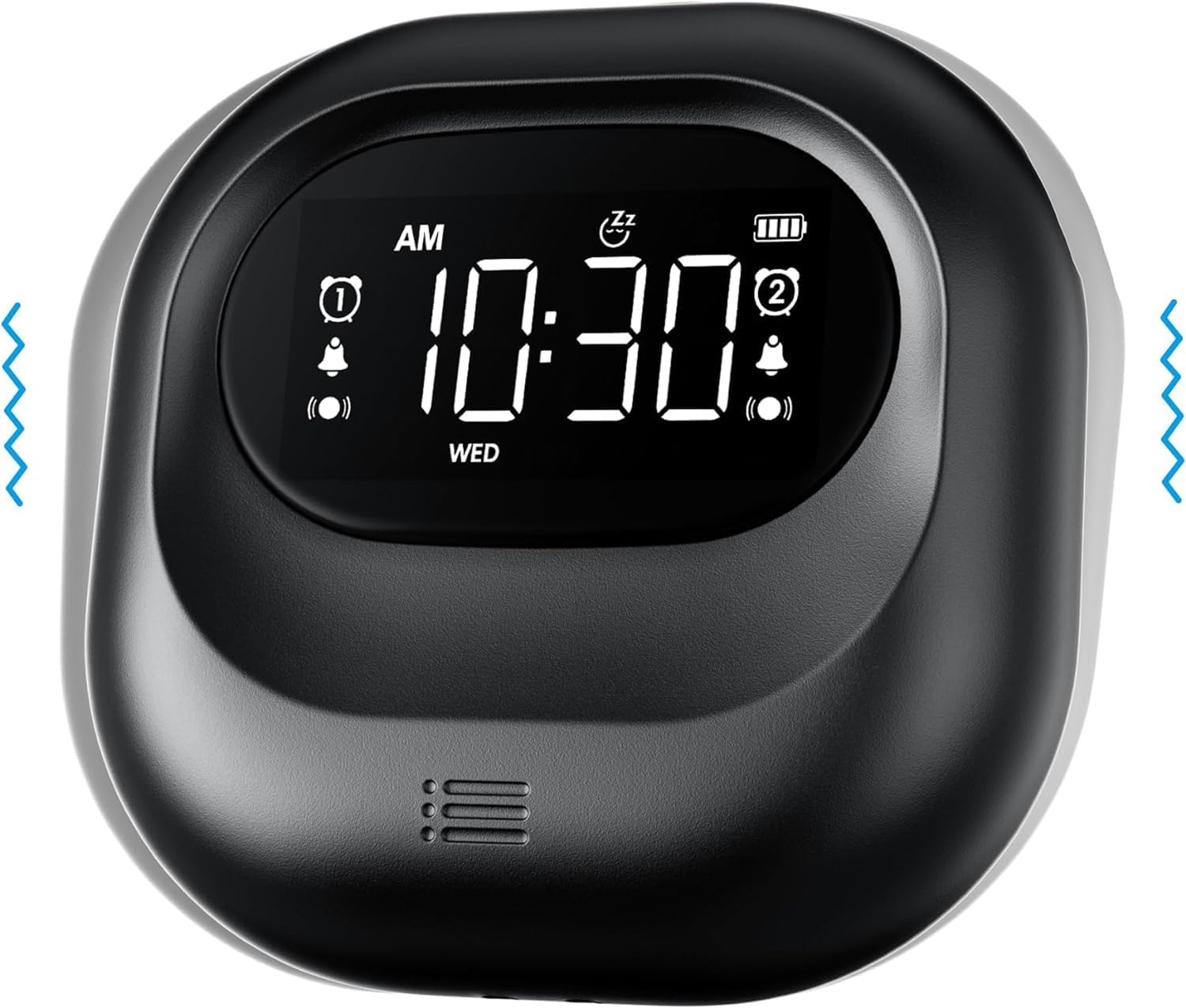
Imaj: Devan view of the Mesqool Vibrating Alarm Clock, highlighting the digital display with time, alarm indicators, and battery level.
Kontwòl ak ekspozisyon:
- Digital LCD Display: Shows time, alarm status, day of the week, and battery level. Features a backlight for visibility in the dark.
- Time/Snooze Button: Used to set time and activate snooze.
- +/- Bouton: Adjust values (time, alarm, volume, vibration intensity).
- Alarm 1/2 Buttons: Activate/deactivate and set individual alarms.
- Chanjman mòd: Select alarm mode (Buzzer, Vibration, Both).
- Vibration Intensity Switch: Adjust vibration strength (Low, Medium, High).
- Lock switch: Anpeche peze bouton aksidantèlman.
- Kalite-C chaje pò: Pou chaje batri entèn lan.
Enstalasyon
1. Inisyal chaje:
Before first use, fully charge the alarm clock. Connect the provided Type-C USB cable to the charging port on the device and the other end to a USB power adapter (not included), computer, or power bank. The battery indicator on the display will show charging status. A full charge ensures optimal battery life.
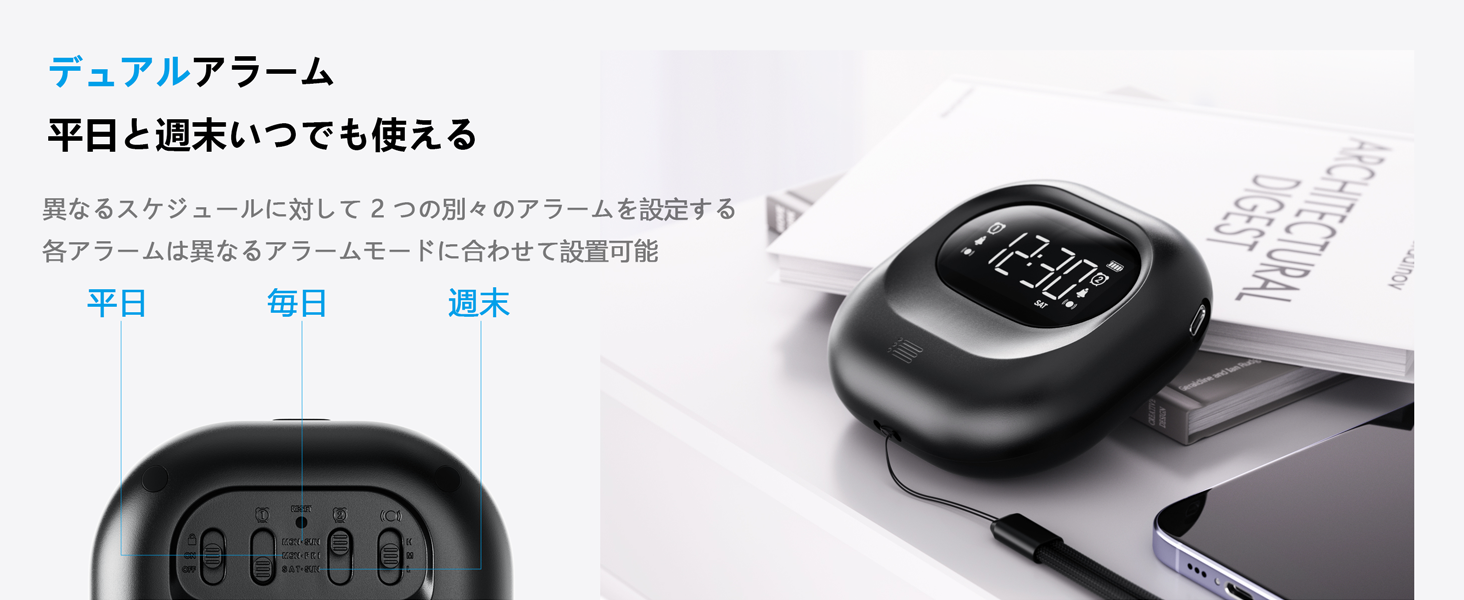
Image: The alarm clock connected to a Type-C charging cable, illustrating the charging process and battery indicator on the display.
2. Power On/Off:
The device powers on automatically when charged or a button is pressed. It enters an automatic standby mode after 30 seconds of inactivity to conserve power. To fully power off, use the dedicated power switch if available (refer to product overview for specific button layout).
Enstriksyon Operasyon
1. Mete lè a:
- Peze epi kenbe la TIME/SNOOZE bouton an jiskaske chif èdtan an ap flache.
- Sèvi ak la +/- bouton pou ajiste lè a.
- Peze TIME/SNOOZE ankò pou ale nan minit, answit ajiste ak +/-.
- Repeat for year, month, and day settings.
- Peze TIME/SNOOZE pou konfime ak sòti.
- Pou chanje ant fòma 12 èdtan ak 24 èdtan, peze bouton an TIME/SNOOZE button briefly during normal time display.
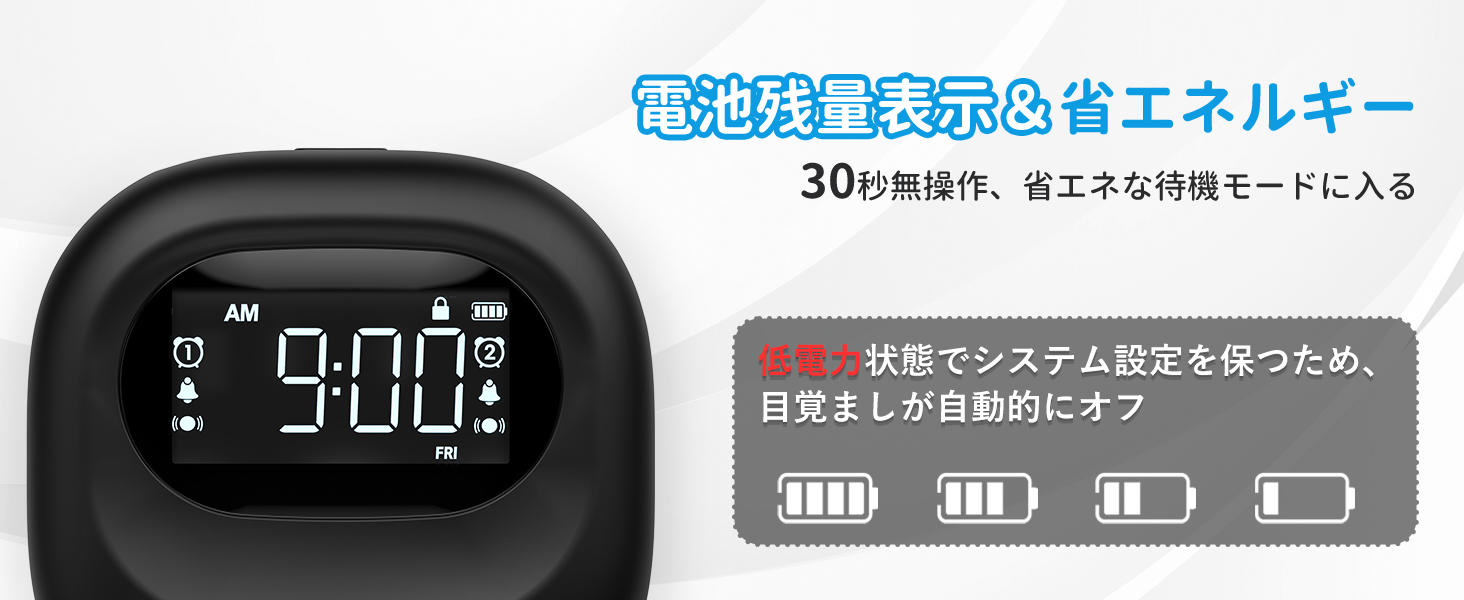
Image: The alarm clock displaying time in both 12-hour and 24-hour formats, demonstrating the adjustable time format feature.
2. Mete Alam yo (Alam 1 ak Alam 2):
The clock features two independent alarms. You can set different times for weekdays, weekends, or every day.
- Peze epi kenbe la ALAM 1 or ALAM 2 bouton an jiskaske lè alam lan flache.
- Sèvi ak la +/- bouton pou ajiste lè alam la.
- Peze bouton ki koresponn lan ALAM button again to move to minutes, then adjust with +/-.
- Peze a ALAM button again to select the alarm frequency:
- LEN-VAN: Alarm activates on weekdays.
- SAMDI-DIMANCH: Alarm activates on weekends.
- CHAK JOU: Alarm activates daily.
- Peze a ALAM bouton pou konfime ak sòti.
- Pou aktive/dezaktive yon alam, peze yon ti kras bouton ki koresponn lan. ALAM 1 or ALAM 2 bouton an. Yon ikòn alam ap parèt/disparèt sou ekran an.
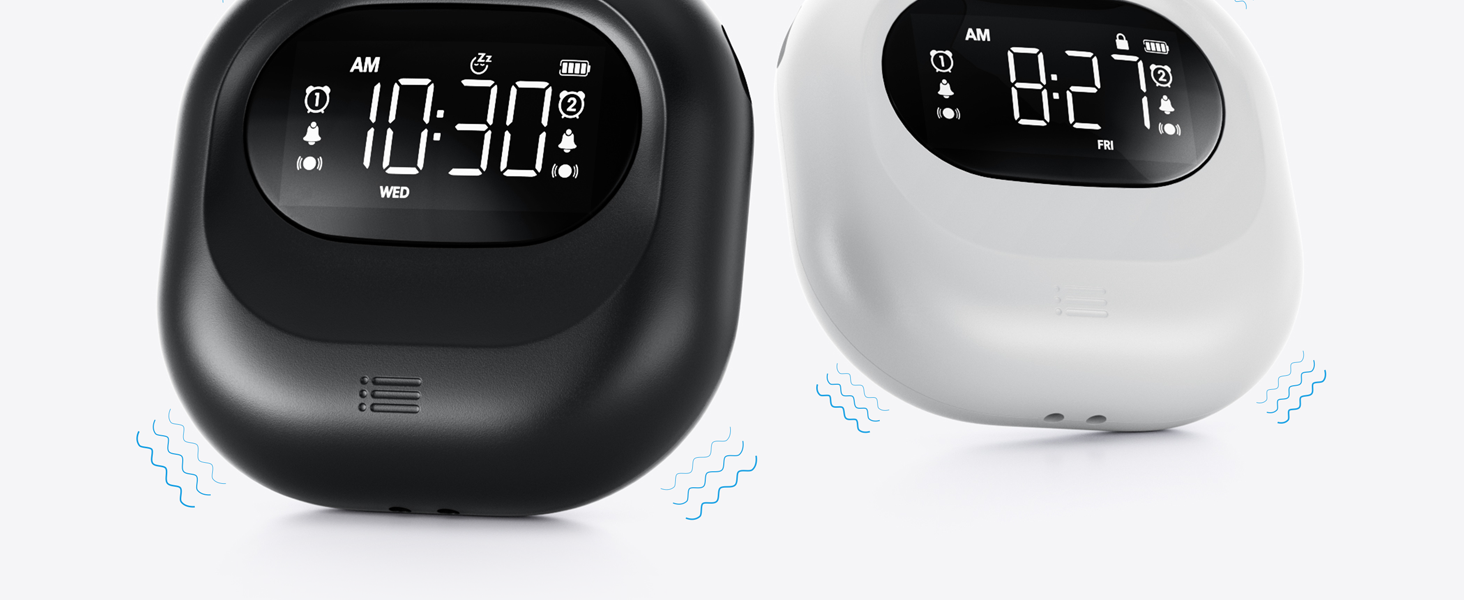
Image: The alarm clock illustrating the dual alarm feature with options for weekday, weekend, and everyday settings.
3. Alarm Modes:
Choose from three wake-up modes to suit your preference:
- Buzzer Only: Standard audible alarm.
- Vibrasyon sèlman: Silent vibration for discreet wake-up.
- Buzzer + Vibration: Both audible and vibrating alarm for heavy sleepers.
Sèvi ak la MÒD switch on the side/back of the device to select your desired mode.
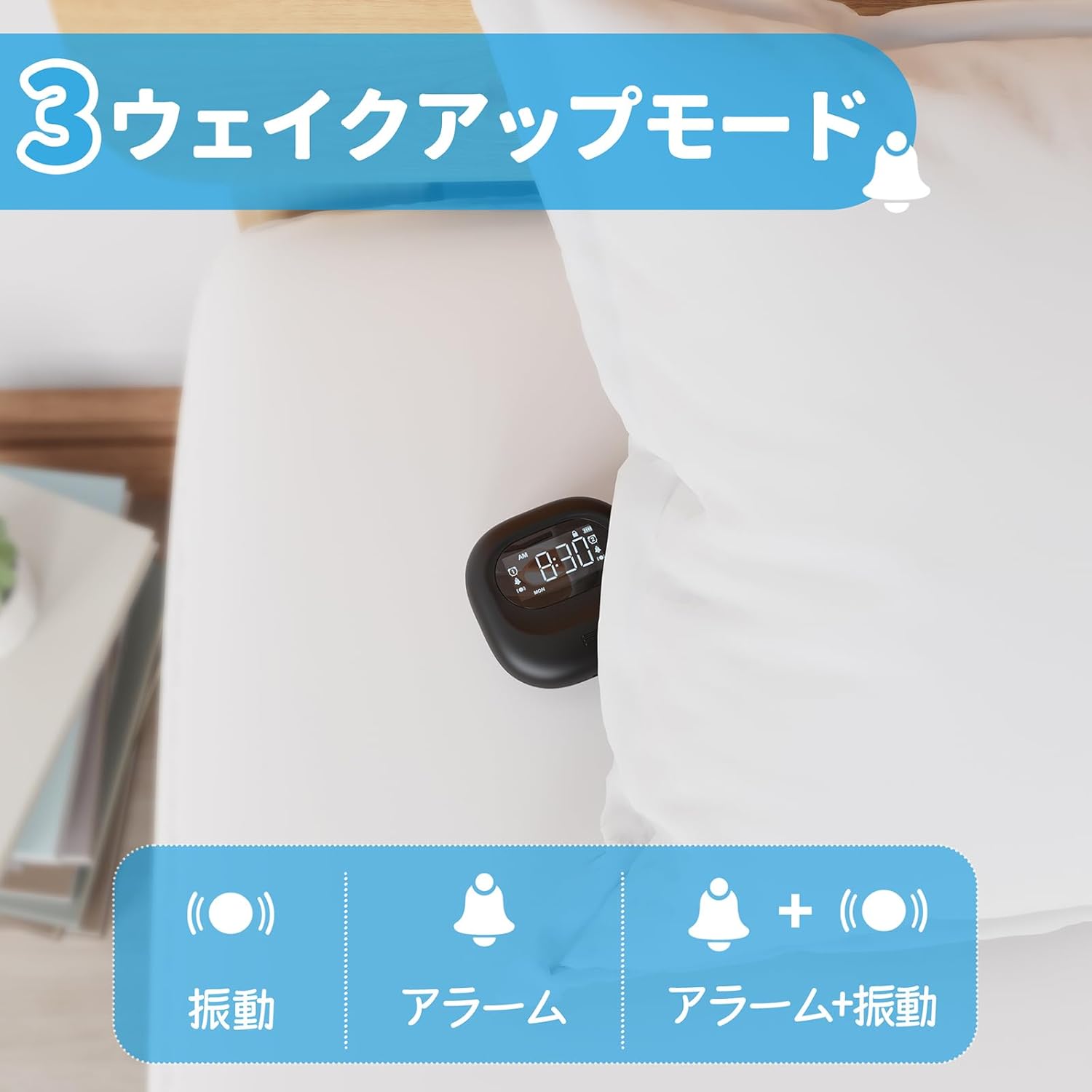
Image: A visual representation of the three alarm modes available on the Mesqool alarm clock: vibration only, buzzer only, and a combination of buzzer and vibration.
4. Vibration Intensity:
Adjust the vibration strength to your comfort level (Low, Medium, High) using the dedicated switch on the device. This is particularly useful for heavy sleepers or those who prefer a gentler wake-up.

Image: The alarm clock demonstrating its three adjustable vibration intensity levels (Low, Medium, High) for personalized wake-up.
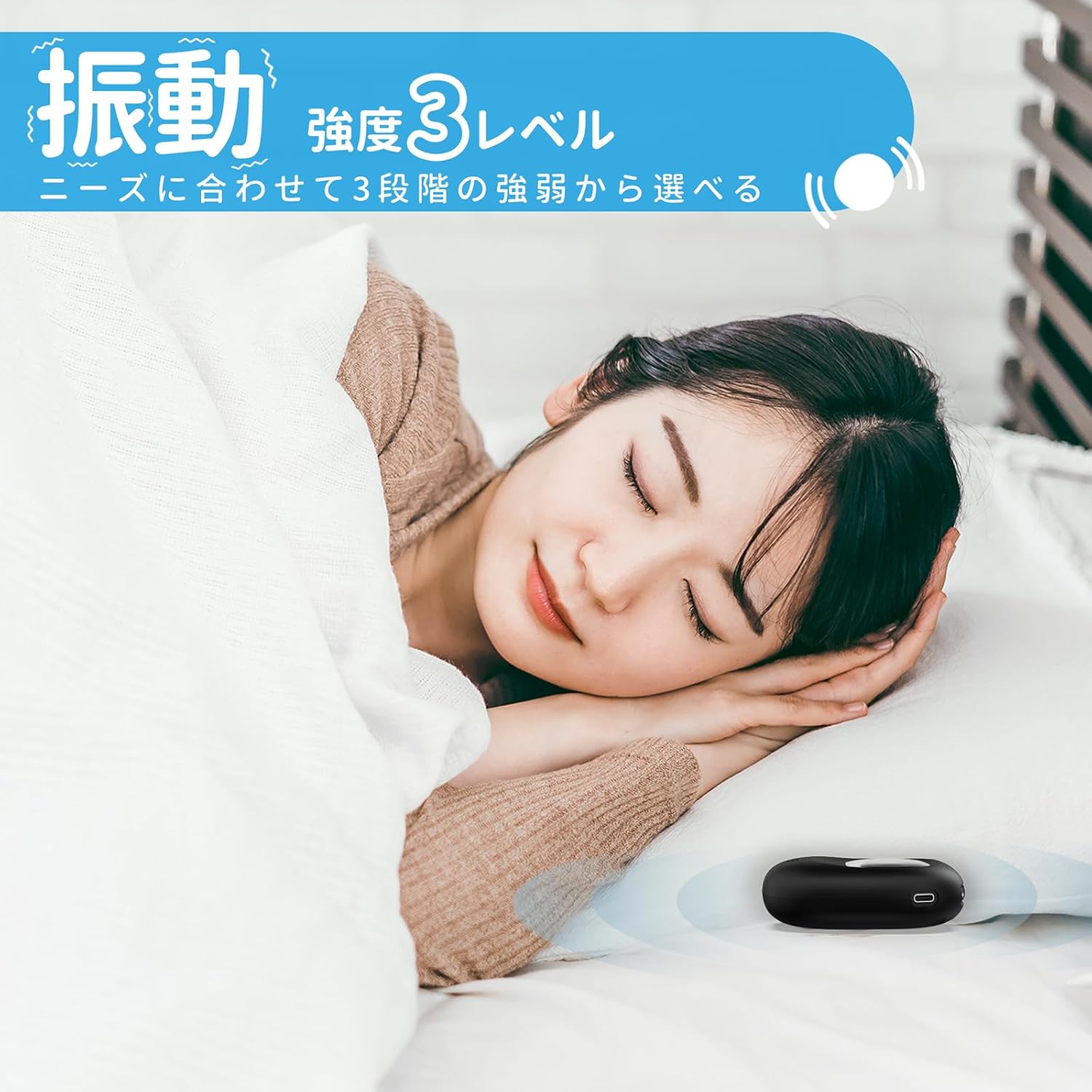
Image: A woman sleeping peacefully with the Mesqool Vibrating Alarm Clock positioned discreetly under her pillow, highlighting its silent wake-up capability.
5. Fonksyon repetisyon:
Lè alam la son, peze la TIME/SNOOZE button to activate the snooze function. The alarm will pause for 9 minutes and then sound again. This can be repeated up to 9 times.
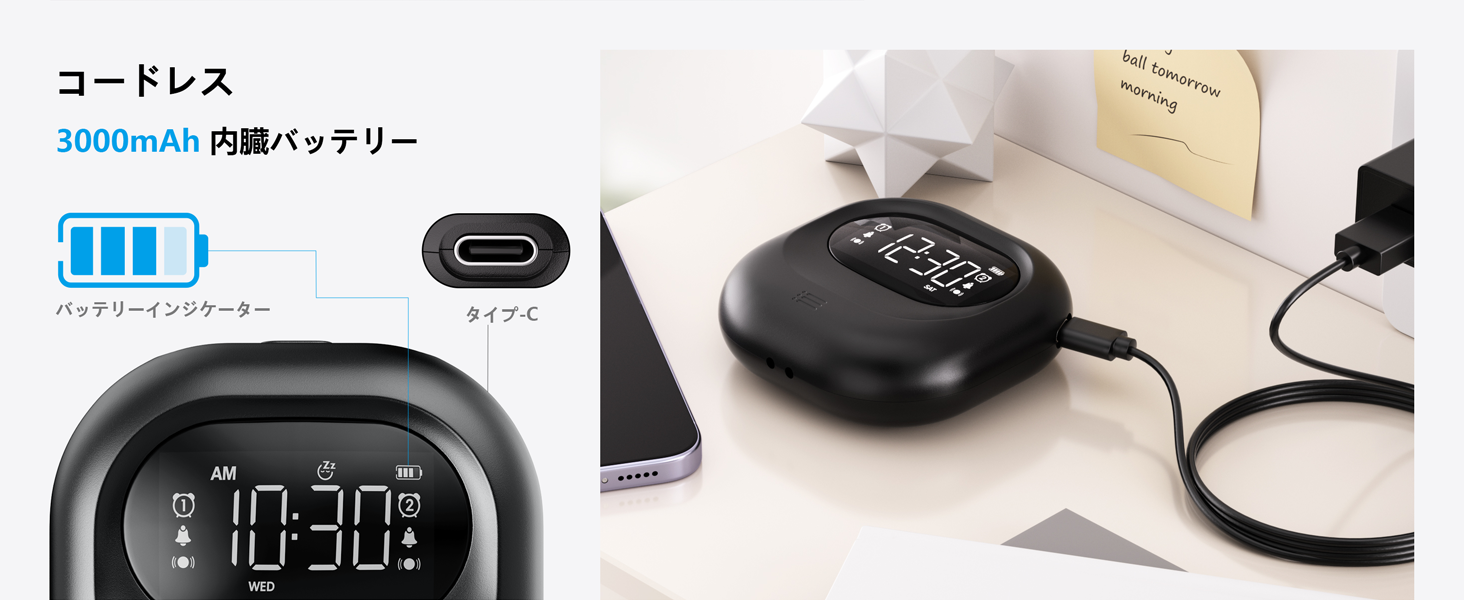
Image: The alarm clock illustrating its snooze feature, which allows for a 9-minute delay before the alarm sounds again.
6. Display Backlight and Lock Mode:
- Ekleraj: The LCD display features a backlight for easy viewing in low light conditions. It automatically enters standby mode after 30 seconds of inactivity to save power and prevent sleep disturbance.
- Lock Mode: To prevent accidental changes to settings, especially during sleep or when handled by children, activate the lock mode using the KLE switch. Once locked, buttons will not respond to presses.
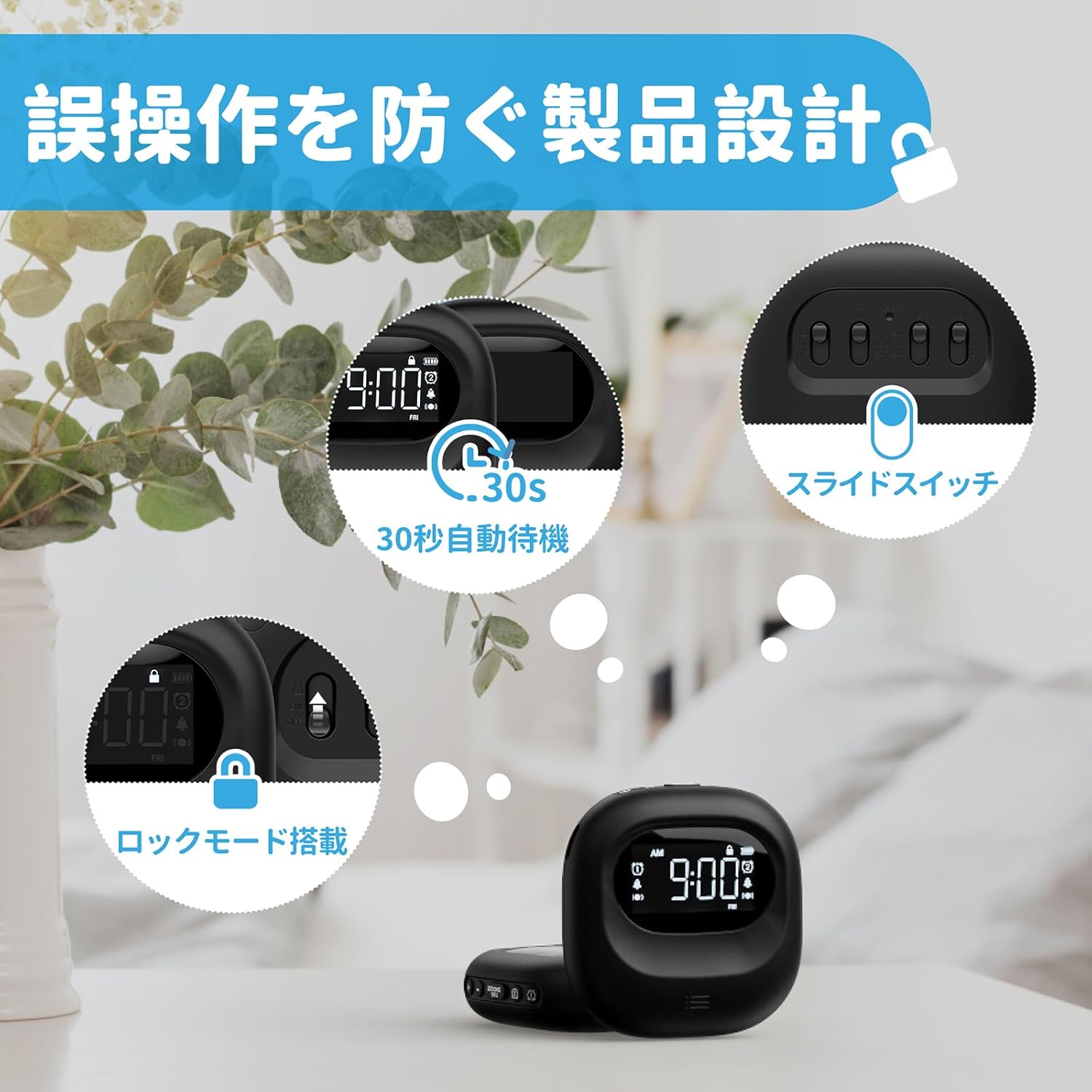
Image: The alarm clock highlighting its lock mode, designed to prevent unintended changes to settings, particularly useful when placed under a pillow or near children.
Antretyen
- Netwaye aparèy la avèk yon twal mou epi sèk. Pa sèvi ak pwodui netwayaj abrazif oswa solvan.
- Evite ekspoze aparèy la nan tanperati ekstrèm oswa limyè solèy la dirèk pou peryòd pwolonje.
- Sere nan yon kote ki fre, sèk lè yo pa itilize.
Depanaj
| Pwoblèm | Kòz posib | Solisyon |
|---|---|---|
| Aparèy la pa vire. | Batri ap vide. | Chaje aparèy la nèt avèk kab Kalite-C a. |
| Alam lan pa sonnen/vibre. | Alarm is not activated or mode is incorrect. | Ensure the alarm icon is displayed and the alarm mode switch is set correctly (Buzzer, Vibration, or Both). |
| Bouton yo pa reponn. | Lock mode is enabled. | Disable the lock mode using the KLE chanje. |
| Ekran an fèb oswa etenn. | Device is in power-saving standby mode. | Press any button to reactivate the display. Ensure battery is charged. |
Espesifikasyon
- Modèl: CR1027
- Mak: Mesqool
- Dimansyon: 8.5 cm (lajè) x 2.7 cm (wotè)
- Gwosè pake: 14.7 x 10.1 x 3.4 cm
- Pwa: 0.19 kg
- Koulè: Nwa
- Kalite ekspozisyon: Digital LCD
- Sous pouvwa: Batri Powered (rechargeable ityòm-ion)
- Kapasite batri: 3000mAh (Entèn)
- Karakteristik: Large Capacity Battery, Vibration, Dual Alarm, Snooze, Backlight, 12/24H Time Format, Lock Mode.
- Materyèl ankadreman: Plastik
Videyo pwodwi ofisyèl la
Video: An official product video demonstrating the features and usage of the Mesqool Vibrating Alarm Clock, including its vibration function and dual alarm capabilities.
Garanti ak sipò
Mesqool products are designed for durability and performance. For warranty information, technical support, or any inquiries regarding your device, please refer to the contact information provided on the product packaging or visit the official Mesqool websit la. Tanpri konsève resi acha ou a pou reklamasyon garanti.


