Entwodiksyon
This manual provides comprehensive instructions for the ACASIS 2.5" External Hard Drive Enclosure. This device allows you to easily connect a 2.5-inch SATA I/II/III HDD or SSD to your computer, gaming console, or other compatible devices via USB 3.0. It supports data transfer speeds up to 5Gbps and features UASP protocol for enhanced performance. The enclosure is designed for tool-free installation and offers robust protection for your drive.
Kontni pake
Tanpri verifye ke tout atik ki nan lis anba a yo enkli nan pakè ou a:
- 1x ACASIS 2.5" SATA Enclosure
- 1x 19-inch USB 3.0 to Micro-B Data Cable
- 1x manyèl itilizatè

Image: Contents of the ACASIS 2.5" Hard Drive Enclosure package, showing the enclosure, data cable, and user manual.
Gid Enstalasyon
Follow these steps to install your 2.5-inch HDD or SSD into the enclosure:
- Louvri bwat la: Gently slide open the enclosure cover. The design allows for easy, tool-free access.
- Mete Drive a: Align your 2.5-inch SATA HDD or SSD (7mm or 9.5mm thickness) with the SATA connector inside the enclosure. Push the drive firmly but gently until it is securely seated. The enclosure features a finger buckle design for easy insertion and removal.
- Fèmen patiraj la: Slide the cover back into place until it clicks, ensuring the drive is fully enclosed and protected.
- Konekte ak aparèy: Use the provided USB 3.0 to Micro-B cable to connect the enclosure to a USB port on your computer, laptop, gaming console (PS4, PS5, Xbox), or smart TV.

Imaj: Eksploze view demonstrating the simple, tool-free installation of a 2.5-inch SSD or HDD into the ACASIS enclosure.

Image: A comparison illustrating the ACASIS enclosure's finger buckle design, which facilitates easy removal of the hard drive, unlike other enclosures.
Enstriksyon Operasyon
Once connected, the enclosure is plug-and-play, requiring no additional drivers for most operating systems. Your device should recognize the connected drive automatically.
- Transfè Done: The enclosure supports USB 3.0 for high-speed data transfer up to 5Gbps. With UASP (USB Attached SCSI Protocol) support, speeds can reach up to 6Gbps, significantly reducing transfer times for large files. It is backward compatible with USB 2.0 and 1.1 ports.
- Bann Limyè RGB: The integrated RGB light strip indicates the working status of the hard drive. It displays different colorful lights during operation, providing visual feedback.
- Inivèsèl konpatibilite: The enclosure is compatible with Windows, LINUX, and MacOS 8.0 and above. It can be used with personal computers, laptops, gaming consoles (PS4, PS5, Xbox), and other devices that support external storage.

Image: The ACASIS enclosure connected to a laptop, highlighting its USB 3.0 and UASP capabilities for significantly faster data transfer speeds compared to USB 2.0.

Image: A visual representation of the enclosure's broad compatibility with devices like PCs, TVs, and PS5, and operating systems including Windows, Linux, and MacOS, supporting both SSD and HDD.
Antretyen
To ensure the longevity and optimal performance of your ACASIS Hard Drive Enclosure, please follow these maintenance guidelines:
- Netwayaj: Use a soft, dry cloth to wipe the exterior of the enclosure. Avoid using liquid cleaners or abrasive materials, as they may damage the surface.
- Pwoteksyon: The enclosure is built with high-quality ABS plastic and includes a built-in EVA foam pad to protect the drive from shocks and vibrations. However, avoid dropping the enclosure or subjecting it to excessive force.
- Depo: Lè w pa itilize bwat la, sere l nan yon kote ki fre epi sèk, lwen limyè solèy dirèk ak tanperati ekstrèm.

Imaj: Yon imaj detaye view of the enclosure's internal chip, emphasizing its built-in protections against over-voltage, over-current, and overheating to ensure stable and safe operation.
Depanaj
If you encounter issues with your ACASIS Hard Drive Enclosure, please refer to the following common problems and solutions:
- Kondwi pa detekte:
- Ensure the hard drive is correctly seated within the enclosure.
- Eseye konekte bwat la nan yon lòt pò USB sou aparèy ou an.
- Teste avèk yon lòt kab USB si ou genyen.
- Verify the hard drive itself is functional by testing it in another enclosure or directly connecting it to a system if possible.
- Pou nouvo disk yo, asire w ke yo inisyalize epi fòmate nan Jesyon Disk (Windows) oswa Utility Disk (macOS) sistèm operasyon w lan.
- Vitès transfè done ki ba:
- Asire w ou konekte ak yon pò USB 3.0 sou òdinatè w la. Pò USB 2.0 yo ap lakòz vitès siyifikativman pi ba.
- Verify your operating system and drivers support UASP.
- Check the health of your hard drive; a failing drive can cause slow performance.
- Dekoneksyon souvan:
- Asire w ke kab USB a byen konekte nan tou de bout yo.
- Try a different USB port or a different USB cable.
- Avoid placing the enclosure near strong electromagnetic interference.
Espesifikasyon
| Karakteristik | Detay |
|---|---|
| Nimewo Modèl | 2.5'' Hard Drive Eclosure |
| Kalite Drive konpatib | 2.5-inch SATA I/II/III HDD & SSD (7mm/9.5mm) |
| Kapasite Depo Maksimòm | Jiska 6 TB |
| Entèfas Materyèl | USB 3.0 (Mikwo-B) |
| Pousantaj Transfè Done | 5 Gbps (USB 3.0), up to 6 Gbps (UASP) |
| Aparèy konpatib | Personal Computer, Laptop, Gaming Console (PS4, PS5, Xbox), Smart TV |
| Sistèm konpatib yo | Windows, LINUX, MacOS 8.0 and above |
| Materyèl | Akrilonitrile butadien stirèn (ABS) |
| Dimansyon | 4.9 x 0.5 x 0.3 pous |
| Pwa atik | 3.52 ons (0.1 kilogram) |
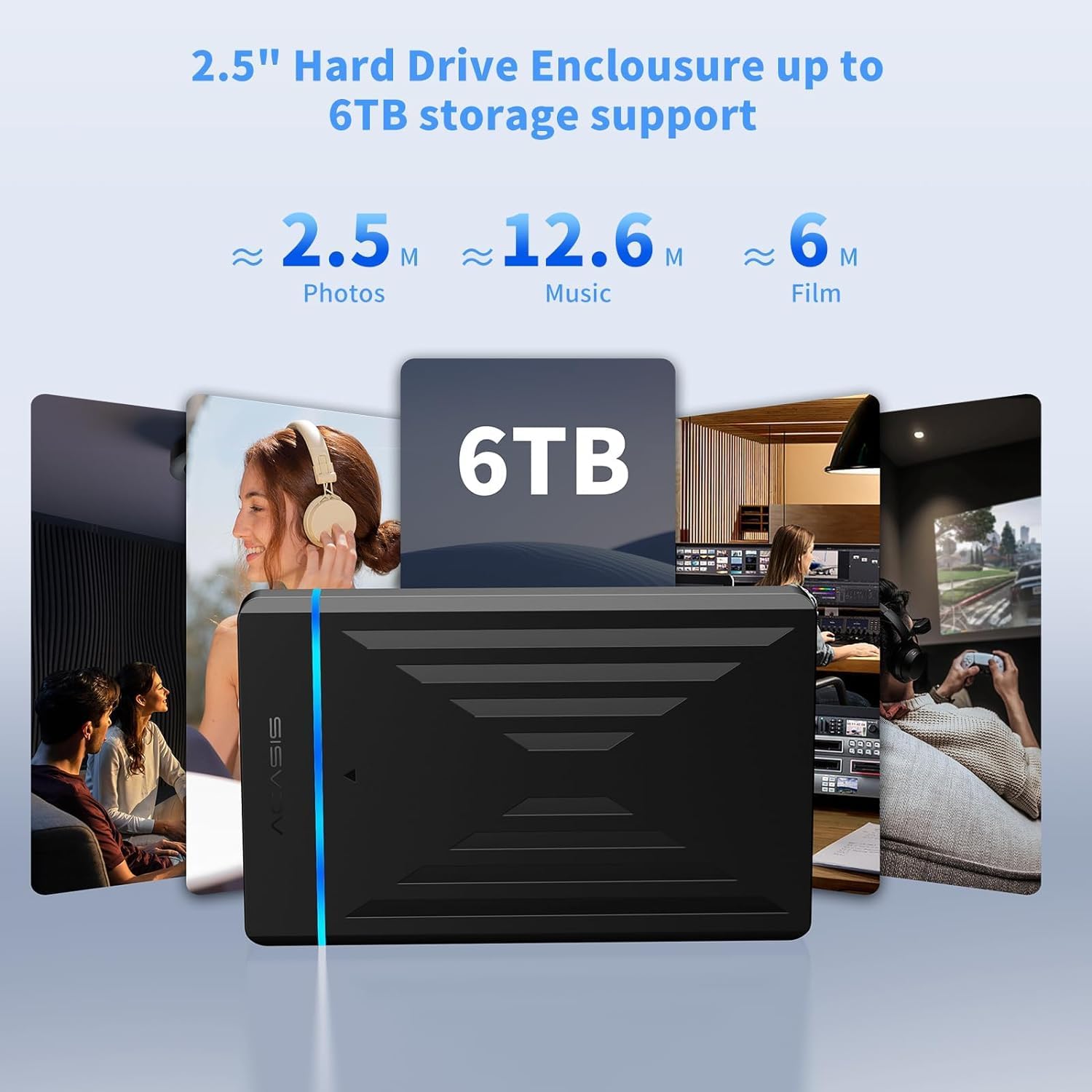
Image: The enclosure's capability to support up to 6TB of storage, illustrating the vast amount of photos, music, and films that can be stored.
Garanti ak sipò
ACASIS provides an 18-mwa garanti pou pwodui sa a, pou asire lapè lespri konsènan kalite ak pèfòmans li.
For technical assistance, customer service, or warranty claims, please contact ACASIS support:
- Imèl: support@acasis.com
- Orè sèvis: 24 èdtan, 7 jou sou XNUMX
ACASIS is committed to 100% customer satisfaction and offers dedicated technical support to address any concerns you may have.


