Entwodiksyon
This manual provides detailed instructions for the operation and maintenance of your COBY Light-Up Portable True Wireless Speaker. Please read this manual thoroughly before using the device to ensure proper function and to maximize your listening experience.
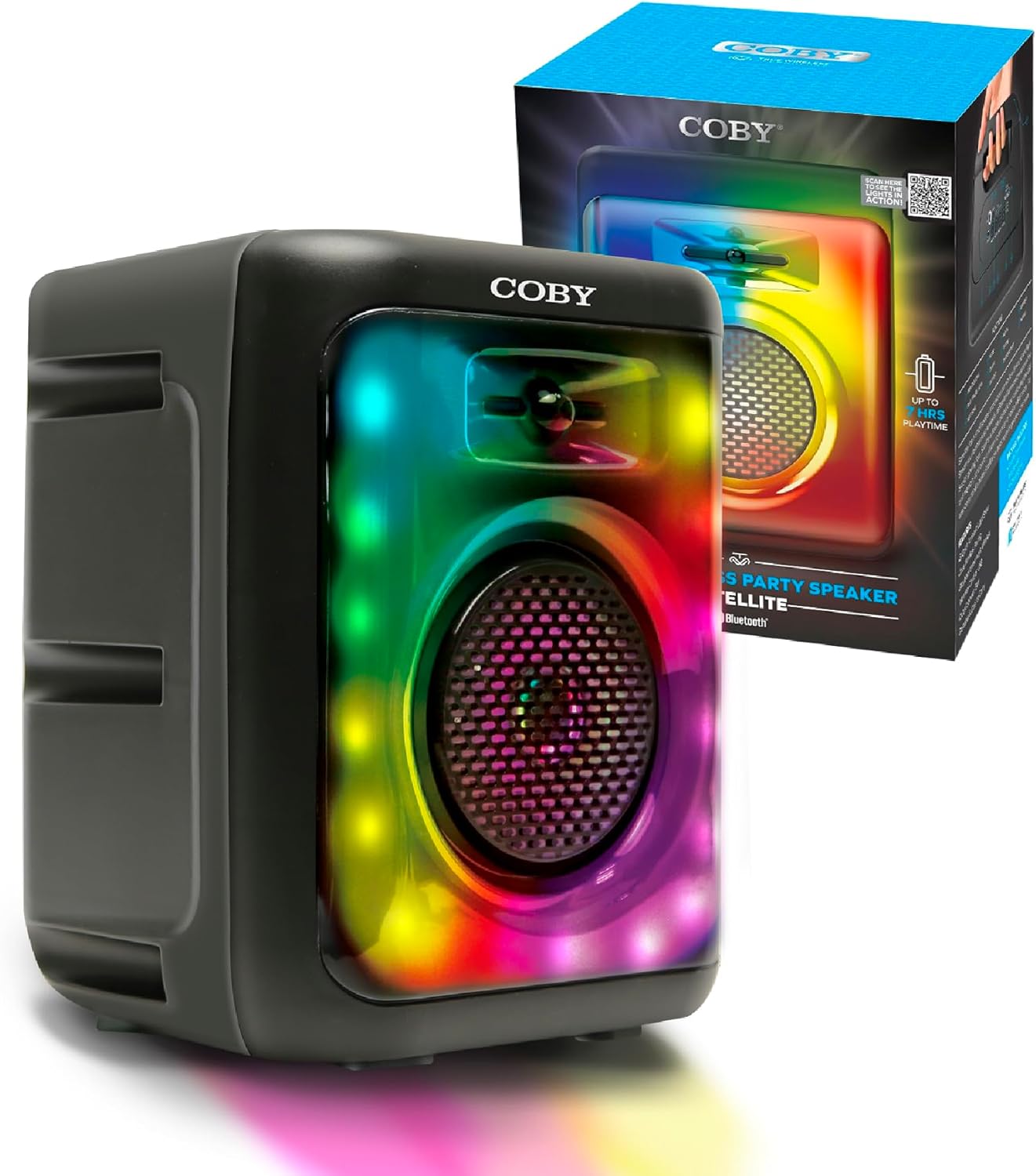
Image: The COBY Light-Up Portable True Wireless Speaker, a black rectangular unit with a large speaker grille and colorful LED lights, shown alongside its retail packaging.
Ki sa ki nan bwat la
Lè w ap ouvri pake a, verifye si tout atik ki nan lis anba a yo la epi yo an bon eta:
- COBY Light-Up Portable True Wireless Speaker
- Chaje kab
- Manyèl Itilizatè (dokiman sa a)
Pwodwi souview
Familiarize yourself with the various components and controls of your speaker.

Imaj: Yon imaj detaye view of the speaker's top panel, highlighting the microphone input, AUX input, TF/SD card slot, DC 5V power input, USB port, and control buttons (OFF/ON, skip/volume, play/pause, mode).
Panèl kontwòl ak pò:
- OFF/ON switch: Limen oswa etenn oratè a.
- Antre MIC: 3.5mm jack for connecting an external microphone for karaoke.
- Antre AUX: Yon jack 3.5mm pou konekte aparèy odyo ekstèn.
- TF / SD Card Slot: Pou jwe odyo files directly from a memory card.
- Pò USB: Pou jwe odyo files soti nan yon kondwi USB.
- DC 5V Antre: Charging port for the speaker's internal battery.
- Bouton kontwòl:
- Tras anvan / Diminye volim: Peze yon ti kras pou ale nan mizik anvan an, peze lontan pou diminye volim nan.
- Play / Pause / TWS: Short press to play/pause, long press for True Wireless Stereo pairing.
- Pwochen mizik / Ogmante volim: Peze yon ti kras pou pwochen mizik la, peze lontan pou ogmante volim nan.
- MOD: Switches between Bluetooth, FM Radio, USB, and TF card modes.

Imaj: Anwo-anba view of the COBY speaker, illustrating the integrated handle for easy portability.
Enstalasyon
1. Chaje Oratè a:
Before initial use, fully charge the speaker. Connect the provided charging cable to the DC 5V input on the speaker and the other end to a compatible USB power adapter (not included).
- Limyè endikatè chaj la ap limen pandan chaj la.
- Yon fwa li chaje nèt, limyè endikatè a ka chanje koulè oswa etenn, selon modèl la.
- Yon chaj konplè bay jiska 7 èdtan tan jwe.
2. Limen/Etenyen:
Locate the OFF/ON switch on the control panel and slide it to the "ON" position to power on the speaker. Slide it to "OFF" to power off.
3. Pè Bluetooth:
The speaker will automatically enter Bluetooth pairing mode when powered on for the first time or when the Bluetooth mode is selected via the MODE button.
- Asire w ke oratè a limen epi li nan mòd Bluetooth (yon endikasyon vokal oswa yon limyè endikatè ka konfime sa).
- Sou aparèy mobil ou a (telefòn entelijan, tablèt, elatriye), aktive Bluetooth epi chèche aparèy ki disponib yo.
- Select "COBY CPA895BK" (or similar name) from the list of found devices.
- Yon fwa koneksyon an fin konekte, oratè a ap endike yon koneksyon reyisi.

Image: Two COBY speakers positioned outdoors, demonstrating the Bluetooth 5.3 connectivity and 30-foot wireless range for a stereo experience.
4. Koneksyon Vrè Stereo San Fil (TWS):
To connect two COBY CPA895BK speakers for a stereo sound experience:
- Asire w ke tou de oratè yo limen epi yo an mòd Bluetooth, men yo pa konekte ak okenn aparèy.
- On one of the speakers, long press the Play/Pause/TWS button. You will hear a prompt indicating TWS pairing mode.
- De oratè yo ap konekte otomatikman youn ak lòt. Yon fwa konekte, ou ap tande yon son konfimasyon.
- Now, connect your mobile device to one of the paired speakers via Bluetooth as described in step 3. Both speakers will play audio in stereo.
Enstriksyon Operasyon
1. Playing Audio via Bluetooth:
After successful Bluetooth pairing, simply start playing audio from your connected device. Use the speaker's volume buttons or your device's volume controls to adjust the sound level.

Image: A person acting as a DJ, with two COBY speakers positioned on a table, illustrating the speaker's use for entertainment.
2. FM Radio Mode:
To switch to FM Radio mode, press the MODE button until you hear the FM radio prompt.
- Eskane otomatik: In FM mode, long press the Play/Pause button to automatically scan and save available FM stations.
- Manyèl akor: Sèvi ak bouton tras Presedan/Swivan yo pou chanje ant estasyon ki anrejistre yo.
3. USB / TF Card Playback:
Insert a USB drive or TF (microSD) card into the respective slot on the speaker. The speaker will automatically switch to USB or TF card mode and begin playing audio files (MP3, WAV, etc.) stored on the device.
- Use the Previous/Next track buttons to navigate between songs.
- Peze bouton Jwe/Pòz la pou mete yon poz oswa rekòmanse lekti a.
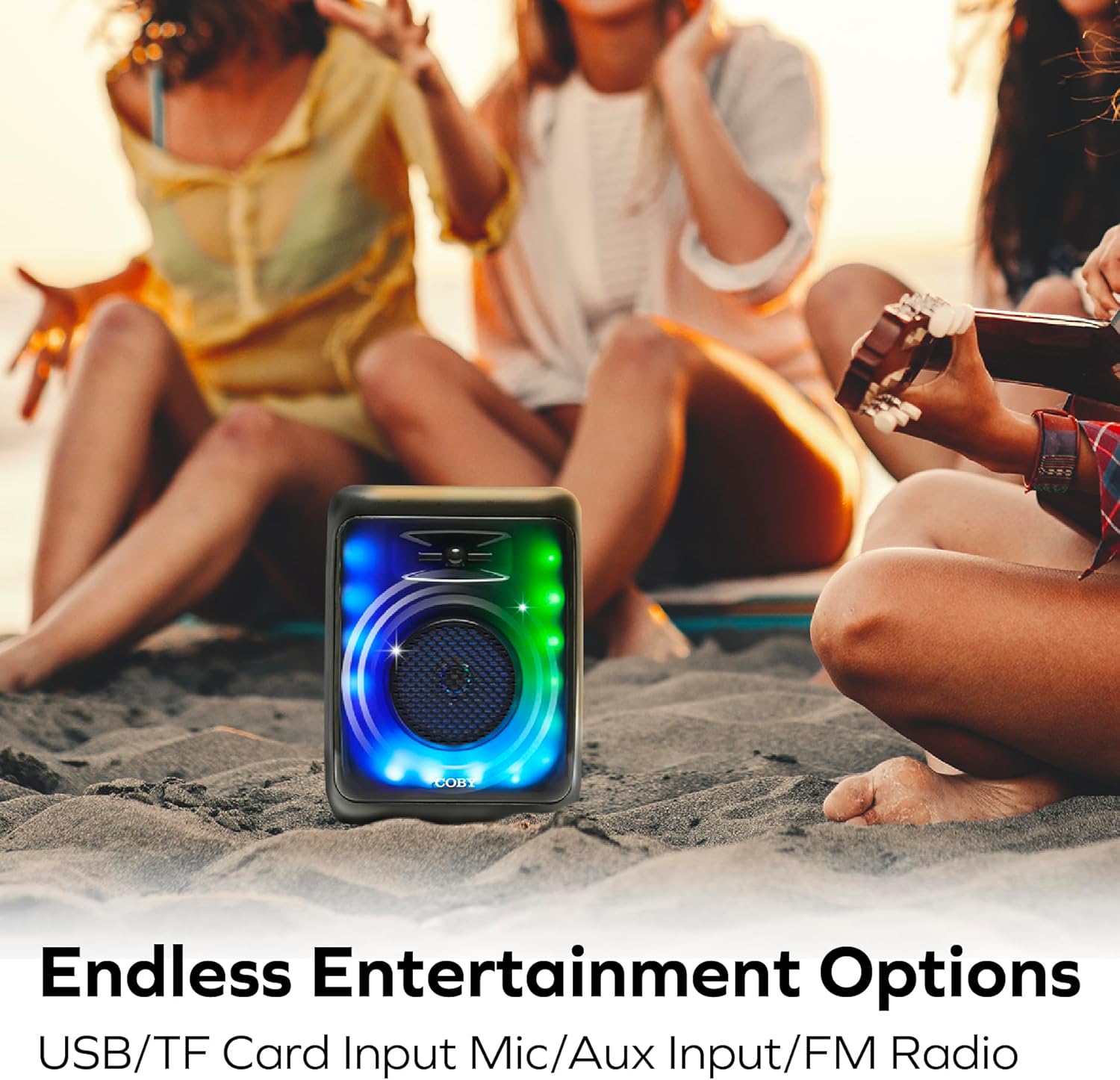
Image: The COBY speaker placed on sand at a beach, with people relaxing in the background, highlighting its versatility for outdoor entertainment and various input options.
4. AUX Input Mode:
Connect an external audio device (e.g., MP3 player, laptop) to the speaker's AUX input using a 3.5mm audio cable (not included). Press the MODE button until you select AUX mode. Audio will play from the connected device.
5. Limyè mòd:
The speaker features 11 colorful LED light modes. The lights typically activate automatically when the speaker is powered on. Specific controls for changing light modes are usually integrated with the MODE button or a dedicated light button (if present, not explicitly detailed in provided data). Experiment with short presses of the MODE button or other buttons to cycle through the available light patterns.

Image: The COBY speaker illuminated with vibrant LED lights, positioned in a room with people enjoying themselves, showcasing its 11 versatile light modes and karaoke mic input capability.
6. Karaoke Mode:
Connect a microphone (not included) to the MIC input jack. Ensure the microphone is switched on (if applicable). The speaker will output your voice along with the playing audio, allowing for karaoke functionality.
Antretyen
Netwayaj:
- Toujou etenn oratè a anvan ou netwaye li.
- Sèvi ak yon twal mou epi sèk pou siye deyò oratè a.
- Pa sèvi ak pwodui netwayaj abrazif, sir, oswa solvan paske yo ka domaje fini an.
- Evite antre imidite nan nenpòt ouvèti oswa pò.
Depo:
- Sere oratè a nan yon kote ki fre epi sèk, lwen limyè solèy dirèk ak tanperati ekstrèm.
- Si w ap sere l pou yon peryòd pwolonje, chaje batri a detanzantan (pa egzanp, chak 3-6 mwa) pou kenbe l an bon eta.
Depanaj
| Pwoblèm | Kòz posib | Solisyon |
|---|---|---|
| Oratè a pa limen. | Batri ap vide. | Charge the speaker fully using the provided charging cable. |
| Pa gen son ki soti nan oratè a. | Volume is too low; Device not connected; Incorrect mode selected. | Increase speaker and device volume; Re-pair Bluetooth or check cable connection; Press MODE button to select correct input. |
| Koneksyon Bluetooth la pa estab oswa li echwe. | Oratè a twò lwen aparèy la; Entèferans; Pwoblèm Bluetooth aparèy la. | Move speaker closer to device (within 30 feet); Avoid obstacles; Turn off and on Bluetooth on your device, then re-pair. |
| Resepsyon radyo FM lan pa bon. | Weak signal; Environmental interference. | Relocate the speaker to an area with better reception; Extend any antenna if available (not specified, but common for FM). |
| Kat USB/TF la pa ap jwe. | Pa kòrèk file fòma; Kat/kondwi a pa byen mete; Kowonpi files. | Asire w files are compatible (e.g., MP3, WAV); Reinsert card/drive; Try a different card/drive with known good files. |
Espesifikasyon
| Karakteristik | Detay |
|---|---|
| Nimewo Modèl | CPA895BK |
| Mak | Coby |
| Koneksyon Teknoloji | Bluetooth 5.3 |
| Sous pouvwa | Batri Powered (1 batri ityòm Ion enkli) |
| Lavi batri | Jiska 7 èdtan |
| Antre odyo | Microphone, AUX |
| Media Playback Options | FM Radio, USB, Memory Card (TF/SD) |
| Mòd limyè | 11 Colorful LED Light Modes |
| Materyèl | Plastik |
| Pwa atik | 2.16 liv (0.98 kilogram) |
| Dimansyon pake | 14.49 x 10.87 x 7.09 pous |
| Manifakti | Summit Electronics LLC |
| UPC | 810071492778 |
Garanti ak sipò
For warranty information and customer support, please refer to the documentation included with your purchase or visit the official Coby websit. Tèm ak kondisyon garanti yo ka varye selon rejyon an ak détayan an.
For further assistance, you may contact Coby customer service through their official channels.


