1. Entwodiksyon ak souview
This manual provides essential information for the proper use and maintenance of your Fastrack Reflex Beat Pro Smart Watch. Please read it carefully to ensure optimal performance and longevity of your device.
The Fastrack Reflex Beat Pro Smart Watch features a large 1.75-inch Super UltraVU Display with a 320x390 pixel resolution, SingleSync Bluetooth Calling, over 110 sports modes, NitroFast Charging, and comprehensive health monitoring capabilities.
Ki sa ki nan bwat la:
- Fastrack Reflex Beat Pro Smart Watch
- Mayetik kab chaje
- Gid Quick Start
- Kat Garanti
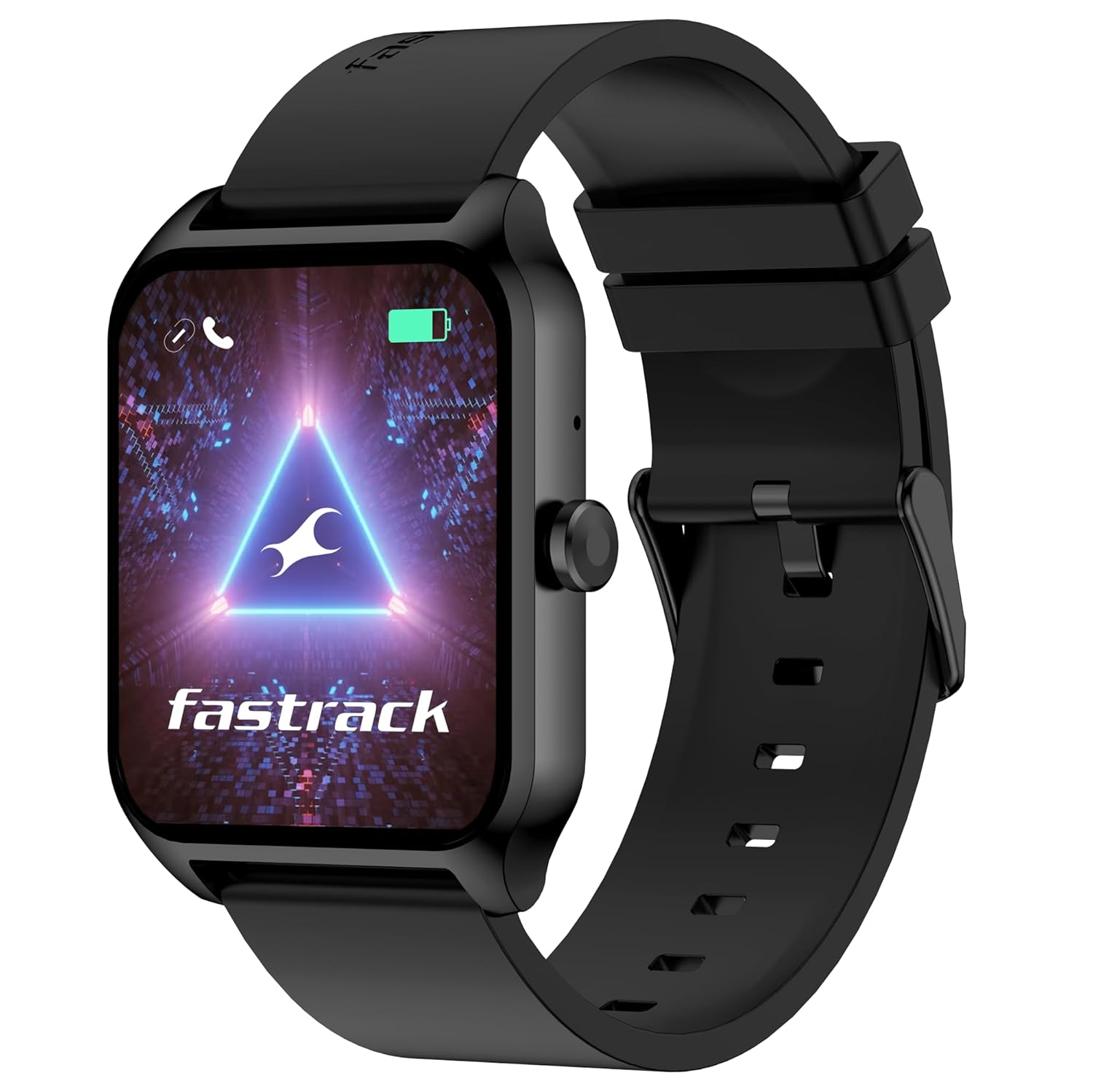
Image 1.1: Fastrack Reflex Beat Pro Smart Watch (Black variant)
2. Enstalasyon
2.1 Chaje mont entelijan an
Before initial use, fully charge your Fastrack Reflex Beat Pro Smart Watch. Use the provided magnetic charging cable.
- Connect the USB end of the magnetic charging cable to a standard USB power adapter (not included) or a computer's USB port.
- Align the magnetic end of the cable with the charging contacts on the back of your watch. The magnets will snap it into place.
- The watch display will indicate charging status. NitroFast Charging allows for approximately one day of battery life with just 10 minutes of charging. A full charge typically takes longer.
2.2 Konekte ak telefòn entelijan ou
To unlock all features, pair your watch with the Fastrack Reflex World App.
- Download the 'Fastrack Reflex World' app from your smartphone's app store (Google Play Store for Android, Apple App Store for iOS).
- Asire w ke Bluetooth aktive sou smartphone ou.
- Open the Fastrack Reflex World app and follow the on-screen instructions to create an account or log in.
- Chwazi 'Ajoute Aparèy' oswa 'Konekte Nouvo Aparèy' nan aplikasyon an.
- The app will search for your Fastrack Reflex Beat Pro. Select your watch from the list of available devices.
- Konfime demann koneksyon an sou mont ou ak sou telefòn entelijan ou.
2.3 Inisyal Konfigirasyon
After successful pairing, the app will guide you through setting up personal information, time format, and notification preferences.
3. Opere Aparèy la
3.1 Navigasyon ekran
The 1.75-inch Super UltraVU Display is touch-sensitive. Navigate by swiping and tapping.

Image 3.1: The 1.75-inch Super UltraVU Display with 320x390 pixel resolution.
- Glise anlè/desann: Scroll through menus, notifications, or widgets.
- Glise agoch/dwat: Access quick settings, health data, or other frequently used features.
- Tape: Chwazi yon atik oubyen louvri yon aplikasyon.
- Peze bouton bò a: Retounen nan ekran prensipal la oubyen ale nan meni aplikasyon an.
3.2 SingleSync Bluetooth Calling
Make and receive calls directly from your watch after pairing.
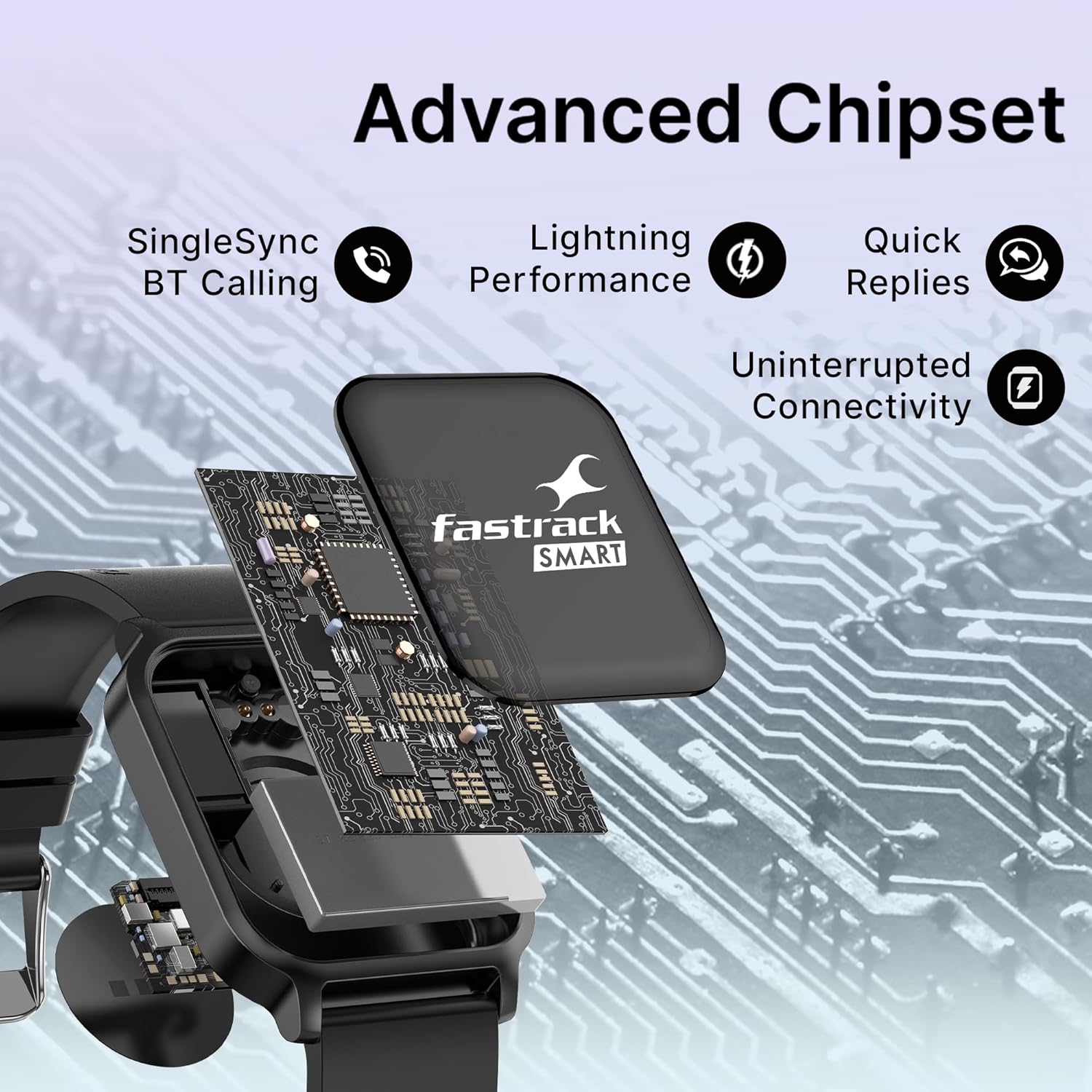
Image 3.2: Advanced chipset enabling SingleSync BT Calling and quick replies.
- Fè yon apèl: Access the dialer or contact list on your watch. Tap to initiate a call.
- Resevwa yon apèl: Lè yon apèl rive, ou ka reponn li oswa rejte li nan mont ou a.
- Kontak pi renmen: Store frequently called contacts in the watch for quick access via the Fastrack Reflex World App.
3.3 Mòd Espò ak Suivi Aktivite
The watch supports over 110 sports modes to track various physical activities.
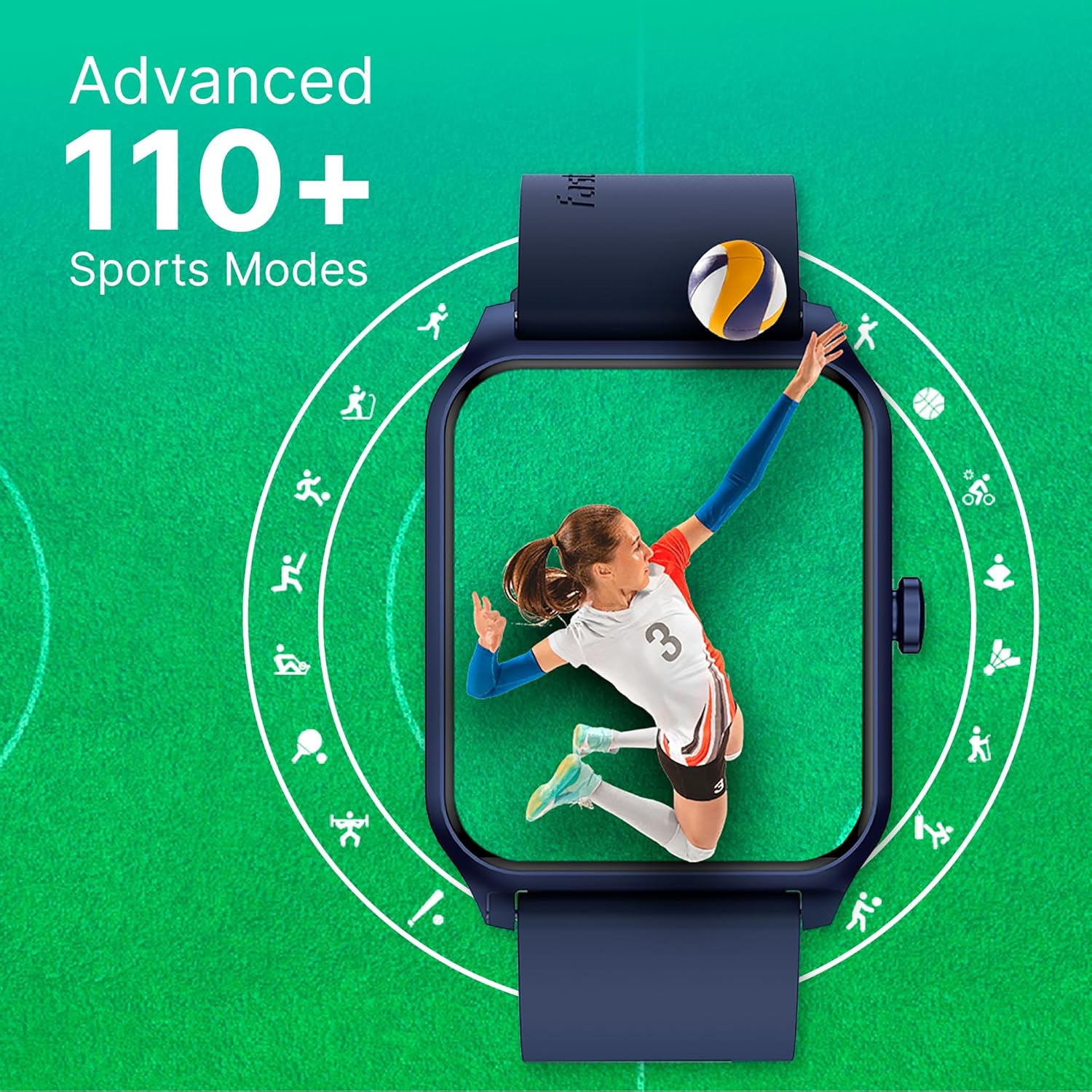
Image 3.3: Visual representation of the 110+ sports modes available on the watch.
- Navigate to the 'Sports' or 'Workout' section on your watch.
- Select your desired activity from the list (e.g., running, cycling, yoga).
- Tap 'Start' to begin tracking. The watch will record duration, calories burned, heart rate, and other relevant metrics.
- Tap 'End' or 'Pause' to stop or temporarily halt tracking.
3.4 Siveyans Sante
Monitor your health metrics with the integrated sensors.
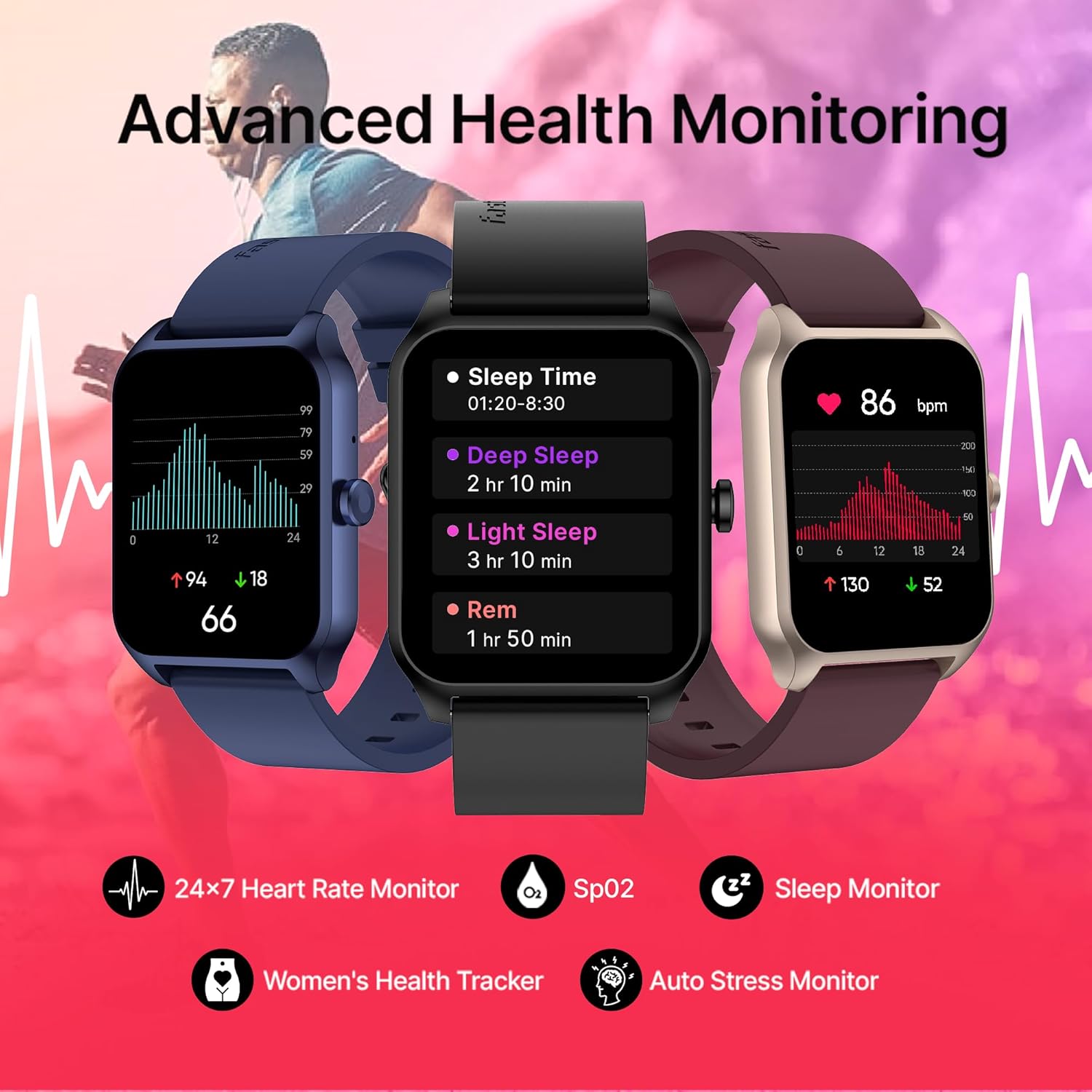
Image 3.4: Displaying various health monitoring features including Heart Rate, SpO2, Sleep Monitor, Women's Health Tracker, and Auto Stress Monitor.
- Batman kè: Access the heart rate monitor app on your watch for real-time readings and 24x7 tracking.
- SpO2 (oksijèn san): Mezire nivo oksijèn nan san ou lè w bezwen.
- Tracker dòmi: Wear your watch to bed to monitor sleep stages ak kalite.
- Auto Stress Monitor: The watch can automatically track your stress levels throughout the day.
- Sante Fanm: Track menstrual cycles and receive relevant insights (configured via the app).
3.5 Lòt Karakteristik
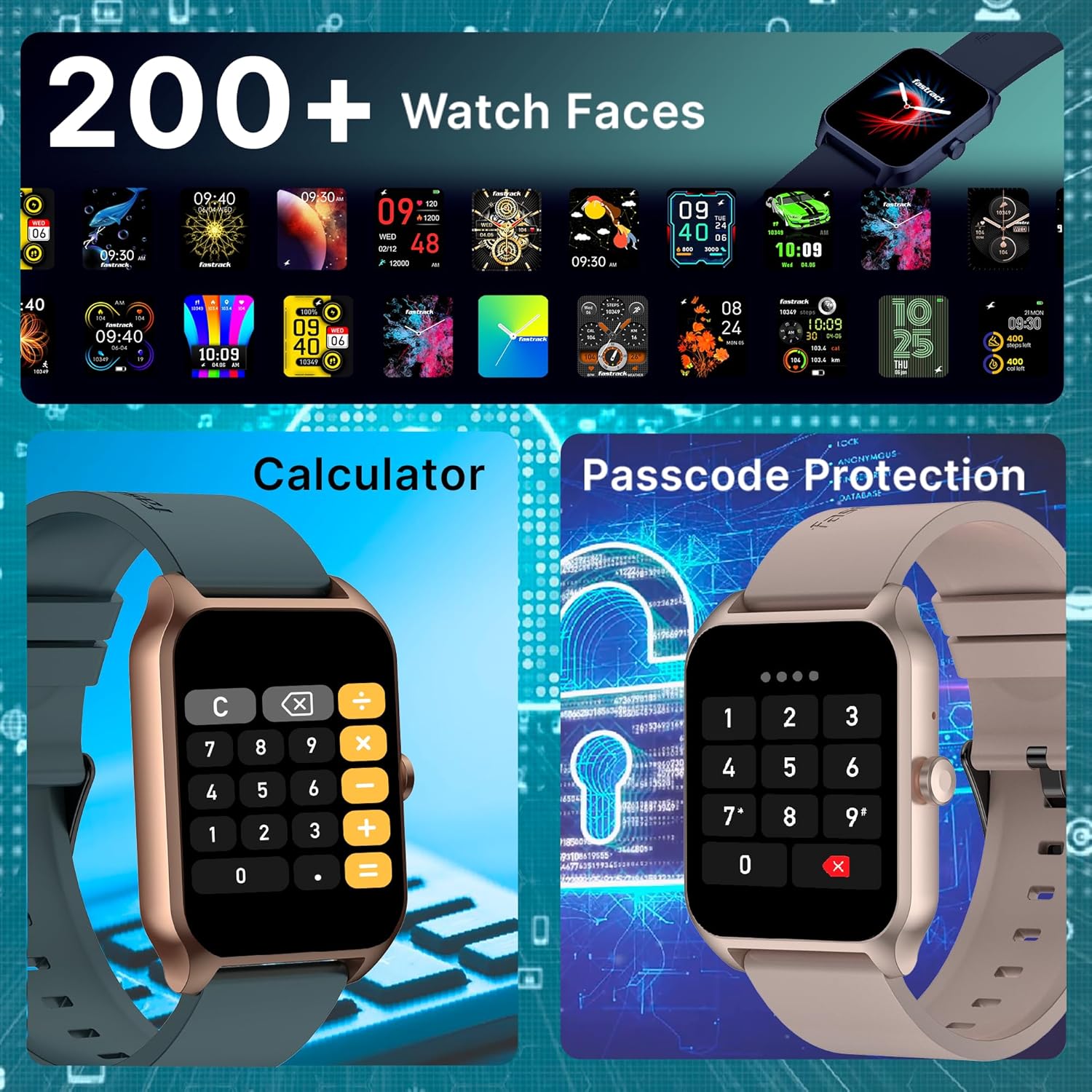
Image 3.5: Illustrating the variety of 200+ watch faces, the built-in calculator, and the passcode protection feature.
- Gade figi: Choose from over 200 watch faces via the app to personalize your device.
- In-Built Games: Access simple games for entertainment.
- Kalkilatris: Use the integrated calculator for quick computations.
- Pwoteksyon ak kòd pas: Set a passcode to secure your watch and personal data.
- Asistan vwa AI: Interact with your watch using voice commands (requires smartphone connection).
- Notifikasyon Smart: Receive alerts for calls, messages, and app notifications from your paired smartphone.
- Kontwòl Mizik ak Kamera: Control music playback and your smartphone camera remotely.
- Ekspozisyon tan an: Jwenn dènye nouvèl sou metewolojik an tan reyèl.
4. Antretyen
4.1 Netwaye mont ou a
Netwayaj regilye ede kenbe aparans mont lan ak presizyon detèktè a.
- Wipe the watch screen and strap with a soft, lint-free cloth.
- Pou pousyè tè ki difisil pou retire, yon ti kras dampRense twal la avèk dlo. Evite pwodui chimik ki agresif oswa materyèl abrazif.
- Asire w ke kontak chaj yo pwòp epi sèk anvan ou chaje yo.
4.2 Rezistans dlo
While the watch is designed for daily wear, avoid prolonged submersion in water or exposure to high-pressure water jets. Refer to the product specifications for specific water resistance ratings.
4.3 Mizajou lojisyèl
Periodically check the Fastrack Reflex World App for available software updates. Updates can improve performance, add new features, and fix bugs. Follow the app's instructions for installation.
NAN. Depanaj
5.1 Pwoblèm komen ak solisyon
- Mont lan pa limen:
- Ensure the watch is fully charged. Connect it to the charger for at least 30 minutes.
- Press and hold the side button for 10-15 seconds to attempt a force restart. - Pwoblèm chaj:
- Verify the magnetic charging cable is correctly aligned with the watch's charging contacts.
- Try a different USB power adapter or USB port.
- Ensure the charging contacts on both the watch and cable are clean and free of debris. - Pwoblèm koneksyon Bluetooth:
- Ensure Bluetooth is enabled on both your watch and smartphone.
- Make sure the watch is within the Bluetooth range of your smartphone.
- Restart both your watch and smartphone.
- Unpair the watch from the Fastrack Reflex World App and your phone's Bluetooth settings, then re-pair it. - Lekti sante ki pa egzak:
- Ensure the watch is worn snugly on your wrist, one finger-width above the wrist bone.
- Clean the sensors on the back of the watch.
- Avoid excessive movement during measurements. - Notifikasyon yo pa parèt:
- Check notification settings in the Fastrack Reflex World App.
- Ensure app notifications are enabled in your smartphone's system settings for the Fastrack Reflex World App.
- Verify the watch is connected to your smartphone via Bluetooth.
5.2 Reset faktori
If issues persist, a factory reset may resolve them. This will erase all data on your watch and restore it to its original settings.
- Navigate to 'Settings' on your watch.
- Look for 'System', 'Reset', or 'Factory Reset' option.
- Konfime reset la lè yo mande.
- You will need to re-pair the watch with your smartphone after a factory reset.
6. Espesifikasyon
| Karakteristik | Spesifikasyon |
|---|---|
| Mak | Fastrack |
| Nimewo Modèl | 38096PP01 |
| Gwosè ekspozisyon | 1.75 Inches Super UltraVU |
| Rezolisyon ekspozisyon | 320 x 390 piksèl |
| Koneksyon | Bluetooth (SingleSync BT Calling) |
| Kalite batri | Lityòm Polymère |
| Mwayèn lavi batri | Jiska 7 jou |
| Tan chaj batri | 10 Minutes for 1 Day battery life |
| Pwa atik | 41 g |
| Dimansyon pwodwi | 6.2 x 9.3 x 11.7 cm |
| Konpozan ki enkli | Watch, Magnetic Charging Cable, Quick Start Guide, Warranty Card |
7. Garanti ak sipò
7.1 Enfòmasyon sou Garanti
Your Fastrack Reflex Beat Pro Smart Watch comes with a warranty. Please refer to the included Warranty Card for detailed terms, conditions, and duration of the warranty period. Keep your proof of purchase for warranty claims.
7.2 Sipò pou Kliyan
For any queries, technical assistance, or service requests, please contact Fastrack customer support:
- Nimewo Swen Kliyan: 1800-266-0123
- Imèl: customercare@titan.co.in
Please have your product model number (38096PP01) and purchase details ready when contacting support.


