Entwodiksyon
This manual provides detailed instructions for the safe and efficient use of your LENRUE F13 Portable Bluetooth Speaker. Please read this manual thoroughly before operating the device and retain it for future reference.
Pwodwi souview
Kontni pake
- LENRUE F13 Portable Bluetooth Speaker
- USB Chaje Kab
- Lanyard detachable
- Manyèl itilizatè
Konpozan ak Kontwòl Oratè yo
Familiarize yourself with the various parts and controls of your LENRUE F13 speaker:

Figi 1: Devan view of the LENRUE F13 speaker, showcasing its compact design and metal grille.

Figi 2: Top view of the speaker, highlighting the sound output grille.

Figi 3: Side view showing the control buttons for volume, track navigation, and power.
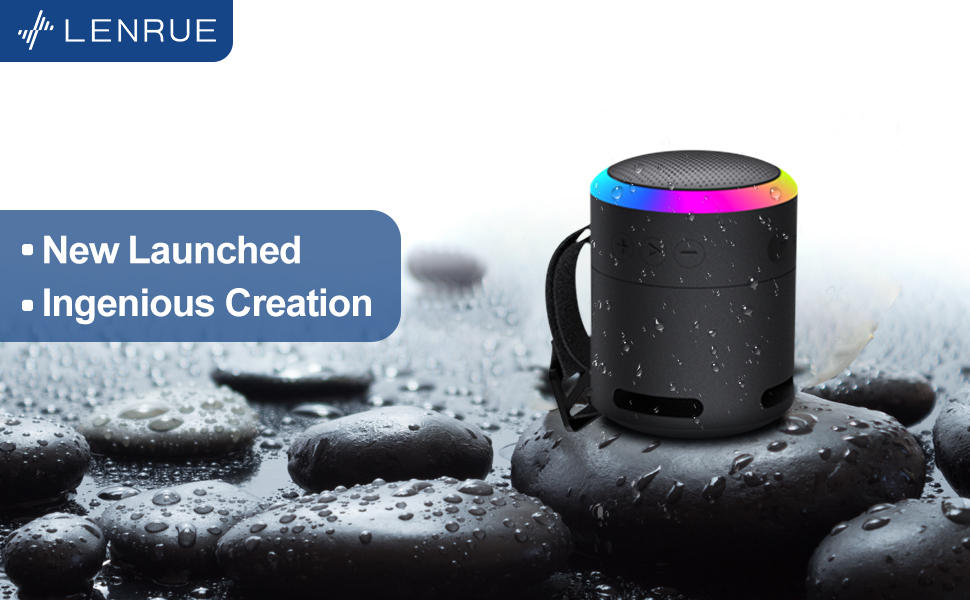
Figi 4: Eksploze view illustrating the internal 5W high-performance driver and passive subwoofer for clear sound.
The speaker features a sleek metal design with a stainless steel line around its body. The top surface is metal, where the sound is emitted. On the bottom, you will find the main control buttons:
- Bouton pouvwa: Located in the center, used to power the device on/off.
- Bouton jwe/poz: Kontwole lèktur odyo a.
- Bouton pou ogmante volim / pwochen mizik la: Ogmante volim nan oubyen sote nan pwochen chante a.
- Bouton Diminye Volim / Chante Anvan: Decreases volume or goes to the previous song.
- Limyè Mode bouton: Changes the colorful LED light modes.
On the rear side of the speaker, you will find the charging input (USB-C) and an auxiliary input port. A small slot is also present for attaching the included lanyard, allowing for easy portability.
Enstalasyon
Chaje Oratè a
- Connect the provided USB charging cable to the speaker's USB-C port.
- Konekte lòt bout kab USB a nan yon adaptè kouran USB konpatib (pa enkli) oubyen nan yon pò USB òdinatè.
- The LED indicator will show charging status. Allow sufficient time for a full charge before first use.
Limen / Off
- Pou limen: Press and hold the Power button (center button on the bottom) for a few seconds until the LED lights illuminate and an audible prompt is heard.
- Pou etenn: Press and hold the Power button again for a few seconds until the LED lights turn off and an audible prompt is heard.
Enstriksyon Operasyon
Pè Bluetooth
The LENRUE F13 speaker uses Bluetooth 5.0 for stable wireless connection up to 33 feet (10 meters).
- Ensure the speaker is powered on and in pairing mode (LED lights will typically flash).
- Sou smartphone ou oswa tablèt, aktive Bluetooth epi chèche aparèy ki disponib.
- Select "LENRUE F13" (or similar name) from the list of devices.
- Once paired, the speaker will indicate a successful connection, and the LED lights may change to a steady pattern.
Lektur odyo
- Jwe/Poz: Peze bouton Jwe/Paz la yon fwa.
- Volim moute: Peze bouton "+" la.
- Volim desann: Peze bouton "-" la.
- Pwochen Track: Peze epi kenbe bouton "+" la.
- Track Previous: Peze epi kenbe bouton "-" la.
Mòd limyè kolore
The speaker features colorful LED lights to enhance your listening experience.
- Chanje mòd: Press the Light Mode button (located on the bottom, opposite the Power button) to cycle through different light patterns and colors.
- Etenn limyè: Press and hold the Light Mode button to turn off the LED lights.
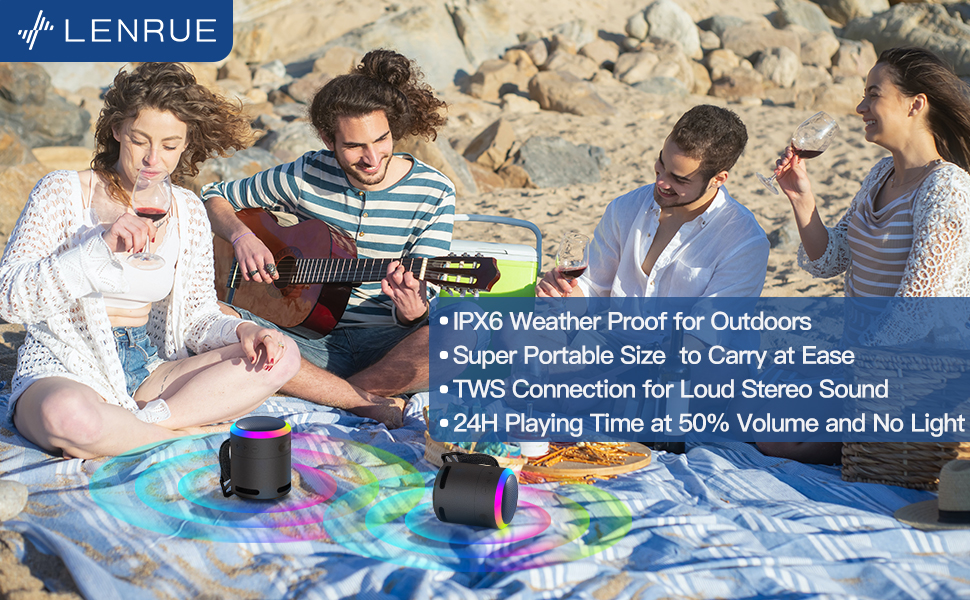
Figi 5: The speaker's colorful lights create an ambient atmosphere, ideal for relaxation or social gatherings.
Vrè Stereo Wireless (TWS) Pairing
If you have two LENRUE F13 speakers, you can pair them together for a true wireless stereo experience.
- Asire w ke tou de oratè yo limen epi yo pa konekte ak okenn lòt aparèy Bluetooth.
- On one speaker (the master speaker), press and hold the Light Mode button for 3 seconds to enter TWS pairing mode.
- The speakers will automatically connect to each other. Once connected, they will function as a stereo pair.
- Connect your device to the master speaker via Bluetooth as described above.

Figi 6: Two speakers connected via TWS for an enhanced stereo audio experience.
Antretyen
Netwayaj
- Siye oratè a ak yon twal mou epi sèk.
- Pa sèvi ak pwodui netwayaj abrazif oswa solvang.
Rezistans dlo (IPX6)
The LENRUE F13 speaker is IPX6 waterproof, making it resistant to strong jets of water. It is suitable for use in environments like showers, by the pool, or during light rain.
- Asire w ke tout kouvèti pò yo byen fèmen pou kenbe rezistans kont dlo.
- Pa plonje oratè a nan dlo.
- After exposure to water, wipe the speaker dry before charging.
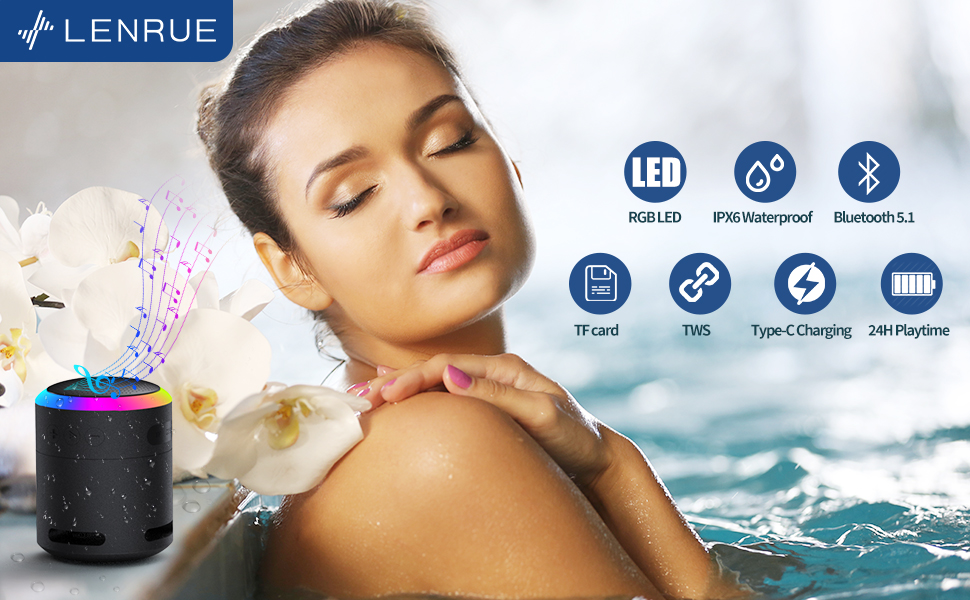
Figi 7: The IPX6 water resistance allows for worry-free use in various wet environments.
Depanaj
| Pwoblèm | Kòz posib | Solisyon |
|---|---|---|
| Oratè a pa limen | Batri ki ba | Chaje oratè a nèt. |
| Pa ka konekte via Bluetooth | Speaker not in pairing mode / Device Bluetooth off / Too far from device | Ensure speaker is in pairing mode, Bluetooth is enabled on your device, and device is within 33 feet (10 meters). |
| Pa gen son pandan lekti | Volume too low / Paused / Not connected | Increase volume on both speaker and device, check if playback is paused, ensure successful Bluetooth connection. |
| TWS appariement echwe | Speakers already paired to other devices / Too far apart | Ensure both speakers are disconnected from other devices. Place them close together and retry TWS pairing. |
Espesifikasyon
- Non modèl: F13
- Kalite oratè: Pòtab Bluetooth Oratè
- Oratè maksimòm pwodiksyon pouvwa: 5 Watts
- Koneksyon Teknoloji: Bluetooth 5.0
- Gamme Bluetooth: 10 mèt (33 pye)
- Evalyasyon ki enpèmeyab: IPX6
- Tan jwe: Up to 24 hours (at 50% volume, no LED light); 5 hours (typical use)
- Pò chaje: USB-C
- Karakteristik espesyal: Colorful LED Lights, Metal Construction, Detachable Lanyard, TWS Pairing
- Dimansyon pwodwi: 2.8"D x 2.8"W x 3.6"H
- Pwa atik: 10.5 ons
Garanti ak sipò
For any questions, concerns, or support needs regarding your LENRUE F13 Portable Bluetooth Speaker, please contact LENRUE customer service through the retailer where the product was purchased. Keep your purchase receipt for warranty claims.


