1. Entwodiksyon
This manual provides detailed instructions for the operation and maintenance of your Jectse MP3 Player. This portable device features a 2.4-inch full-touch screen, 4GB internal storage, Bluetooth 5.0 connectivity, FM radio, E-book reader, and voice recording capabilities. Please read this manual thoroughly before using the device to ensure proper functionality and longevity.
2. Enfòmasyon sou Sekirite
- Pa ekspoze aparèy la nan tanperati ekstrèm, limyè solèy dirèk, oswa imidite ki wo.
- Evite jete oswa sibi aparèy la nan gwo enpak.
- Pa demonte oswa eseye repare aparèy la tèt ou. Sa ap anile garanti a.
- Use only the provided charging cable and certified power adapters.
- Koute nan yon volim modere pou evite domaj nan zòrèy ou.
- Kenbe aparèy la lwen dlo ak lòt likid.
3. Pake kontni
Verifye ke tout atik yo prezan nan pakè a:
- Jectse MP3 Player
- Filè kas ekoutè
- USB Chaje Kab

Image: The Jectse MP3 Player, along with its included wired headphones and USB charging cable, laid out on a surface.
4. Pwodwi souview
The Jectse MP3 Player features a compact design with a 2.4-inch touch screen for intuitive navigation. The device includes physical buttons on the side for power, volume control, and other functions. A built-in speaker is located on the back.

Imaj: Devan view of the Jectse MP3 Player displaying its colorful touch screen interface with icons for Music, Video, Dictionary, Recorder, Settings, Applications, Folder, Listening, FM Radio, and Ebook.
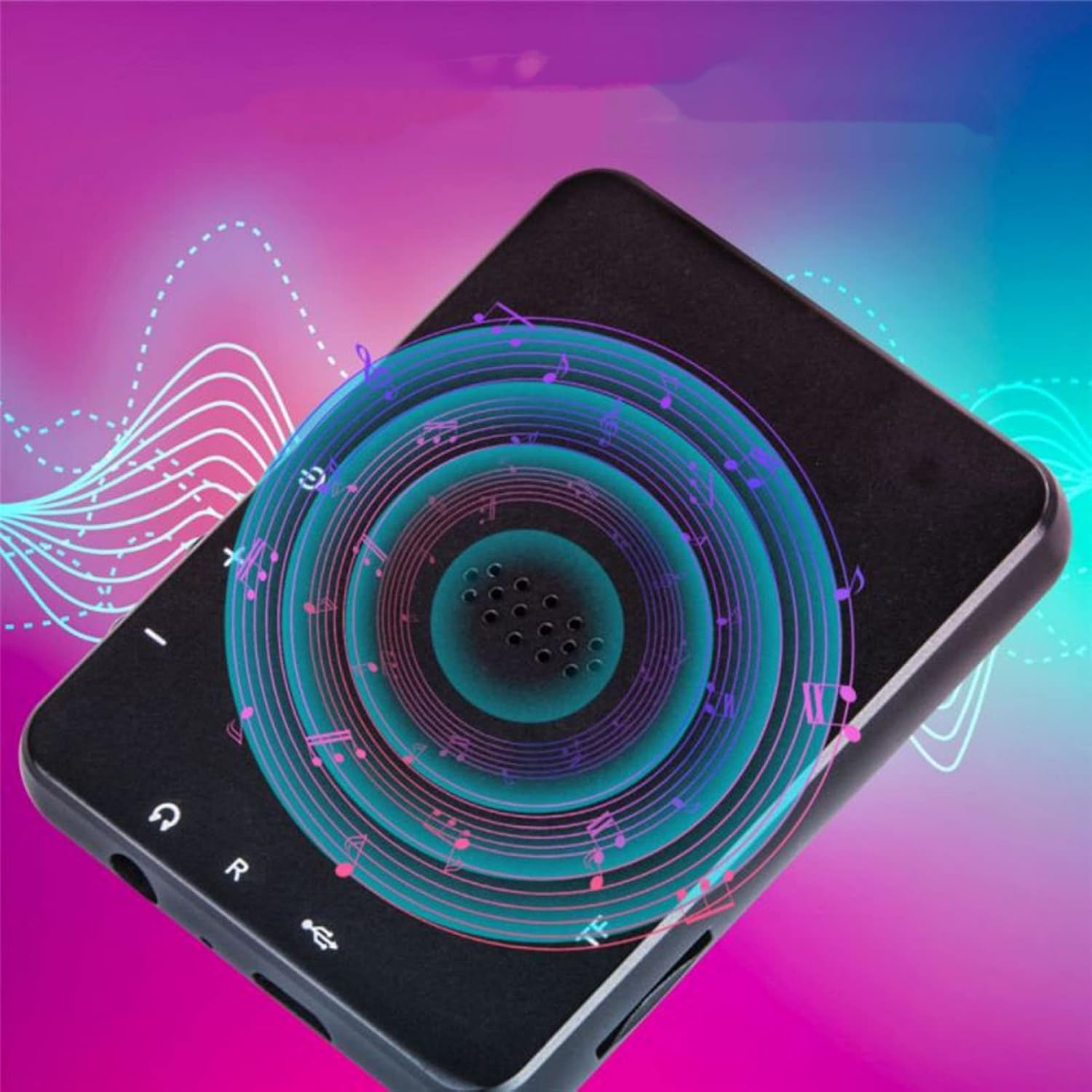
Imaj: Dèyè view of the Jectse MP3 Player, showing the speaker grille and side buttons for power and volume, with a visual representation of sound waves emanating from the speaker.
5. Enstalasyon
5.1. Chaje Aparèy la
Before first use, fully charge the MP3 player. Connect the provided USB charging cable to the device's charging port and plug the other end into a USB power adapter (not included) or a computer's USB port. The battery indicator on the screen will show charging status.
5.2. Inserting a Memory Card (Optional)
The device has 4GB of internal storage. To expand storage, insert a microSD card (up to 256GB, not included) into the memory card slot. Ensure the card is inserted correctly until it clicks into place.
5.3. Konekte kas ekoutè
Plug the wired headphones into the 3.5mm audio jack on the device. Alternatively, you can connect Bluetooth headphones (see section 6.2).
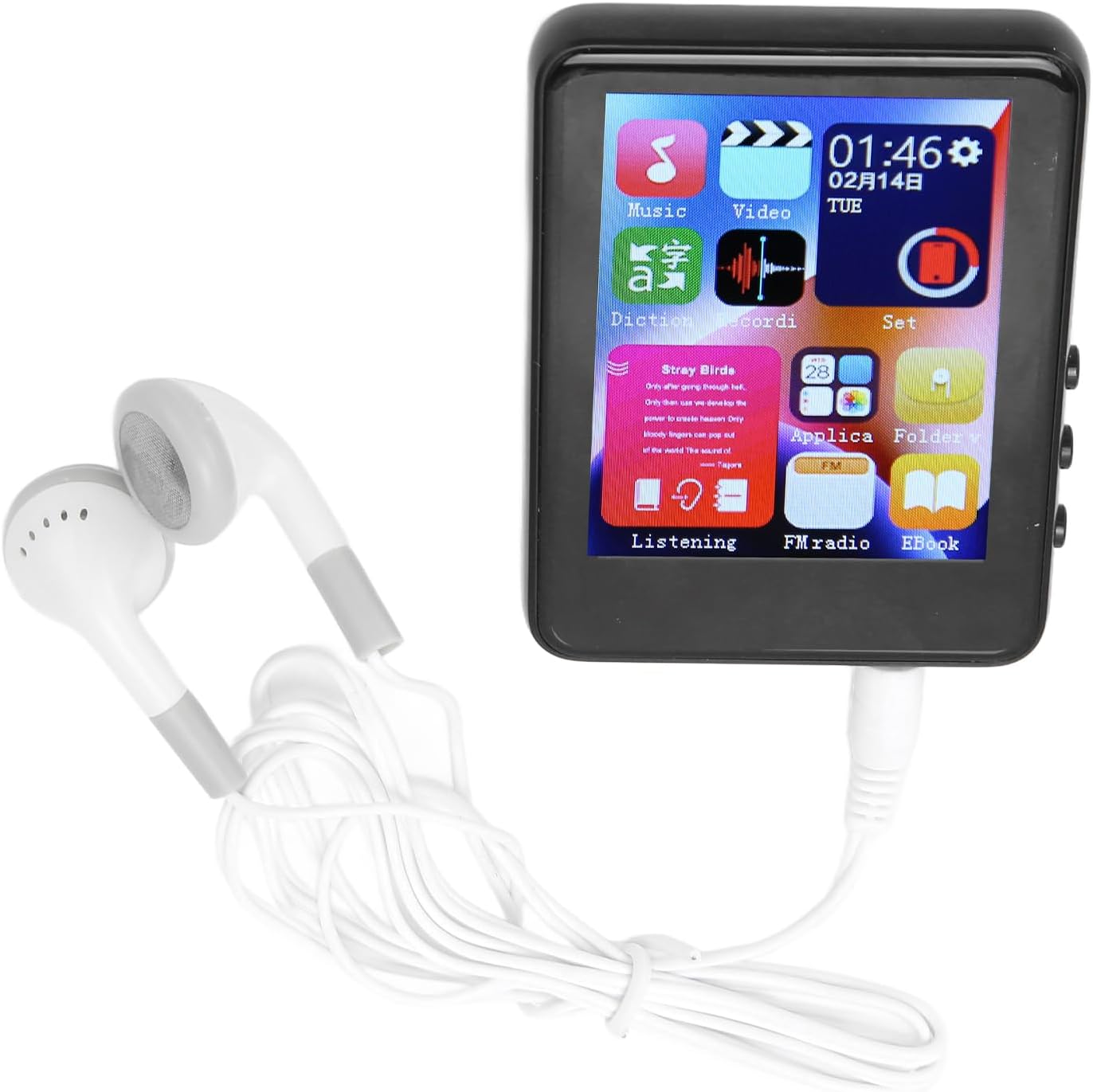
Image: The Jectse MP3 Player with white wired headphones plugged into its audio jack, ready for use.
5.4. Powering On / Off
- Pou limen: Press and hold the power button on the side of the device until the screen lights up.
- Pou etenn: Peze epi kenbe bouton pouvwa a jiskaske yon opsyon pou etenn parèt sou ekran an, answit konfime.
6. Operasyon Enstriksyon
6.1. Navigasyon
The device features a full-touch screen. Swipe left/right or up/down to navigate through menus and applications. Tap an icon to open an application or select an option. Use the back arrow or swipe gestures (if available) to return to the previous screen.
6.2. Mizik lèktur
The player supports MP3, APE, FLAC, WMA, WAV, and AAC audio formats. Transfer music files from your computer to the device's internal storage or an inserted memory card.
- Tap the 'Music' icon on the home screen.
- Browse bibliyotèk mizik ou a pa atis, albòm, jan mizik, oswa dosye.
- Tape yon chante pou kòmanse jwe l.
- Use the on-screen controls for play/pause, skip tracks, and volume adjustment.

Image: The Jectse MP3 Player showing a music playback screen with album art and controls, while a person enjoys music with wireless earbuds.
6.3. Bluetooth Koneksyon
Connect your MP3 player to Bluetooth headphones or speakers for wireless audio.
- Ale nan 'Paramèt' epi chwazi 'Bluetooth'.
- Aktive Bluetooth la.
- Asire w ke aparèy odyo Bluetooth ou a nan mòd koneksyon.
- Chwazi aparèy ou an nan lis aparèy ki disponib pou konekte.
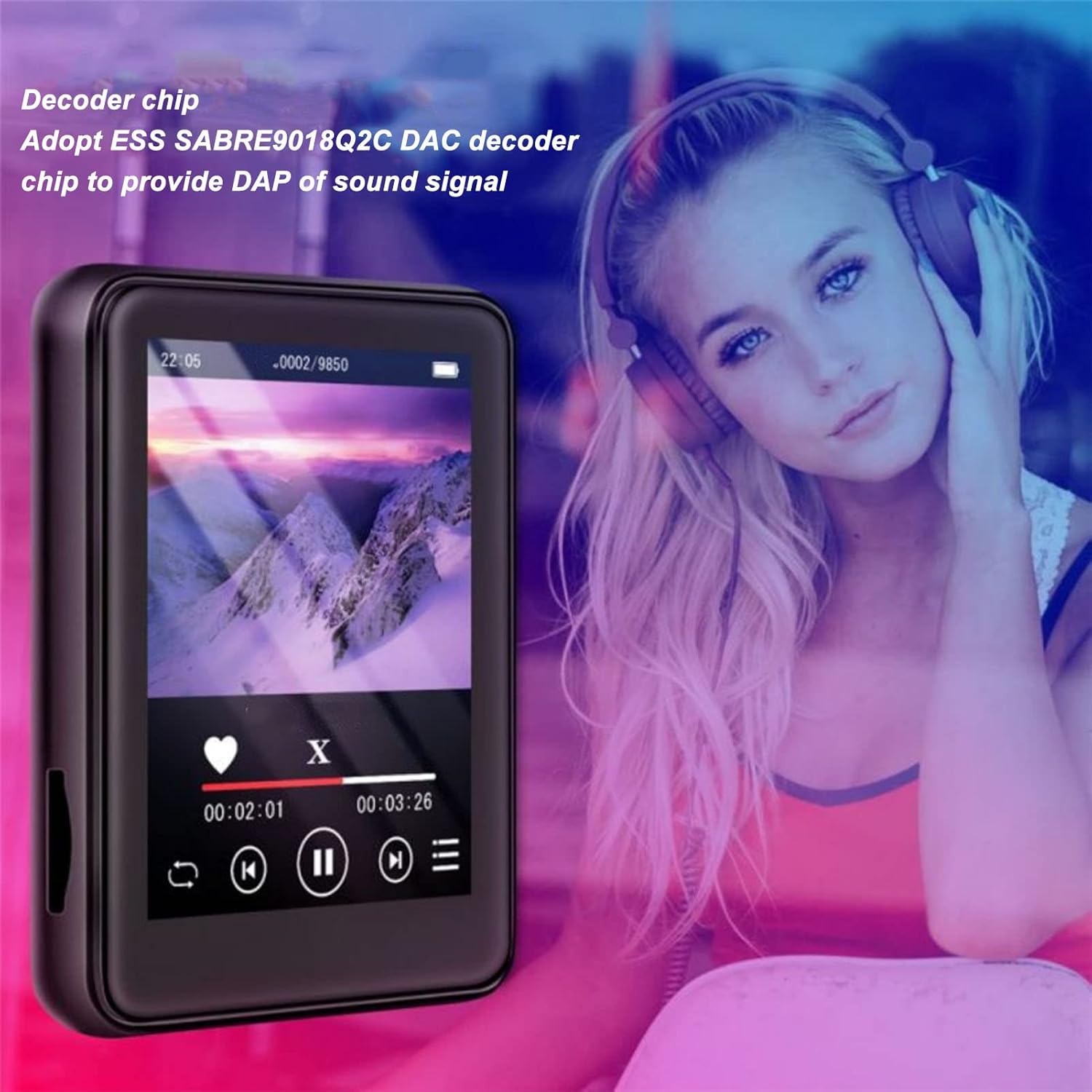
Image: The Jectse MP3 Player displaying a video or music interface, with text highlighting its ESS SABRE9018Q2C DAC decoder chip for high-quality sound. A person wearing over-ear headphones is visible in the background.
6.4. FM Radyo
Listen to FM radio stations using the built-in tuner. Wired headphones must be connected as they act as the antenna.
- Tap the 'FM Radio' icon.
- Perform an automatic scan to find available stations.
- Tune to your desired station using the on-screen controls.
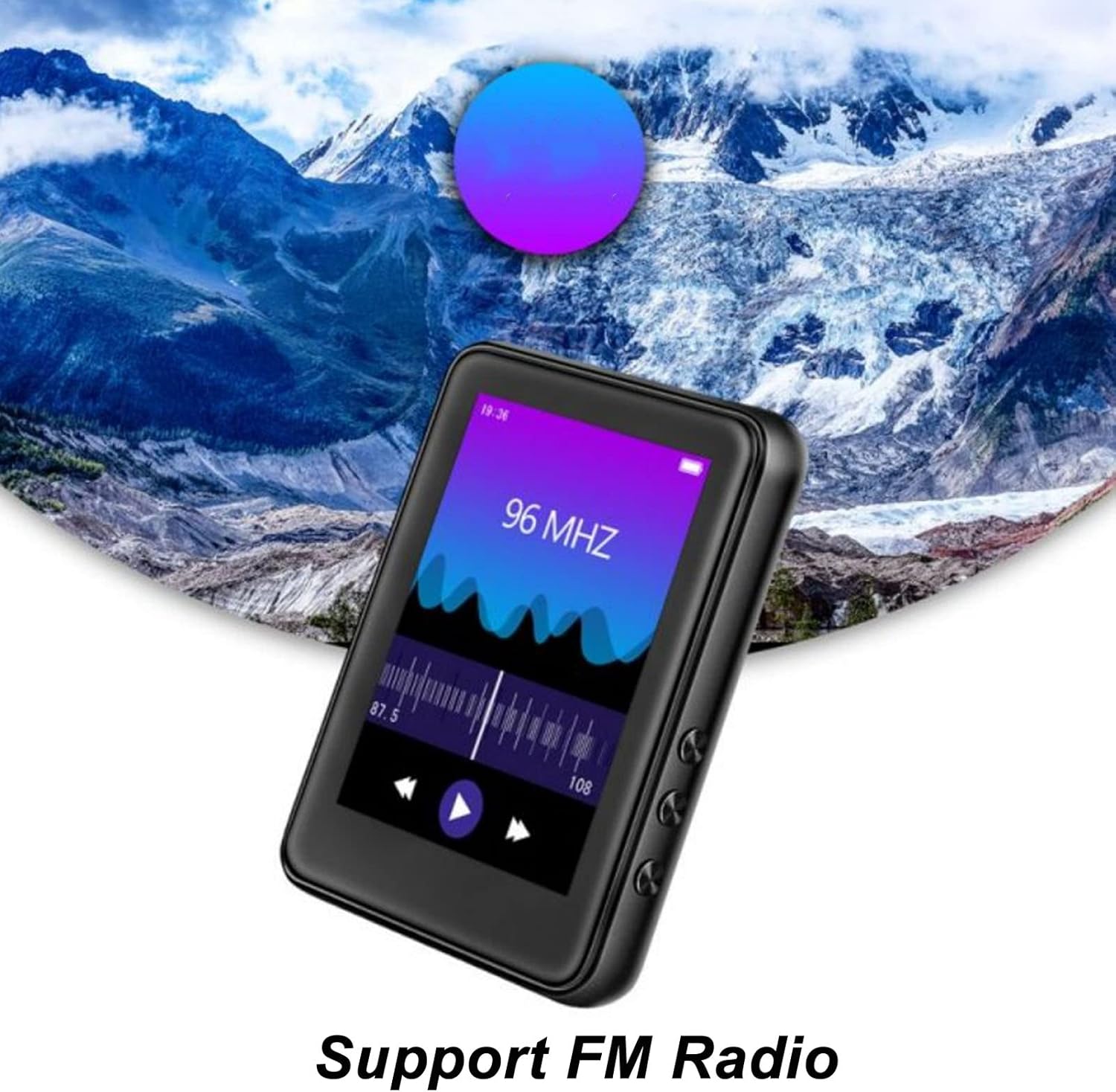
Image: The Jectse MP3 Player showing its FM Radio interface, tuned to 96 MHz, with a visual representation of radio waves and controls.
6.5. E-Liv
Read TXT and LRC format e-books on your device.
- Tap the 'Ebook' icon.
- Select the e-book you wish to read.
- Swipe the screen to turn pages.
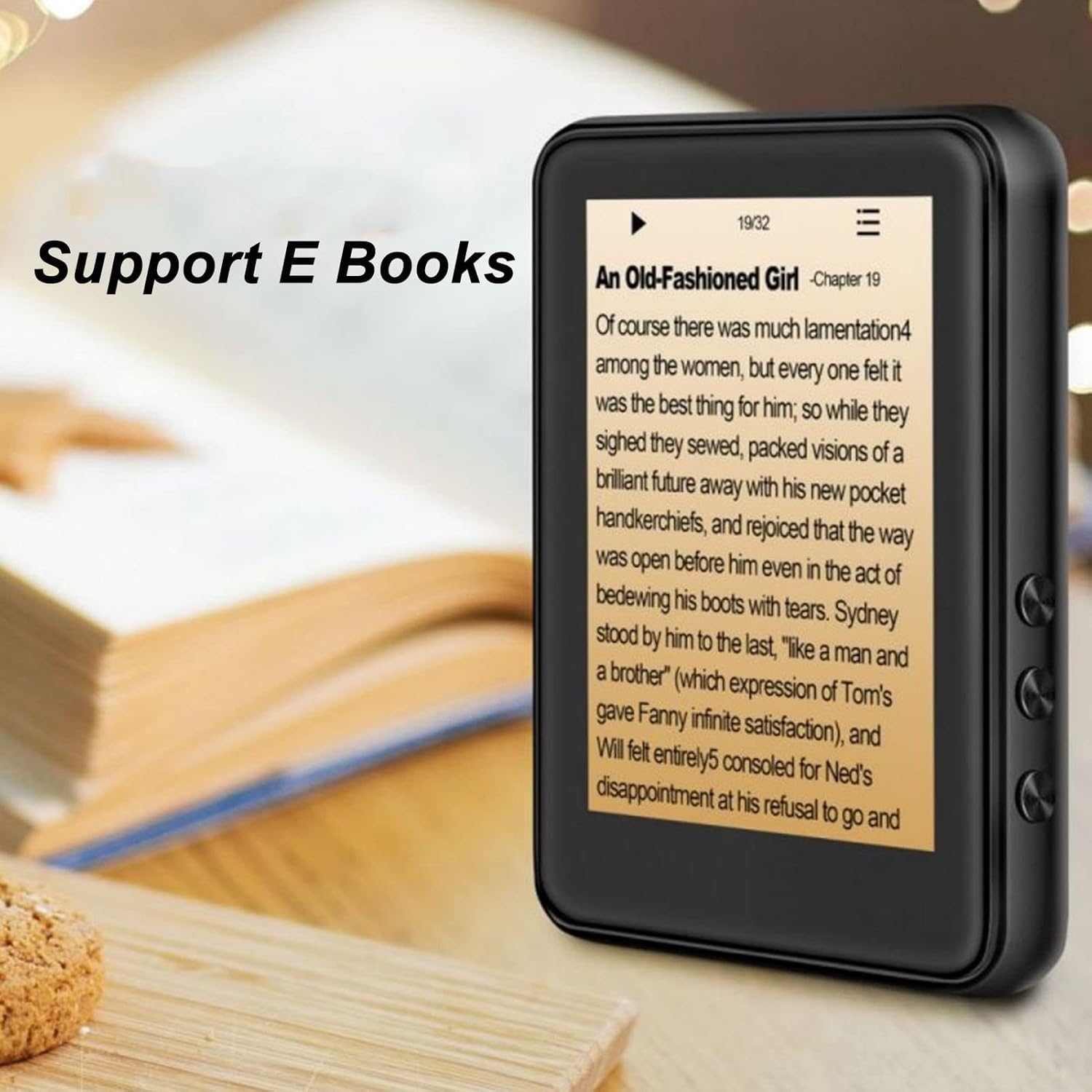
Image: The Jectse MP3 Player displaying an e-book titled 'An Old-Fashioned Girl - Chapter 19' on its screen, with text content visible.
6.6. Anrejistrè vwa
Record audio using the built-in microphone.
- Tap the 'Recorder' icon.
- Tape bouton anrejistreman an pou kòmanse anrejistreman an.
- Tap the stop button to end and save the recording.

Image: The Jectse MP3 Player showing its voice recorder interface with a red record button and a timer, positioned in a meeting room setting.
6.7. Lektur videyo
The device supports MP4 video playback. Transfer compatible video files to the device's storage.
- Tap the 'Video' icon.
- Chwazi videyo a file ou vle jwe.
- Use the on-screen controls for playback.
7. Antretyen
- Netwayaj: Sèvi ak yon twal mou epi sèk pou netwaye aparèy la. Pa sèvi ak pwodui netwayaj likid oswa materyèl abrazif.
- Depo: Sere aparèy la nan yon kote ki fre, sèk lè li pa itilize.
- Swen batri: Pou pwolonje lavi batri a, evite dechaje batri a nèt souvan. Chaje aparèy la regilyèman, menm si ou pa itilize li pandan yon bon bout tan.
- Mizajou lojisyèl: Tcheke manifakti a websit la pou nenpòt mizajou firmwèr ki disponib pou asire pèfòmans optimal.
NAN. Depanaj
-
Aparèy la pa limen:
Asire w batri a chaje. Konekte aparèy la nan yon plato pou omwen 30 minit anvan ou eseye limen l ankò.
-
Pa gen son:
Check the volume level. Ensure headphones are properly connected or Bluetooth headphones are paired and connected. Test with different headphones if possible.
-
Pa ka konekte ak Bluetooth:
Ensure Bluetooth is enabled on both the MP3 player and the target device. Make sure the target device is in pairing mode and within range. Try restarting both devices.
-
Device freezes or is unresponsive:
Peze epi kenbe bouton pouvwa a pou apeprè 10-15 segonn pou fòse yon rekòmanse.
-
Files not appearing on device:
Asire w files are in supported formats. Verify that files were transferred correctly to the internal storage or memory card. Check if the memory card is properly inserted.
9. Espesifikasyon
| Karakteristik | Spesifikasyon |
|---|---|
| Modèl | Jectsehtin20gcvm-11 |
| Ekran | 2.4 Inches TFT Screen |
| Abò Depo | 4GB |
| Sipò pou kat memwa | Up to 256GB (microSD, not included) |
| Bluetooth vèsyon | Bluetooth 5.0 |
| Fòma odyo sipòte | MP3, APE, FLAC, WMA, WAV, AAC |
| Sipò pou Fòma Photo | JPEG, BMP |
| Supported E-Book Formats | TXT, LRC |
| Frekans Radyo FM | 87Hz-108Hz |
| Siyal-a-bwi Pwopòsyon | ≥ 90db |
| Kalite batri | Bati-an 500mAh Polymère ityòm batri |
| Sistèm operasyon konpatibilite | Windows 98/ME/2K/XP/Vista/Win7, OS X 10 |
| Pwa atik | 4.5 ons |
| Dimansyon pake | 5.12 x 3.15 x 1.18 pous |
10. Garanti ak sipò
For warranty information and technical support, please refer to the documentation provided with your purchase or visit the official Jectse websit la. Kenbe prèv acha ou pou reklamasyon garanti.


