1. Entwodiksyon
Thank you for choosing the Prechen 23.8 Inch QHD 165Hz Gaming Monitor. This monitor is designed to provide an immersive visual experience with its high resolution, fast refresh rate, and advanced gaming features. This manual will guide you through the setup, operation, and maintenance of your new monitor to ensure optimal performance and longevity.

2. Enfòmasyon sou Sekirite
Please read these safety instructions carefully before using your monitor. Keep this manual for future reference.
- Pa ekspoze monitè a anba lapli oswa imidite pou evite danje dife oswa chòk elektrik.
- Pa ouvri monitè a casing. Pa gen pyès ki ka sèvi ak men itilizatè a anndan an. Konfye tout antretyen bay pèsonèl sèvis kalifye.
- Mete monitè a sou yon sifas ki plat e ki estab pou anpeche l tonbe.
- Asire w ke gen bon vantilasyon toutotou monitè a. Pa bloke ouvèti vantilasyon yo.
- Sèvi sèlman ak adaptè kouran ki vini ak monitè a.
- Debranche monitè a nan priz kouran an pandan tanpèt zèklè oswa lè ou pa itilize li pou yon bon bout tan.
- Avoid placing the monitor near heat sources such as radiators, heat registers, stoves, or other apparatus (including amplifiers) ki pwodui chalè.
3. Pake kontni
Verifye ke tout atik yo prezan nan pakè ou a:
- Prechen 23.8 Inch QHD 165Hz Gaming Monitor
- Sipò Monitè (Baz ak Kou)
- Adaptè pouvwa
- HDMI kab
- Kab DisplayPort (DP)
- Manyèl itilizatè
4. Pwodwi souview
Familiarize yourself with the monitor's components and connection ports.
4.1 Panèl dèyè ak pò yo

- Antre pouvwa DC: Konekte adaptè pouvwa a isit la.
- Pò HDMI (x2): Connect to devices using HDMI cables.
- DisplayPort (DP) Input: Connect to devices using a DisplayPort cable for higher refresh rates.
- Odyo Deyò: Konekte oratè ekstèn yo oswa kas ekoutè yo.
- VESA Mount (100x100mm): For mounting the monitor on a wall or monitor arm.
5. Enstalasyon
5.1 Asanble kanpe la
- Retire ak anpil atansyon monitè a nan anbalaj li yo.
- Attach the stand neck to the back of the monitor.
- Attach the stand base to the neck and secure it with the provided screws.
5.2 Konekte monitè a
- Koneksyon pouvwa: Connect the power adapter to the monitor's DC Power input, then plug the adapter into a power outlet.
- Koneksyon videyo:
- For optimal performance and 165Hz refresh rate, connect your computer to the monitor using the supplied DisplayPort (DP) cable.
- Oubyen, sèvi ak yon HDMI kab to connect your computer or other devices.
- Koneksyon odyo (Si ou vle): If you wish to use external speakers or headphones, connect them to the Audio Out port on the monitor.

6. Opere ki monitè kè bebe a
6.1 Power On/Off
Press the power button located on the monitor to turn it on or off. The power indicator light will show the monitor's status.
6.2 Meni OSD (On-Screen Display).
The OSD menu allows you to adjust various monitor settings. Use the control buttons (usually located on the back or bottom right of the monitor) to navigate the menu. Common settings include:
- Klate/Kontrast: Adjust the display's luminance.
- Anviwònman koulè: Modifye tanperati koulè, gama, ak nivo RGB endividyèl yo.
- Sous Antre: Manually select between HDMI and DisplayPort inputs.
- Mòd Foto: Select preset display modes (e.g., Standard, Game, Movie).
- Odyo: Adjust volume for connected audio devices.
6.3 Adjusting Refresh Rate
This monitor supports up to 165Hz refresh rate via DisplayPort and 144Hz via HDMI. To set the refresh rate:
- Right-click on your desktop and select Anviwònman ekspozisyon (Windows) oswa Preferans sistèm> Montre (macOS).
- Navige nan Anviwònman ekspozisyon avanse or Display Adapter Properties.
- Select the monitor and choose the desired refresh rate (e.g., 165Hz or 144Hz) from the dropdown menu.
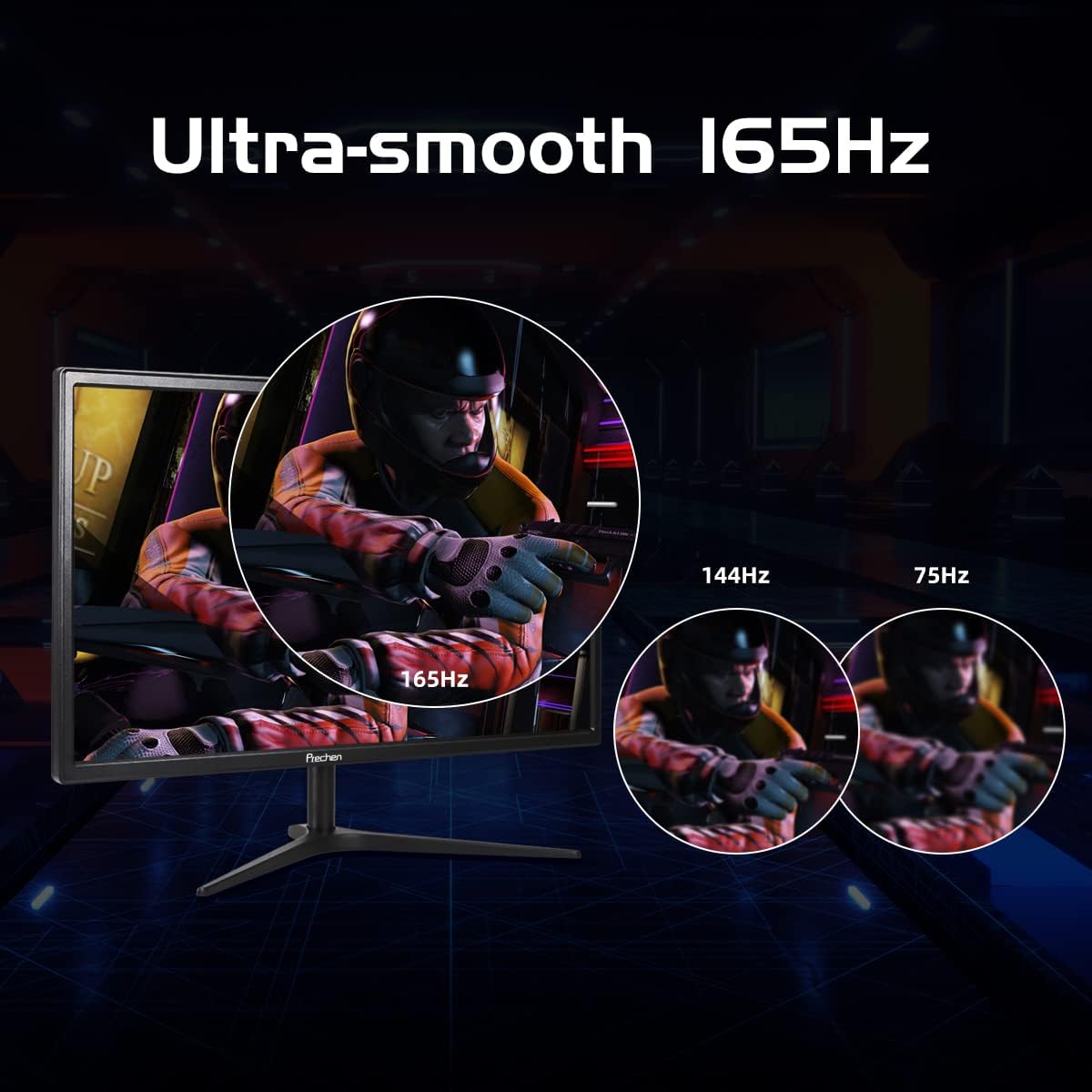
6.4 AMD FreeSync Premium
This monitor supports AMD FreeSync Premium technology, which synchronizes the monitor's refresh rate with your GPU's frame rate to eliminate screen tearing and stuttering during gaming.
- Ensure your graphics card is AMD FreeSync compatible and has the latest drivers installed.
- Enable FreeSync in your monitor's OSD menu.
- Enable FreeSync (or Adaptive Sync) in your graphics card's control panel (e.g., AMD Radeon Software).

6.5 Karakteristik Swen Je
The monitor includes features designed to reduce eye strain during prolonged use, such as a blue light shift mode. This mode reduces harmful blue light emissions, making viewpi alèz.

7. Antretyen
7.1 Netwaye monitè a
- Toujou deploge monitè a anvan w netwaye.
- Sèvi ak yon moso twal mou, ki san pèl damplave avèk dlo oswa yon pwodui netwayaj ekran ki pa abrazif.
- Pa flite pwodui netwayaj la dirèkteman sou ekran an.
- Evite itilize benzèn, diluant, amonyak, oswa pwodui netwayaj abrazif, paske yo ka domaje monitè a.
7.2 Depo
If storing the monitor for an extended period, place it in its original packaging or a suitable protective container to prevent dust and damage.
NAN. Depanaj
Si ou rankontre pwoblèm ak monitè ou a, tanpri al gade pwoblèm ak solisyon komen sa yo:
| Pwoblèm | Solisyon posib |
|---|---|
| Monitor does not turn on or does not wake from sleep mode. |
|
| No signal or 'Input Not Supported' message. |
|
| Dead pixels or image quality issues (grainy, poor color). |
|
| Brightness appears low. |
|
| Screen tearing or stuttering during gaming. |
|
9. Espesifikasyon
Key technical specifications for the Prechen 23.8 Inch QHD 165Hz Gaming Monitor:
| Karakteristik | Spesifikasyon |
|---|---|
| Gwosè ekran | 23.8 pous |
| Rezolisyon | QHD (2560 x 1440p) |
| Rafrechisman pousantaj | 165Hz (DisplayPort), 144Hz (HDMI) |
| Tan repons | 2 Milliseconds (GTG) |
| Kalite Panel | IPS |
| Gamut koulè | 99% sRGB |
| Montre Koulè | 16.7 milyon |
| Viewing Ang | 178° (Orizontal/Vètikal) |
| Adaptive Sync | AMD FreeSync Premium |
| Koneksyon | 2x HDMI 1.4, 1x DisplayPort 1.2, 1x Audio Out |
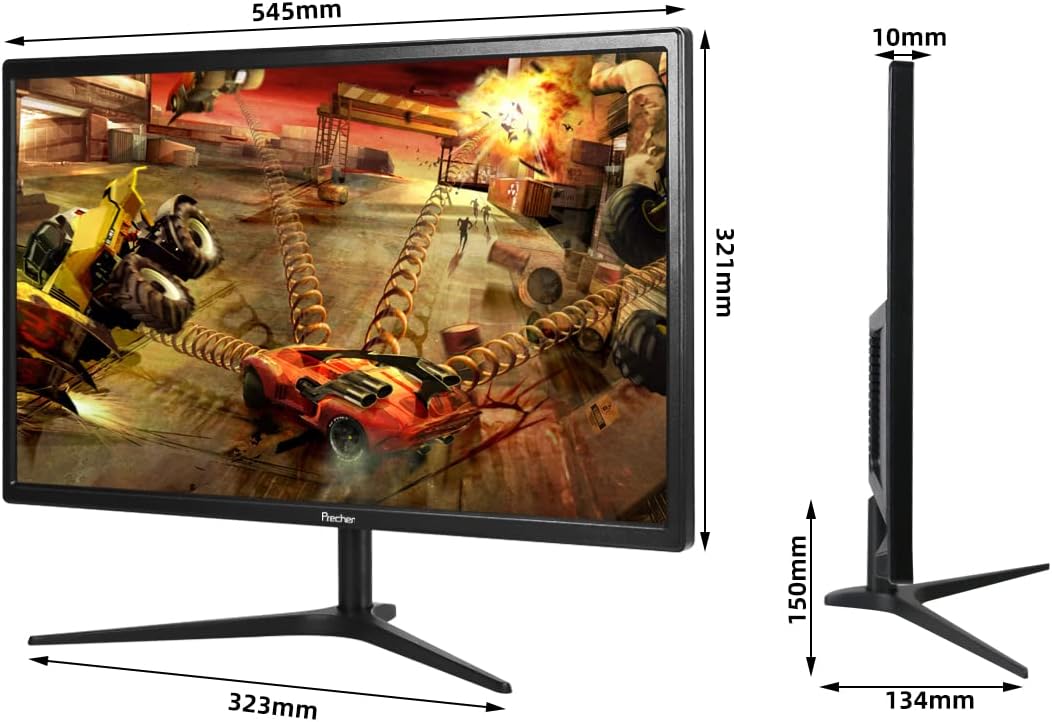
| VESA konpatibilite | 100mm x 100mm |
| Ajisteman enklinezon | -5 ° a 15 ° |
| Pwa atik | 7.48 liv |
| Dimansyon pake | 24.5 x 15.4 x 4.7 pous |


10. Garanti ak sipò
Prechen is committed to providing high-quality products and excellent customer service.
- Garanti: Pwodwi sa a vini ak yon 2 Years Unlimited Warranty.
- Sipò Kliyan: Jwi Sipò pou tout lavi kliyan for any inquiries or assistance you may need.
- Pwodwi pou Telefòn: Nou ofri Pwodwi pou Telefòn gratis as part of our commitment to customer satisfaction.
For technical support, warranty claims, or general inquiries, please contact Prechen customer service through the official website or your purchase platform. Please have your model number and purchase date ready when contacting support.


