1. Entwodiksyon
This manual provides detailed instructions for the setup, operation, and maintenance of your J-Tech Digital Wireless Trackball Ergonomic Mouse, Model V728. Please read this manual thoroughly before using the device to ensure optimal performance and longevity.

Image 1.1: The J-Tech Digital Wireless Trackball Ergonomic Mouse V728, showcasing its ergonomic design and red trackball.
2. Pake kontni
Verifye ke tout atik yo prezan nan pakè a:
- 1 x V728 Wireless Ergonomic Trackball Mouse
- 1 x batri AA
- 1 x manyèl itilizatè
- 1 x Nano-USB Receiver (located inside the mouse battery compartment)

Image 2.1: Illustration of the V728 mouse, AA battery, user manual, and Nano-USB receiver included in the package.
3. Pwodwi Features
- Ergonomic Trackball Design: Reduces wrist strain by allowing cursor movement via the trackball, minimizing arm and wrist movement.
- DPI reglabl: Easily switch between 800, 1200, 1600, and 2400 DPI settings to match your preference and task requirements.
- Suivi presi: The smooth trackball ensures accurate and controlled cursor movement.
- Koneksyon Wireless: Utilizes a USB dongle for a clutter-free workspace.
- Konpatibilite plizyè sistèm: Compatible with Windows, Mac OS, Android, and Microsoft systems.
4. Entèfas souview
Familiarize yourself with the buttons and indicators on your V728 mouse:

Image 4.1: A diagram illustrating the various buttons and components of the V728 mouse, including Left Button, Right Button, Scroll Wheel, DPI Key, DPI/Low Voltage Indicator, Forward Button, Backward Button, Trackball, Power Switch, and Receiver compartment.
- Bouton Goch: Fonksyon klike gòch estanda.
- Dwa bouton: Fonksyon estanda klike sou bò dwat la.
- wou woulo liv: Pou defile vètikal.
- Kle DPI: Chanje nan paramèt DPI yo (800/1200/1600/2400).
- DPI/Low Voltage Endikatè: Lights up to indicate DPI changes and blinks when battery is low.
- Bouton Avant: Navige pi devan nan web navigatè oswa file eksploratè.
- Bouton dèyè: Navige bak nan web navigatè oswa file eksploratè.
- Trackball: Used for precise cursor movement with your thumb.
- Pouvwa switch: Turns the mouse On or Off (located on the underside).
- Receiver Compartment: Stores the Nano-USB receiver (located on the underside).
5. Enstalasyon
- Mete batri: Open the battery compartment on the underside of the mouse. Insert the included AA battery, ensuring correct polarity. Close the compartment.
- Rekipere reseptè USB a: Locate and remove the Nano-USB receiver from its storage slot next to the battery compartment.
- Konekte Reseptè a: Plug the Nano-USB receiver into an available USB port on your computer (PC, Laptop, etc.).
- Limen Sourit la: Slide the power switch on the underside of the mouse to the "ON" position. The mouse should now be recognized by your computer.
6. Operasyon Enstriksyon
6.1. Cursor Control
Control the cursor by gliding your thumb over the red trackball. This ergonomic design reduces the need to move your entire wrist or arm, promoting comfort during extended use.
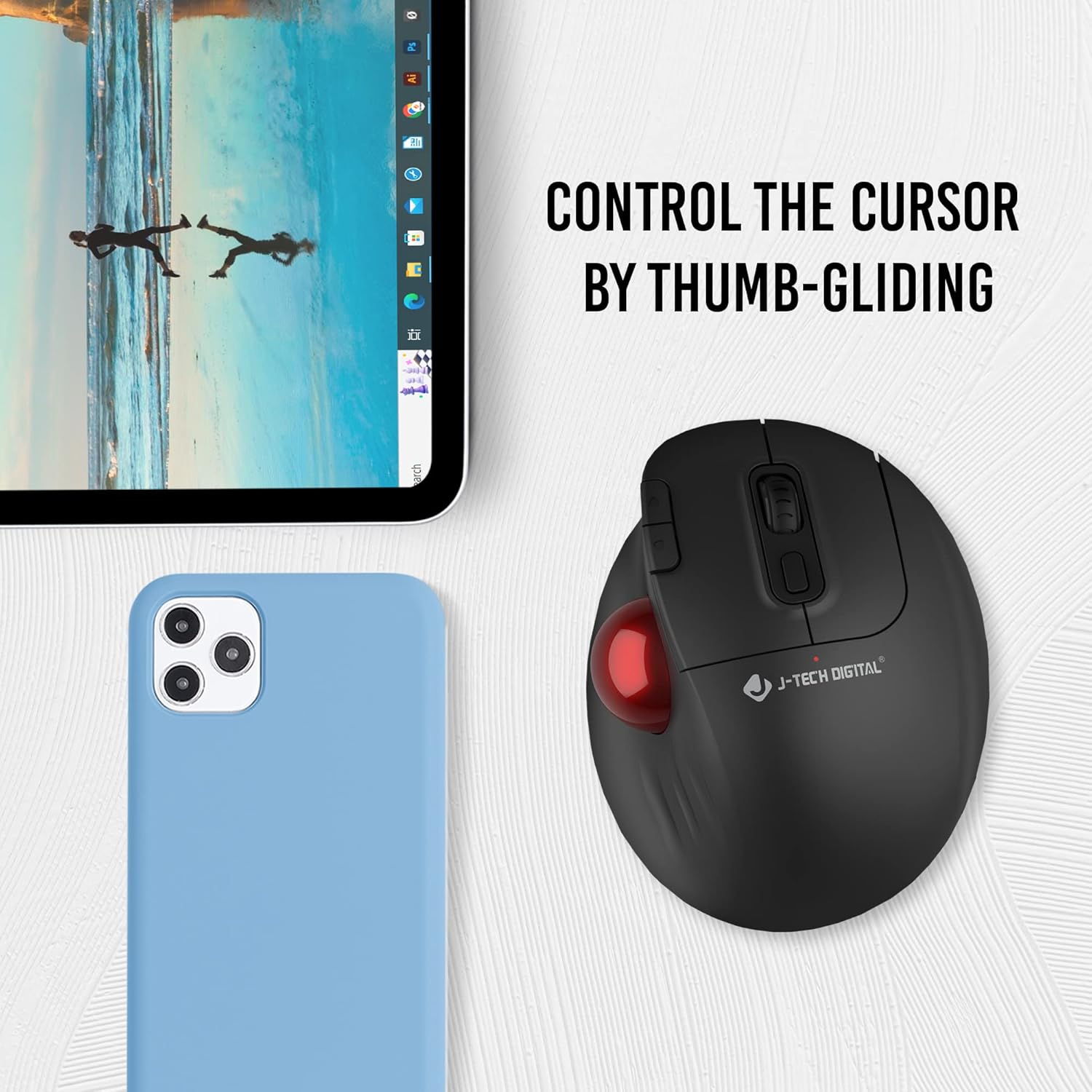
Image 6.1: A hand demonstrating the thumb-gliding control method for the V728 trackball mouse.
6.2. Ajisteman DPI
Peze a DPI kle (located near the scroll wheel) to cycle through the available DPI settings: 800, 1200, 1600, and 2400. The DPI/Low Voltage Indicator will briefly light up to confirm the change. Adjust the DPI to suit your task, with lower DPI for precision work and higher DPI for faster cursor movement.

Image 6.2: The V728 mouse with an overlay indicating the 800, 1200, 1600, and 2400 DPI adjustment levels.
6.3. Multi-Device Compatibility
The V728 mouse is designed for broad compatibility across various operating systems, including Windows, Mac OS, Android, and Microsoft systems. Simply plug the USB dongle into your device, and the mouse will connect wirelessly.

Image 6.3: The V728 mouse shown in a multi-device setup, indicating compatibility with laptops, desktops, and mobile devices.
7. Antretyen
7.1. Netwaye Trackball la
Over time, dust and debris can accumulate around the trackball, affecting its smooth operation. The trackball is removable for easy cleaning:
- Pouse trackball la dousman anba sourit la pou l soti.
- Sèvi ak yon twal mou ki pa gen pousyè oswa yon ti koton siye lejèmanampened with isopropyl alcohol to clean the trackball and the inside of its housing.
- Ensure all components are dry before reinserting the trackball.
- Place the trackball back into its socket and press gently until it clicks into place.
NAN. Depanaj
| Pwoblèm | Kòz posib | Solisyon |
|---|---|---|
| Sourit pa reponn | Low battery, power switch off, receiver not connected, driver issue. | Check battery and replace if necessary. Ensure power switch is ON. Verify USB receiver is securely plugged in. Try a different USB port. Restart your computer. |
| Trackball movement is erratic or sticky | Dust or debris accumulated around the trackball sensors. | Remove the trackball and clean it and its housing as described in Section 7.1. |
| Scroll wheel not functioning correctly (e.g., scrolling in opposite direction) | Dust or debris affecting the scroll wheel mechanism. | Attempt to clean around the scroll wheel with compressed air. If the issue persists, contact customer support. |
| Cursor movement is too fast or too slow | Incorrect DPI setting. | Press the DPI Key to adjust the sensitivity to your preference (800/1200/1600/2400 DPI). |
9. Espesifikasyon
- Nimewo Modèl: V728
- Mak: J-Tech Digital
- Koneksyon Teknoloji: USB, Wireless (2.4GHz via Nano-USB receiver)
- Teknoloji deteksyon mouvman: Trackball
- Anviwònman DPI: 800 / 1200 / 1600 / 2400 DPI
- Sous pouvwa: 1 x batri AA (enkli)
- Pwa atik: 9.8 ons
- Dimansyon pake: 7.05 x 5.43 x 2.83 pous
- Koulè: Nwa
- Manifakti: J-Tech Digital Inc.
- Dat premye disponib: 19 septanm 2022
10. Garanti ak sipò
10.1. Garanti manifakti
All J-Tech Digital products, including the V728 mouse, come with a one-year manufacturer replacement warranty from the date of purchase. This warranty covers defects in materials and workmanship under normal use.
10.2. Sipò teknik
J-Tech Digital provides free lifetime technical support for all its products. Our customer support team is based in Stafford, TX, and is available to assist you with any questions or issues you may encounter.
- Orè sipò: Monday to Friday, 9 AM – 6 PM CST.
- Enfòmasyon pou kontakte: Please refer to our official seller page on Amazon or our websit la pou jwenn enfòmasyon kontak aktyèl yo.

Image 10.1: A J-Tech Digital customer support representative assisting a client, symbolizing available technical support.


