1. Pwodwi souview ak Konpatibilite
The VTimes VT502 Baby Monitor Camera Add-on is designed to expand your existing VTimes VT502 baby monitor system. This camera is specifically compatible with the VT502 monitor model and is not designed for use with other models or brands.
The video baby monitor system supports the addition of up to four cameras, allowing for comprehensive monitoring across multiple rooms or angles.
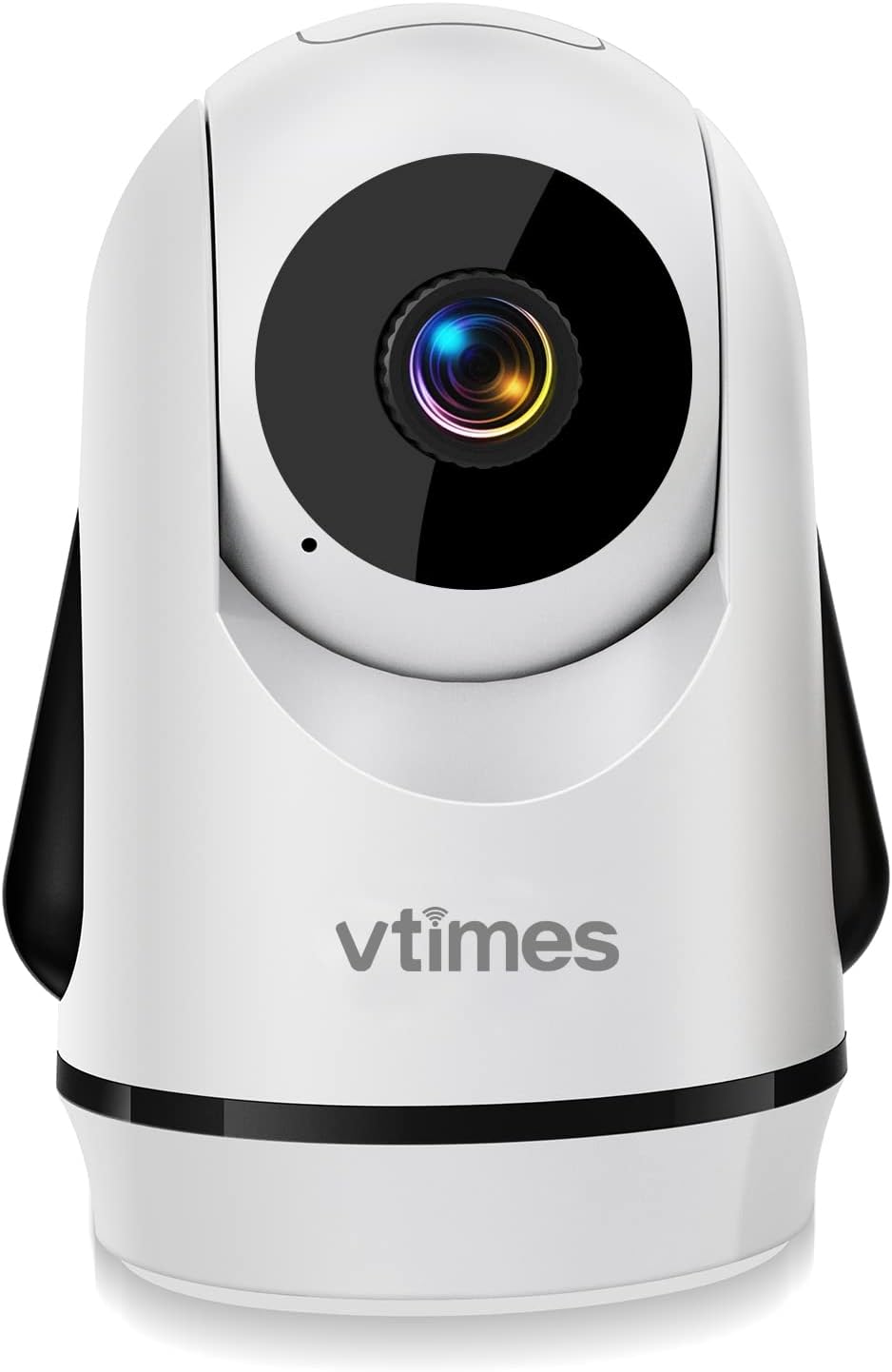
Figi 1: Devan view of the VTimes VT502 Baby Monitor Camera.
2. Ki sa ki nan bwat la
- VTimes VT502 Baby Monitor Camera
- Adaptè pouvwa (pou kamera)
- Manyèl Enstriksyon (dokiman sa a)
3. Enstriksyon Enstalasyon
- Pozisyon kamera a: Place the camera in a location that provides an optimal view of the monitoring area (e.g., nursery, play area). Ensure it is securely mounted or placed on a stable surface, out of reach of children. The camera supports wall mounting.
- Koneksyon pouvwa: Connect the camera to a power outlet using the provided power adapter. The camera will power on automatically.
- Pairing with Monitor:
- Ensure your VTimes VT502 monitor is powered on.
- Access the monitor's menu and navigate to the "Add Camera" or "Pairing" option.
- Follow the on-screen prompts to initiate the pairing process.
- Press the pairing button on the back or bottom of the camera (refer to the camera's specific design for exact button location).
- The monitor should display the camera's feed once pairing is successful.
- Adjusting Antenna: If you experience connection issues, extend the antenna on the monitor for improved signal reception.

Figure 2: The VT502 system supports connecting up to 4 cameras for multi-scene monitoring.
4. Operasyon Enstriksyon
4.1 Remote Pan, Tilt, and Zoom
The camera offers remote control for pan (horizontal), tilt (vertical), and zoom functions directly from your VT502 monitor. Use the directional buttons on the monitor to adjust the camera's view. The camera provides 355° rotation tracking and 2x zoom capability.

Figure 3: The camera features 355° rotation tracking for comprehensive room coverage.
4.2 Vizyon lannwit
The camera is equipped with night vision technology, allowing for clear video monitoring in low-light or dark conditions. This feature activates automatically when ambient light levels are insufficient.
4.3 Kominikasyon Bidireksyonèl
Utilize the two-way communication feature to speak to your child through the camera. Press and hold the "Talk" button on your monitor to transmit your voice. Release the button to listen.
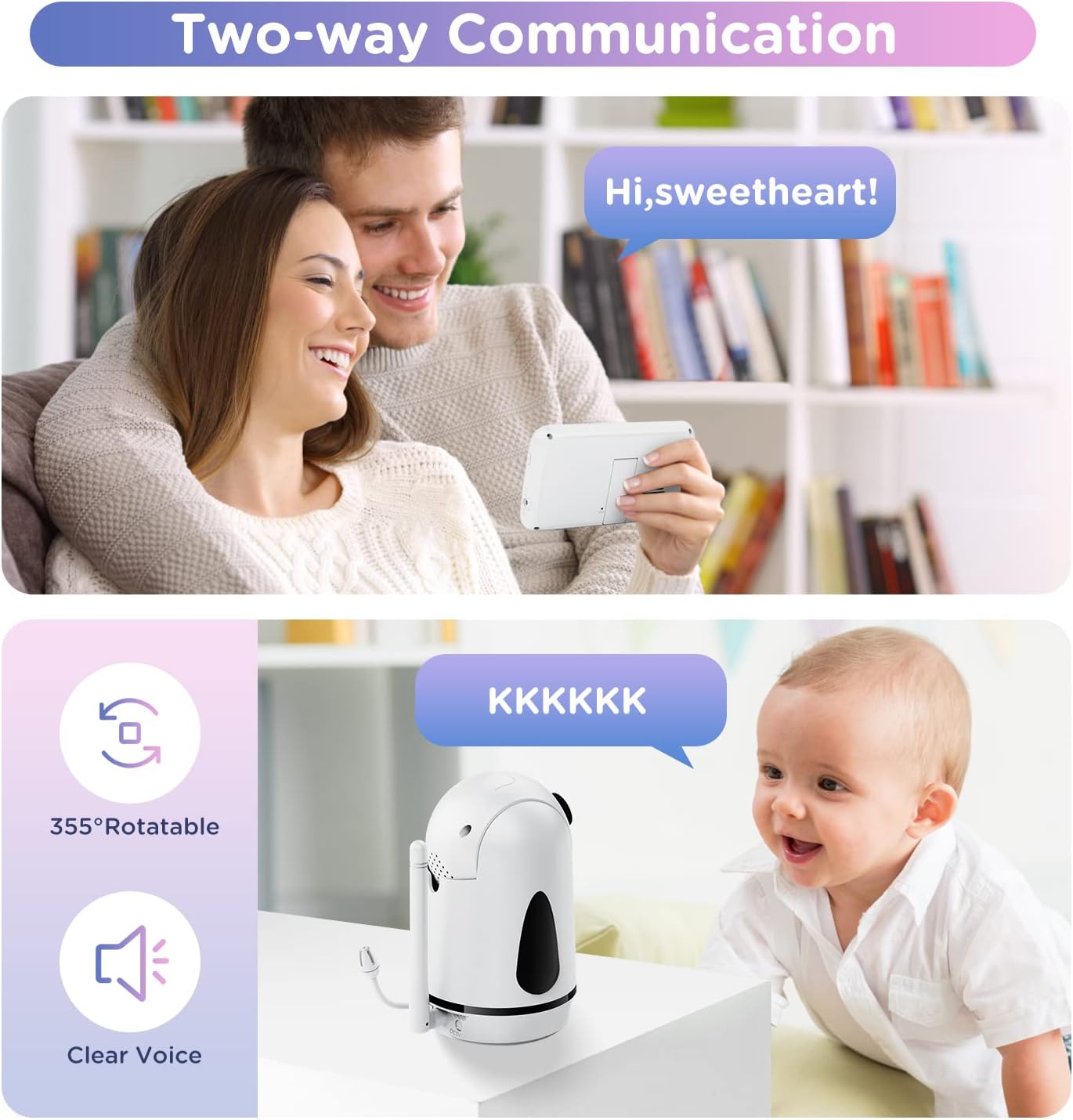
Figure 4: Engage in two-way communication with your child using the monitor's talk function.
4.4 Switching Between Multiple Cameras
If you have multiple cameras paired with your VT502 monitor, you can switch between their feeds using the monitor's menu options. Consult your main VT502 monitor manual for specific navigation steps to cycle through connected cameras.
5. Antretyen
- Netwayaj: Use a soft, dry cloth to clean the camera lens and body. Avoid using abrasive cleaners or solvents.
- Plasman: Ensure the camera is placed in a well-ventilated area and not covered by any objects that could obstruct airflow.
- Jesyon kab: Keep power cords and cables out of reach of children to prevent entanglement hazards.
NAN. Depanaj
- Pa gen fil videyo:
- Check if the camera is properly powered on and connected to an outlet.
- Ensure the camera is correctly paired with your VT502 monitor. Re-pair if necessary.
- Verify that the monitor is set to the correct camera channel if multiple cameras are connected.
- Poor Signal/Interference:
- Move the camera and/or monitor closer to each other.
- Adjust the monitor's antenna for better reception.
- Avoid placing the camera near other electronic devices that may cause interference (e.g., microwaves, Wi-Fi routers).
- Kontwòl Remote pa reponn:
- Ensure the camera is powered on and within range of the monitor.
- Check the monitor's battery level.
7. Espesifikasyon
| Non modèl | VT502 |
| Mak | VTimes |
| Sous pouvwa | Fil elektrik |
| Pwotokòl Koneksyon | Wi-Fi (for internal system communication, not external internet) |
| Rezolisyon Capture Videyo | 720p |
| Kantite Chanèl | 4 (supports up to 4 cameras) |
| Zoom Pwopòsyon | 2x |
| Karakteristik espesyal | Night Vision, Remote Pan/Tilt/Zoom, Two-Way Talk |
| Kalite aliye | Mi mòn |
| Pwa atik | 13.1 ons |
| UPC | 792105163420 |
8. Garanti ak sipò
The VTimes VT502 Baby Monitor Camera Add-on comes with a one-year quality guarantee from the date of purchase.
For any questions, technical assistance, or warranty claims, please contact the VTimes support team. Contact information can typically be found on the product packaging or the official VTimes websit.


