1. Pwodwi souview
The ELAMOR M22 Bluetooth Smart Lock offers convenient keyless entry with multiple unlocking options, including app control, touchscreen keypad, and mechanical keys. Designed for durability and security, it integrates seamlessly into modern homes and offices.

Image: ELAMOR M22 Bluetooth Smart Lock with its accompanying smartphone application interface.
Karakteristik kle:
- Plizyè metòd debloke: App Unlock, Touchscreen Keypad, Mechanical Keys.
- Konstriksyon dirab: Sturdy zinc alloy and stainless steel frame with IP54 waterproof rating.
- Kontwòl aplikasyon Smart Life la: Manage user codes, view visitor logs, and unlock remotely via Bluetooth.
- Karakteristik Auto-Lock: Customizable 3-30 second auto-lock for enhanced security.
- Enstalasyon fasil: Designed for simple installation with minimal tools.
2. Gid Enstalasyon
2.1 Sa ki enkli
Anvan ou kòmanse enstalasyon an, verifye si tout konpozan yo prezan nan pake a:
- Touch Keypad Assembly (Exterior)
- Asanble Enteryè
- Deadbolt Latch
- Deadbolt grèv plak
- Bouk bwat
- Plak aliye
- Kle mekanik (2)
- Various Screws (1-5/32" (33mm) x 2, 3/4" (19mm) x 2, 3/4" (19mm) x 4)

Image: All components included in the ELAMOR M22 Smart Lock package, laid out for verification.
2.2 Preparasyon Pòt
Asire w pòt ou a satisfè espesifikasyon sa yo pou yon enstalasyon kòrèk:
- Backset: 2-3/8" or 2-3/4" (60mm-70mm)
- Hole in Door Edge: 1 pous (25mm)
- Epesè Pòt: Between 1-3/8" and 2" (35mm and 50mm)

Image: A diagram illustrating the required door dimensions (backset, edge hole, thickness) for installing the smart lock.
2.3 Etap enstalasyon yo
Follow these steps carefully to install your ELAMOR M22 Smart Lock. A Philips screwdriver is the only tool required.
Video: M22 Bluetooth Smart Lock Installation Guide. This video provides a step-by-step visual walkthrough of the entire installation process.
- Insert Latch Bolt: Insert the latch bolt into the door. Ensure the T-shaped hole is in the bottom position. Twist the latch to adjust the bolt length if necessary, making sure the latch bolt is retracted.
- Enstale Strike: Install the strike plate on the door frame using the provided 3/4" (19mm) screws (2ea) to fix the latch.
- Enstale asanble eksteryè: Route the cable through the door. Ensure the tail of the exterior assembly passes through the T-shaped hole and the stud passes through the latch. The key must be pulled out when installing. Push the keypad onto the door.
- Enstale Plak Montaj: Install the mounting plate using the 1-5/32" (33mm) screws (2ea). If the keypad and mounting plate are not placed correctly, loosen the mounting plate screws and make adjustments.
- Enstale Asanble Enteryè: Ensure a tight cable connection. Insert the tail of the exterior assembly into the T-shaped hole of the interior assembly. Secure with the 3/4" (19mm) screws (2ea).
- Enstale pil: Install 4 AA batteries into the interior assembly.
- Operasyon tès: Test the door lock/unlock process normally. Press the lock key; the latch bolt should extend by itself. Unlock by entering the default user code (123456).
- Konekte ak aplikasyon: Connect the lock to the Smart Life App via Bluetooth. Follow the in-app instructions to add the device.

Image: A person using a Philips screwdriver to install the ELAMOR M22 Smart Lock, demonstrating the ease of installation.
3. Operasyon Enstriksyon
3.1 Metòd pou debloke
- Touchscreen Keypad: Enter your programmed user code on the illuminated keypad to unlock the door.
- Smart Life App: Open the Smart Life App on your smartphone. Within Bluetooth range (less than 32.8 ft/10 m), tap the unlock icon to open the door.
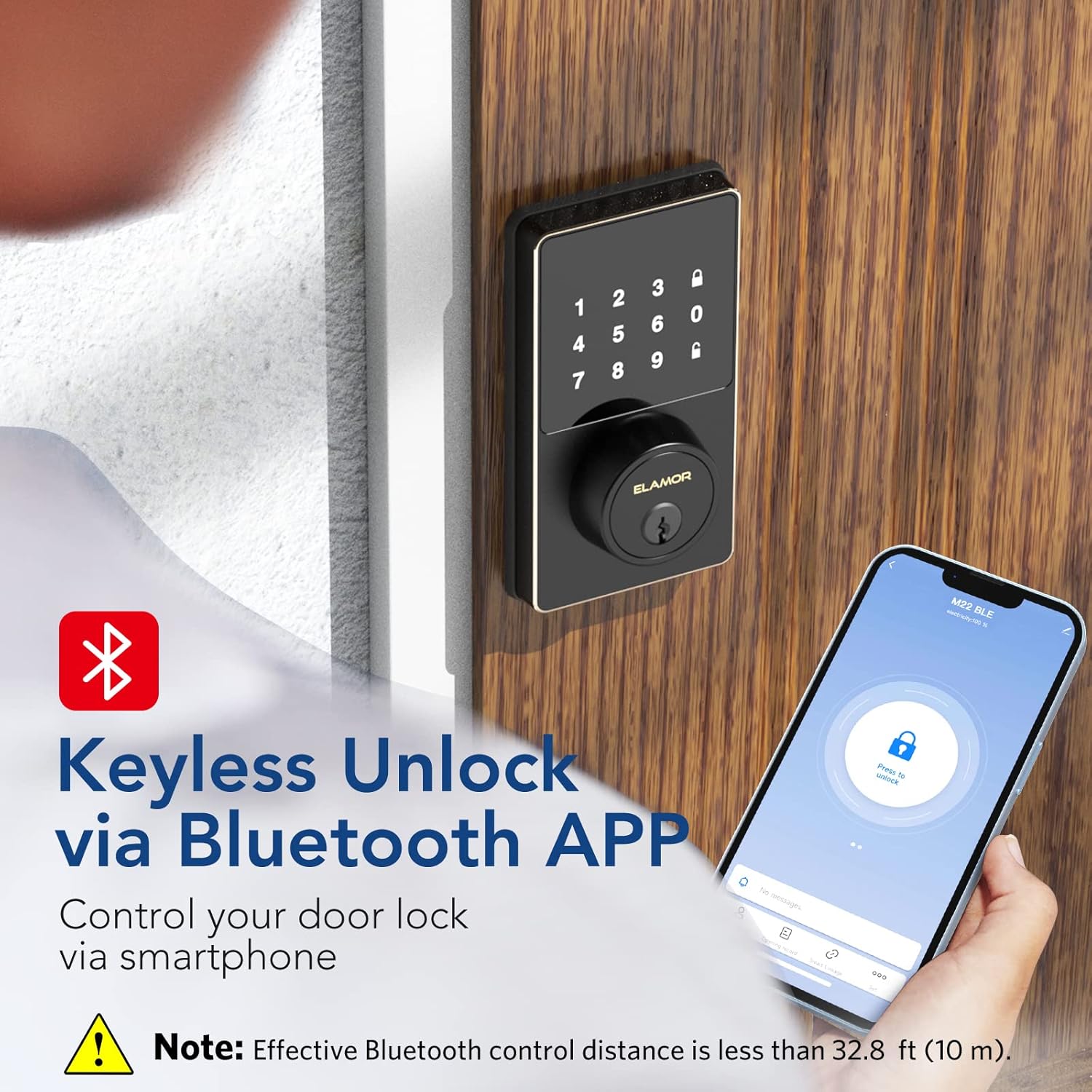
Image: A smartphone screen showing the Smart Life App interface with a prominent "Press to unlock" button for the ELAMOR M22 Smart Lock.
- Kle mekanik: Use the provided mechanical keys as a backup for manual unlocking.
3.2 Mete Kòd Itilizatè yo
The ELAMOR M22 Smart Lock supports up to 50 individual user codes. User codes can be managed and set visually through the Smart Life App. Refer to the app's specific instructions for adding, modifying, or deleting user codes.

Image: A visual representation of the smart lock's capability to store up to 50 individual user codes, suitable for multiple users.
You can also share permanent, temporary, or scheduled password access with friends and family directly from the app.

Image: A user interacting with the Smart Life App to share door access, illustrating the convenience of remote code management.
3.3 Fonksyon Oto-Bloke
The auto-lock feature can be customized to automatically lock the door after a set period (3-30 seconds). This provides peace of mind, ensuring your door is secured even if you forget to lock it manually.
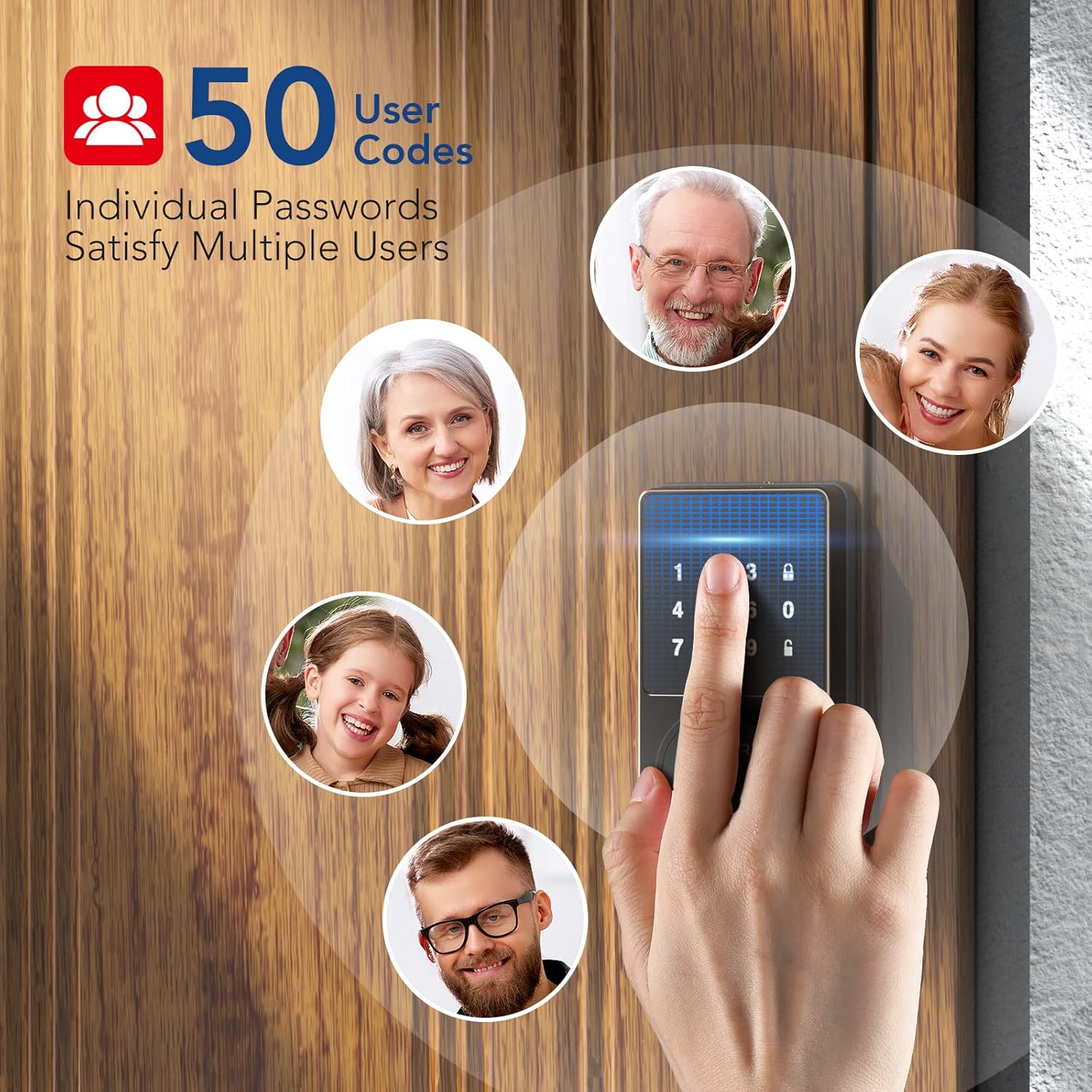
Image: A woman carrying packages, demonstrating the convenience of the auto-lock feature when hands are full.
4. Antretyen
4.1 Netwayaj
To maintain the appearance and functionality of your smart lock, wipe the touchscreen and exterior surfaces with a soft, damp twal. Evite itilize pwodui netwayaj abrazif oswa solvan, paske sa yo ka domaje fini an ak konpozan elektwonik yo.
4.2 Ranplasman batri
The lock is powered by 4 AA batteries. When the battery level is low, the lock will provide a reminder. Replace all four batteries simultaneously with new, high-quality AA alkaline batteries to ensure optimal performance.

Image: The smart lock's keypad showing a visual indicator for low battery, prompting replacement.
NAN. Depanaj
- Keypad Not Responding or Code Not Working:
- Asire w ke pil yo byen enstale epi yo gen ase chaj. Ranplase yo si sa nesesè.
- Verify the code entered is correct.
- If the issue persists, try resetting the lock (refer to app instructions for reset procedure).
- Pwoblèm koneksyon aplikasyon an:
- Ensure Bluetooth is enabled on your smartphone and you are within the effective range (less than 32.8 ft/10 m).
- Restart the Smart Life App.
- Tcheke pou mizajou aplikasyon an.
- If the lock was previously connected to Wi-Fi (for M19 models), ensure your Wi-Fi network is stable.
- Twòp drenaj batri:
- Ensure the door and frame are properly aligned and the deadbolt operates smoothly without resistance. Friction can cause increased motor usage and battery drain.
- Sèvi ak bon kalite pil alkalin.
- Frequent use of the auto-lock feature or repeated locking/unlocking can consume more power.
- Lock Not Responding After Working for a Period:
- Tcheke epi ranplase pil yo.
- Perform a factory reset if other troubleshooting steps fail. Note that this will erase all user codes and settings.
6. Espesifikasyon
| Karakteristik | Detay |
|---|---|
| Mak | ELAMOR |
| Non modèl | M22 Bluetooth Smart Lock |
| Kalite fèmen | Bluetooth Programmable Keypad Door Lock Deadbolt with Key |
| Materyèl | Zenk |
| Koulè | Nwa |
| Dimansyon atik (L x W x H) | 7.51 x 5.62 x 4.44 pous |
| Pwa atik | 2.38 liv |
| Sous pouvwa | Batri Powered (4 pil AA, pa enkli) |
| Pwotokòl Koneksyon | Bluetooth |
| Metòd kontwòl | Aplikasyon, Klavye |
| Karakteristik espesyal | Smart Lock, Waterproof (IP54 rating) |
| Itilizasyon Rekòmande | Front Door, Home Use, Apartment, Office, Hotel, Garage, Wine Cellar, Flats |
| Nimewo Idantifikasyon Komès Mondyal (GTIN) | 06975082590098 |
7. Garanti ak sipò
ELAMOR provides a 12-mwa garanti for the M22 Bluetooth Smart Lock. In case of any issues or inquiries, a 24-hour service team is available to assist you.
For technical support or warranty claims, please refer to the contact information provided with your product packaging or visit the official ELAMOR websit.


