1. Entwodiksyon
This manual provides detailed instructions for the setup, operation, maintenance, and troubleshooting of your Surfans F35 High Resolution Music Player. Please read this manual thoroughly before using the device to ensure proper functionality and to maximize your listening experience.
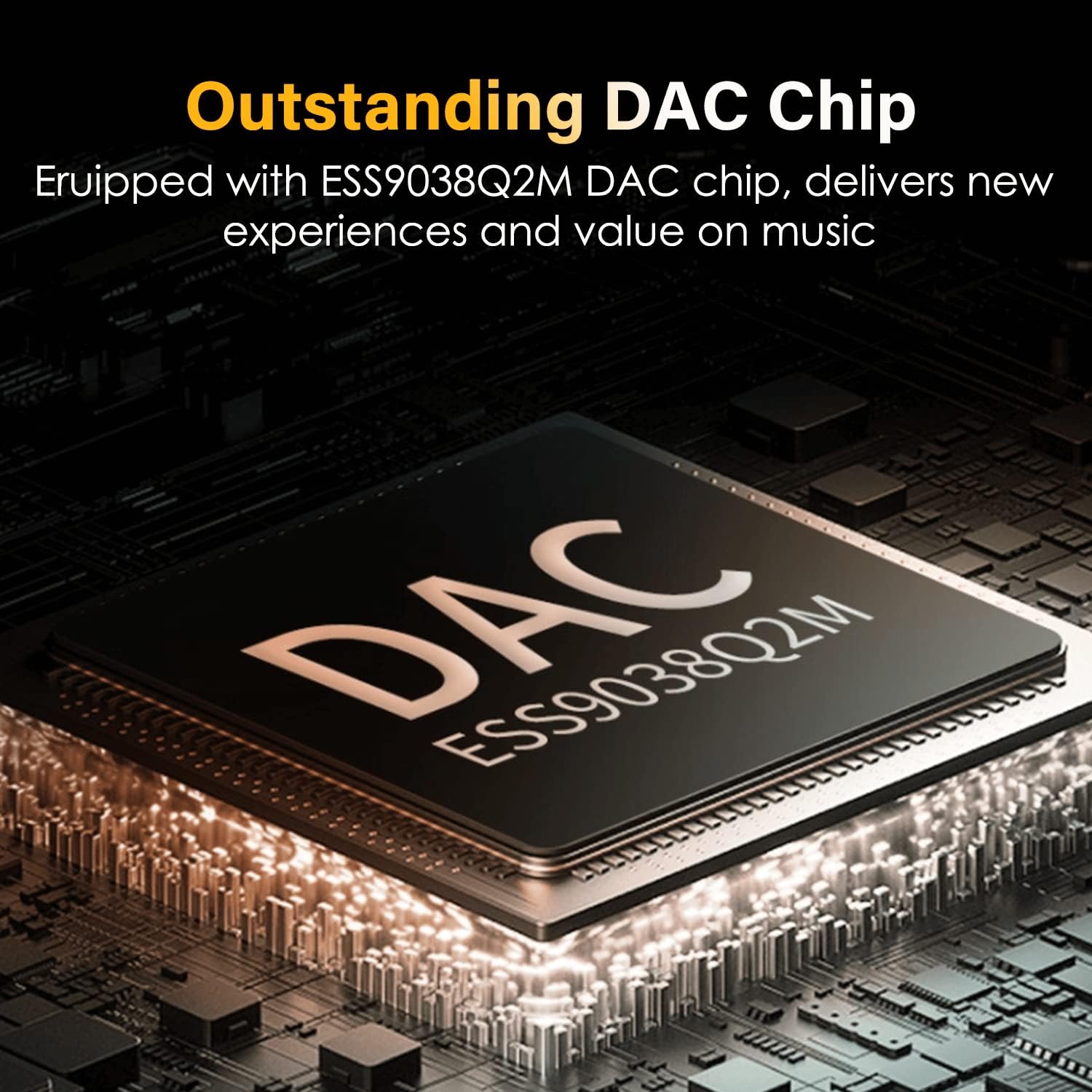
The Surfans F35 is a portable high-fidelity digital audio player designed for audiophiles. It features a 4.0-inch IPS display, supports various lossless audio formats including DSD, and is equipped with an ESS9038Q2M DAC chip for superior sound quality. The device combines both touch screen and physical button controls within a durable 5-axis CNC one-piece aluminum body.
Imaj: Devan view of the Surfans F35 High Resolution Music Player, showcasing ekran 4.0 pous li yo ak konsepsyon elegant li yo.
2. Pake kontni
Verifye ke tout atik yo prezan nan pakè a:
- Surfans F35 High Resolution Music Player
- USB kab
- 32GB Micro SD Kat
- Manyèl Itilizatè (dokiman sa a)

Image: Contents of the Surfans F35 package, including the player, USB cable, 32GB SD card, and a diagram of the device.
3. Layout aparèy
Familiarize yourself with the physical components and controls of the Surfans F35.

Image: The Surfans F35 player displaying the "Playing" screen, highlighting the overall device layout including the screen and side buttons.
3.1 Kontwòl ak Pò
- Ekspozisyon IPS 4.0-pous: For navigating menus and viewing playback information.
- Bouton manyen: Located below the screen for primary navigation (Back, OK, Forward).
- Bouton fizik: On the side for power, volume, and track control.
- Japanese Alps Rotary Encoder: For precise volume adjustment.
- Single-ended 3.5mm Jack: Standard headphone output.
- Balanced 2.5mm Jack: For balanced headphone output.
- USB-C pò: For charging, data transfer, and USB-DAC functionality.
- Mikwo SD kat plas: Pou depo ekspansyon jiska 512GB.

Imaj: Gwo plan view of the top of the Surfans F35, showing the Japanese Alps Rotary Encoder, Single-ended 3.5mm jack, and Balanced 2.5mm jack.
4. Enstalasyon
4.1 Chaje Aparèy la
Before first use, fully charge the Surfans F35. Connect the included USB cable to the device's USB-C port and to a USB power adapter (not included) or a computer's USB port. The charging indicator will show the charging status.
4.2 Mete Micro SD Kat la
The device supports Micro SD cards up to 512GB. A 32GB Micro SD card is included. Locate the Micro SD card slot on the side of the player. Insert the card gently until it clicks into place. To remove, press the card inward until it springs out.

Image: Illustration demonstrating how to insert a Micro SD card into the Surfans F35 player, highlighting the expandable storage feature.
4.3 Transfè Mizik Files
Connect the Surfans F35 to your computer using the USB cable. The device will appear as a removable storage drive. You can then drag and drop your music files directly onto the Micro SD card. The player supports a wide range of audio formats, including:
- DSF (1bit/DSD256)
- DFF (1bit/DSD256)
- APE (8-24bit/32KHZ-384KHZ)
- FLAC (8-24bit/32KHZ-192KHZ)
- Ogg (8-24bit/32KHZ-48KHZ)
- M4a (8-24bit/32KHZ-192KHZ)
- Aiff (8-32bit/32KHZ-384KHZ)
- AAC (8-16bit/32KHZ-48KHZ)
- WAV (8-32bit/32KHZ-384KHZ)
- WMA (8-24bit/32KHZ-96KHZ)
- WMA Lossless (8-24bit/32KHZ-96KHZ)
- Apple Lossless (8-24bit/32KHZ-192KHZ)
- MP3 (8-16bit/32KHZ-48KHZ)

Image: A woman enjoying music with the Surfans F35, surrounded by bubbles listing various supported audio formats like FLAC, DFF, APE, WAV, MP3, and more.
5. Operasyon Enstriksyon
5.1 Power On/Off
Press and hold the Power button on the side of the device to turn it on or off.
5.2 Navigasyon
The Surfans F35 features both a 4.0-inch IPS display with touch buttons and physical side buttons for navigation:
- Bouton manyen: Sèvi ak la Retounen, OK, ak Pi devan touch buttons below the screen to navigate menus and confirm selections.
- Bouton fizik: Use the side buttons for volume control, track skipping, and play/pause functions.

Image: Diagram highlighting the touch buttons, physical buttons, 4.0-inch IPS screen, and the 5-axis CNC one-piece aluminum body of the Surfans F35.
5.3 Jwe mizik
- Connect your headphones to either the 3.5mm single-ended or 2.5mm balanced output jack.
- Navigate to "My Music" or "File Explorer" to browse your audio files.
- Chwazi yon chante oswa yon albòm pou kòmanse li.
- Use the physical side buttons or on-screen controls to play, pause, skip tracks, or adjust volume.
5.4 Kontwòl Volim
Rotate the Japanese Alps Rotary Encoder located at the top of the device to precisely adjust the volume level.
5.5 Anviwònman Egalizè (EQ)
The Surfans F35 includes a customized equalizer with various presets and a customizable option:
- Wòch
- Klasik
- Jazz
- Pop
- Dans
- Vokal
- Blues
- Metal
- Customize (9-band equalizer)
Access these settings through the "Sound Settings" menu to tailor your audio experience.

Image: Screenshots of the Surfans F35 interface showing the built-in EQ presets (Rock, Classic, Jazz, Pop, Dance, Vocal, Blues, Metal) and the customizable 9-band equalizer, along with digital filter options.
5.6 USB-DAC Mode
The player can function as a USB-DAC (Digital-to-Analog Converter) when connected to a computer. This allows your computer's audio to be processed by the F35's high-quality DAC chip, improving sound output to connected headphones.
5.7 Line-Out / SPDIF Output
The F35 supports Line-Out and SPDIF output, allowing connection to external amplifiers or home audio systems for enhanced sound reproduction. A dedicated cable for this functionality is not included and must be purchased separately.
6. Antretyen
6.1 Netwayaj
Wipe the device with a soft, dry cloth. Avoid using harsh chemicals or abrasive materials, which can damage the screen or casing.
6.2 Swen Batri
To prolong battery life, avoid fully discharging the device frequently. Charge the player regularly, especially if it will be stored for an extended period. The device offers up to 10 hours of continuous playback (single-ended) or 8.5 hours (balanced) and up to 25 days of standby time.

Image: The Surfans F35 held in hand, illustrating its dimensions, 10 hours battery time, and support for up to 512GB TF card.
NAN. Depanaj
If you encounter issues with your Surfans F35, refer to the following common problems and solutions:
- Aparèy la pa limen:
Ensure the battery is charged. Connect the player to a power source using the USB cable and allow it to charge for at least 30 minutes before attempting to power on again.
- Mizik files are not recognized or playing:
Verify that the Micro SD card is properly inserted. Check if the music files are in a supported format (refer to Section 4.3). Ensure the files are transferred correctly to the Micro SD card.
- Slow interface or navigation:
The device's interface may experience occasional delays. Try restarting the device. Ensure your Micro SD card is not corrupted or excessively fragmented.
- Haptic feedback causes noise in headphones:
Some users may experience a slight buzz or hiss in headphones when haptic feedback is active. If this is disruptive, check the device settings for an option to disable haptic feedback. If no such option exists, this is a characteristic of the device.
- Volume knob is not precise:
The rotary encoder is designed for fine adjustments. If you experience inconsistent volume changes, ensure the knob is clean and free from debris. This behavior can also be a characteristic of the mechanical design.
- Album art not displaying correctly:
Ensure album art is embedded within the music files or placed in the same folder as the music files and is in a compatible format and resolution. Reloading the music library may resolve this.
8. Espesifikasyon
| Ekspozisyon | 4.0 inches IPS (480 x 800) |
| DAC Chip | ESS9038Q2M |
| Depo | Sipòte jiska 512GB kat Micro SD (32GB enkli) |
| Playtime (Single-ended) | Jiska 10 èdtan |
| Playtime (Balanced) | Jiska 8.5 èdtan |
| Tan sibstiti | Jiska 25 jou |
| Dimansyon | 0.7 x 2.7 x 4.7 pous |
| Pwa | 3.84 ons |
| Koneksyon | Aux, USB-C |
| Sòti odyo | 3.5mm Single-ended, 2.5mm Balanced, Line-Out, SPDIF |
| Fòma odyo sipòte | DSF, DFF, APE, FLAC, Ogg, M4a, Aiff, AAC, WAV, WMA, WMA Lossless, Apple Lossless, MP3 |

Imaj: Yon imaj detaye view of the ESS9038Q2M DAC chip, emphasizing its role in delivering high-resolution audio.
9. Garanti ak sipò
Warranty information for the Surfans F35 High Resolution Music Player is not provided within this manual. For details regarding warranty coverage, terms, and conditions, please refer to the documentation included with your purchase or contact Surfans customer support directly.
For technical support or further assistance, please visit the official Surfans websit la oubyen kontakte depatman sèvis kliyan yo. Kenbe resi acha w la ak nimewo seri pwodwi a a pòte de men lè w ap chèche èd.


